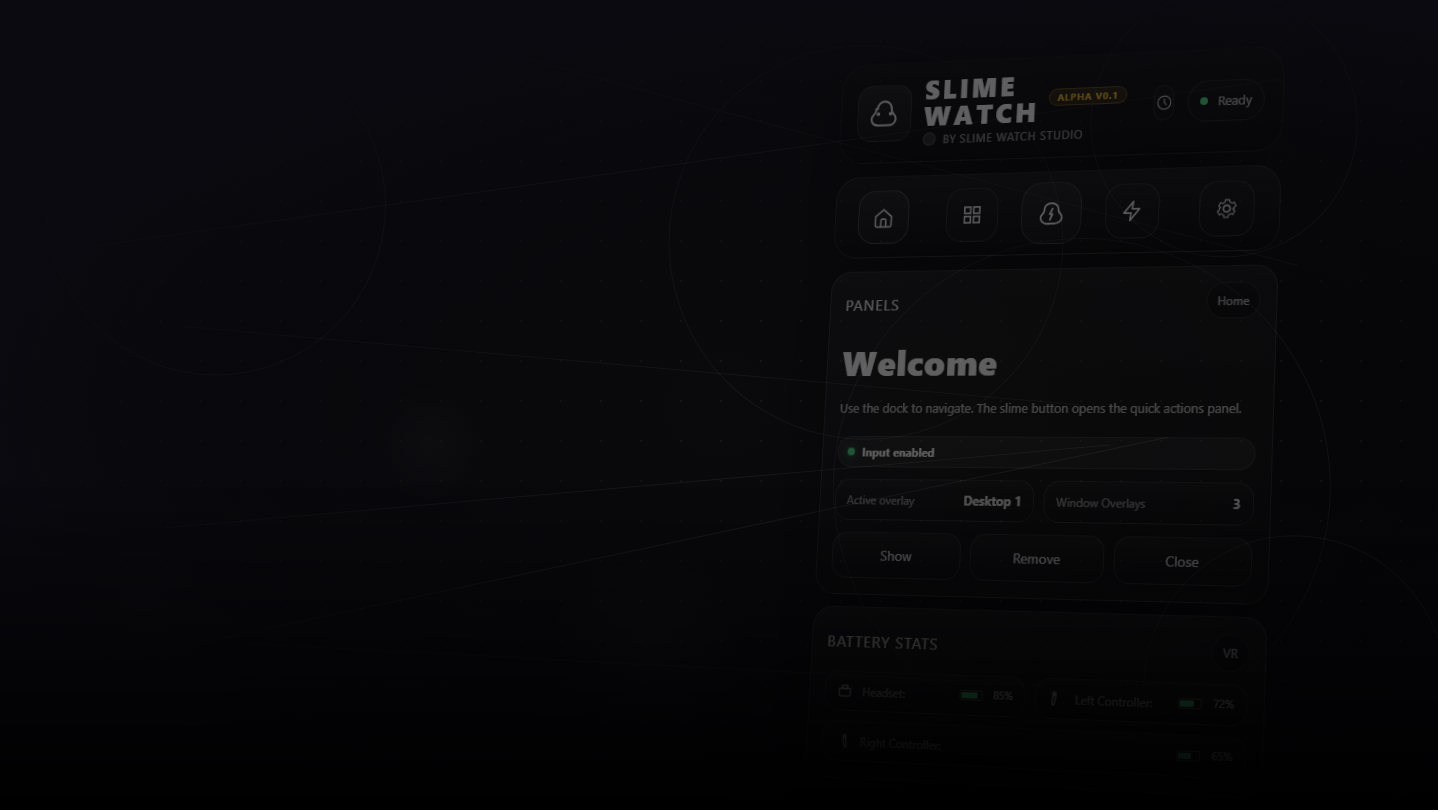
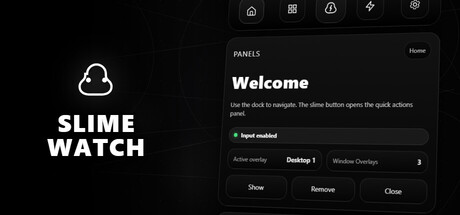
Advanced SteamVR overlay utility: windows & desktop in VR, built-in browser, VR keyboard, profiles, and performance monitoring.
Utgivelsesdato:
2. kvartal 2026
Utvikler:
Utgiver:
Merkelapper

Logg inn for å legge til på ønskelisten, følge eller ignorere

Programvare med tidlig tilgang

Bli involvert i programvaren mens den utvikles.

Merk: Denne programvaren med tidlig tilgang er ikke ferdig og vil muligens endres ytterligere. Hvis du ikke føler for å benytte denne programvaren slik den er akkurat nå, burde du vente og se om den utvikles videre. Les mer

Hva utviklerne har å si:

Hvorfor tidlig tilgang?

«Early Access allows us to focus on the overall stability of the application, performance improvements, and bug fixing. It also helps us continue developing features and improving internal systems such as menus and interactions. The user interface and tutorials are not yet finalized and will be improved progressively during development.»

Hvor lenge antas det at denne programvaren vil være i tidlig tilgang?

«We estimate that Early Access will last roughly until the end of 2026, depending on development needs, particularly to improve overall stability and continue evolving the application's features.»

Hvordan er det planlagt at fullversjonen skal være forskjellig fra versjonen i tidlig tilgang?

«We plan to improve the overall stability of the application and reduce bugs. We also aim to add more features and provide more refined and optimized menus and user interface.»

Hva er nåværende tilstand for versjonen i tidlig tilgang?

«The current version is functional and the main features are available. The application is still undergoing stabilization, and some features are still being developed or improved. The user interface and tutorials are not yet finalized and may evolve during Early Access.»

Vil programvaren være priset annerledes under og etter tidlig tilgang?

«We plan to gradually increase the price as new improvements, features, and optimizations are added and as the application continues to evolve.»

Hvordan planlegger dere å involvere samfunnet i utviklingsprosessen?

«Community feedback plays an important role in development. Players can share their feedback on the application's community page, report bugs, suggest new features, and share ideas to help guide development priorities.»
Les mer
Dette spillet er ikke tilgjengelig ennå

Planlagt utgivelsesdato: 2. kvartal 2026

Interessert?
Legg til produktet på ønskelisten og få et varsel når det blir tilgjengelig.
Legg til på ønskelisten
 
Vis alle diskusjoner

Rapporter feil og legg igjen tilbakemeldinger for denne programvaren på diskusjonssiden

Om programvaren

SLIME WATCH is an advanced overlay utility for [ SteamVR (OpenVR) ] that bridges the gap between your PC and your VR space.  

View and control your windows, desktop, and tools directly inside VR —without taking off your headset.

  • In-game Multitasking : Discord, Twitch, guides, YouTube, chat, dashboards—always visible in VR.

  • VR Productivity : build a VR workspace (dev, modding, monitoring).

  • Streaming : keep an eye on OBS and stream tools without breaking immersion.

  • Desktop & window overlays : capture a screen or a specific window, duplicate, crop, opacity/brightness, lock.

  • Flexible placement : attach to the world, headset (HMD), controllers, or SteamVR dashboard space.

  • VR interaction : pointer/laser, click, scroll, drag + configurable actions.

  • VR keyboard : VR typing + configurable/editable layouts.

  • Profiles : save/load setups + per-app profiles (auto-activate per VR title).

  • Performance monitor : real-time FPS, CPU, GPU, RAM, VRAM.

  • Wrist Menu (left controller) : your main control center on the controller (add, manage, configure overlays).

  • Overlay context menu : quick actions on each overlay (move, resize, actions).

  • Settings : global options, profiles, actions/hotkeys, keyboard, interaction.

  • Non-Intrusive : stays usable without getting in your way.

  • Fast Workflow : create, place, lock, and duplicate overlays in seconds.

  • Customizable : actions, profiles, rendering options (opacity/curvature/cropping) for your setup.

Lightweight and Stable : built on the right Windows APIs (DXGI / Windows Graphics Capture).

Optimizations : rendering stops when an overlay is hidden; shared textures when cloning the same source.

Control : configurable FPS limiter to reduce GPU load.

Systemkrav

    Minimum:
    • OS: 10
    • Prosessor: Dual-core CPU (or better)
    • Minne: 4096 MB RAM
    • Grafikk: SteamVR-Compatible GPU
    • Lagring: 500 MB tilgjengelig plass
    • Lydkort: Any
    • VR-støtte: SteamVR Only (VR headset required; motion controllers required)
    • Tilleggsmerknader: Windows Graphics Capture requires Windows 10 (1903+) / Windows 11. Some capture modes may show a yellow border on Windows 10.
    Anbefalt:
    • OS: 11
    • Prosessor: Quad-core CPU (or better)
    • Minne: 8192 MB RAM
    • Grafikk: SteamVR-Compatible GPU
    • Lagring: 500 MB tilgjengelig plass
    • Lydkort: Any
    • VR-støtte: SteamVR Only (VR headset required; motion controllers required)
    • Tilleggsmerknader: Windows Graphics Capture requires Windows 10 (1903+) / Windows 11. Some capture modes may show a yellow border on Windows 10.
Det finnes ingen anmeldelser av dette produktet

Du kan skrive en egen anmeldelse for å dele erfaringen din med samfunnet. Bruk området over kjøpeknappene på denne siden for å skrive en anmeldelse.