Advanced SteamVR overlay utility: windows & desktop in VR, built-in browser, VR keyboard, profiles, and performance monitoring.

Zaloguj się, aby dodać tę pozycję do listy życzeń, zacząć ją obserwować lub oznaczyć jako ignorowaną

Program z wczesnym dostępem

Zaangażuj się w powstawanie programu.

Uwaga: ten program oferowany w formie wczesnego dostępu nie został jeszcze ukończony i może (choć nie musi) ulec dalszym zmianom. Jeśli program w jego obecnym stanie nie interesuje cię, sugerujemy poczekać, by zobaczyć, czy prace nad nim będą kontynuowane. Dowiedz się więcej.

Od twórców:

Dlaczego wczesny dostęp?

„Early Access allows us to focus on the overall stability of the application, performance improvements, and bug fixing. It also helps us continue developing features and improving internal systems such as menus and interactions. The user interface and tutorials are not yet finalized and will be improved progressively during development.”

Mniej więcej jak długo program będzie w fazie wczesnego dostępu?

„We estimate that Early Access will last roughly until the end of 2026, depending on development needs, particularly to improve overall stability and continue evolving the application's features.”

Czym różni się zaplanowana pełna wersja od tej z wczesnego dostępu?

„We plan to improve the overall stability of the application and reduce bugs. We also aim to add more features and provide more refined and optimized menus and user interface.”

Jaki jest obecny stan wersji z wczesnego dostępu?

„The current version is functional and the main features are available. The application is still undergoing stabilization, and some features are still being developed or improved. The user interface and tutorials are not yet finalized and may evolve during Early Access.”

Czy cena programu ulegnie zmianie podczas i po wczesnym dostępie?

„We plan to gradually increase the price as new improvements, features, and optimizations are added and as the application continues to evolve.”

Jak zamierzacie włączyć społeczność w wasz proces tworzenia?

„Community feedback plays an important role in development. Players can share their feedback on the application's community page, report bugs, suggest new features, and share ideas to help guide development priorities.”
Więcej
Polski język nie jest obsługiwany

Ten produkt nie obsługuje twojego lokalnego języka. Przed zakupem zapoznaj się z listą obsługiwanych języków, która znajduje się poniżej.

Ta gra nie jest jeszcze dostępna na Steam

Planowana data wydania: 2. kwartał 2026

Interesuje cię ten produkt?
Dodaj go do swojej listy życzeń i otrzymaj powiadomienie, gdy stanie się dostępny.
Dodaj do listy życzeń
 
Zobacz wszystkie dyskusje

Zgłoś błędy i zostaw swoją opinię o tym programie na forach dyskusyjnych

O tym programie

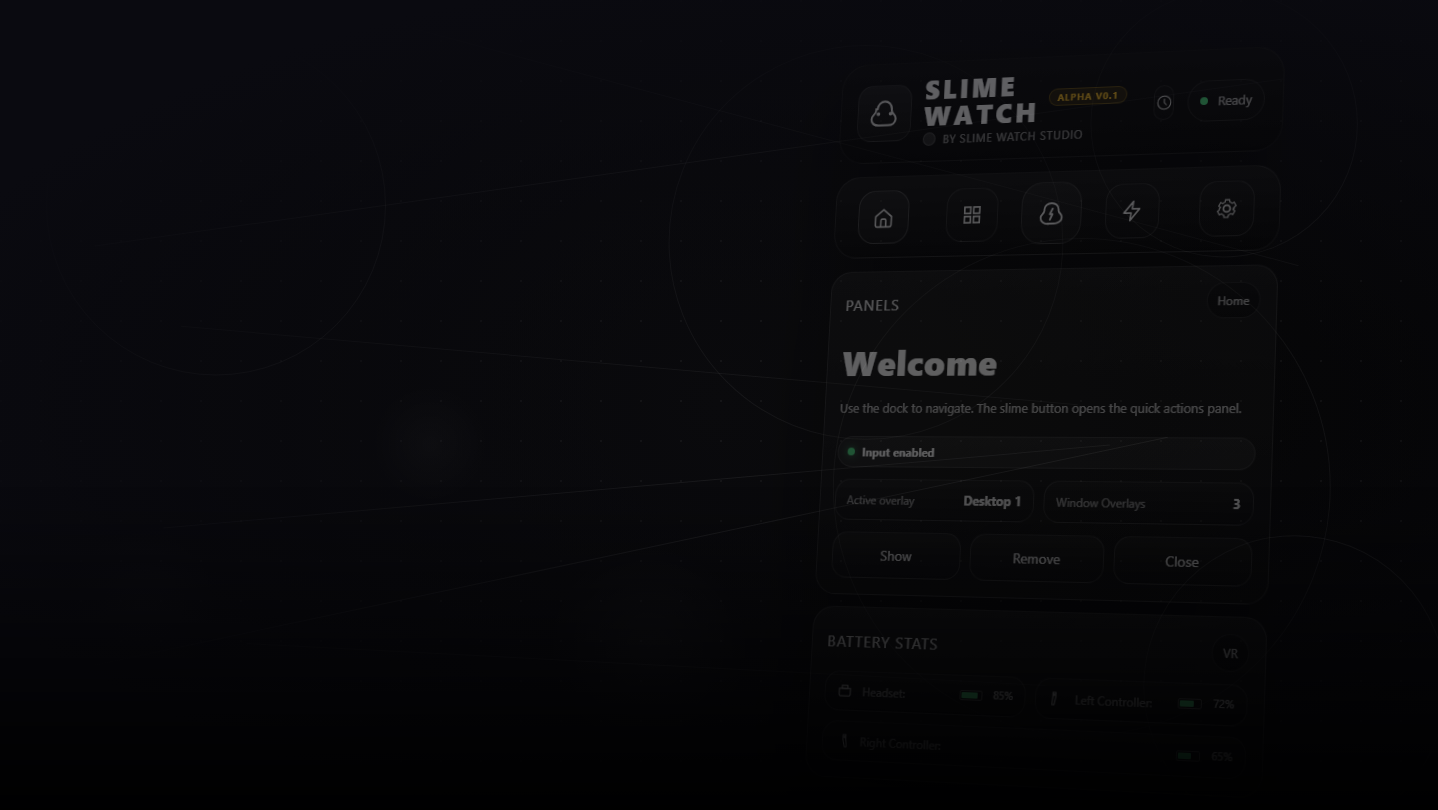
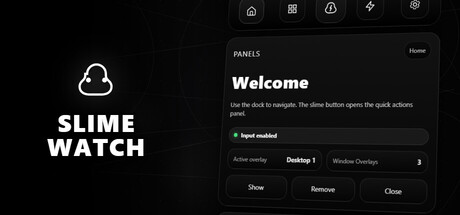
SLIME WATCH is an advanced overlay utility for [ SteamVR (OpenVR) ] that bridges the gap between your PC and your VR space.  

View and control your windows, desktop, and tools directly inside VR —without taking off your headset.

  • In-game Multitasking : Discord, Twitch, guides, YouTube, chat, dashboards—always visible in VR.

  • VR Productivity : build a VR workspace (dev, modding, monitoring).

  • Streaming : keep an eye on OBS and stream tools without breaking immersion.

  • Desktop & window overlays : capture a screen or a specific window, duplicate, crop, opacity/brightness, lock.

  • Flexible placement : attach to the world, headset (HMD), controllers, or SteamVR dashboard space.

  • VR interaction : pointer/laser, click, scroll, drag + configurable actions.

  • VR keyboard : VR typing + configurable/editable layouts.

  • Profiles : save/load setups + per-app profiles (auto-activate per VR title).

  • Performance monitor : real-time FPS, CPU, GPU, RAM, VRAM.

  • Wrist Menu (left controller) : your main control center on the controller (add, manage, configure overlays).

  • Overlay context menu : quick actions on each overlay (move, resize, actions).

  • Settings : global options, profiles, actions/hotkeys, keyboard, interaction.

  • Non-Intrusive : stays usable without getting in your way.

  • Fast Workflow : create, place, lock, and duplicate overlays in seconds.

  • Customizable : actions, profiles, rendering options (opacity/curvature/cropping) for your setup.

Lightweight and Stable : built on the right Windows APIs (DXGI / Windows Graphics Capture).

Optimizations : rendering stops when an overlay is hidden; shared textures when cloning the same source.

Control : configurable FPS limiter to reduce GPU load.

Wymagania systemowe

    Konfiguracja minimalna:
    • System operacyjny: 10
    • Procesor: Dual-core CPU (or better)
    • Pamięć: 4096 MB RAM
    • Karta graficzna: SteamVR-Compatible GPU
    • Miejsce na dysku: 500 MB dostępnej przestrzeni
    • Karta dźwiękowa: Any
    • Obsługa VR: SteamVR Only (VR headset required; motion controllers required)
    • Dodatkowe uwagi: Windows Graphics Capture requires Windows 10 (1903+) / Windows 11. Some capture modes may show a yellow border on Windows 10.
    Konfiguracja zalecana:
    • System operacyjny: 11
    • Procesor: Quad-core CPU (or better)
    • Pamięć: 8192 MB RAM
    • Karta graficzna: SteamVR-Compatible GPU
    • Miejsce na dysku: 500 MB dostępnej przestrzeni
    • Karta dźwiękowa: Any
    • Obsługa VR: SteamVR Only (VR headset required; motion controllers required)
    • Dodatkowe uwagi: Windows Graphics Capture requires Windows 10 (1903+) / Windows 11. Some capture modes may show a yellow border on Windows 10.
Brak recenzji dla tego produktu

Możesz napisać swoją własną recenzję dla tego produktu, żeby podzielić się swoimi wrażeniami ze społecznością. Użyj obszaru, który znajduje się na tej stronie nad przyciskiem zakupu, żeby napisać swoją recenzję.