Advanced SteamVR overlay utility: windows & desktop in VR, built-in browser, VR keyboard, profiles, and performance monitoring.
Utgivningsdatum:
2:a kvartalet 2026
Utvecklare:
Utgivare:
Taggar

Registrera dig för att lägga till denna artikel i din önskelista eller ignorera den.

Early Access-program

Bli involverad i det här programmet medan det utvecklas.

Notera: Detta Early Access-program är inte färdigt och skulle kunna ändras ytterligare. Om du inte känner för att använda det i sin nuvarande form bör du vänta för att se om det fortsätter utvecklas mer. Läs mer

Vad utvecklarna har att säga:

Varför Early Access?

“Early Access allows us to focus on the overall stability of the application, performance improvements, and bug fixing. It also helps us continue developing features and improving internal systems such as menus and interactions. The user interface and tutorials are not yet finalized and will be improved progressively during development.”

Ungefär hur länge kommer det här programmet att vara i Early Access?

“We estimate that Early Access will last roughly until the end of 2026, depending on development needs, particularly to improve overall stability and continue evolving the application's features.”

Hur är det tänkt att den fullständiga versionen ska skilja sig från versionen i Early Access?

“We plan to improve the overall stability of the application and reduce bugs. We also aim to add more features and provide more refined and optimized menus and user interface.”

Hur är det nuvarande läget i versionen med Early Access?

“The current version is functional and the main features are available. The application is still undergoing stabilization, and some features are still being developed or improved. The user interface and tutorials are not yet finalized and may evolve during Early Access.”

Kommer det här programmet att prissättas annorlunda under och efter Early Access?

“We plan to gradually increase the price as new improvements, features, and optimizations are added and as the application continues to evolve.”

Hur planerar ni att involvera gemenskapen i er utvecklingsprocess?

“Community feedback plays an important role in development. Players can share their feedback on the application's community page, report bugs, suggest new features, and share ideas to help guide development priorities.”
Läs mer
Det här spelet är ännu inte tillgängligt på Steam

Planerat lanseringsdatum: 2:a kvartalet 2026

Intresserad?
Lägg till på din önskelista och bli meddelad när det släpps.
Lägg till på önskelistan
 
Se alla diskussioner

Rapportera buggar och lämna feedback för det här programmet på forumet

Om detta program

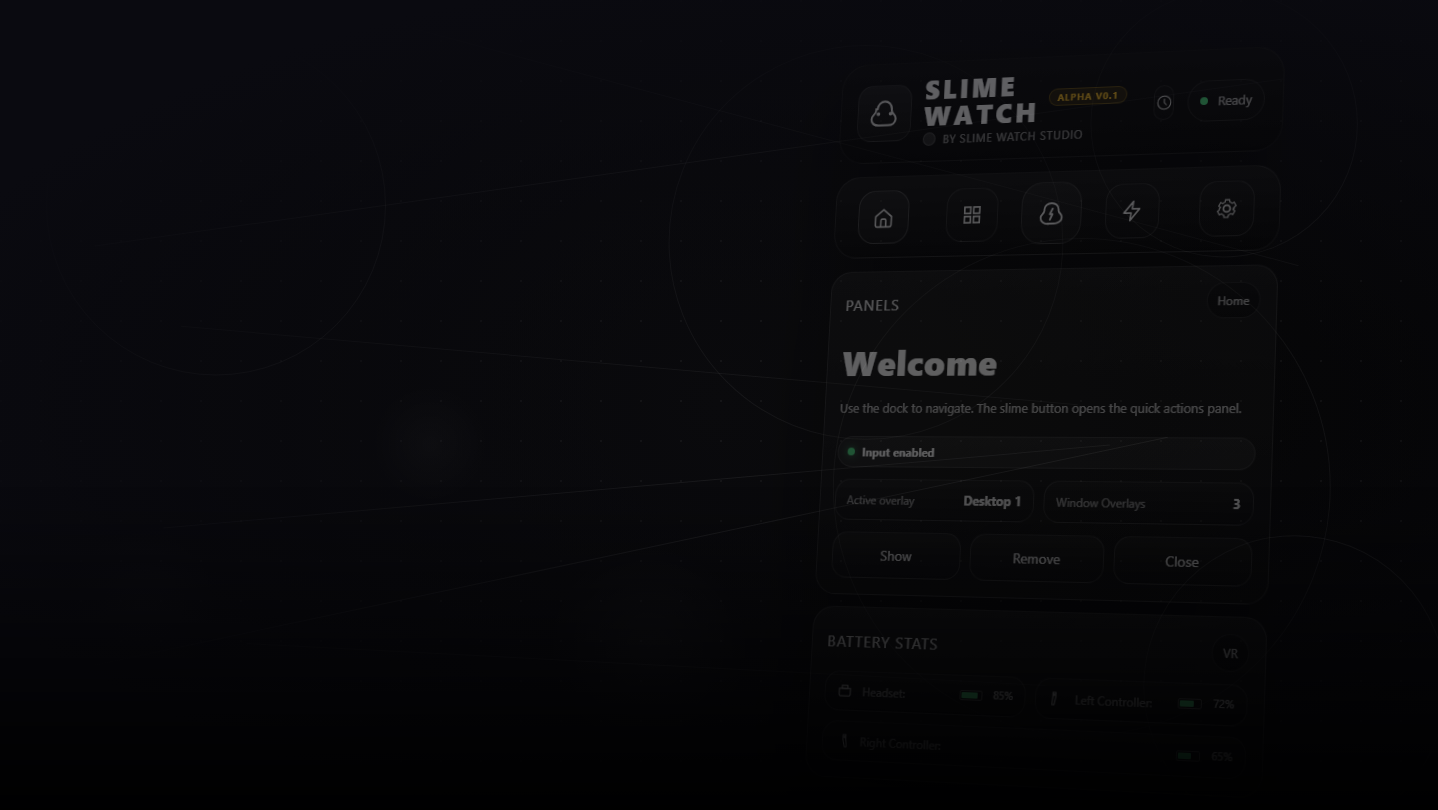
SLIME WATCH is an advanced overlay utility for [ SteamVR (OpenVR) ] that bridges the gap between your PC and your VR space.  

View and control your windows, desktop, and tools directly inside VR —without taking off your headset.

  • In-game Multitasking : Discord, Twitch, guides, YouTube, chat, dashboards—always visible in VR.

  • VR Productivity : build a VR workspace (dev, modding, monitoring).

  • Streaming : keep an eye on OBS and stream tools without breaking immersion.

  • Desktop & window overlays : capture a screen or a specific window, duplicate, crop, opacity/brightness, lock.

  • Flexible placement : attach to the world, headset (HMD), controllers, or SteamVR dashboard space.

  • VR interaction : pointer/laser, click, scroll, drag + configurable actions.

  • VR keyboard : VR typing + configurable/editable layouts.

  • Profiles : save/load setups + per-app profiles (auto-activate per VR title).

  • Performance monitor : real-time FPS, CPU, GPU, RAM, VRAM.

  • Wrist Menu (left controller) : your main control center on the controller (add, manage, configure overlays).

  • Overlay context menu : quick actions on each overlay (move, resize, actions).

  • Settings : global options, profiles, actions/hotkeys, keyboard, interaction.

  • Non-Intrusive : stays usable without getting in your way.

  • Fast Workflow : create, place, lock, and duplicate overlays in seconds.

  • Customizable : actions, profiles, rendering options (opacity/curvature/cropping) for your setup.

Lightweight and Stable : built on the right Windows APIs (DXGI / Windows Graphics Capture).

Optimizations : rendering stops when an overlay is hidden; shared textures when cloning the same source.

Control : configurable FPS limiter to reduce GPU load.

Systemkrav

    Minimum:
    • OS: 10
    • Processor: Dual-core CPU (or better)
    • Minne: 4096 MB RAM
    • Grafik: SteamVR-Compatible GPU
    • Lagring: 500 MB ledigt utrymme
    • Ljudkort: Any
    • VR-stöd: SteamVR Only (VR headset required; motion controllers required)
    • Ytterligare anmärkningar: Windows Graphics Capture requires Windows 10 (1903+) / Windows 11. Some capture modes may show a yellow border on Windows 10.
    Rekommenderade:
    • OS: 11
    • Processor: Quad-core CPU (or better)
    • Minne: 8192 MB RAM
    • Grafik: SteamVR-Compatible GPU
    • Lagring: 500 MB ledigt utrymme
    • Ljudkort: Any
    • VR-stöd: SteamVR Only (VR headset required; motion controllers required)
    • Ytterligare anmärkningar: Windows Graphics Capture requires Windows 10 (1903+) / Windows 11. Some capture modes may show a yellow border on Windows 10.
Det finns inga recensioner för denna produkt

Du kan skriva din egen recension för den här produkten för att dela din upplevelse med gemenskapen. Använd området ovanför köpknapparna på den här sidan för att skriva din recension.