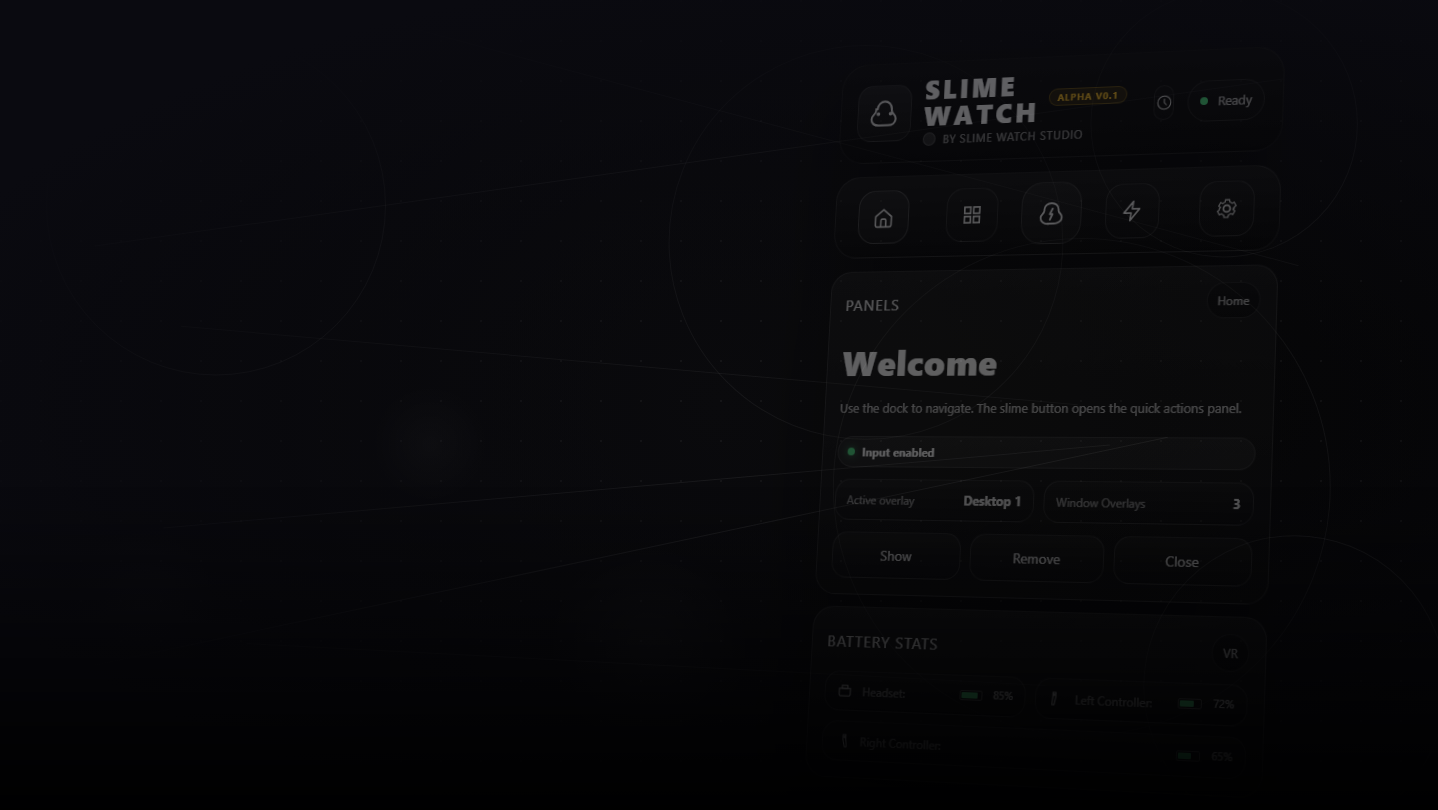
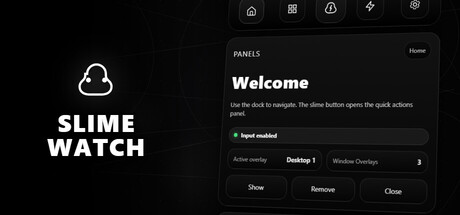
Advanced SteamVR overlay utility: windows & desktop in VR, built-in browser, VR keyboard, profiles, and performance monitoring.
วันวางจำหน่าย:
ไตรมาสที่ 2 2026
ผู้พัฒนา:
ผู้จัดจำหน่าย:
แท็ก

เข้าสู่ระบบ เพื่อเพิ่มผลิตภัณฑ์นี้ลงในสิ่งที่อยากได้ของคุณ ติดตาม หรือทำเครื่องหมายเป็นถูกละเว้น

ซอฟต์แวร์ระหว่างการพัฒนา

มีส่วนร่วมกับซอฟต์แวร์นี้ในขณะที่กำลังพัฒนา

หมายเหตุ: ซอฟต์แวร์ระหว่างการพัฒนานี้ยังไม่เสร็จสมบูรณ์ ซึ่งอาจจะมีหรืออาจจะไม่มีการเปลี่ยนแปลงเพิ่มเติมก็ได้ หากคุณไม่ตื่นเต้นกับการใช้ซอฟต์แวร์นี้ในช่วงสถานะปัจจุบัน คุณควรจะรอเพื่อตัดสินใจในกรณีที่ซอฟต์แวร์มีความคืบหน้าในการพัฒนาเพิ่มเติมมากกว่านี้ เรียนรู้เพิ่มเติม

สิ่งที่ผู้พัฒนาต้องการจะบอก:

เหตุใดจึงเป็นช่วงระหว่างการพัฒนา?

“Early Access allows us to focus on the overall stability of the application, performance improvements, and bug fixing. It also helps us continue developing features and improving internal systems such as menus and interactions. The user interface and tutorials are not yet finalized and will be improved progressively during development.”

ซอฟต์แวร์นี้จะอยู่ในช่วงระหว่างการพัฒนานานเท่าไรโดยประมาณ?

“We estimate that Early Access will last roughly until the end of 2026, depending on development needs, particularly to improve overall stability and continue evolving the application's features.”

เวอร์ชันเต็มได้ถูกวางแผนไว้ให้แตกต่างจากเวอร์ชันระหว่างการพัฒนาอย่างไร?

“We plan to improve the overall stability of the application and reduce bugs. We also aim to add more features and provide more refined and optimized menus and user interface.”

สถานะปัจจุบันของเวอร์ชันระหว่างการพัฒนาเป็นอย่างไร?

“The current version is functional and the main features are available. The application is still undergoing stabilization, and some features are still being developed or improved. The user interface and tutorials are not yet finalized and may evolve during Early Access.”

ซอฟต์แวร์นี้จะมีราคาเปลี่ยนแปลงไปหรือไม่ในระหว่างและหลังจากช่วงระหว่างการพัฒนา?

“We plan to gradually increase the price as new improvements, features, and optimizations are added and as the application continues to evolve.”

คุณกำลังวางแผนให้ชุมชนมีส่วนร่วมในขั้นตอนการพัฒนาของคุณอย่างไร?

“Community feedback plays an important role in development. Players can share their feedback on the application's community page, report bugs, suggest new features, and share ideas to help guide development priorities.”
อ่านเพิ่มเติม
ไม่รองรับภาษาไทย

ผลิตภัณฑ์นี้ไม่รองรับภาษาท้องถิ่นของคุณ โปรดตรวจสอบรายชื่อภาษาที่รองรับก่อนทำการสั่งซื้อ

เกมนี้ยังไม่พร้อมใช้งานบน Steam

วันวางจำหน่ายที่วางแผนไว้: ไตรมาสที่ 2 2026

น่าสนใจ?
เพิ่มในสิ่งที่คุณอยากได้ และรับการแจ้งเตือนเมื่อผลิตภัณฑ์พร้อมใช้งาน
เพิ่มลงในสิ่งที่อยากได้ของคุณ
 
ดูกระดานสนทนาทั้งหมด

รายงานจุดบกพร่องและฝากข้อเสนอแนะสำหรับซอฟต์แวร์นี้บนกระดานสนทนา

เกี่ยวกับซอฟต์แวร์นี้

SLIME WATCH is an advanced overlay utility for [ SteamVR (OpenVR) ] that bridges the gap between your PC and your VR space.  

View and control your windows, desktop, and tools directly inside VR —without taking off your headset.

  • In-game Multitasking : Discord, Twitch, guides, YouTube, chat, dashboards—always visible in VR.

  • VR Productivity : build a VR workspace (dev, modding, monitoring).

  • Streaming : keep an eye on OBS and stream tools without breaking immersion.

  • Desktop & window overlays : capture a screen or a specific window, duplicate, crop, opacity/brightness, lock.

  • Flexible placement : attach to the world, headset (HMD), controllers, or SteamVR dashboard space.

  • VR interaction : pointer/laser, click, scroll, drag + configurable actions.

  • VR keyboard : VR typing + configurable/editable layouts.

  • Profiles : save/load setups + per-app profiles (auto-activate per VR title).

  • Performance monitor : real-time FPS, CPU, GPU, RAM, VRAM.

  • Wrist Menu (left controller) : your main control center on the controller (add, manage, configure overlays).

  • Overlay context menu : quick actions on each overlay (move, resize, actions).

  • Settings : global options, profiles, actions/hotkeys, keyboard, interaction.

  • Non-Intrusive : stays usable without getting in your way.

  • Fast Workflow : create, place, lock, and duplicate overlays in seconds.

  • Customizable : actions, profiles, rendering options (opacity/curvature/cropping) for your setup.

Lightweight and Stable : built on the right Windows APIs (DXGI / Windows Graphics Capture).

Optimizations : rendering stops when an overlay is hidden; shared textures when cloning the same source.

Control : configurable FPS limiter to reduce GPU load.

ความต้องการระบบ

    ขั้นต่ำ:
    • ระบบปฏิบัติการ: 10
    • โปรเซสเซอร์: Dual-core CPU (or better)
    • หน่วยความจำ: แรม 4096 MB
    • กราฟิกส์: SteamVR-Compatible GPU
    • พื้นที่จัดเก็บข้อมูล: พื้นที่ว่างที่พร้อมใช้งาน 500 MB
    • การ์ดเสียง: Any
    • การรองรับ VR: SteamVR Only (VR headset required; motion controllers required)
    • หมายเหตุเพิ่มเติม: Windows Graphics Capture requires Windows 10 (1903+) / Windows 11. Some capture modes may show a yellow border on Windows 10.
    แนะนำ:
    • ระบบปฏิบัติการ: 11
    • โปรเซสเซอร์: Quad-core CPU (or better)
    • หน่วยความจำ: แรม 8192 MB
    • กราฟิกส์: SteamVR-Compatible GPU
    • พื้นที่จัดเก็บข้อมูล: พื้นที่ว่างที่พร้อมใช้งาน 500 MB
    • การ์ดเสียง: Any
    • การรองรับ VR: SteamVR Only (VR headset required; motion controllers required)
    • หมายเหตุเพิ่มเติม: Windows Graphics Capture requires Windows 10 (1903+) / Windows 11. Some capture modes may show a yellow border on Windows 10.
ไม่พบบทวิจารณ์สำหรับผลิตภัณฑ์นี้

คุณสามารถเขียนบทวิจารณ์ของคุณเองสำหรับผลิตภัณฑ์นี้เพื่อแบ่งปันประสบการณ์ของคุณให้กับชุมชน ใช้พื้นที่ด้านบนของปุ่มซื้อในหน้านี้เพื่อเขียนบทวิจารณ์ของคุณ