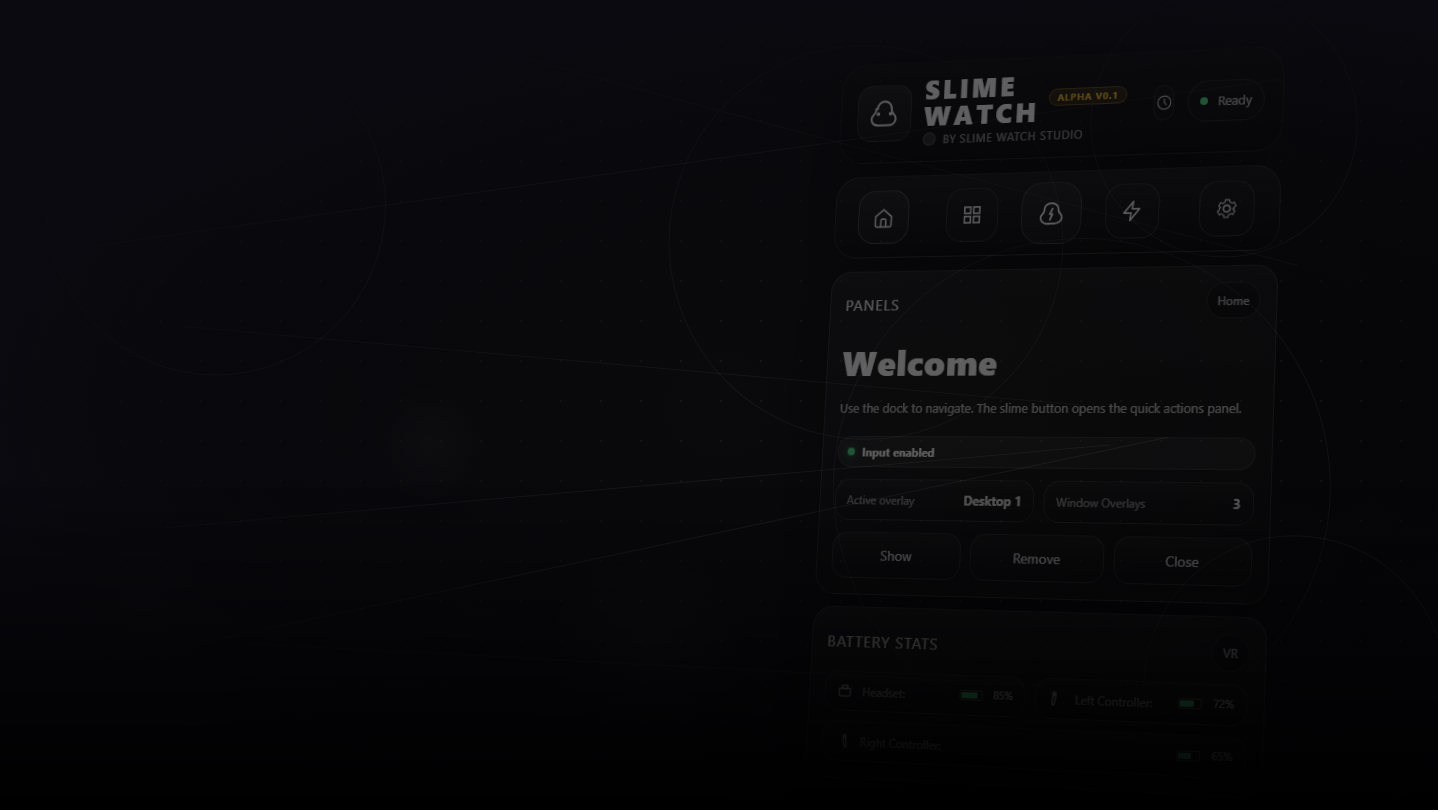
Advanced SteamVR overlay utility: windows & desktop in VR, built-in browser, VR keyboard, profiles, and performance monitoring.
Data lansării:
Trim. II 2026
Dezvoltator:
Editor:
Etichete

Conectează-te pentru a adăuga acest articol în lista ta de dorințe, a-l urmări sau a-l marca drept ignorat.

Software cu Acces Timpuriu

Implică-te în acest software pe măsură ce se dezvoltă.

Notă: acest software aflat în acces timpuriu nu este complet și se poate schimba sau nu pe viitor. Dacă nu ești dornic să-l utilizezi în stadiul său actual, atunci ar trebui să aștepți pentru a vedea dacă software-ul va ajunge într-un stadiu mai avansat al dezvoltării. Află mai multe

Ce au de spus producătorii:

De ce acces timpuriu?

„Early Access allows us to focus on the overall stability of the application, performance improvements, and bug fixing. It also helps us continue developing features and improving internal systems such as menus and interactions. The user interface and tutorials are not yet finalized and will be improved progressively during development.”

Aproximativ cât timp se va afla acest software în Acces Timpuriu?

„We estimate that Early Access will last roughly until the end of 2026, depending on development needs, particularly to improve overall stability and continue evolving the application's features.”

Cum se va diferenția versiunea completă de cea disponibilă în acces timpuriu?

„We plan to improve the overall stability of the application and reduce bugs. We also aim to add more features and provide more refined and optimized menus and user interface.”

Care este starea actuală a versiunii aflate în acces timpuriu?

„The current version is functional and the main features are available. The application is still undergoing stabilization, and some features are still being developed or improved. The user interface and tutorials are not yet finalized and may evolve during Early Access.”

Va avea jocul aflat în Acces Timpuriu un preț diferit față de versiunea finală?

„We plan to gradually increase the price as new improvements, features, and optimizations are added and as the application continues to evolve.”

Cum intenționezi să implici comunitatea în procesul tău de dezvoltare?

„Community feedback plays an important role in development. Players can share their feedback on the application's community page, report bugs, suggest new features, and share ideas to help guide development priorities.”
Află mai multe
Nu este disponibil în limba: Română

Acest produs nu este disponibil în limba ta locală. Te rugăm să consulți lista de mai jos cu limbile în care jocul este disponibil înainte de achiziționare

Acest joc nu este încă disponibil pe Steam

Dată de lansare planificată: Trim. II 2026

Ți-a stârnit interesul?
Adaugă-l în lista de dorințe pentru a fi notificat atunci când devine disponibil.
Adaugă în lista de dorințe
 
Citește toate discuțiile

Raportează problemele tehnice și spune-ți părerea despre acest software pe forum

Despre acest Software

SLIME WATCH is an advanced overlay utility for [ SteamVR (OpenVR) ] that bridges the gap between your PC and your VR space.  

View and control your windows, desktop, and tools directly inside VR —without taking off your headset.

  • In-game Multitasking : Discord, Twitch, guides, YouTube, chat, dashboards—always visible in VR.

  • VR Productivity : build a VR workspace (dev, modding, monitoring).

  • Streaming : keep an eye on OBS and stream tools without breaking immersion.

  • Desktop & window overlays : capture a screen or a specific window, duplicate, crop, opacity/brightness, lock.

  • Flexible placement : attach to the world, headset (HMD), controllers, or SteamVR dashboard space.

  • VR interaction : pointer/laser, click, scroll, drag + configurable actions.

  • VR keyboard : VR typing + configurable/editable layouts.

  • Profiles : save/load setups + per-app profiles (auto-activate per VR title).

  • Performance monitor : real-time FPS, CPU, GPU, RAM, VRAM.

  • Wrist Menu (left controller) : your main control center on the controller (add, manage, configure overlays).

  • Overlay context menu : quick actions on each overlay (move, resize, actions).

  • Settings : global options, profiles, actions/hotkeys, keyboard, interaction.

  • Non-Intrusive : stays usable without getting in your way.

  • Fast Workflow : create, place, lock, and duplicate overlays in seconds.

  • Customizable : actions, profiles, rendering options (opacity/curvature/cropping) for your setup.

Lightweight and Stable : built on the right Windows APIs (DXGI / Windows Graphics Capture).

Optimizations : rendering stops when an overlay is hidden; shared textures when cloning the same source.

Control : configurable FPS limiter to reduce GPU load.

Cerințe de sistem

    Minim:
    • SO: 10
    • Procesor: Dual-core CPU (or better)
    • Memorie: 4096 MB RAM
    • Grafică: SteamVR-Compatible GPU
    • Stocare: 500 MB spațiu disponibil
    • Placă audio: Any
    • Compatibilitate cu RV: SteamVR Only (VR headset required; motion controllers required)
    • Observații suplimentare: Windows Graphics Capture requires Windows 10 (1903+) / Windows 11. Some capture modes may show a yellow border on Windows 10.
    Recomandat:
    • SO: 11
    • Procesor: Quad-core CPU (or better)
    • Memorie: 8192 MB RAM
    • Grafică: SteamVR-Compatible GPU
    • Stocare: 500 MB spațiu disponibil
    • Placă audio: Any
    • Compatibilitate cu RV: SteamVR Only (VR headset required; motion controllers required)
    • Observații suplimentare: Windows Graphics Capture requires Windows 10 (1903+) / Windows 11. Some capture modes may show a yellow border on Windows 10.
Nu există recenzii pentru acest produs

Poți scrie propria recenzie pentru acest produs pentru a-ți împărtăși experiența cu comunitatea. Folosește zona de deasupra butoanelor pentru achiziție pe această pagină pentru a-ți scrie recenzia.