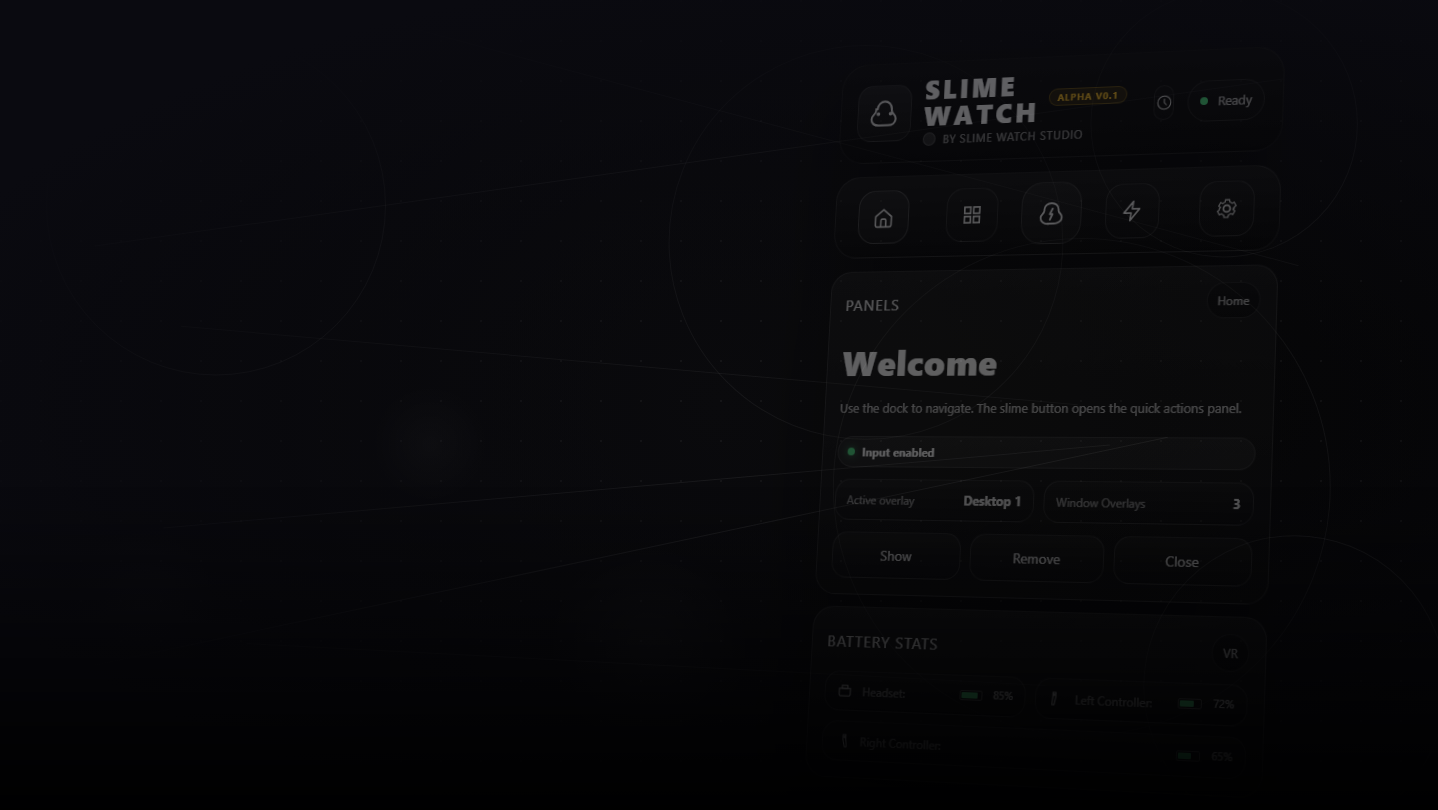
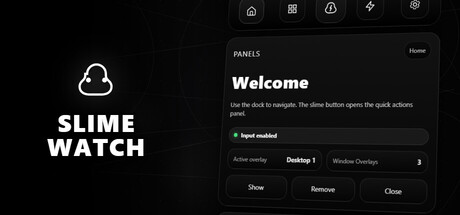
Advanced SteamVR overlay utility: windows & desktop in VR, built-in browser, VR keyboard, profiles, and performance monitoring.
Fecha de lanzamiento:
Segundo trimestre de 2026
Desarrollador:
Editor:
Etiquetas

Inicia sesión para agregar este artículo a tu lista de deseados, seguirlo o marcarlo como ignorado.

Software con Acceso anticipado

Involúcrate con este software mientras se desarrolla.

Aviso: Este software con Acceso anticipado no está terminado y puede o no cambiar más adelante. Si no te entusiasma usar este software en su estado actual, entonces deberías esperar a ver si avanza más en su desarrollo. Más información

Lo que dicen los desarrolladores:

¿Por qué Acceso anticipado?

“Early Access allows us to focus on the overall stability of the application, performance improvements, and bug fixing. It also helps us continue developing features and improving internal systems such as menus and interactions. The user interface and tutorials are not yet finalized and will be improved progressively during development.”

¿Cuánto tiempo va a estar este software en Acceso anticipado aproximadamente?

“We estimate that Early Access will last roughly until the end of 2026, depending on development needs, particularly to improve overall stability and continue evolving the application's features.”

¿Qué tan diferente será la versión completa de la versión de Acceso anticipado?

“We plan to improve the overall stability of the application and reduce bugs. We also aim to add more features and provide more refined and optimized menus and user interface.”

¿Cuál es el estado actual de la versión de Acceso anticipado?

“The current version is functional and the main features are available. The application is still undergoing stabilization, and some features are still being developed or improved. The user interface and tutorials are not yet finalized and may evolve during Early Access.”

¿Variará el precio del software durante el periodo previo y posterior al Acceso anticipado?

“We plan to gradually increase the price as new improvements, features, and optimizations are added and as the application continues to evolve.”

¿Cómo tienes planeado involucrar a la comunidad en tu proceso de desarrollo?

“Community feedback plays an important role in development. Players can share their feedback on the application's community page, report bugs, suggest new features, and share ideas to help guide development priorities.”
Leer más
No disponible en Español (Latinoamérica)

Este artículo no está disponible en tu idioma. Consulta la lista de idiomas disponibles antes de realizar la compra.

Este juego aún no está disponible en Steam

Fecha de lanzamiento prevista: Segundo trimestre de 2026

¿Te interesa?
Agrégalo a tu lista de deseados y recibe una notificación cuando esté disponible.
Agregar a tu lista de deseados
 
Ver todas las discusiones

Informa de errores y deja opiniones sobre este software en los foros de discusión

Acerca de este software

SLIME WATCH is an advanced overlay utility for [ SteamVR (OpenVR) ] that bridges the gap between your PC and your VR space.  

View and control your windows, desktop, and tools directly inside VR —without taking off your headset.

  • In-game Multitasking : Discord, Twitch, guides, YouTube, chat, dashboards—always visible in VR.

  • VR Productivity : build a VR workspace (dev, modding, monitoring).

  • Streaming : keep an eye on OBS and stream tools without breaking immersion.

  • Desktop & window overlays : capture a screen or a specific window, duplicate, crop, opacity/brightness, lock.

  • Flexible placement : attach to the world, headset (HMD), controllers, or SteamVR dashboard space.

  • VR interaction : pointer/laser, click, scroll, drag + configurable actions.

  • VR keyboard : VR typing + configurable/editable layouts.

  • Profiles : save/load setups + per-app profiles (auto-activate per VR title).

  • Performance monitor : real-time FPS, CPU, GPU, RAM, VRAM.

  • Wrist Menu (left controller) : your main control center on the controller (add, manage, configure overlays).

  • Overlay context menu : quick actions on each overlay (move, resize, actions).

  • Settings : global options, profiles, actions/hotkeys, keyboard, interaction.

  • Non-Intrusive : stays usable without getting in your way.

  • Fast Workflow : create, place, lock, and duplicate overlays in seconds.

  • Customizable : actions, profiles, rendering options (opacity/curvature/cropping) for your setup.

Lightweight and Stable : built on the right Windows APIs (DXGI / Windows Graphics Capture).

Optimizations : rendering stops when an overlay is hidden; shared textures when cloning the same source.

Control : configurable FPS limiter to reduce GPU load.

Requisitos del sistema

    Mínimo:
    • SO: 10
    • Procesador: Dual-core CPU (or better)
    • Memoria: 4096 MB de RAM
    • Gráficos: SteamVR-Compatible GPU
    • Almacenamiento: 500 MB de espacio disponible
    • Tarjeta de sonido: Any
    • Compatibilidad con RV: SteamVR Only (VR headset required; motion controllers required)
    • Notas adicionales: Windows Graphics Capture requires Windows 10 (1903+) / Windows 11. Some capture modes may show a yellow border on Windows 10.
    Recomendado:
    • SO: 11
    • Procesador: Quad-core CPU (or better)
    • Memoria: 8192 MB de RAM
    • Gráficos: SteamVR-Compatible GPU
    • Almacenamiento: 500 MB de espacio disponible
    • Tarjeta de sonido: Any
    • Compatibilidad con RV: SteamVR Only (VR headset required; motion controllers required)
    • Notas adicionales: Windows Graphics Capture requires Windows 10 (1903+) / Windows 11. Some capture modes may show a yellow border on Windows 10.
No hay reseñas para este producto

Puedes escribir tu propia reseña sobre este producto para compartir tus experiencias con la comunidad. Utiliza la zona que hay sobre los botones de compra en esta página para escribirla.