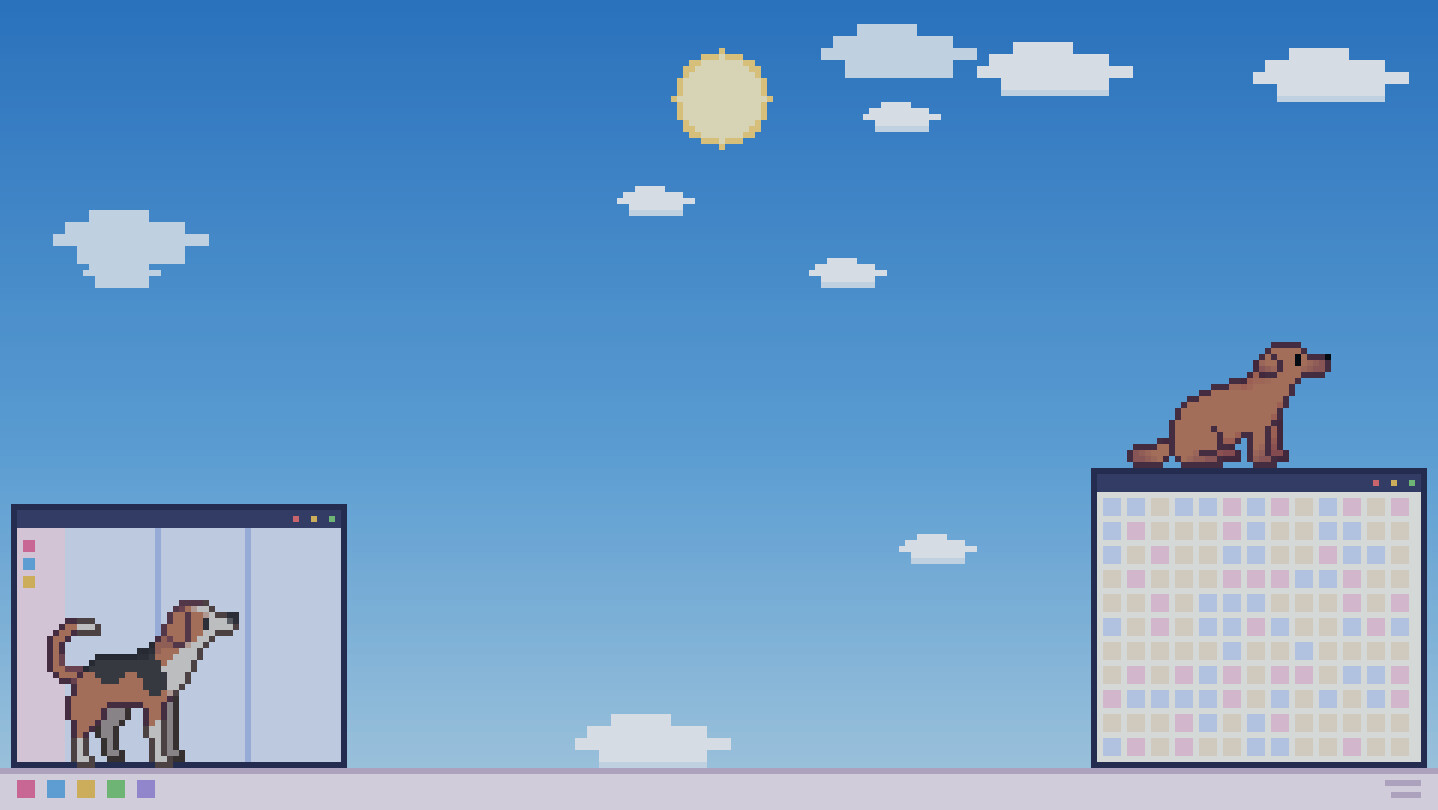
Dogs walk around on your desktop. A dog is loyal to its owner — unlike a cat, it actually does as it's told. Put two out and they'll greet each other and play chase. A resident pet app with a free base version. Please take good care of them.

Sign in to add this item to your wishlist, follow it, or mark it as ignored

Check out the entire Sill Friends collection on Steam
This game is not yet available on Steam

Planned Release Date: September 2026

Interested?
Add to your wishlist and get notified when it becomes available.
 

About This Game

Sill Dogs is a resident desktop pet app where dogs live on your screen. Not inside a window — they walk directly across whatever you have open right now. The base app is free.

You can have up to two dogs on screen. With two of them out, they notice each other, come over, say hello, and start a game of chase. Enjoy watching them behave like real dogs.

The free base app alone lets you call two breeds of dog onto your desktop.
Paid DLC adds more breeds.

How they spend the day changes with the hour

Dogs are animals that fall in step with their owner's life. Their activity peaks in the morning and the evening, the daytime passes with short rests in between, and late at night they sleep soundly. They won't tear around at midnight the way a cat does. Now and then, though, a dog will break into a run at dawn or dusk for no reason at all.

They talk with their tails

A dog's feelings show in its tail. Wagging while sitting, wagging while lying down, wagging faster when excited, wagging hardest of all at a reunion. Even the same "tail wag" looks different depending on the moment.

Walking on your windows

Dogs use your open windows as footholds — walking along them, jumping down, climbing back up. Whatever state your desktop is in becomes their playground.

Staying out of your way

A desktop pet, however cute, gets removed the moment it gets in the way of your work. Sill Dogs lets you adjust the following in the settings.

  • Reaction to the cursor / Reaction to clicks — each can be set to "Off / Weak / Normal / Strong". The default is "Weak".

  • Set it to "Off" and the dogs won't come over to your cursor while you're working

  • An option to keep the dogs off the front of a display while you're playing a full-screen game or watching a full-screen video

  • Dog size, which screen they appear on, and how many dogs (one or two)

How to change the settings

Changing the breed, choosing which screen they appear on, quitting the app — all of it is done from the icon in the notification area (system tray), or from the bone sign.

  • Find the Sill Dogs icon in the Windows notification area and right-click it to open the menu

  • If you can't find the icon, click the "^" button at the bottom right of the screen to see the hidden icons

  • You can also open the settings screen from the "bone sign" on your screen.

  • From the menu you can choose "Breed selection", "Number of dogs", "Screen settings", "Auto-start settings", "Setting" and "Quit Sill Dogs"

Up to two dogs can be shown at the same time.

About the paid DLC

Adding more breeds or more toys requires paid DLC.
There is a free toy DLC as well.

There is currently no feature for showing three or more dogs at once.

About the pixel art

The dogs' pixel art uses assets drawn by the pixel artist girlypixels. The sprites, drawn separately for each breed, are included exactly as they are, with no alterations.

Other

If you find a bug, reporting it on the Community Hub discussion board would be a great help.

Even if you live somewhere you can't keep a dog, even while you're working. Over in the corner of your screen, a dog is going about its usual day.

A link-up with our sister app Sill Cats is under consideration. It may take a little while.

Broadcasting policy

Anyone is free to stream this title or post videos of it, monetized or not. No prior permission or notification is required.

You don't have to tell us, but we'd be very happy if you did. A note on X (formerly Twitter) would be much appreciated — you can find our account from the store page. And if you include the store page URL in the description of your stream or video, we'd be delighted.

That said, please refrain from the following kinds of broadcasts.

  • Broadcasts that are illegal

  • Broadcasts that offend public order and morals

  • Broadcasts that promote violence or discrimination

  • Broadcasts based on specific political or religious claims

  • Any other broadcast that would reasonably be judged inappropriate

Even where none of the above applies, we may ask that a broadcast we consider inappropriate be stopped or removed, for whatever reason.

AI Generated Content Disclosure

The developers describe how their game uses AI Generated Content like this:

This app uses AI tools during the development process, for example to configure some behavior algorithms. All dog sprite art consists of hand-drawn works by human artists, purchased under a commercial license. No generative AI is used during gameplay.

System Requirements

    Minimum:
    • Requires a 64-bit processor and operating system
    • OS: Windows 10
    • Processor: 1.5 GHz dual-core
    • Memory: 4 GB RAM
    • Storage: 500 MB available space
    Recommended:
    • Requires a 64-bit processor and operating system
    • OS: Windows 11
    • Processor: 2.0 GHz dual-core
    • Memory: 8 GB RAM
    • Storage: 600 MB available space
Review Filters