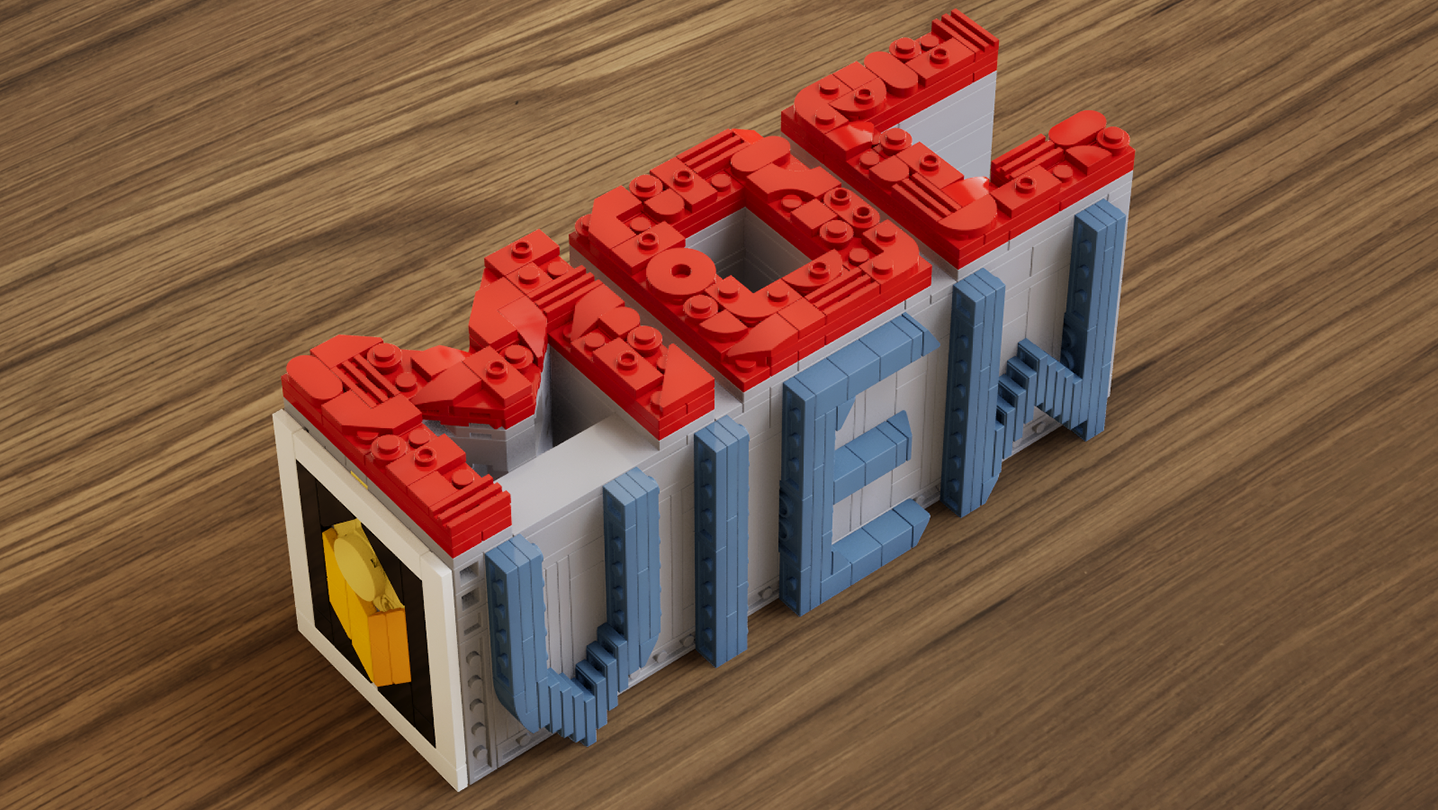
A real-time brick viewer — import LDraw (.ldr) files, explore with live previews and walkthroughs, and export photorealistic rendered images.

Войдите, чтобы добавить этот продукт в список желаемого или скрыть его

Программы с ранним доступом

Примите участие в развитии этой программы.

Примечание: данная программа в раннем доступе находится на стадии разработки. Она может измениться в будущем, а может остаться в текущем состоянии, так что если вам не по вкусу то, что программа может предложить сейчас, рекомендуем дождаться ее дальнейшего развития. Узнать больше

Сообщение от разработчиков

Почему ранний доступ?

«This software is currently in Early Access.
Real-time rendering, part compatibility, and performance optimization involve a wide range of hardware configurations and usage scenarios. Early Access allows us to continuously improve stability, performance, and overall user experience based on community feedback.
The current Early Access version is fully usable for model presentation and rendering output, while some advanced features are still under development.»

Сколько примерно эта программа будет в раннем доступе?

«We currently expect the software to remain in Early Access for approximately 6–12 months.
This period will be used for feature expansion, performance optimization, and compatibility improvements. The timeline may be adjusted based on development progress.»

Чем планируемая полная версия будет отличаться от версии в раннем доступе?

«The full version is planned to further expand the presentation capabilities of the software, including more diverse environments, enhanced interaction features, more advanced rendering options, as well as continued improvements to performance and compatibility.»

Каково текущее состояние версии в раннем доступе?

«Current features include:
LDraw / LDR file import
Real-time rendering with physically-based visuals
Camera controls: aperture, focal length, exposure, depth of field
Image capture and export
Advanced viewing tools: layer separation, step display, rapid building visualization, and more

Current feature scope:
Custom parts are not supported at this stage
Flexible part systems are not supported at this stage»

Будет ли разница в цене до и после раннего доступа?

«The software will remain free during Early Access and after full release.
Optional additional content or features may be introduced in the future, but existing core functionality will not be affected.»

Как вы планируете вовлекать сообщество в разработку игры?

«Community feedback plays an important role in development. We actively monitor the Steam Community discussions for bug reports and suggestions, using real-world usage insights to continuously improve software performance and feature design.»
Подробнее
Не поддерживается русский язык

Этот продукт не поддерживает ваш язык. Пожалуйста, перед покупкой ознакомьтесь со списком поддерживаемых языков.

Использовать MOCView

Бесплатно
 
Просмотреть обсуждения

Сообщайте об ошибках этой программы и оставляйте отзывы на ее странице обсуждений

Об этом ПО

MOCView is a creative tool designed for brick enthusiasts and MOC designers, helping them present their creations with high-quality visuals. Import your LDraw (.ldr) files to instantly view your builds in a real-time viewport.

Explore your models using free-camera or first-person controls, and adjust photographic settings such as aperture, focal length, exposure, and depth of field to capture stunning images. Whether you are designing, documenting, or sharing your latest MOC, MOCView lets you showcase your work with realism and efficiency.

Core Features:

  • Seamless import of LDraw (.ldr), including files exported from Stud.io.

  • Real-time viewport with photorealistic rendering.

  • Step inside with a first-person, immersive walkthrough.

  • Intuitive camera controls: aperture, focal length, exposure, depth of field.

  • Advanced display tools: Layer Peel, Step Display, Quick Build, and more.

  • Easy Create Shot.

Системные требования

    Минимальные:
    • ОС: win10
    • Оперативная память: 16 GB ОЗУ
    • DirectX: версии 12
    • Место на диске: 11 GB
    Рекомендованные:
    • ОС: win11
    • Оперативная память: 16 GB ОЗУ
    • DirectX: версии 12
    • Место на диске: 11 MB

Обзоры пользователей: MOCView О пользовательских обзорах Ваши настройки

Все обзоры:
Обзоров пользователей: 4 (всего 4)


Чтобы посмотреть обзоры за определённое время, отметьте промежуток на графике или выберите одну из колонок.


Фильтр обзоров пользователей по их времени в игре в момент написания обзора:


Без минимумаБез максимума

Показать обзоры в выбранном порядке


Подробнее
Фильтры
Исключать обзоры не по теме
Время в игре:
В основном на Steam Deck
Операционная система:
CPU:
GPU:
Тип устройства: