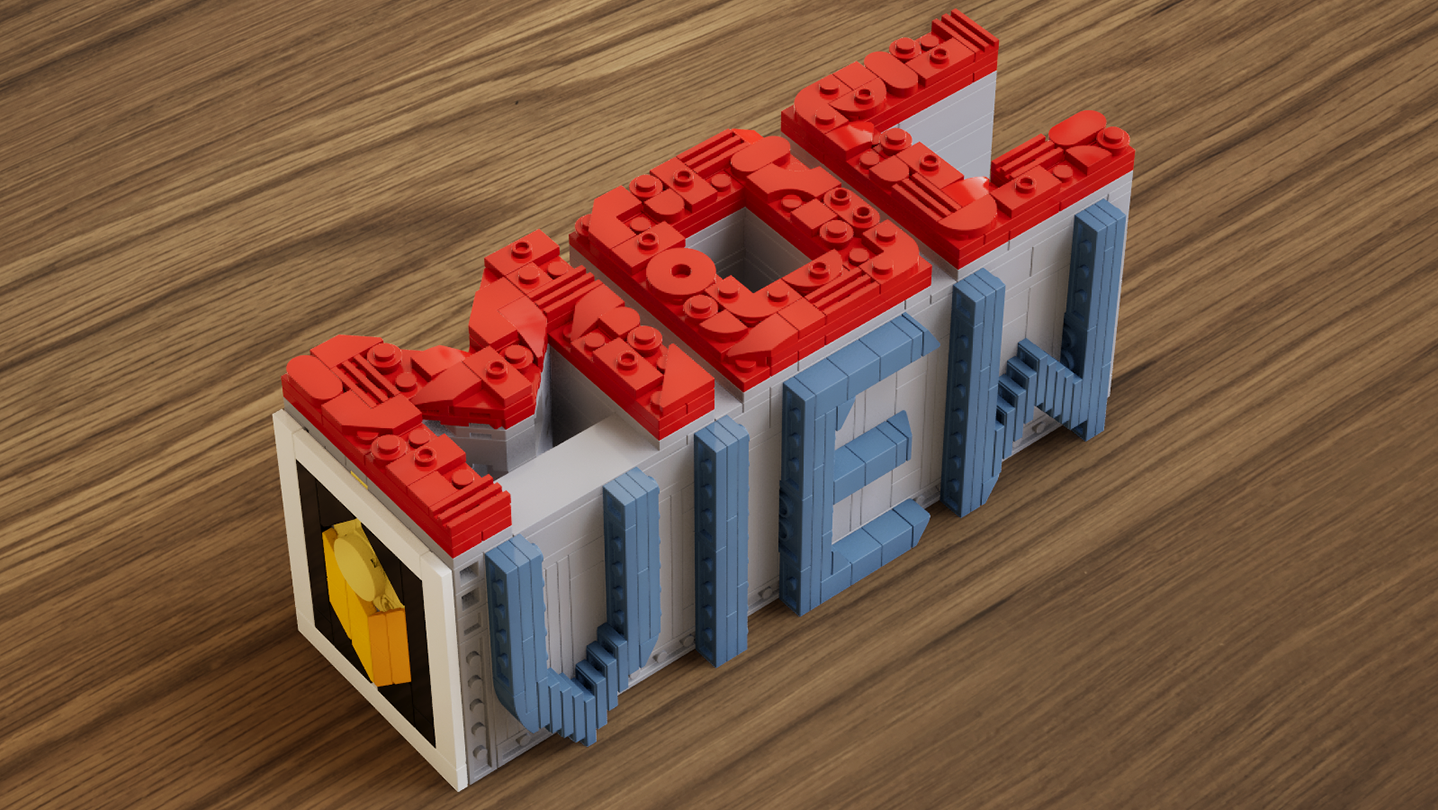
A real-time brick viewer — import LDraw (.ldr) files, explore with live previews and walkthroughs, and export photorealistic rendered images.

Sign in to add this item to your wishlist, follow it, or mark it as ignored

Early Access Software

Get involved with this software as it develops.

Note: This Early Access software is not complete and may or may not change further. If you are not excited to use this software in its current state, then you should wait to see if it progresses further in development. Learn more

What the developers have to say:

Why Early Access?

“This software is currently in Early Access.
Real-time rendering, part compatibility, and performance optimization involve a wide range of hardware configurations and usage scenarios. Early Access allows us to continuously improve stability, performance, and overall user experience based on community feedback.
The current Early Access version is fully usable for model presentation and rendering output, while some advanced features are still under development.”

Approximately how long will this software be in Early Access?

“We currently expect the software to remain in Early Access for approximately 6–12 months.
This period will be used for feature expansion, performance optimization, and compatibility improvements. The timeline may be adjusted based on development progress.”

How is the full version planned to differ from the Early Access version?

“The full version is planned to further expand the presentation capabilities of the software, including more diverse environments, enhanced interaction features, more advanced rendering options, as well as continued improvements to performance and compatibility.”

What is the current state of the Early Access version?

“Current features include:
LDraw / LDR file import
Real-time rendering with physically-based visuals
Camera controls: aperture, focal length, exposure, depth of field
Image capture and export
Advanced viewing tools: layer separation, step display, rapid building visualization, and more

Current feature scope:
Custom parts are not supported at this stage
Flexible part systems are not supported at this stage”

Will this software be priced differently during and after Early Access?

“The software will remain free during Early Access and after full release.
Optional additional content or features may be introduced in the future, but existing core functionality will not be affected.”

How are you planning on involving the Community in your development process?

“Community feedback plays an important role in development. We actively monitor the Steam Community discussions for bug reports and suggestions, using real-world usage insights to continuously improve software performance and feature design.”
Read more

Use MOCView

Free To Play
 
See all discussions

Report bugs and leave feedback for this software on the discussion boards

About This Software

MOCView is a creative tool designed for brick enthusiasts and MOC designers, helping them present their creations with high-quality visuals. Import your LDraw (.ldr) files to instantly view your builds in a real-time viewport.

Explore your models using free-camera or first-person controls, and adjust photographic settings such as aperture, focal length, exposure, and depth of field to capture stunning images. Whether you are designing, documenting, or sharing your latest MOC, MOCView lets you showcase your work with realism and efficiency.

Core Features:

  • Seamless import of LDraw (.ldr), including files exported from Stud.io.

  • Real-time viewport with photorealistic rendering.

  • Step inside with a first-person, immersive walkthrough.

  • Intuitive camera controls: aperture, focal length, exposure, depth of field.

  • Advanced display tools: Layer Peel, Step Display, Quick Build, and more.

  • Easy Create Shot.

System Requirements

    Minimum:
    • OS: win10
    • Memory: 16 GB RAM
    • DirectX: Version 12
    • Storage: 11 GB available space
    Recommended:
    • OS: win11
    • Memory: 16 GB RAM
    • DirectX: Version 12
    • Storage: 11 MB available space

Customer reviews for MOCView About user reviews Your preferences

Overall Reviews:
4 user reviews (4 reviews)


To view reviews within a date range, please click and drag a selection on a graph above or click on a specific bar.


Filter reviews by the user's playtime when the review was written:


No minimum to No maximum

Show reviews in selected display order


Learn More
Filters
Excluding Off-topic Review Activity
Playtime:
Played Mostly on Steam Deck
Operating System:
CPU:
GPU:
Device Type: