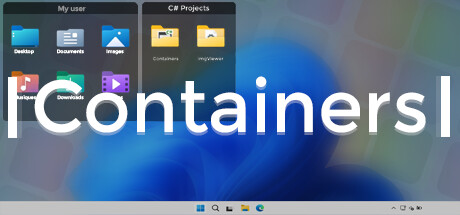
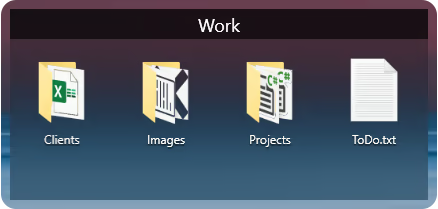
Containers enhance your Windows experience by providing virtual boxes to store your files and directories.
Theo nhãn

Đăng nhập để thêm sản phẩm này vào danh sách ước, theo dõi, hoặc đánh dấu nó thành "đã phớt lờ"

Không hỗ trợ ngôn ngữ Tiếng Việt

Sản phẩm này không hỗ trợ ngôn ngữ địa phương của bạn. Vui lòng xem lại danh sách ngôn ngữ được hỗ trợ dưới đây trước khi mua.

Mua Containers


Về phần mềm này

Enhance your Windows experience with Containers

Containers allows the storage of your files and folders in boxes called “Container”, these boxes can be accessed at any time on your desktop or called thanks to built-in shortcuts or with the help of the “Containers Tab” menu.

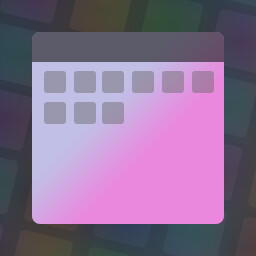
Containers
Containers are sticked to your desktop when you don't use them.


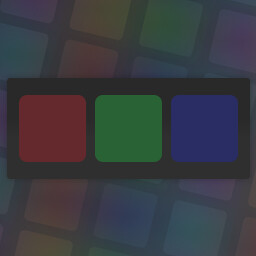
Mirror Containers
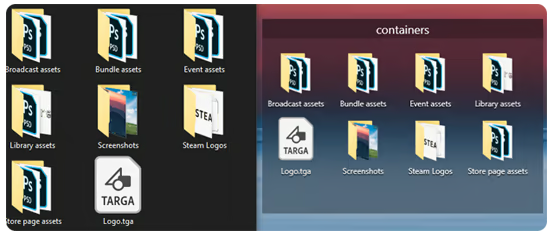
“Mirror” Containers are representations of files and folders in a selected folder on your computer.


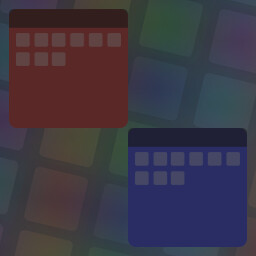
Container Customization
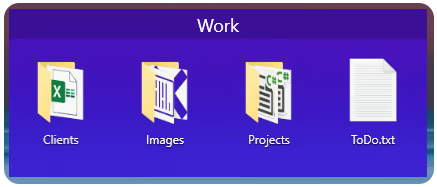
Containers can have different colored backgrounds or a background with an image.
You can also set the transparency method of your Containers.

If you are on Windows 11 you can also choose between Containers with rounded or squared edges.


Containers Tab Menu
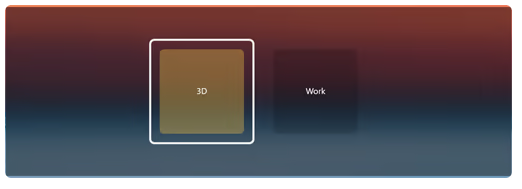
The Containers Tab menu allows you to call the Container of your choice without leaving the application in the foreground, it works similarly to the Alt-Tab menu in Windows.


Closing Containers
Containers can be independently closed manually or automatically to save space.


Sorting Containers content
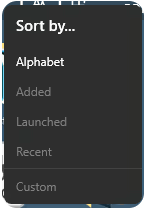
You can independently sort the contents of your Containers according to your choice.


Container content size
You can change the size of your Container icons at any time.


Shortcuts
The Containers application has shortcuts to help you manipulate your Containers, each shortcut can be modified and disabled.

Yêu cầu hệ thống

    Tối thiểu:
    • HĐH: Windows 10 1703 (2017) / Windows 11
    • Bộ nhớ: 2 GB RAM
    Khuyến nghị:
    • HĐH: Windows 10 1703 (2017) / Windows 11
    • Bộ nhớ: 4 GB RAM

Đánh giá của khách hàng cho Containers Giới thiệu về đánh giá người dùng Tùy chỉnh của bạn

Đánh giá tổng thể:
Trái chiều (14 đánh giá)


Để xem các đánh giá trong một khoảng thời gian, vui lòng nhấp và kéo lựa chọn trên đồ thị hoặc nhấp vào một thanh cụ thể.


Lọc theo thời gian chơi của người dùng khi đánh giá được viết:


Không có tối thiểu đến Không có tối đa

Hiện bài đánh giá theo thứ tự hiển thị đã chọn


Tìm hiểu thêm
Bộ lọc
Loại trừ hoạt động đánh giá lạc đề
Thời gian chơi:
Chơi chủ yếu trên Steam Deck
Không còn đánh giá nào khớp với bộ lọc trên.
Chỉnh bộ lọc ở trên để xem thêm đánh giá khác
Đang tải đánh giá...