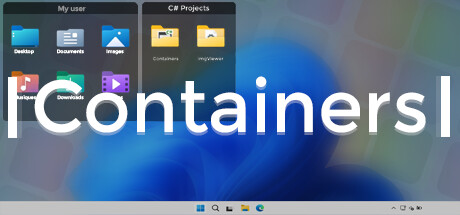
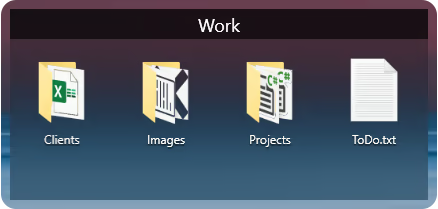
Containers enhance your Windows experience by providing virtual boxes to store your files and directories.

登入以將此項目新增至您的願望清單、關注它,或標記為已忽略

不支援繁體中文

本產品尚不支援您的目前所在地的語言。購買前請先確認語言支援清單。

購買 Containers


關於此軟體

Enhance your Windows experience with Containers

Containers allows the storage of your files and folders in boxes called “Container”, these boxes can be accessed at any time on your desktop or called thanks to built-in shortcuts or with the help of the “Containers Tab” menu.

Containers
Containers are sticked to your desktop when you don't use them.


Mirror Containers
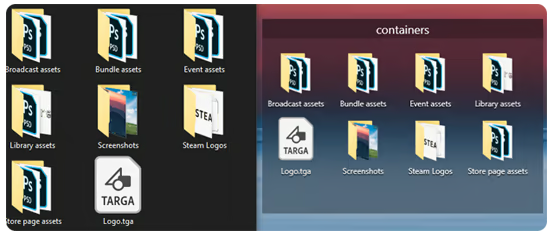
“Mirror” Containers are representations of files and folders in a selected folder on your computer.


Container Customization
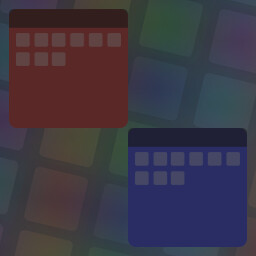
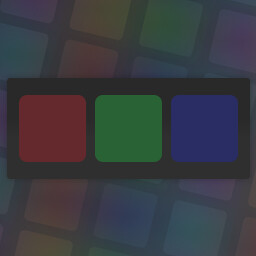
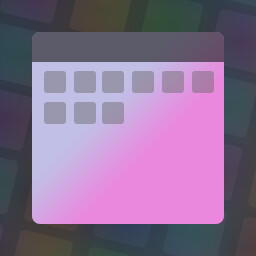
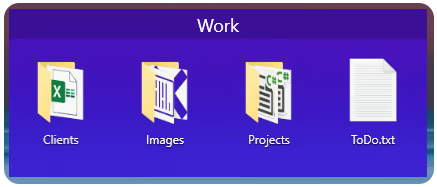
Containers can have different colored backgrounds or a background with an image.
You can also set the transparency method of your Containers.

If you are on Windows 11 you can also choose between Containers with rounded or squared edges.


Containers Tab Menu
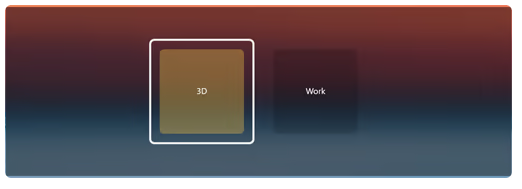
The Containers Tab menu allows you to call the Container of your choice without leaving the application in the foreground, it works similarly to the Alt-Tab menu in Windows.


Closing Containers
Containers can be independently closed manually or automatically to save space.


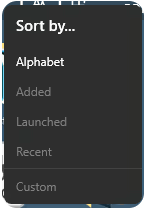
Sorting Containers content
You can independently sort the contents of your Containers according to your choice.


Container content size
You can change the size of your Container icons at any time.


Shortcuts
The Containers application has shortcuts to help you manipulate your Containers, each shortcut can be modified and disabled.

系統需求

    最低配備:
    • 作業系統: Windows 10 1703 (2017) / Windows 11
    • 記憶體: 2 GB 記憶體
    建議配備:
    • 作業系統: Windows 10 1703 (2017) / Windows 11
    • 記憶體: 4 GB 記憶體

Containers 的顧客評論 關於使用者評論 您的偏好設定

整體評論:
褒貶不一 (14 篇評論)


如欲檢視特定日期範圍內的評論,請在上方圖表框選一段日期範圍,或點擊直條。


依照使用者撰寫評論當時的遊戲時數篩選:


不限最低時數不限最高時數

以所選顯示順序顯示評論


進一步了解
篩選條件
排除離題評論活動
遊戲時數:
主要在 Steam Deck 上遊玩
無其它評論符合上述篩選條件
調整上方的篩選條件以檢視其它評論
評論讀取中…