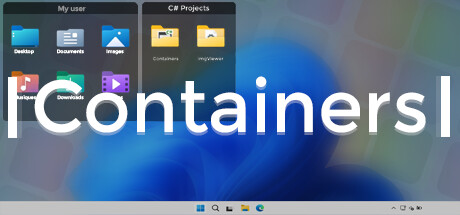
Containers enhance your Windows experience by providing virtual boxes to store your files and directories.

Bu öğeyi istek listenize eklemek, takip etmek veya yok sayıldı olarak işaretlemek için giriş yapın

Türkçe desteklenmemektedir

Bu ürün sizin dilinizi desteklememektedir. Lütfen satın almadan önce aşağıdaki desteklenen diller listesini gözden geçirin.

Containers Satın Alın


Bu Yazılım Hakkında

Enhance your Windows experience with Containers

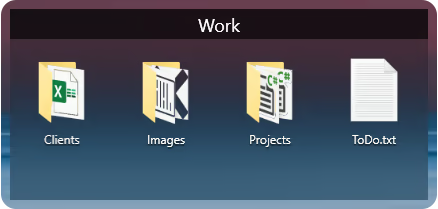
Containers allows the storage of your files and folders in boxes called “Container”, these boxes can be accessed at any time on your desktop or called thanks to built-in shortcuts or with the help of the “Containers Tab” menu.

Containers
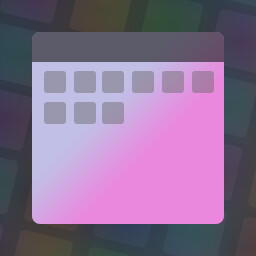
Containers are sticked to your desktop when you don't use them.


Mirror Containers
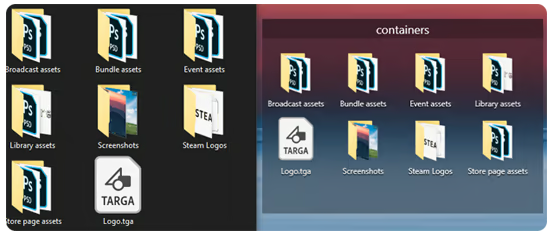
“Mirror” Containers are representations of files and folders in a selected folder on your computer.


Container Customization
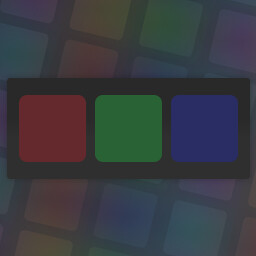
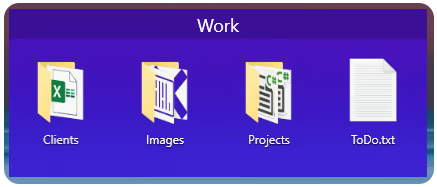
Containers can have different colored backgrounds or a background with an image.
You can also set the transparency method of your Containers.

If you are on Windows 11 you can also choose between Containers with rounded or squared edges.


Containers Tab Menu
The Containers Tab menu allows you to call the Container of your choice without leaving the application in the foreground, it works similarly to the Alt-Tab menu in Windows.


Closing Containers
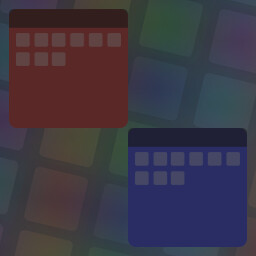
Containers can be independently closed manually or automatically to save space.


Sorting Containers content
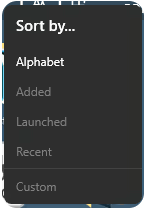
You can independently sort the contents of your Containers according to your choice.


Container content size
You can change the size of your Container icons at any time.


Shortcuts
The Containers application has shortcuts to help you manipulate your Containers, each shortcut can be modified and disabled.

Sistem Gereksinimleri

    Minimum:
    • İşletim Sistemi: Windows 10 1703 (2017) / Windows 11
    • Bellek: 2 GB RAM
    Önerilen:
    • İşletim Sistemi: Windows 10 1703 (2017) / Windows 11
    • Bellek: 4 GB RAM

Containers için müşteri incelemeleri Kullanıcı incelemeleri hakkında Tercihleriniz

Toplam İnceleme:
Karışık (14 inceleme)


Belirli bir tarih aralığındaki incelemeleri görebilmek için lütfen yukarıdaki grafikten istediğiniz tarih aralığını sürükleyerek seçin veya bir çubuğa tıklayın.


İncelemeleri, oyuncuların inceleme gönderdiği tarihteki oynama sürelerine göre filtrele:


Minimum yok - Maksimum yok

İncelemeleri seçili görüntüleme sırasına göre göster


Daha Fazlasını Öğrenin
Filtreler
Konu Dışı İnceleme Etkinliği Dahil Edilmiyor
Oynama Süresi:
Çoğunlukla Steam Deck'te Oynayanlar
Yukarıdaki seçili filtreler ile eşleşen başka inceleme bulunmuyor
Diğer incelemeleri görmek için yukarıdaki filtreyi ayarlayın
İncelemeler yükleniyor...