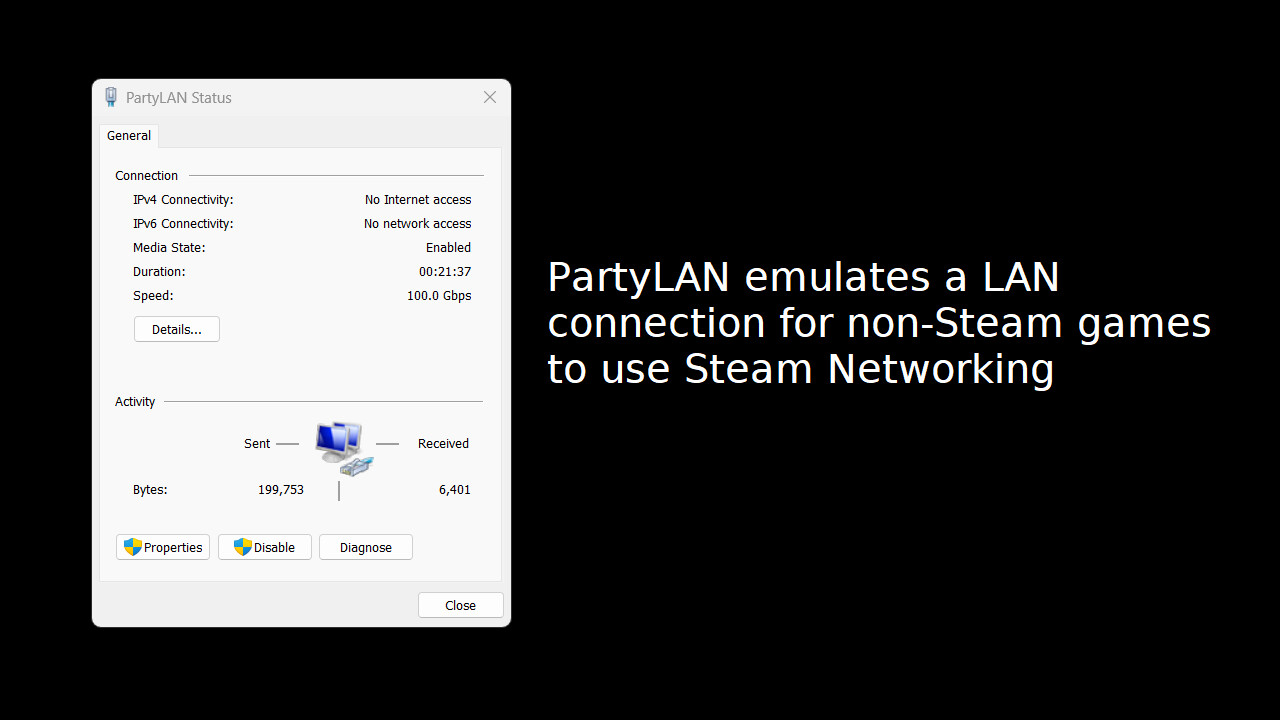
Steam Multiplayer for any LAN game. Want to play classic LAN multiplayer games with your friends but cannot get together for a LAN party? Use PartyLAN to run a LAN party over Steam Multiplayer!

로그인하셔서 게임을 찜 목록에 추가하거나, 팔로우하거나 또는 제외로 지정하세요.

한국어(을)를 지원하지 않습니다

이 제품은 귀하의 로컬 언어를 지원하지 않습니다. 구매하기 전에 아래에 있는 지원하는 언어 목록을 확인해주세요.

주의: PartyLAN 제품은 더 이상 Steam 상점에서 이용할 수 없습니다.
이 게임은 아직 Steam에 출시되지 않았습니다

출시 예정

관심이 있으신가요?
찜 목록에 추가하고 출시가 되면 알림을 받으세요.
찜 목록에 추가
 

소프트웨어 정보

PartyLAN is a tool for playing LAN games over the Steam Network.
It is designed to be easy to use and work with any game that supports LAN play.

Features


  • No frills interface - just the bare minimum for playing LAN games with your friends
  • No restarts required - unlike many overlay network solutions, PartyLAN does not require you to restart your computer

Usage


1. Download PartyLAN from Steam.
2. Launch PartyLAN.
3. Ensure all players have PartyLAN installed and running. PartyLAN icon should be visible in the system tray.
4. For the host, open the game and start as a LAN game host as normal.
5. For the clients, click the system tray icon , select the host in the "Online Friends" menu, an IP address should be copied to the clipboard.
6. For the clients, open the game and connect to the host using the IP address from the clipboard.

시스템 요구 사항

    최소:
    • 운영 체제 *: Windows 7
    • 프로세서: Potato
    • 네트워크: 초고속 인터넷 연결
    • 저장 공간: 50 MB 사용 가능 공간
    권장:
    • 운영 체제 *: Windows 7
    • 프로세서: Not a potato
    • 네트워크: 초고속 인터넷 연결
    • 저장 공간: 50 MB 사용 가능 공간
* 2024년 1월 1일부터 Steam 클라이언트는 Windows 10 이상 버전만 지원합니다.
이 제품에는 아직 평가가 없습니다.

이 제품의 평가를 직접 써서 자신의 경험을 커뮤니티와 공유할 수 있습니다. 구매 버튼 위의 기입란을 이용하여 자신만의 평가를 써 보세요.