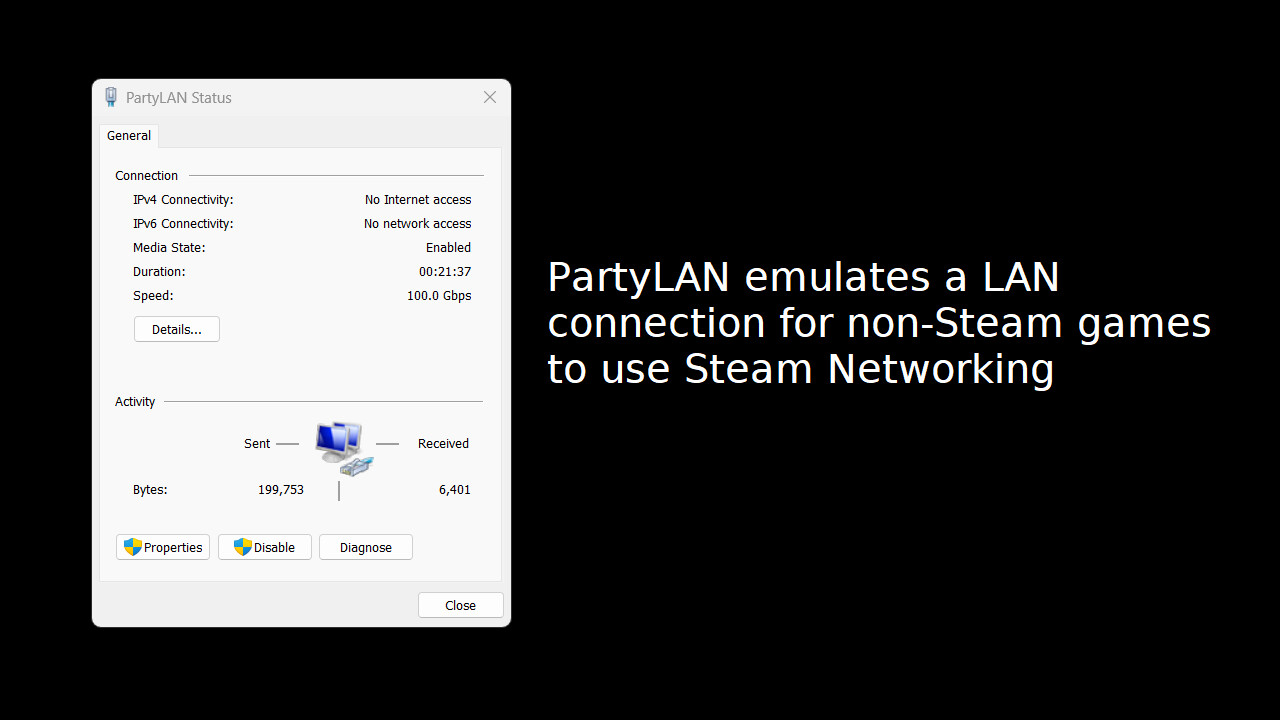
Steam Multiplayer for any LAN game. Want to play classic LAN multiplayer games with your friends but cannot get together for a LAN party? Use PartyLAN to run a LAN party over Steam Multiplayer!
Veröffentlichung:
Bald verfügbar
Entwickler:
Publisher:
Tags

Melden Sie sich an, um dieses Produkt zu Ihrer Wunschliste hinzuzufügen, zu abonnieren oder als „Ignoriert“ zu markieren.

Hinweis: PartyLAN ist nicht mehr im Steam-Shop verfügbar.
Dieses Spiel ist noch nicht auf Steam verfügbar

Bald verfügbar

Interesse? Fügen Sie das Spiel Ihrer Wunschliste hinzu und erhalten Sie eine Benachrichtigung, wenn es verfügbar ist.
+ Wunschliste
 

Über diese Software

PartyLAN is a tool for playing LAN games over the Steam Network.
It is designed to be easy to use and work with any game that supports LAN play.

Features


  • No frills interface - just the bare minimum for playing LAN games with your friends
  • No restarts required - unlike many overlay network solutions, PartyLAN does not require you to restart your computer

Usage


1. Download PartyLAN from Steam.
2. Launch PartyLAN.
3. Ensure all players have PartyLAN installed and running. PartyLAN icon should be visible in the system tray.
4. For the host, open the game and start as a LAN game host as normal.
5. For the clients, click the system tray icon , select the host in the "Online Friends" menu, an IP address should be copied to the clipboard.
6. For the clients, open the game and connect to the host using the IP address from the clipboard.

Systemanforderungen

    Mindestanforderungen:
    • Betriebssystem *: Windows 7
    • Prozessor: Potato
    • Netzwerk: Breitband-Internetverbindung
    • Speicherplatz: 50 MB verfügbarer Speicherplatz
    Empfohlen:
    • Betriebssystem *: Windows 7
    • Prozessor: Not a potato
    • Netzwerk: Breitband-Internetverbindung
    • Speicherplatz: 50 MB verfügbarer Speicherplatz
* Ab dem 1. Januar 2024 unterstützt der Steam-Client nur noch Windows 10 und neuere Versionen.
Für dieses Produkt gibt es keine Rezensionen

Sie können Ihre eigene Rezension für dieses Produkt verfassen, um Ihre Erfahrungen mit der Community zu teilen. Nutzen Sie den Bereich über den Schaltflächen zum Kaufen, um Ihre Rezension zu verfassen.