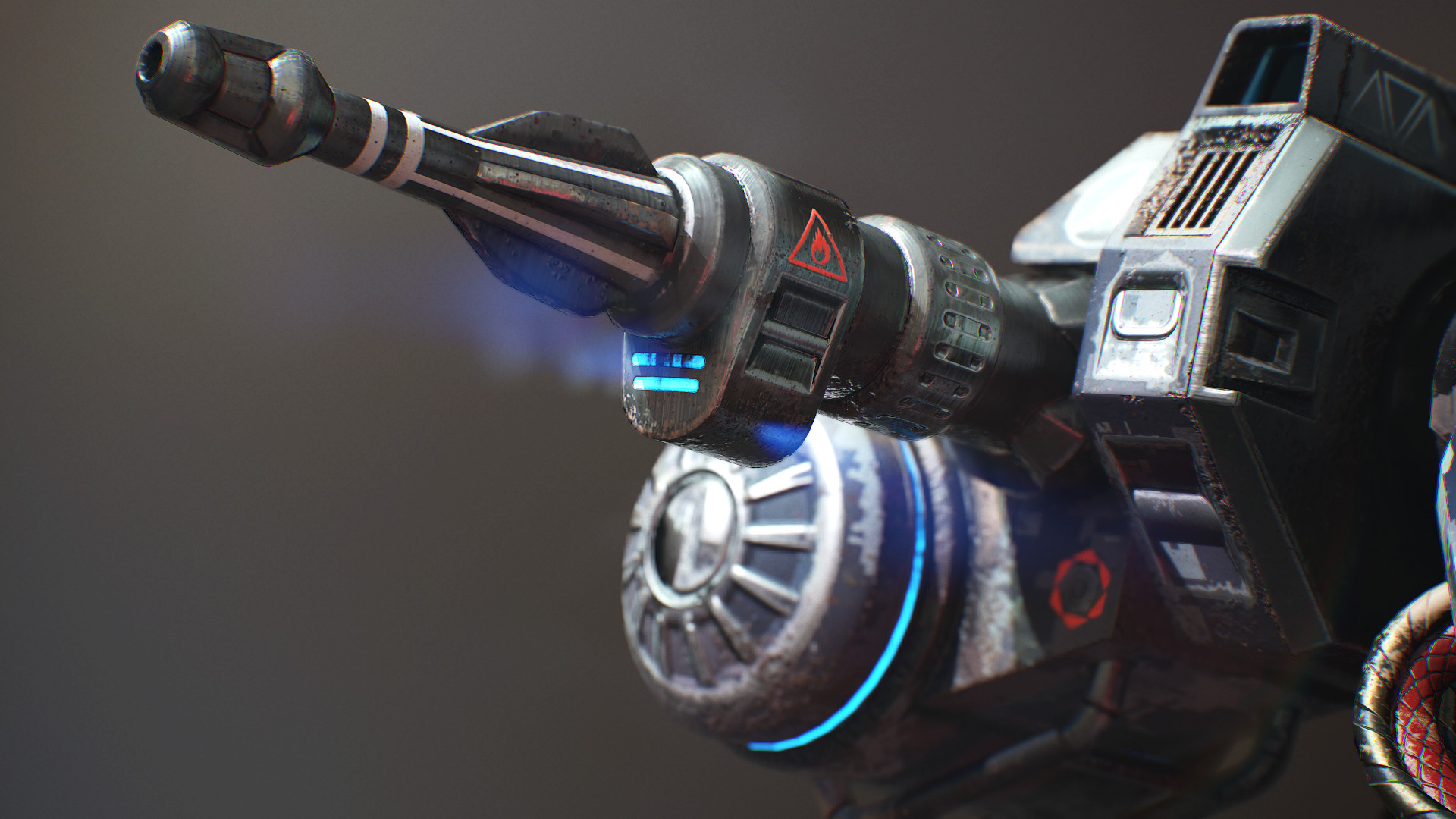
Do you consider a 3D Artist career and like mechs? This course will equip you with powerful techniques and skills as you would use them in the AAA video game industry. Learn to model, unwrap, bake and texture as well as creating portfolio ready renders!

Inicia sesión para agregar este artículo a tu lista de deseados, seguirlo o marcarlo como ignorado.

No disponible en Español (Latinoamérica)

Este artículo no está disponible en tu idioma. Consulta la lista de idiomas disponibles antes de realizar la compra.


3Ds Max 2017 - Modeling & Unwrapping

3. Mech Modeling - S01E03
23 JUL 2017
19 minutos
We continue with the upper leg while making use of existing geometry from the leg below it. That way we already have a head start and everything perfectly in place as supposed to.
18. Mech Modeling - S01E18
23 JUL 2017
20 minutos
We have a lot of unwrapping to do and we tackle the body first.
init_data: 0.0211, render: 0.0106

Video de Steam

Este contenido solo está disponible en formato de retransmisión online. Puedes encontrar más información en las preguntas frecuentes sobre videos retransmitidos en Steam.

Tutorial Files

Click here to download the associated tutorial files after purchasing the tutorial.

Acerca de esta serie

Create a battle mech!


Do you think about a career in the video game industry as a 3D Artist and happen to like Battle Mechs? Then this tutorial might be perfect for you. Follow along as this comprehensive 15 hour+ long course as we model, unwrap, bake and texture a battle mech to current video game standards. Every step is documented without fast forwarding. At the end of the free part you have the option to learn even more with the extended edition in which we go over 10 more triple A quality PBR textures.

3Ds Max - Modeling

The modeling part covers the scene setup followed by the low and high-poly modeling in which we make use of advanced actions, modifiers and tools to help us create the battle mech. After the modeling process we will jump straight into the UVW Editor and focus on the importance of an optimized UV-Layout to get the maximum out of our later texture.

Substance Painter - Texturing

In the Substance Painter part we will then bake our normal map as well as other important support maps. Right after that you will learn how to make an ultra realistic texture for our mech. Learn how to create our base layer materials and how to use procedural textures, masks and generators to form up the wear and tear on our mech resulting in a photo realistic appearance. You will also get to know the latest tools that Substance Painter currently has to offer. Add additonal normal map with curvature and AO information and learn how to add text as well as creating an almost infinite amount of different looks and styles by switching out our base layers.

What are the requirements?

It is recommended to follow the course with the same software we use throughout the tutorial:
3Ds Max 2017 (can be 2016 and 2015 too) and Substance Painter 2 or the latest 2017 installement of Substance Painter.

Who is the target audience?

This tutorial is aimed at beginners as well as intermediate.
I try to avoid heavy use of shortcuts as much as I can during the lesson so that you can see which actions I use.

What do I get from this course?

  • 15 hours of fully documented and commented HD video content.
  • Game industry ready knowledge in modeling, unwrapping and texturing.
  • Essential reference images.
  • Final high-poly and low-poly mech for those that just want to follow the texturing part.

Instructor Biography

Hi! I'm Tim - Senior Weapons Artist at Digital Extremes where I proudly contribute to their latest game!
I started my 3D Artist career at Crytek before working at Ubisoft Toronto for five years. I worked on titles such as Far Cry 4, Splinter Cell Blacklist and the Crysis series as well as other non disclosed titles. In my spare time I enjoy creating tutorials in which I share all my tips and tricks which I gathered over the years. Let me help you avoiding mistakes and equipping you with powerful techniques and knowledge in game ready 3D art creation. See you in the tutorial! Cheers, Tim

Requisitos del sistema

Windows
macOS
SteamOS + Linux
    Mínimo:
    • SO *: Windows 7
    • Procesador: Intel Core 2 o AMD equivalente
    • Memoria: 1 GB de RAM
    • Red: Conexión de banda ancha a Internet
    • Almacenamiento: 200 MB de espacio disponible
    • Notas adicionales: Ancho de banda de 5 Mbps para 540p o 3 Mbps para 360p.
    Recomendado:
    • SO: Windows 10
    • Procesador: Intel Core i3+ o AMD equivalente recomendado para la reproducción en HD a 1080p
    • Memoria: 2 GB de RAM
    • Red: Conexión de banda ancha a Internet
    • Almacenamiento: 500 MB de espacio disponible
    • Notas adicionales: Ancho de banda de 12 Mbps para 1080p u 8 Mbps para 720p.
* A partir del 1 de enero de 2024, el cliente de Steam solo será compatible con Windows 10 y versiones posteriores.
    Mínimo:
    • SO: Mac OS X 10.7
    • Procesador: Intel Core 2 o AMD equivalente
    • Memoria: 1 GB de RAM
    • Red: Conexión de banda ancha a Internet
    • Almacenamiento: 200 MB de espacio disponible
    • Notas adicionales: Ancho de banda de 5 Mbps para 540p o 3 Mbps para 360p.
    Recomendado:
    • SO: macOS X 10.10+
    • Procesador: Intel Core i3+ o AMD equivalente recomendado para la reproducción en HD a 1080p
    • Memoria: 2 GB de RAM
    • Red: Conexión de banda ancha a Internet
    • Almacenamiento: 500 MB de espacio disponible
    • Notas adicionales: Ancho de banda de 12 Mbps para 1080p u 8 Mbps para 720p.
* A partir del 15 de febrero de 2024, el cliente de Steam ya no será compatible con juegos de 32 bits ni macOS 10.14 o versiones anteriores.
    Mínimo:
    • SO: Linux Ubuntu 12.04 o posterior, SteamOS 2.20 o posterior
    • Procesador: Intel Core 2 o AMD equivalente
    • Memoria: 1 GB de RAM
    • Red: Conexión de banda ancha a Internet
    • Almacenamiento: 200 MB de espacio disponible
    • Notas adicionales: Ancho de banda de 5 Mbps para 540p o 3 Mbps para 360p.
    Recomendado:
    • SO: Linux Ubuntu 12.04 o posterior, SteamOS 2.20 o posterior
    • Procesador: Intel Core i3+ o AMD equivalente recomendado para la reproducción en HD a 1080p
    • Memoria: 2 GB de RAM
    • Red: Conexión de banda ancha a Internet
    • Almacenamiento: 500 MB de espacio disponible
    • Notas adicionales: Ancho de banda de 12 Mbps para 1080p u 8 Mbps para 720p.

Reseñas de usuarios para Mech Tutorial - 3Ds Max & Substance Painter Sobre las reseñas de usuarios Tus preferencias

Reseñas generales:
Positivas (11 reseñas)


Para ver las reseñas correspondientes a un intervalo de fechas, haz clic y arrastra en uno de los gráficos de arriba para crear una selección o haz clic en una barra específica.


Filtrar las reseñas según el tiempo de juego del usuario cuando se escribió la reseña:


Sin mínimo a Sin máximo

Mostrar las reseñas en el orden seleccionado


Más información
Filtros
Excluyendo actividad de reseñas fuera de tema
Tiempo de juego:
Jugado principalmente en Steam Deck
No hay más reseñas que coincidan con los filtros establecidos arriba.
Ajusta los filtros de arriba para ver otras reseñas.
Cargando reseñas...