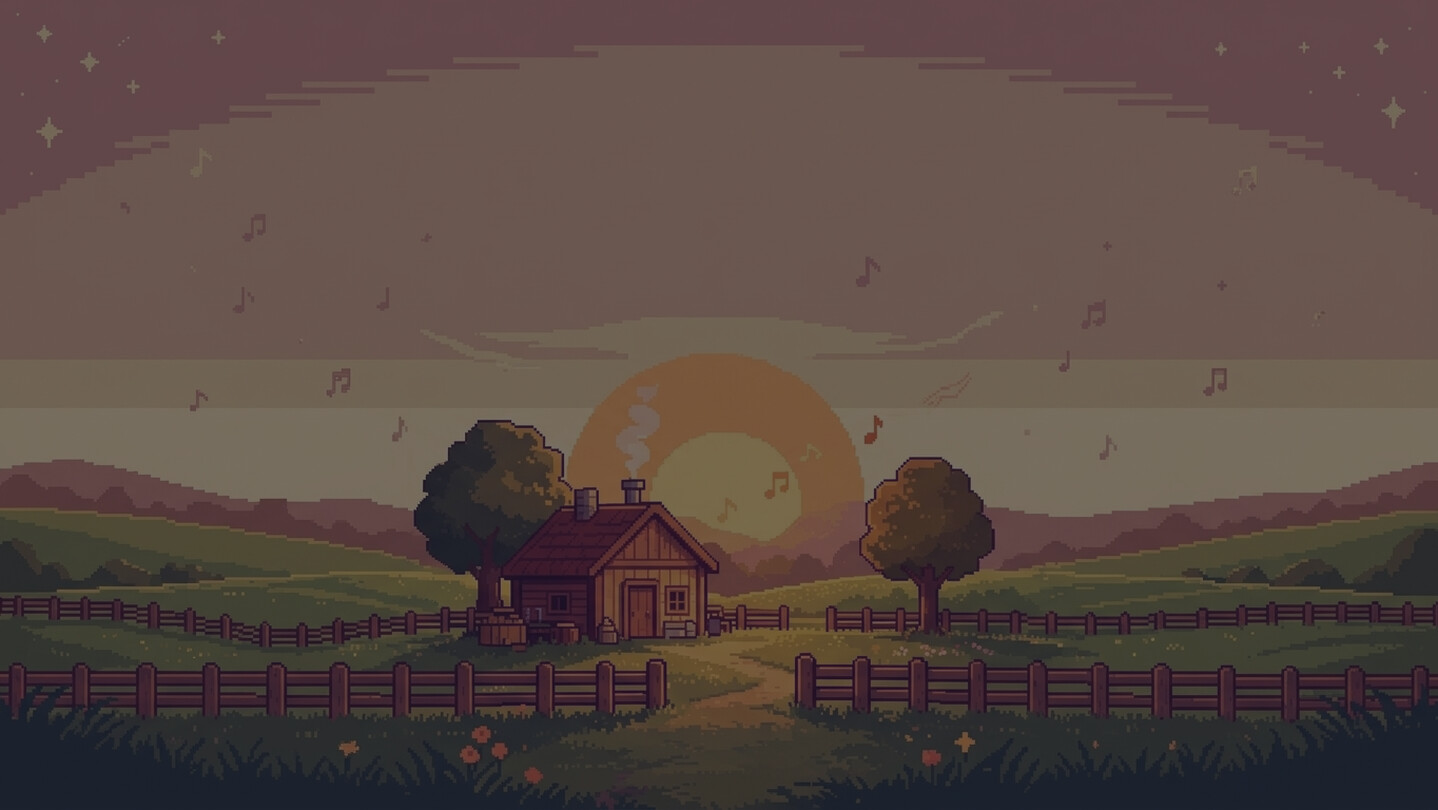
Drift off to your whole library — MythTunes is the cozy pixel-art player for gamers and long nights. Play local OSTs and folders, vibe to built-in Lofi & Vibe, turn screenshots into skins, and tune pixel fonts, themes, and global hotkeys. Fully offline — no cloud, no ads, just your music.

Sign in to add this item to your wishlist, follow it, or mark it as ignored

This game is not yet available on Steam

Coming soon

Interested?
Add to your wishlist and get notified when it becomes available.
 

About This Software

Some runs are for winning. Some are for winding down. MythTunes keeps the music flowing for both.

MythTunes is a featherweight desktop music player built for players — drop in your local folders and your whole collection becomes a pixel-perfect jukebox.

Add any folder from your computer and let the built-in Lofi & Vibe selection set the mood — focus, relaxation, or pure atmosphere. Everything plays locally and offline: quick to launch, light on resources, and made for long sessions.

🎮 MUSIC COLLECTION


Your game soundtracks are scattered across your hard drive. Point MythTunes at any folder and it sweeps them into one tidy, browsable library, organized by album.

Add as many folders as you like; everything shows up in one place.

🎵 AUDIO PLAYBACK & LIBRARY


High-quality playback for a wide range of audio formats, in classic pixel style.

Need a breather between matches? The built-in Lofi & Vibe selection lines up background music for any mood.

Find your jam by title, artist, or tag. Always available, even offline.

😴 SLEEP TIMER & EQUALIZER


Pull an all-nighter without an alarm. Set the sleep timer and MythTunes fades out on its own while you drift off.

Not happy with how a track sits in the mix? The built-in equalizer lets you shape every song: boost the bass, smooth the highs, and save your own preset. Tune it once, enjoy it every session.

🎨 VISUAL CUSTOMIZATION


The move that makes it yours: any image — your wallpaper, a game screenshot — becomes your player skin. MythTunes reads the image colors and applies a matching theme on the spot.

Fine-tune text and accent colors, pick from preset light and dark themes.

Everything is pixel on purpose: icons, borders, buttons, and a lineup of pixel fonts from the 8-bit era — plus opacity control to match the mood.

🔍 LIBRARY MANAGEMENT


Real-time search across your whole collection by title, artist, or tags.

Star favorites and shape your own playlists — create, rename, delete, and rearrange to fit the session.

Your library, favorites, and playlists are saved and ready next time you open the app.

🏠 HOME DASHBOARD


At a glance: total tracks, albums, playlists, listening duration, favorites, and recent activity.

Recently played, favorite, and newly added tracks are one click from playback.

⌨️ GLOBAL KEYBOARD SHORTCUTS


Stay in the game. Skip, pause, and adjust volume without tabbing out — Play/Pause, Next, Previous, Volume, and Mute.

Every shortcut is fully customizable with conflict detection.

Record your own key combos and make the player yours.

System Requirements

Windows
macOS
    Minimum:
    • Requires a 64-bit processor and operating system
    • OS: Windows 10 64-bit
    • Processor: 2.0 GHz Dual-core
    • Memory: 2048 MB RAM
    • Graphics: DirectX 10 compatible
    • Storage: 500 MB available space
    Recommended:
    • Requires a 64-bit processor and operating system
    • OS: Windows 10 / 11 64-bit
    • Processor: 2.5 GHz Dual-core
    • Memory: 4096 MB RAM
    • Graphics: DirectX 10 compatible
    • Storage: 1000 MB available space
    Minimum:
    • Requires an Apple processor
    • OS: macOS 10.15 (Catalina)
    • Processor: Intel Apple M1
    • Memory: 2048 MB RAM
    • Graphics: Metal compatible GPU
    • Storage: 500 MB available space
    Recommended:
    • Requires an Apple processor
    • OS: macOS 12 (Monterey)
    • Processor: Intel Apple M1
    • Memory: 4096 MB RAM
    • Graphics: Metal compatible GPU
    • Storage: 1000 MB available space
Review Filters