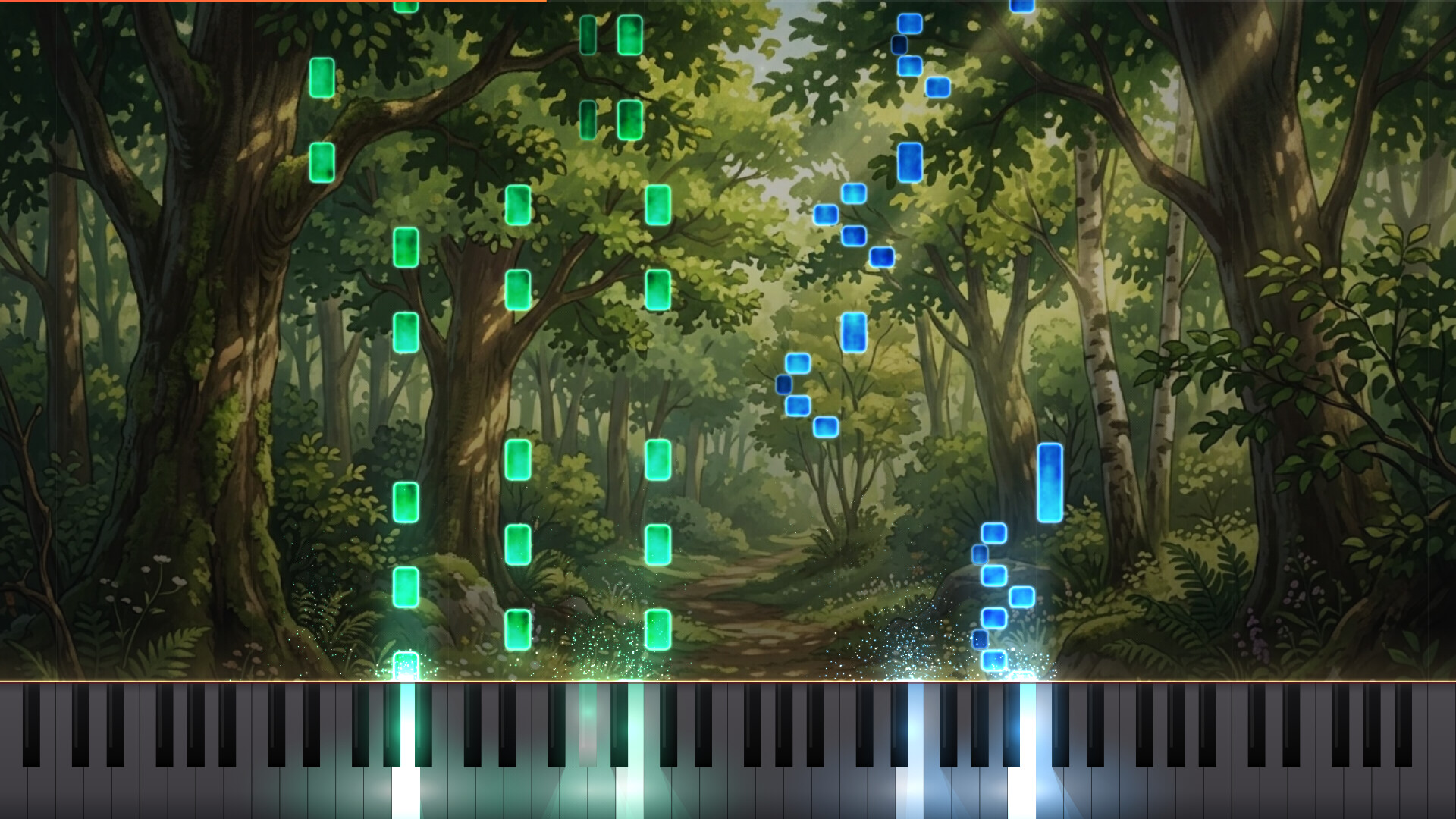
Your favorite songs, instantly transformed into playable scores. LuMIDI is a piano rhythm game that automatically generates falling-note charts simply by loading a MIDI file.

Войдите, чтобы добавить этот продукт в список желаемого или скрыть его

Не поддерживается русский язык

Этот продукт не поддерживает ваш язык. Пожалуйста, перед покупкой ознакомьтесь со списком поддерживаемых языков.

Эта игра ещё не доступна в Steam

Скоро выйдет

Заинтересовала игра?
Добавьте её в список желаемого и получите уведомление, когда она выйдет
 

Об этой игре

Your favorite songs, instantly transformed into playable scores.

LuMIDI is a piano rhythm game that automatically generates falling-note charts simply by loading a MIDI file. Connect a MIDI keyboard to play directly on a real piano, matching your keystrokes to the falling notes and the glowing on-screen keys.

Main Features

  • Auto-Generate Charts from MIDI: Just drag and drop your files. You can easily select tracks, assign left and right-hand parts, and adjust the tempo and note falling speed.

  • 35 Built-In Classical Masterpieces: Includes timeless classics like Für Elise, Turkish March, and Canon in D. Start playing right away, even if you don't have your own MIDI files.

  • Four Practice-Friendly Modes: Practice just your left or right hand while the game automatically plays the remaining part. You can also use the Auto-Play mode as a model performance to preview and learn new songs.

  • Wait & Rhythm Systems: Choose the "Wait" mode, a practice setting where the song pauses until you press the correct key, or the "Rhythm" mode, a live performance setting where you compete for high scores and combos.

  • Steam Workshop Support: Upload and share your custom charts. Discover and subscribe to charts created by other players to have them automatically imported into your game.

  • Playable Without a MIDI Keyboard: You can still play using a standard PC keyboard (Note: Playing with a MIDI keyboard is highly recommended).

  • Customization: Personalize note colors, keyboard light brightness, and background images (settings can also be saved on a per-chart basis).

  • Visual Enhancements for Creators: Want to upload your piano arrangements to video-sharing platforms? Let the beautiful visual effects of the Auto-Play mode elevate your content.

The game features the rich, built-in sound of a grand piano, utilizing the Salamander Grand Piano sound source (created by Alexander Holm / CC BY 3.0).

Информация об ИИ-контенте

Вот как разработчики описывают контент в игре, сгенерированный ИИ:

Generative AI was used in the development of this game for coding, artwork creation, and localization.

Системные требования

    Минимальные:
    • 64-разрядные процессор и операционная система
    • ОС: Windows 10 64-bit
    • Процессор: 2 GHz デュアルコア以上
    • Оперативная память: 4 GB ОЗУ
    • Видеокарта: ハードウェアアクセラレーション対応GPU(オンボード可)
    • DirectX: версии 11
    • Место на диске: 1 GB
    • Звуковая карта: Windows 対応のオーディオ出力
    • Дополнительно: MIDIキーボードの使用を推奨(PCキーボードでもプレイできます)
    Рекомендованные:
    • 64-разрядные процессор и операционная система
    • ОС: Windows 10 64-bit
    • Процессор: 2 GHz dual-core or better
    • Оперативная память: 4 GB ОЗУ
    • Видеокарта: GPU with hardware acceleration (integrated graphics OK)
    • DirectX: версии 11
    • Место на диске: 1 GB
    • Звуковая карта: Any Windows-compatible audio output
    • Дополнительно: A MIDI keyboard is recommended (also playable with your computer keyboard)
Фильтры обзоров