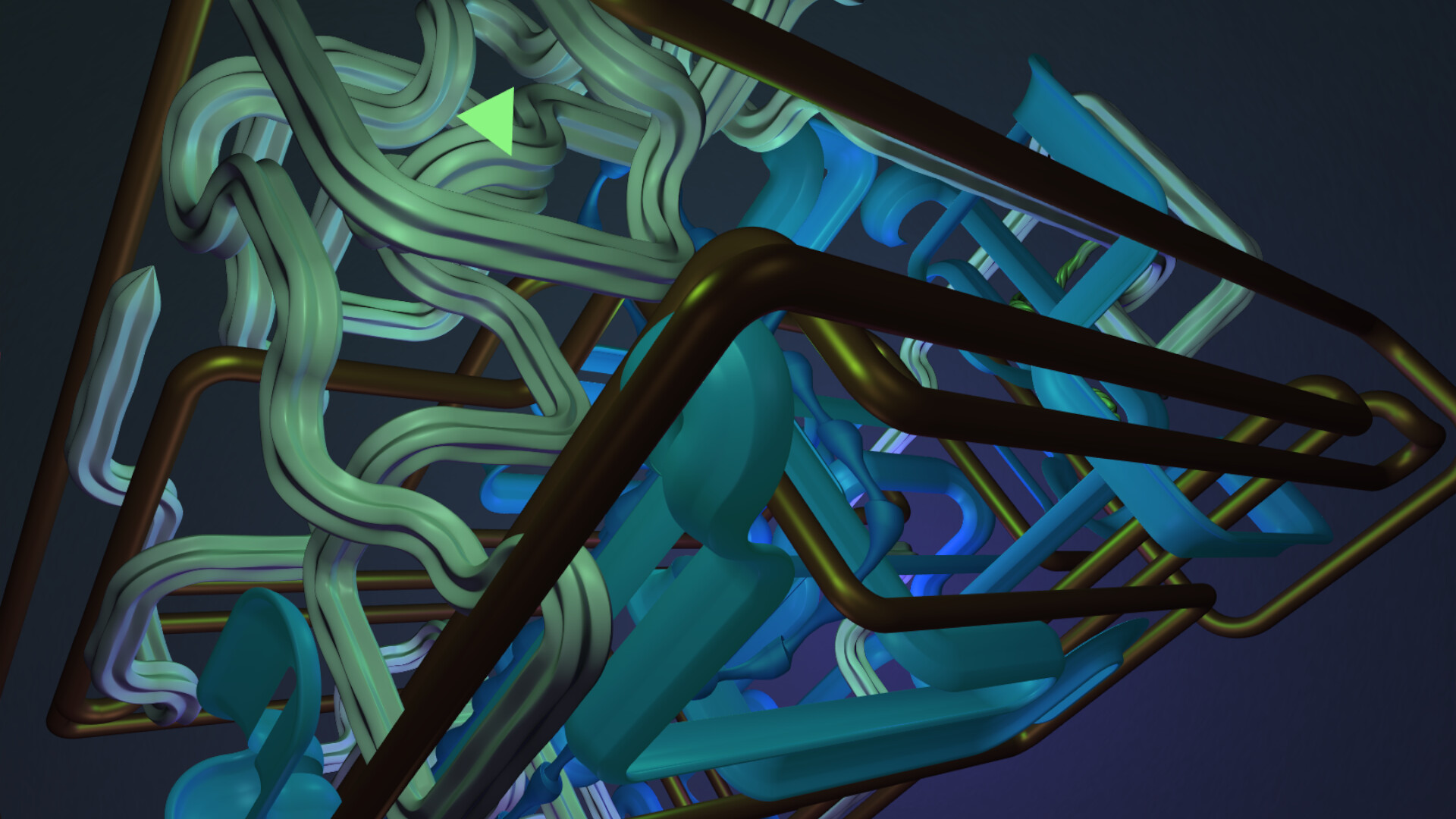
Lean back and leave everything else to the tubes. Witness, with this handmade screensaver and companion, based on procedural generation, endlessly renewing compositions of countless, unique, tubular structures, which have never revealed themselves to anybody before.

Sign in to add this item to your wishlist, follow it, or mark it as ignored

This game is not yet available on Steam

Planned Release Date: September 2026

Interested?
Add to your wishlist and get notified when it becomes available.
 

About This Software

Whether casually along the way, or as the main focus:

Lean back and leave everything else to the tubes.

Witness, with this handmade extravaganza of procedural generation, endlessly created, perpetually renewing compositions of countless, unique, tubular shapes and structures, which never have revealed themselves to anybody before.


No two tubes will ever be the same.

Everything as random as it possibly can be.


Also taking part:

  • The platonic solids and many more, like for example Mr. Rhombic Dodecahedron.


Furthermore:

  • No game engine       - Resource-friendly and practically no loading time

  • No AI                         - Resource-friendly on another level


Fake Commentary:

"I see no end to it." - Möbius-Strip Klein-Bottle

"Hello." - Mr. Rhombic Dodecahedron


... From glassy to al dente and beyond - A ton of space-noodles - No artificial additives - Always freshly prepared - Precisely for you! ...


╔═╦═╬═╦══ Extra Contents: ═╦═╬═╦══╝

Eternitubes 3D is included in two ways ...


  • On the one hand as a normal, stand-alone app:

    • Simply, as usual, start and quit it, however you like it.

    • Place the app somewhere on your desktop and remove those annoying window borders, or enjoy it on a 2nd monitor.


  • On the other hand as a real screensaver, which can be installed in Windows directly:

    • Inside Steam's installation folder for this app, Eternitubes 3D also is included as a screensaver, which can be controlled directly by Windows.

    • In order to navigate to the folder, in your Steam Library, right-click on Eternitubes 3D, select "Manage" and finally "Browse local files".

    • Inside of it, you find the file "Eternitubes3D_Screensaver.scr".

    • Through the file's context menu, accessible by right-clicking on the file, you then can select to install Eternitubes 3D as a Windows screensaver.


╔═╦═╬═╦══ Controls (as shown in the footer at the start of the app): ═╦═╬═╦══╝

  • Key F                      - Toggle Fullscreen

  • Key B                      - Toggle Borderless Mode

  • Key P / Numpad+   - Increase Speed

  • Key M / Numpad-  - Decrease Speed

  • Key Esc                  - Quit


╔═╦═╬═╦══ Further Technical Details ═╦═╬═╦══╝

  • In case of the screensaver every other key, as well as every mouse-movement, does quit the app.

  • In case of the stand-alone app, the fullscreen mode is achieved through "borderless fullscreen" for the needed flexibility.

System Requirements

    Minimum:
    • OS: Windows 32-bit / 64-bit
    • Processor: Intel, AMD, Core2Duo, or equivalent
    • Memory: 150 MB RAM
    • Graphics: integrated, or better
    • Storage: 21 MB available space
Review Filters