Real-time translation of on-screen game text, overlaid right over the original. The English-Japanese model is bundled: no download, fully offline right after install, unlimited use. Full-screen and region translation, one-key original/translation toggle, and a glossary.

Melden Sie sich an, um dieses Produkt zu Ihrer Wunschliste hinzuzufügen, zu abonnieren oder als „Ignoriert“ zu markieren.

ゲーム画面オーバーレイ翻訳 kaufen

EINFÜHRUNGSANGEBOT! Endet 23. Juli

-10%
$3.99
$3.59
 

Über diese Software

Turn on-screen English into your language, in place

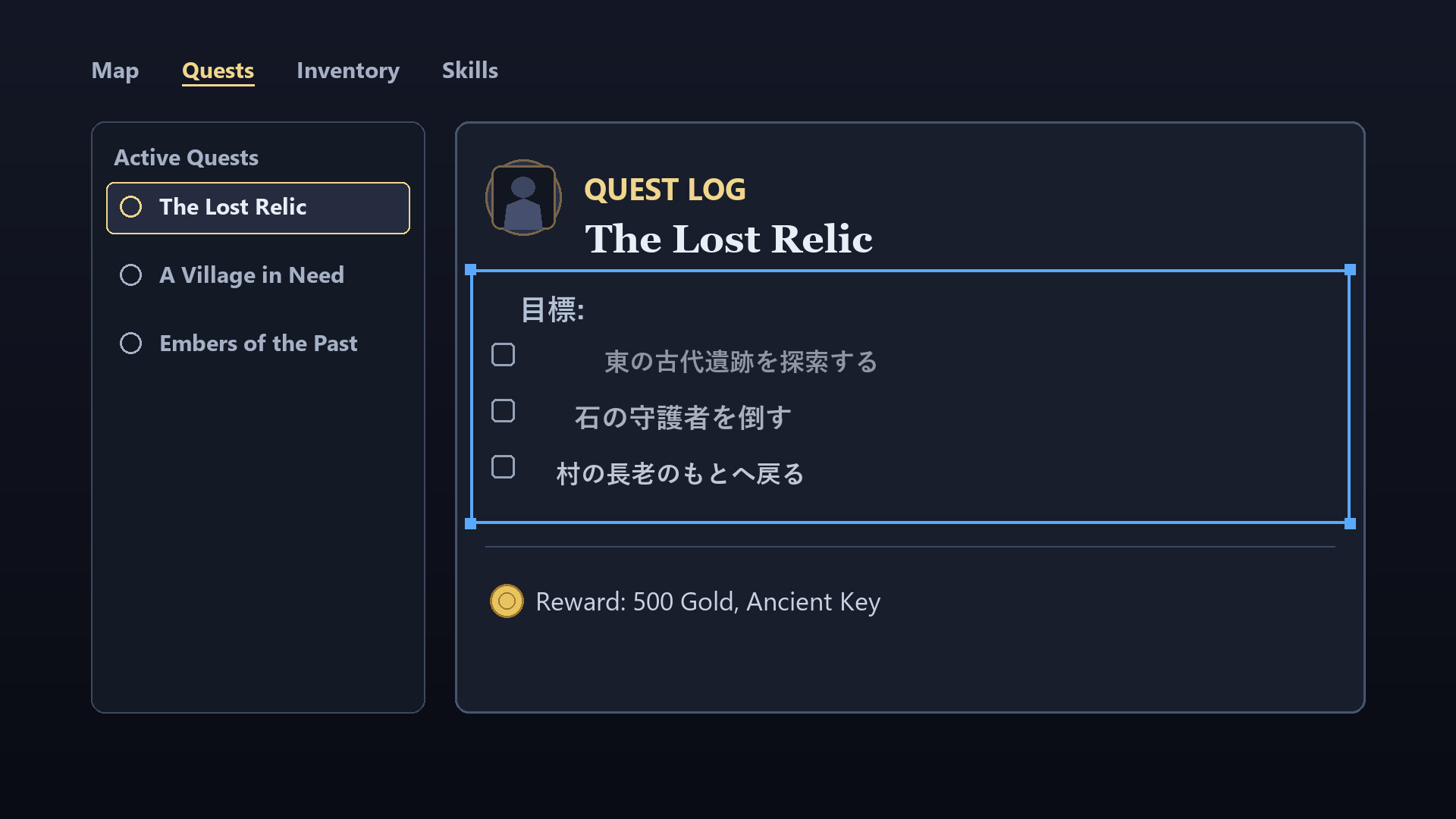
Game Overlay Translator reads the text on your game screen and overlays the translation right on top of the original — no window switching. It works fully offline, with unlimited translations and no subscription.

Great for

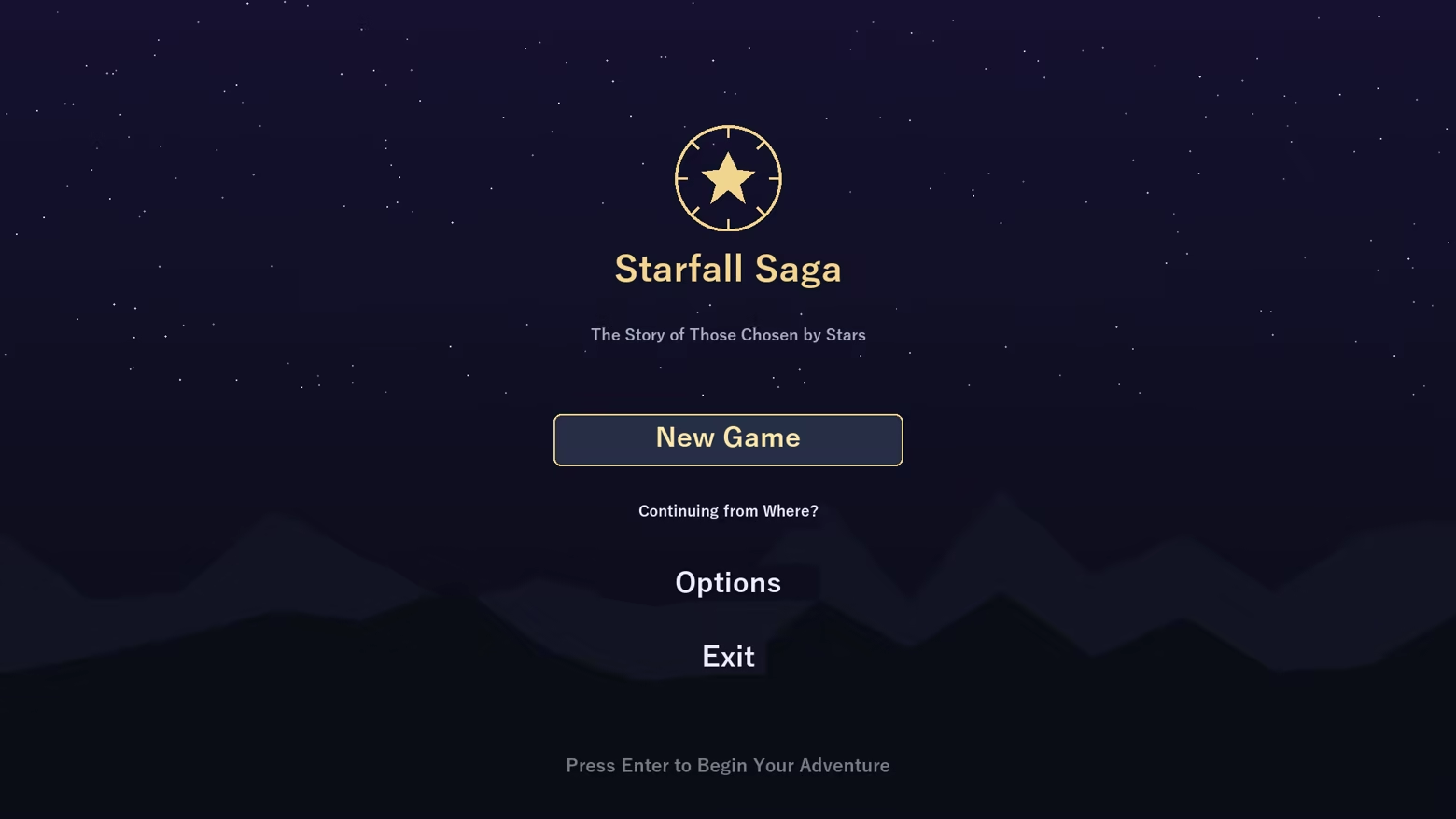
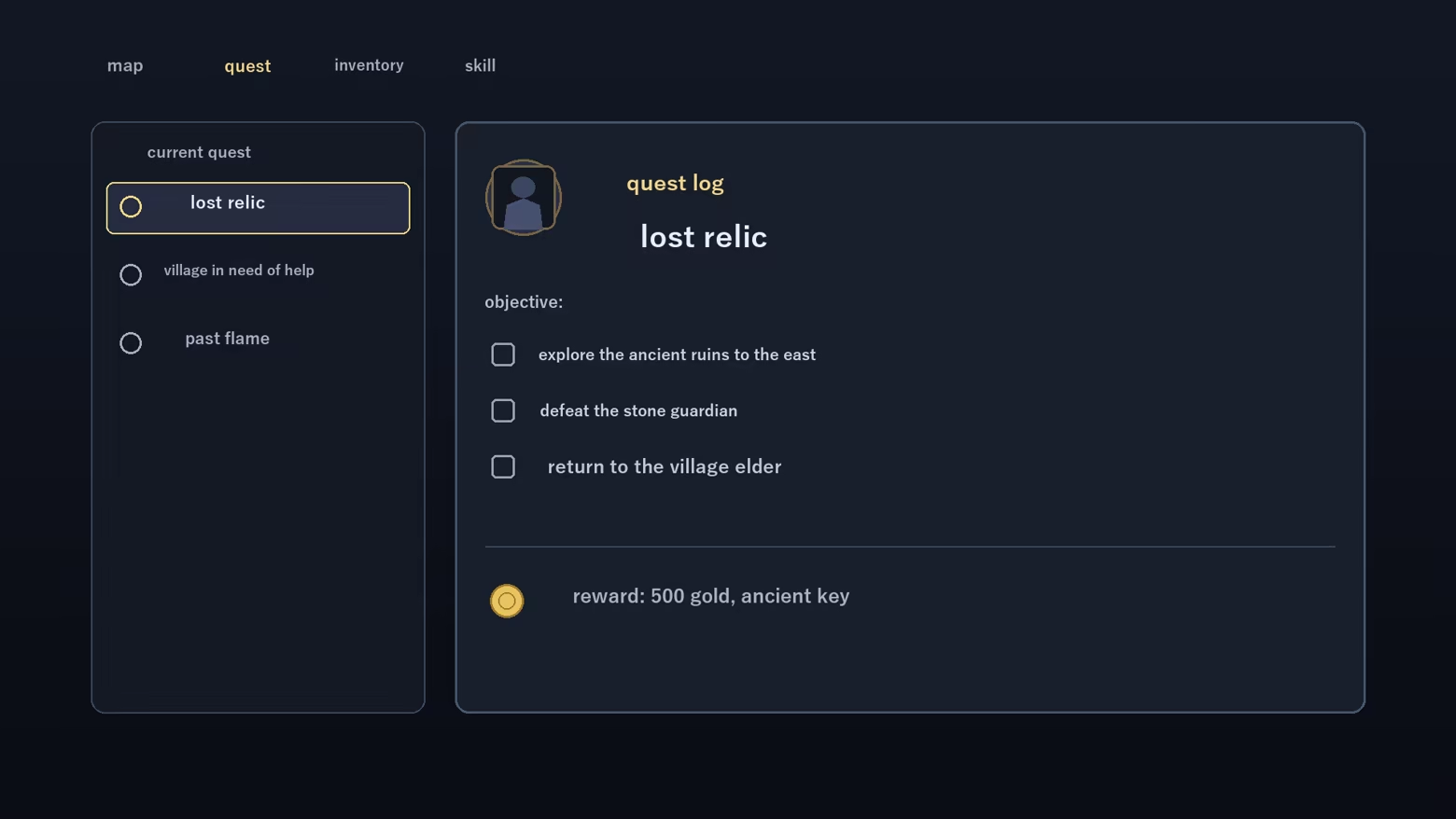
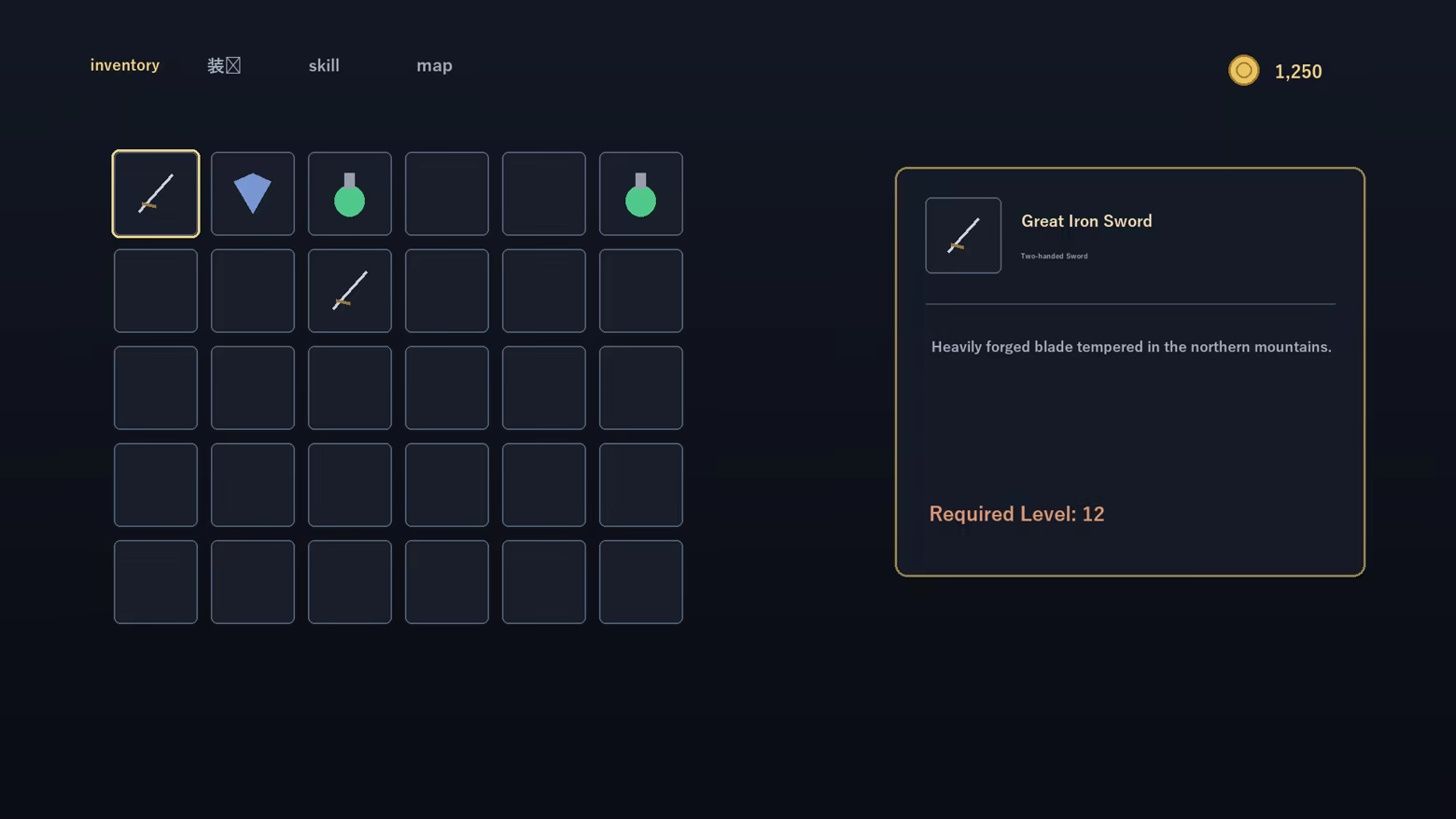
  • Playing games with no localization — understand menus, quests and item text as you go
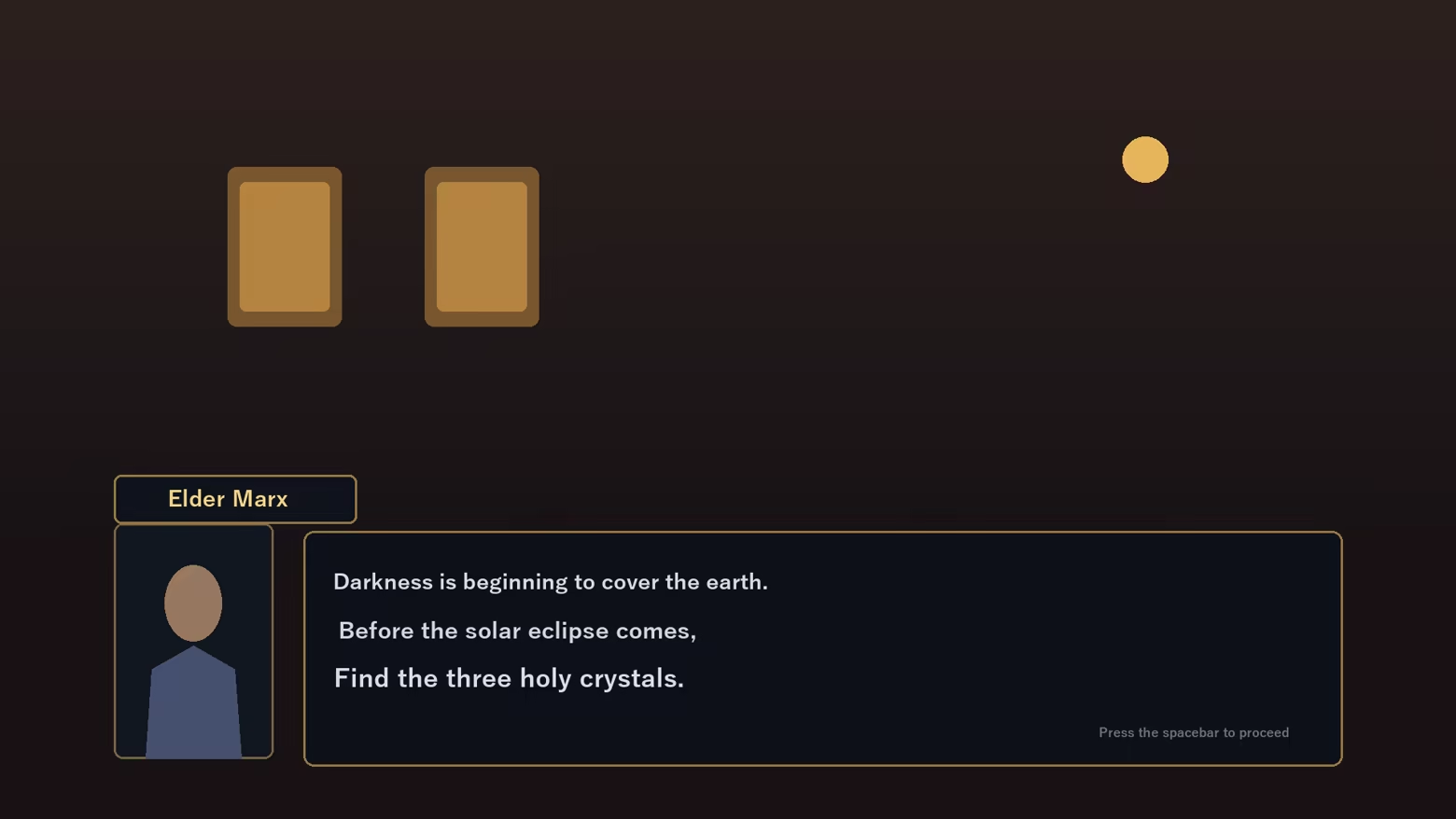
  • Reading story and dialogue — translate NPC lines on the spot
  • Translating just one area — drag to select a region; only that box is translated
  • Doujin, indie and older PC games — comfortable even without an official translation

Features

  • Full-screen translate (one hotkey) and region translate (movable box)
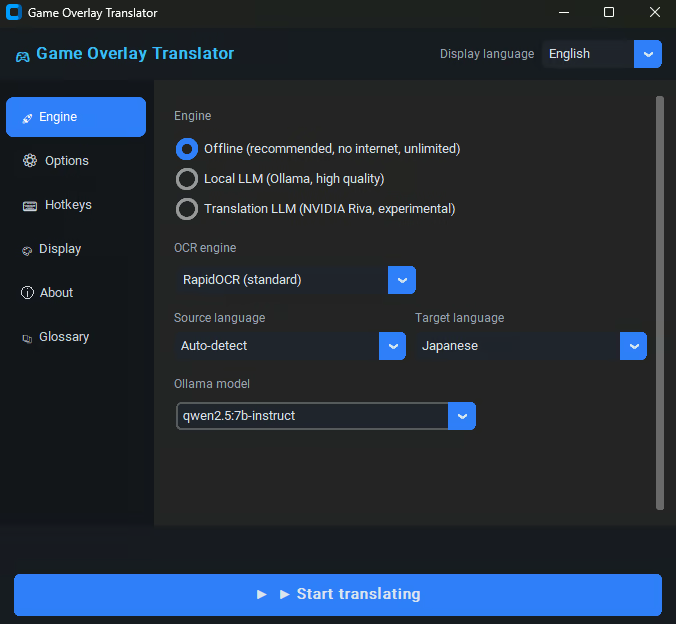
  • Fully offline (recommended) — no internet, unlimited, high-quality local model
  • Optional local LLM (Ollama) for more context-aware results
  • In-place overlay — original text blended out, translation drawn in the same spot
  • Glossary to fix game-specific terms to the wording you want
  • Display customization — font size, color, background opacity, selection-box color
  • Multilingual UI (JA / EN / KO / ZH)

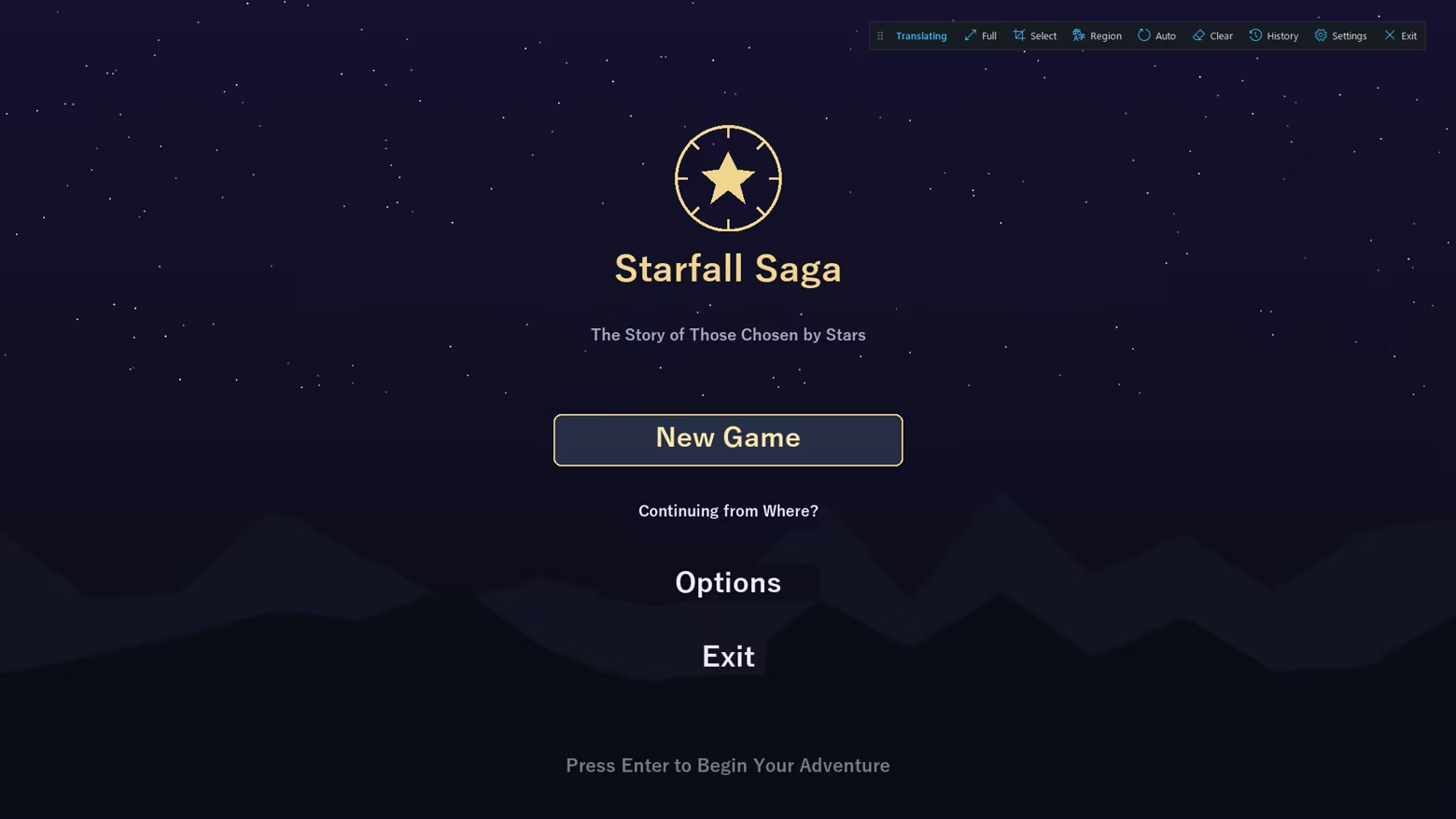
A floating control bar

While translating, a small on-screen bar gives one-click access to full-screen / region translate, auto mode, history and settings.

How it works

Screen capture, OCR, translation, then in-place overlay. Results are cached locally for instant re-display.


Important notes

  • As an on-screen overlay, games with anti-cheat (EasyAntiCheat / BattlEye / VAC, etc.) may warn, kick, or penalize your account. Use with online/competitive games at your own risk and check each game's ToS.
  • May not appear in exclusive-fullscreen games — use borderless/windowed mode.
  • Machine translation may not always be accurate.

Offenlegung von KI-generierten Inhalten

Der Spieleentwickler beschreibt den Einsatz von KI-generierten Inhalten in diesem Spiel wie folgt:

Game Overlay Translator uses AI at runtime to translate the on-screen text that the player chooses to capture from other games or apps. All processing runs locally on the player's own PC and works offline: on-screen text is recognized with an on-device OCR model (RapidOCR / ONNX Runtime) and translated with on-device neural machine translation models (FuguMT, Argos Translate) and, optionally, a locally-run LLM (Ollama / Qwen2.5, or NVIDIA Riva).

No captured text, images, screenshots, or any other user data are sent to external or cloud AI services. The app does not accept free-form prompts and does not generate original or creative content — the AI only outputs a translation of the specific text the player captures. The source text belongs to the third-party games or apps the player runs.

Guardrails: the tool translates only the text the player explicitly captures from their own screen; it cannot be prompted to produce anything else, and all inference is local/offline, so no content is generated on, or sent to, any external server.

Systemanforderungen

    Mindestanforderungen:
    • Betriebssystem: windows10 64bit
    • Prozessor: Intel Core i5 or Ryzen 5
    • Arbeitsspeicher: 8 GB RAM
    • Speicherplatz: 1500 MB verfügbarer Speicherplatz
    Empfohlen:
    • Betriebssystem: windows11 64bit
    • Prozessor: Intel Core i7 or Ryzen 7
    • Arbeitsspeicher: 16 GB RAM
    • Grafik: RTX3060
    • Netzwerk: Breitband-Internetverbindung
    • Speicherplatz: 10 GB verfügbarer Speicherplatz

Nutzerrezensionen für Game Overlay Translator Über Nutzerrezensionen Ihre Einstellungen

Alle Rezensionen:
1 Nutzerrezensionen (1 Rezensionen)


Zum Anzeigen von Rezensionen in einem bestimmten Zeitraum, markieren Sie diesen bitte in einem der obigen Graphen oder klicken Sie auf einen einzelnen Balken.


Filtern Sie Rezensionen nach der Spielzeit des Spielers zum Zeitpunkt der Rezension:


Kein Minimum bis Kein Maximum

Rezensionen in ausgewählter Reihenfolge anzeigen


Weitere Informationen
Filter
Rezensionen ohne Themenbezug ausschließen
Spielzeit:
Zumeist auf dem Steam Deck gespielt
Betriebssystem:
CPU:
GPU:
Gerätetyp:
Filter überprüfen