Turn your desktop into your own thing. Drop images, GIFs, and videos anywhere on screen, pin them to the apps you actually use, add cursor effects, and run audio reactive HTML overlays. Made for Windows, with full Steam Workshop support.

Sign in to add this item to your wishlist, follow it, or mark it as ignored

This game is not yet available on Steam

Planned Release Date: Aug 18, 2026

This application will unlock in approximately 4 weeks

Interested?
Add to your wishlist and get notified when it becomes available.
 

About This Software

DesktopOverlays

Your desktop is the screen you stare at all day, so why does it have to be boring? DesktopOverlays lets you put whatever you want on top of it. A looping GIF in the corner, a video that reacts to your music, a little buddy that sits on the edge of your game window. You place it, you size it, you forget the editor exists. It just lives there.

Put anything, anywhere

Drag images, GIFs, and videos straight onto your screen. Move them, scale them, rotate them, fade them, stack them however you like. Got more than one monitor? Each display gets its own set of overlays, so you can go wild on one and keep another clean.

No clunky editor window

Editing happens right on the overlay itself. Flip on edit mode, grab the thing, and drop it where it belongs. When you are done, it gets out of the way and lets you work or play.

Pin overlays to your apps

This is the fun part. Stick an overlay to a specific app window and it follows that window around as you move and resize it. It only shows up when the app is open, and you can set it to appear only when the app goes fullscreen. Perfect for a webcam frame on your game, a logo on your stream, or a reminder that only pops up when a certain program is running.

Cursor effects

Give your mouse some personality. Pick from a ribbon trail, sparkles, ripples, or floating bubbles, then tune the color, size, and amount. Want sparkles shaped like hearts or diamonds? Done. Want the whole thing cycling through a rainbow? Also done.

Clean backgrounds in one click

Got an image with an ugly background? Built in background removal cuts it out for you, with a model for regular photos and a separate one tuned for anime and illustrations. Drop in a character, remove the background, and it sits cleanly on your desktop.

Reacts to your sound and your music

Overlays can listen to whatever is playing on your PC and move with it. They can also read your "now playing" info, so an overlay can show the current track, artist, and album art straight from Spotify, your browser, or any media app.

Build it yourself, or grab one from the Workshop

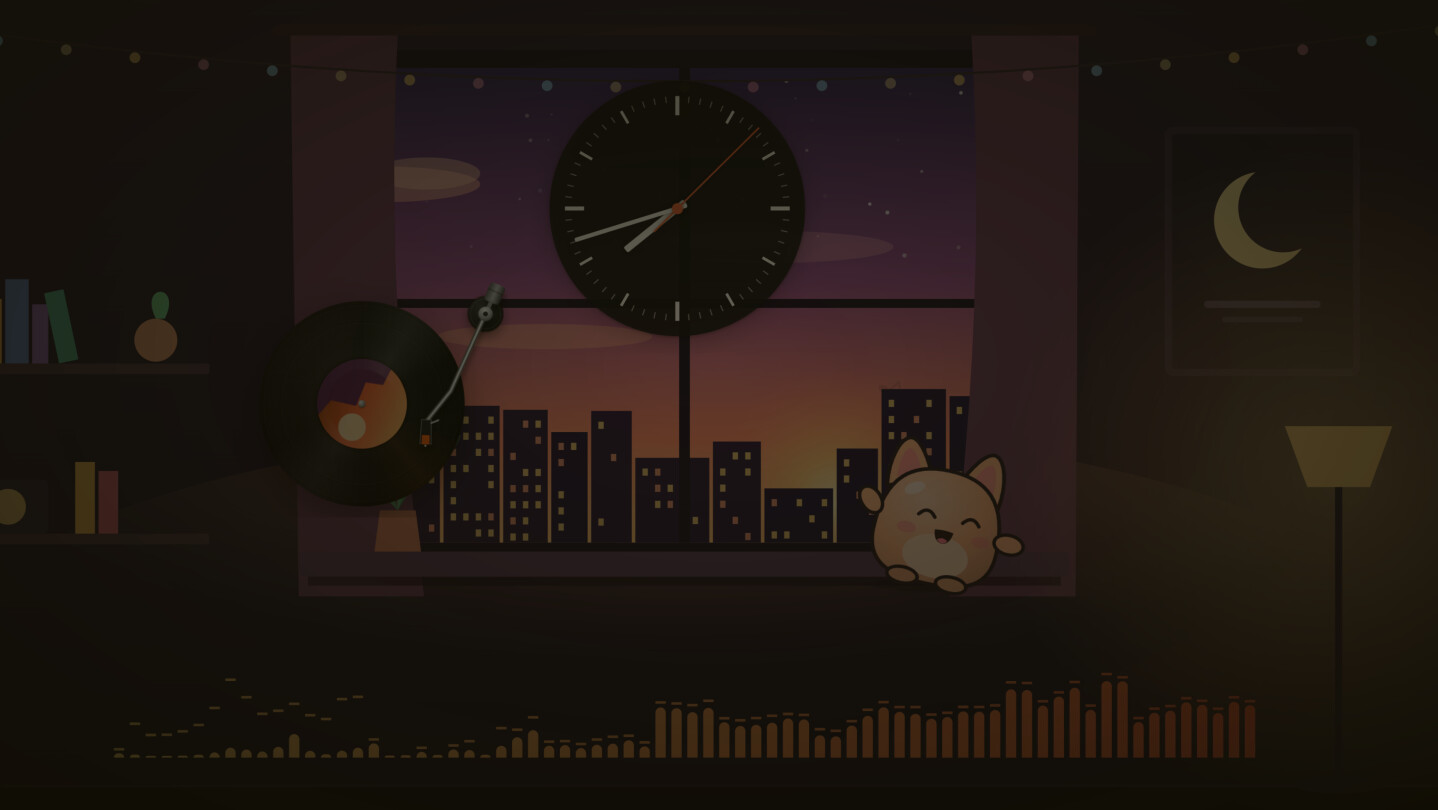
DesktopOverlays comes with a bundle format for HTML based overlays. Visualizers, animated wallpapers, clocks, widgets, anything you can build with web tech runs in a safe sandbox with its own settings panel. Browse the Steam Workshop to find creations from other people, subscribe with one click, and publish your own for everyone else. There is also a developer mode that hot reloads your bundle straight from a folder while you build.

Made for Windows

Multi monitor aware, light on resources, and tucked into your system tray. Set it to launch at startup and your desktop is ready the moment you log in.

AI Generated Content Disclosure

The developers describe how their game uses AI Generated Content like this:

We used generative AI tools in a few clearly defined parts of this project, and we want to be upfront about where.

During development, we used AI coding assistants to help write and review parts of the source code, the same way many modern studios use these tools. We also used generative AI to help create some of the store page and marketing assets, such as promotional images and parts of the written copy. Everything produced this way was checked, edited, and approved by us before it went live.

Inside the app itself, the background removal feature runs on machine learning models to cut backgrounds out of images that you choose to load. These models only process the images you give them, on your own machine, and nothing is generated or sent anywhere without your action.

The core gameplay experience, meaning the overlays you place, the cursor effects, the pinning behavior, and the audio reactive features, is built from regular code and does not generate content with AI at runtime. Any HTML overlays you get from the Steam Workshop are made and shared by other users, so their content is up to whoever created them.

We do not use AI to generate live content that changes on its own while you use the app, and we do not train models on your data.

System Requirements

    Minimum:
    • OS: Windows 10
    • Processor: Intel Pentium Gold G5400 / AMD Athlon 3000G or equivalent
    • Memory: 150 MB RAM
    • Storage: 2 GB available space
    Recommended:
    • OS: Windows 11
    • Processor: Intel Core i5-6400 / AMD Ryzen 3 1200 or equivalent
    • Memory: 350 MB RAM
    • Network: Broadband Internet connection
    • Storage: 4 GB available space
There are no reviews for this product

You can write your own review for this product to share your experience with the community. Use the area above the purchase buttons on this page to write your review.

Review Filters