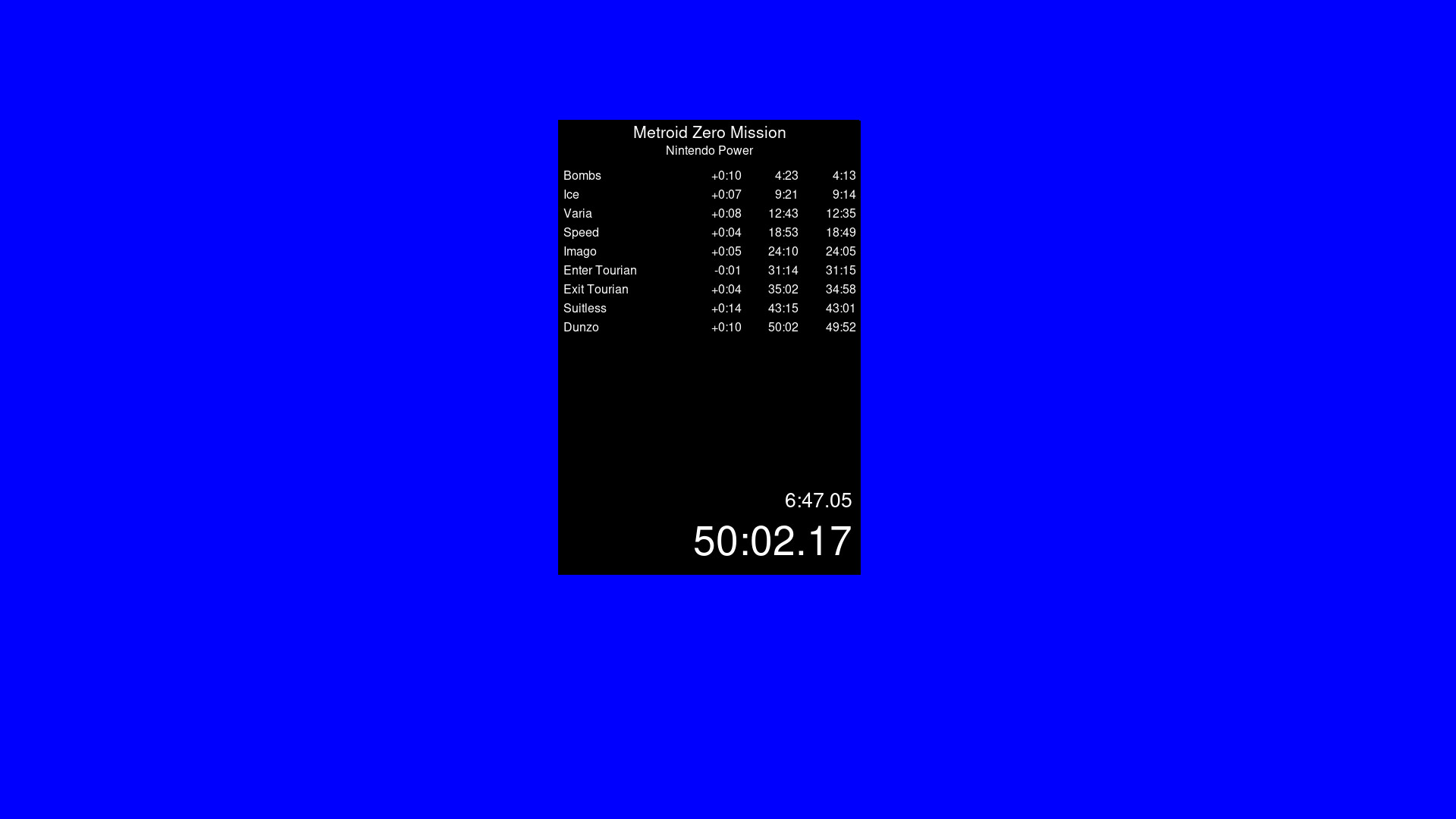
A timer app that is similar to Livesplit. Start the timer, choose your number of splits to be able to time whatever you wish. Default Controls (You can change these within the settings by right click) Start Timer - Space Reset - Down Arrow Skip Split - Right Arrow Undo Split - Left Arrow

เข้าสู่ระบบ เพื่อเพิ่มผลิตภัณฑ์นี้ลงในสิ่งที่อยากได้ของคุณ ติดตาม หรือทำเครื่องหมายเป็นถูกละเว้น

ไม่รองรับภาษาไทย

ผลิตภัณฑ์นี้ไม่รองรับภาษาท้องถิ่นของคุณ โปรดตรวจสอบรายชื่อภาษาที่รองรับก่อนทำการสั่งซื้อ

ใช้ VibeSplit

ฟรี
 

เกี่ยวกับซอฟต์แวร์นี้

0% Programming Knowledge. 100% Vibe Coding. What can go wrong?

Timer App. Livesplit alternative to run natively through Steam onto Windows and Linux. Timer is based on your systems time but feel free to verify its integrity. Separate builds for Windows and Linux. Linux is not being run through a translation app like Wine.

Default Controls are as follows (You can change these within the settings by right click)

Start Timer - Space

Reset - Down Arrow

Skip Split - Right Arrow

Undo Split - Left Arrow

All settings is saved to the json. Copy this json if you need multiple split files for different categories and different games.

ความต้องการระบบ

Windows
macOS
SteamOS + Linux
    ขั้นต่ำ:
    • ระบบปฏิบัติการ: Windows 10
    • โปรเซสเซอร์: Anything made in the last 10 years
    • หน่วยความจำ: แรม 100 MB
    • กราฟิกส์: Anything
    • พื้นที่จัดเก็บข้อมูล: พื้นที่ว่างที่พร้อมใช้งาน 100 MB
    ขั้นต่ำ:
    • จำเป็นต้องใช้โปรเซสเซอร์ Apple
    • ระบบปฏิบัติการ: Mac
    • โปรเซสเซอร์: Apple M1
    • หน่วยความจำ: แรม 100 MB
    • กราฟิกส์: Anything
    • พื้นที่จัดเก็บข้อมูล: พื้นที่ว่างที่พร้อมใช้งาน 100 MB
    ขั้นต่ำ:
    • ระบบปฏิบัติการ: Steam?
    • โปรเซสเซอร์: Anything in the last 10 years
    • หน่วยความจำ: แรม 100 MB
    • กราฟิกส์: Anything
    • พื้นที่จัดเก็บข้อมูล: พื้นที่ว่างที่พร้อมใช้งาน 100 MB
ตัวกรองบทวิจารณ์