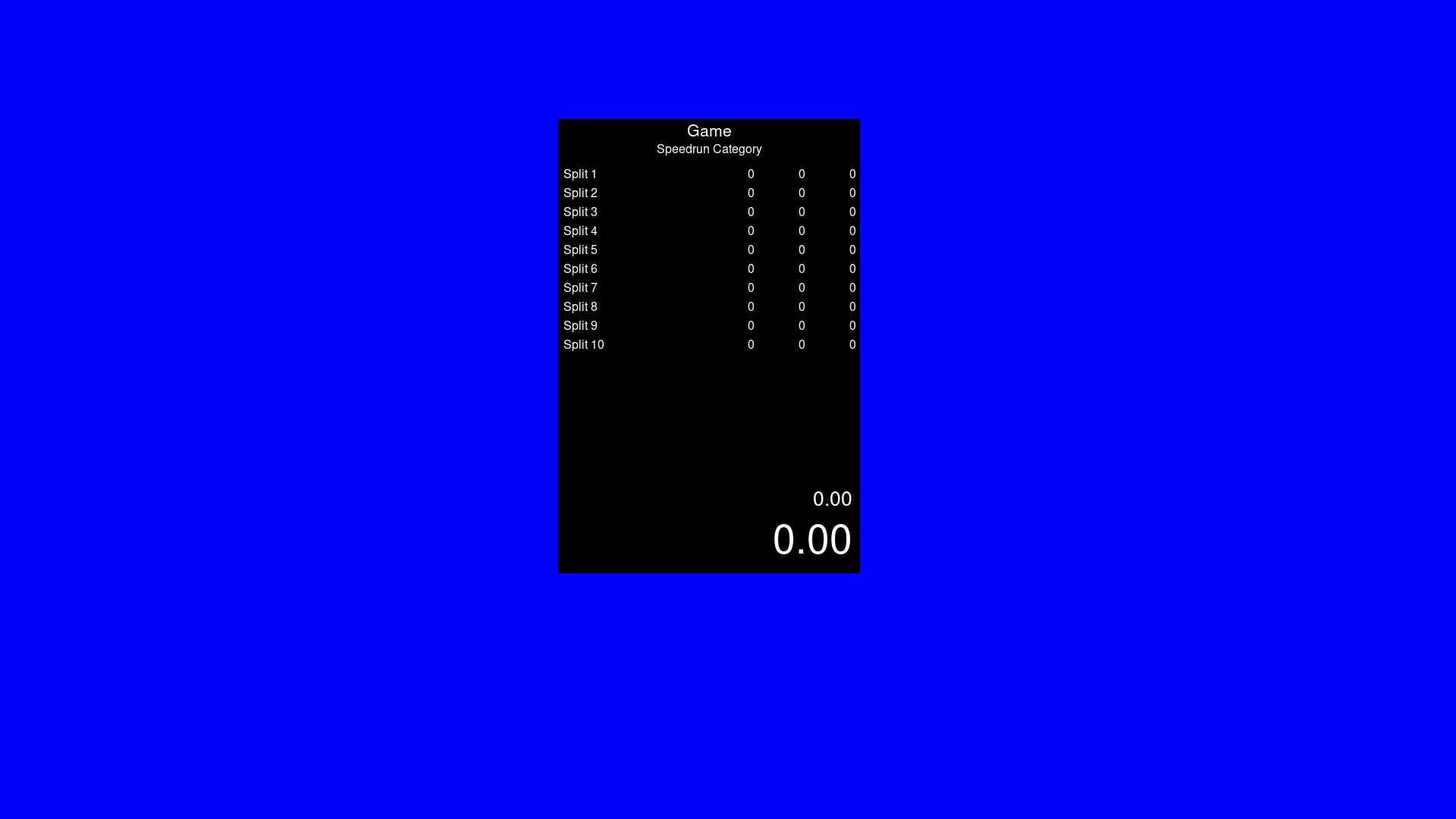
A timer app that is similar to Livesplit. Start the timer, choose your number of splits to be able to time whatever you wish. Default Controls (You can change these within the settings by right click) Start Timer - Space Reset - Down Arrow Skip Split - Right Arrow Undo Split - Left Arrow

로그인하셔서 게임을 찜 목록에 추가하거나, 팔로우하거나 또는 제외로 지정하세요.

한국어(을)를 지원하지 않습니다

이 제품은 귀하의 로컬 언어를 지원하지 않습니다. 구매하기 전에 아래에 있는 지원하는 언어 목록을 확인해주세요.

VibeSplit 사용

무료
 

소프트웨어 정보

0% Programming Knowledge. 100% Vibe Coding. What can go wrong?

Timer App. Livesplit alternative to run natively through Steam onto Windows and Linux. Timer is based on your systems time but feel free to verify its integrity. Separate builds for Windows and Linux. Linux is not being run through a translation app like Wine.

Default Controls are as follows (You can change these within the settings by right click)

Start Timer - Space

Reset - Down Arrow

Skip Split - Right Arrow

Undo Split - Left Arrow

All settings is saved to the json. Copy this json if you need multiple split files for different categories and different games.

시스템 요구 사항

Windows
SteamOS + Linux
    최소:
    • 운영 체제: Windows 10
    • 프로세서: Anything made in the last 10 years
    • 메모리: 1000 MB RAM
    • 그래픽: Anything
    • 저장 공간: 100 MB 사용 가능 공간
    최소:
    • 운영 체제: Steam?
    • 프로세서: Anything in the last 10 years
    • 메모리: 1000 MB RAM
    • 그래픽: Anything
    • 저장 공간: 100 MB 사용 가능 공간

VibeSplit에 대한 사용자 평가 사용자 평가 정보 환경 설정

종합 평가:
사용자 평가 1개 (평가 1개)


특정 날짜 범위에 속하는 평가를 보려면, 위의 그래프에서 선택 항목을 클릭한 후 드래그하거나 원하는 바를 클릭하세요.


평가를 작성한 시점의 사용자 플레이 시간을 기준으로 평가를 필터링:


최소 시간 없음 ~ 최대 시간 없음

선택한 표시 순서로 평가 보기


자세한 정보
필터
게임과 관련없는 평가 활동 제외
플레이 시간:
주로 Steam Deck에서 플레이
위에서 설정한 필터 조건에 맞는 평가가 없습니다
다른 평가를 보려면 위에서 필터를 조정해주세요
평가 불러오는 중...