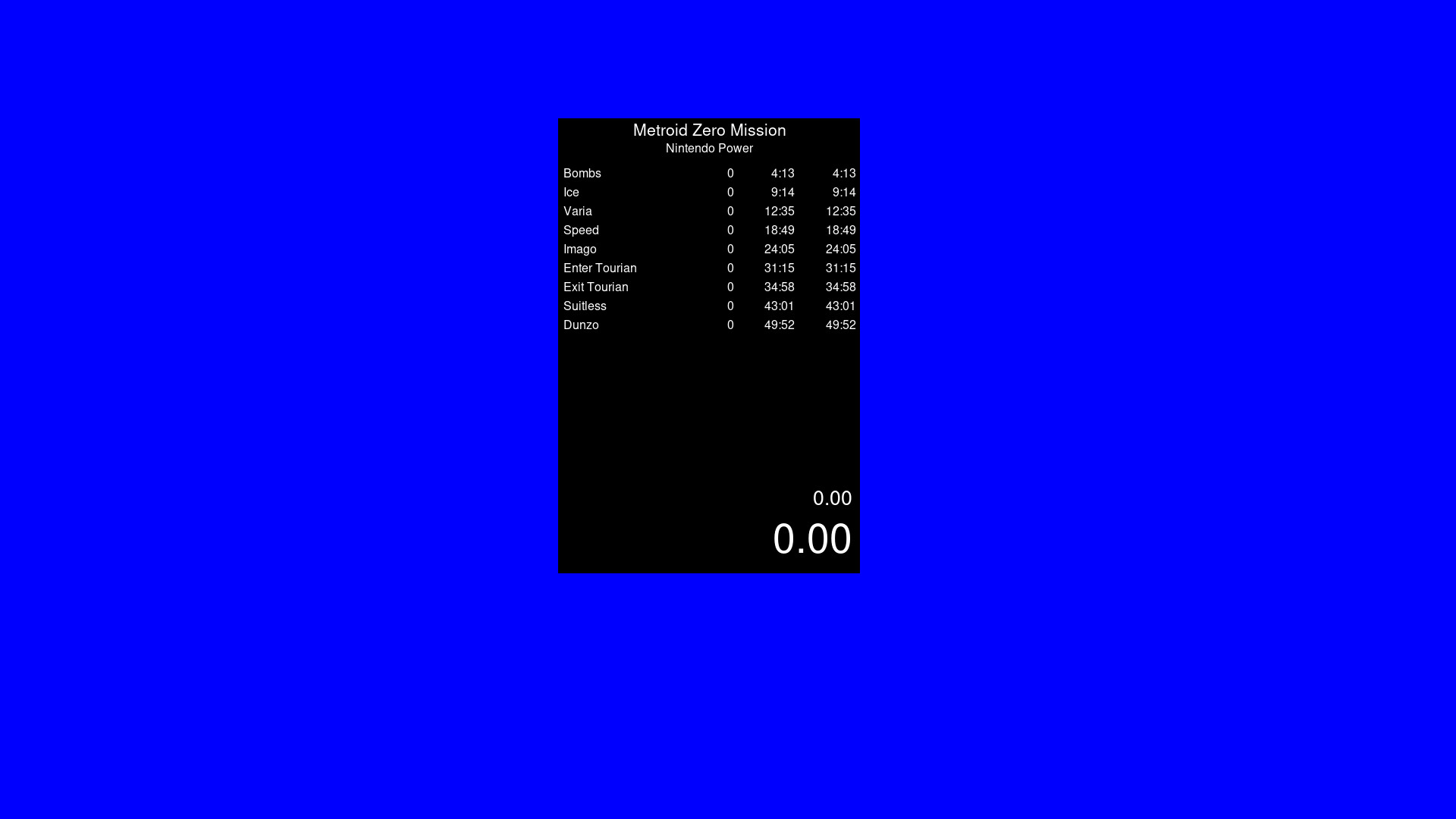
A timer app that is similar to Livesplit. Start the timer, choose your number of splits to be able to time whatever you wish. Default Controls (You can change these within the settings by right click) Start Timer - Space Reset - Down Arrow Skip Split - Right Arrow Undo Split - Left Arrow

想要将此项目添加至您的愿望单、关注它或标记为已忽略,请先登录

不支持简体中文

本产品尚未对您目前所在的地区语言提供支持。在购买请先行确认目前所支持的语言。

使用 VibeSplit

免费
 

关于此软件

0% Programming Knowledge. 100% Vibe Coding. What can go wrong?

Timer App. Livesplit alternative to run natively through Steam onto Windows and Linux. Timer is based on your systems time but feel free to verify its integrity. Separate builds for Windows and Linux. Linux is not being run through a translation app like Wine.

Default Controls are as follows (You can change these within the settings by right click)

Start Timer - Space

Reset - Down Arrow

Skip Split - Right Arrow

Undo Split - Left Arrow

All settings is saved to the json. Copy this json if you need multiple split files for different categories and different games.

系统需求

Windows
macOS
SteamOS + Linux
    最低配置:
    • 操作系统: Windows 10
    • 处理器: Anything made in the last 10 years
    • 内存: 100 MB RAM
    • 显卡: Anything
    • 存储空间: 需要 100 MB 可用空间
    最低配置:
    • 需要 Apple 处理器
    • 操作系统: Mac
    • 处理器: Apple M1
    • 内存: 100 MB RAM
    • 显卡: Anything
    • 存储空间: 需要 100 MB 可用空间
    最低配置:
    • 操作系统: Steam?
    • 处理器: Anything in the last 10 years
    • 内存: 100 MB RAM
    • 显卡: Anything
    • 存储空间: 需要 100 MB 可用空间
评测筛选条件