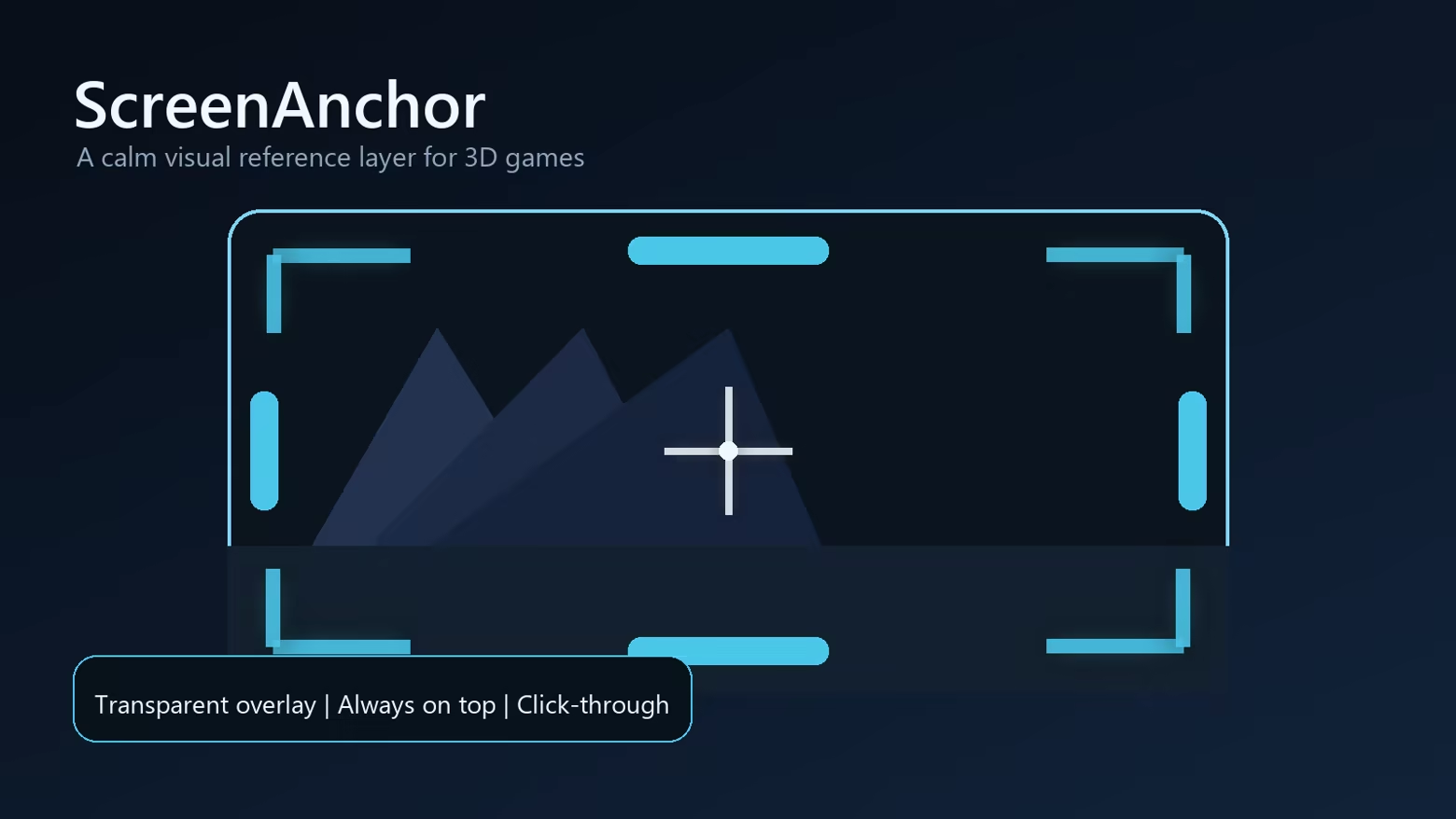
ScreenAnchor adds a transparent always-on-top visual reference layer for 3D games. Place soft color blocks, corner anchors, edge anchors, and a center crosshair to help create a steadier frame of reference.
Release Date:
Sep 3, 2026
Developer:
Publisher:
Tags

Sign in to add this item to your wishlist, follow it, or mark it as ignored

Buy ScreenAnchor

INTRODUCTORY OFFER! Offer ends September 10

-20%
$3.99
$3.19
 

About This Software

A calm visual anchor for 3D games


ScreenAnchor is a lightweight overlay tool designed for players who feel uncomfortable in some 3D games. It places a transparent reference layer above your game, similar to putting subtle tape markers around a monitor, helping your eyes keep a stable frame of reference.

What it does

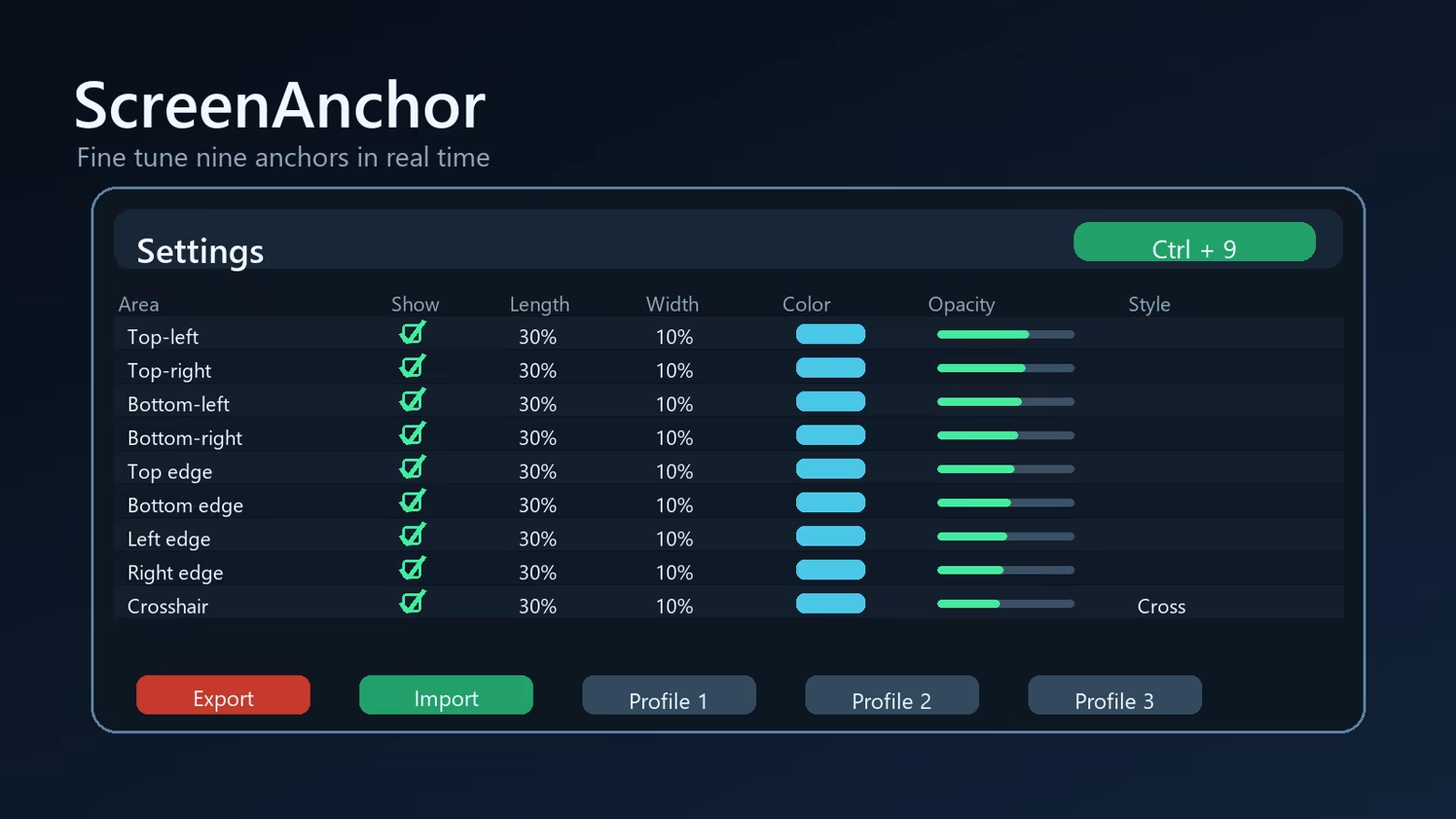
  • Shows up to 9 adjustable visual anchors: 4 corners, 4 screen edges, and 1 center crosshair.
  • Lets you change visibility, length, width, color, opacity, and crosshair style.
  • Applies changes in real time while the overlay is running.
  • Supports multiple displays and lets you choose which screen to cover.
  • Includes quick show/hide through the system tray or Ctrl+9.
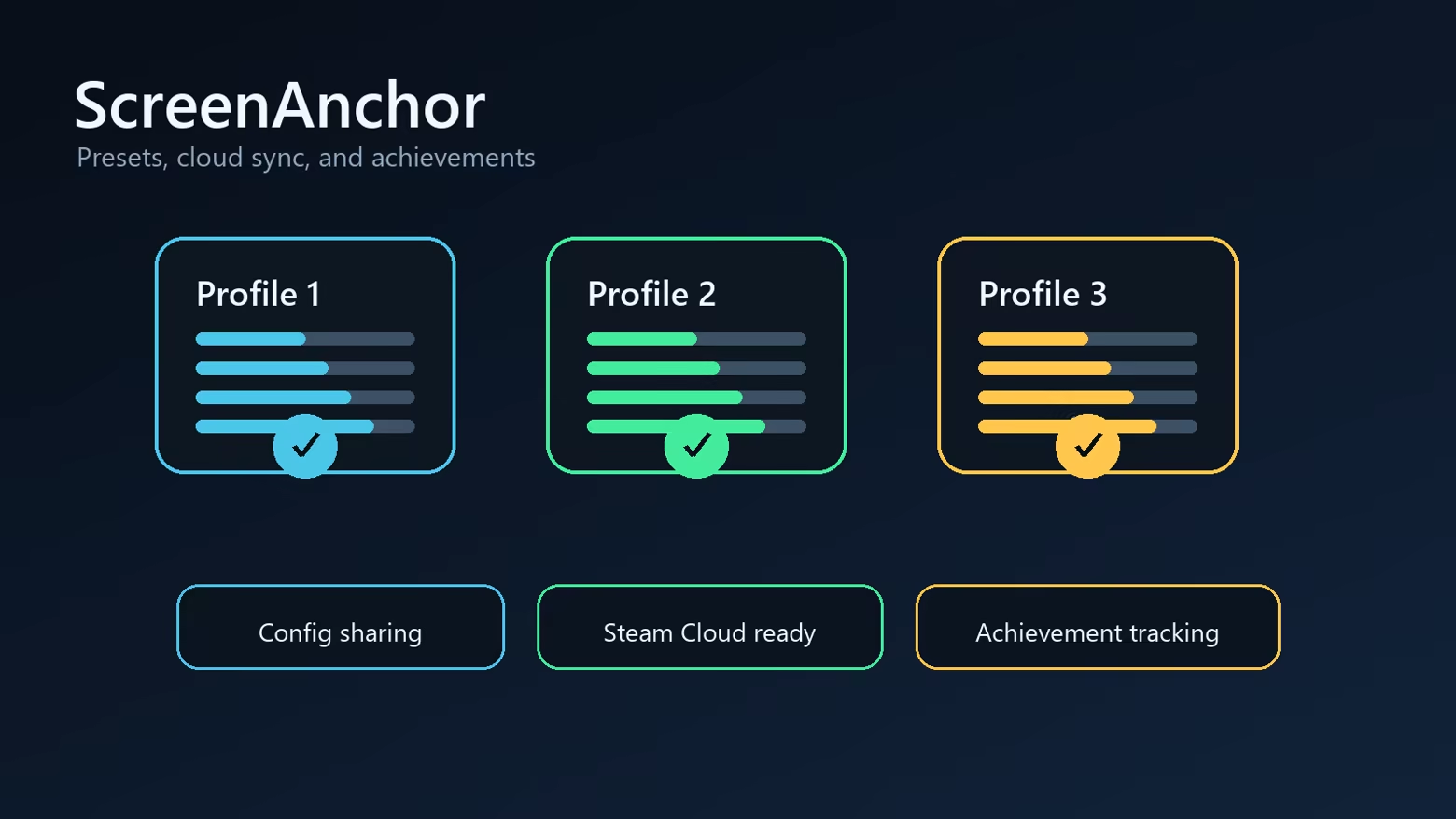
  • Supports profiles, import/export strings, Steam Cloud-ready settings, and achievements.


Important note

ScreenAnchor is not a medical product and does not diagnose, treat, or cure motion sickness. It is a comfort tool that may help some players by adding a stable visual reference. Results vary from person to person.

Fullscreen compatibility

ScreenAnchor is designed for borderless fullscreen and windowed games. Some exclusive fullscreen DirectX/Vulkan titles may block normal desktop overlays; for best results, use borderless fullscreen when available.

System Requirements

    Minimum:
    • Requires a 64-bit processor and operating system
    • OS: Windows 10 64-bit
    • Processor: Any modern dual-core CPU
    • Memory: 256 MB RAM
    • Graphics: Desktop composition support
    • Storage: 50 MB available space
    Recommended:
    • Requires a 64-bit processor and operating system
    • OS: Windows 11 64-bit
    • Memory: 512 MB RAM
    • Storage: 50 MB available space
Review Filters