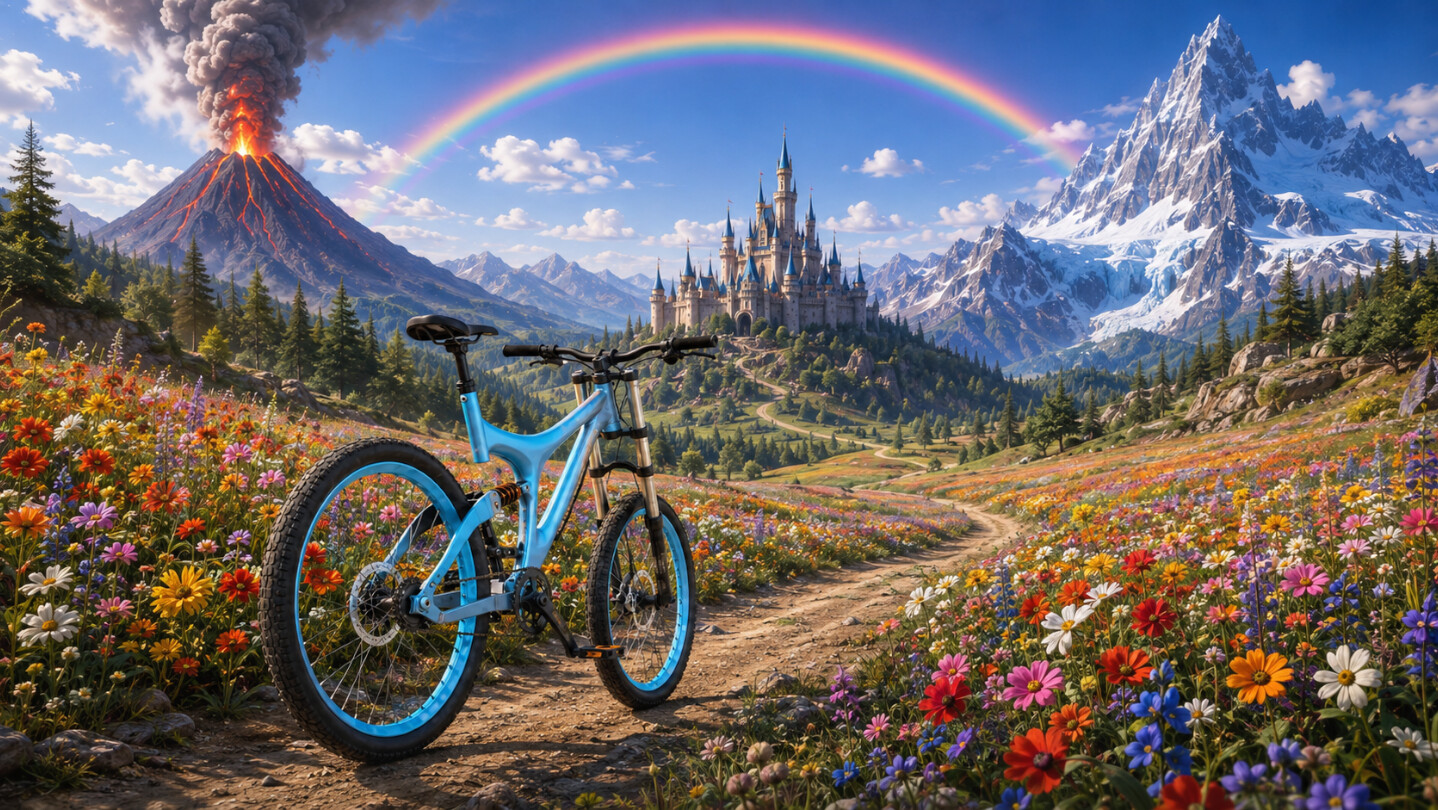
Online multiplayer now available!!! This game is a love letter to riders all around the world. We have put it up at no cost, so that everyone has a chance to enjoy it. Get ready to go on epic bike rides with all of your friends.

Sign in to add this item to your wishlist, follow it, or mark it as ignored

Bike of the Wild requires a controller to play!

Play Bike of the Wild

Free To Play
Bike of the Wild editions
 

About This Game

Online multiplayer now available.

This game is a love letter to riders all around the world. We have put it up at no cost, so that everyone has a chance to enjoy it. Get ready to go on epic bike rides with all of your friends.

Take on seventeen different mountain trails that will push your patience to the absolute limit. All the different physics in the bicycle are extremely precise, this makes the learning curve for the game rather large. If you are having trouble with the controls at first, do not be upset. We suggest taking on "The Cold" trail for those wanting to give up. Once you make it to the top, you will understand the beauty of this game, and the feel of the bike.

Collect different colors for each trail you complete. These colors can be swapped on the fly as you play. Up on the D-pad changes the frame, down on the D-Pad changes the rims. 361 different combinations in total. Conquer the trails and go show your colors off online.

Collect over 200 gears across the map. Each gear you collect permanently increases the bicycle's speed.

This game also features the most dynamic camera system in video game history. Go through the tutorial, and learn all the different ways you can control the camera live, using only a controller. We are excited to see what players are going to create with the level of camera freedom we have designed. You can even bring up other online player's camera in a window on your screen.

Whether you are looking for an easy ride through the country side, or a psychotic ascent into madness...

Bike of the Wild is an adventure for bike lovers everywhere.

Motion control disclaimer.

To use motion control with PlayStation controller, enable Steam Input. Then go to the community layouts and download "PlayStation Motion Control Final," apply the layout. You may need to disconnect/reconnect controller. You may need to restart game/steam/computer. When the light on the PlayStation controller changes, it is good to go. Hold Square to toggle motion turning, press triangle to recalibrate.

System Requirements

    Minimum:
    • OS: Windows 10 (64bit)
    • Processor: Intel Core i3-2100 / AMD FX-6300
    • Memory: 4 GB RAM
    • Graphics: NVIDIA GeForce GTX 750 Ti / AMD Radeon HD 7870
    • DirectX: Version 11
    • Storage: 1200 MB available space
    • Additional Notes: These specifications are subject to change
    Recommended:
    • OS: Windows 10
    • Processor: Intel Core i5-2500 / AMD FX-8350
    • Graphics: NVIDIA GeForce GTX 970 / AMD Radeon R9 290
    • DirectX: Version 11
    • Storage: 1200 MB available space
    • Additional Notes: These specifications are subject to change.
Review Filters