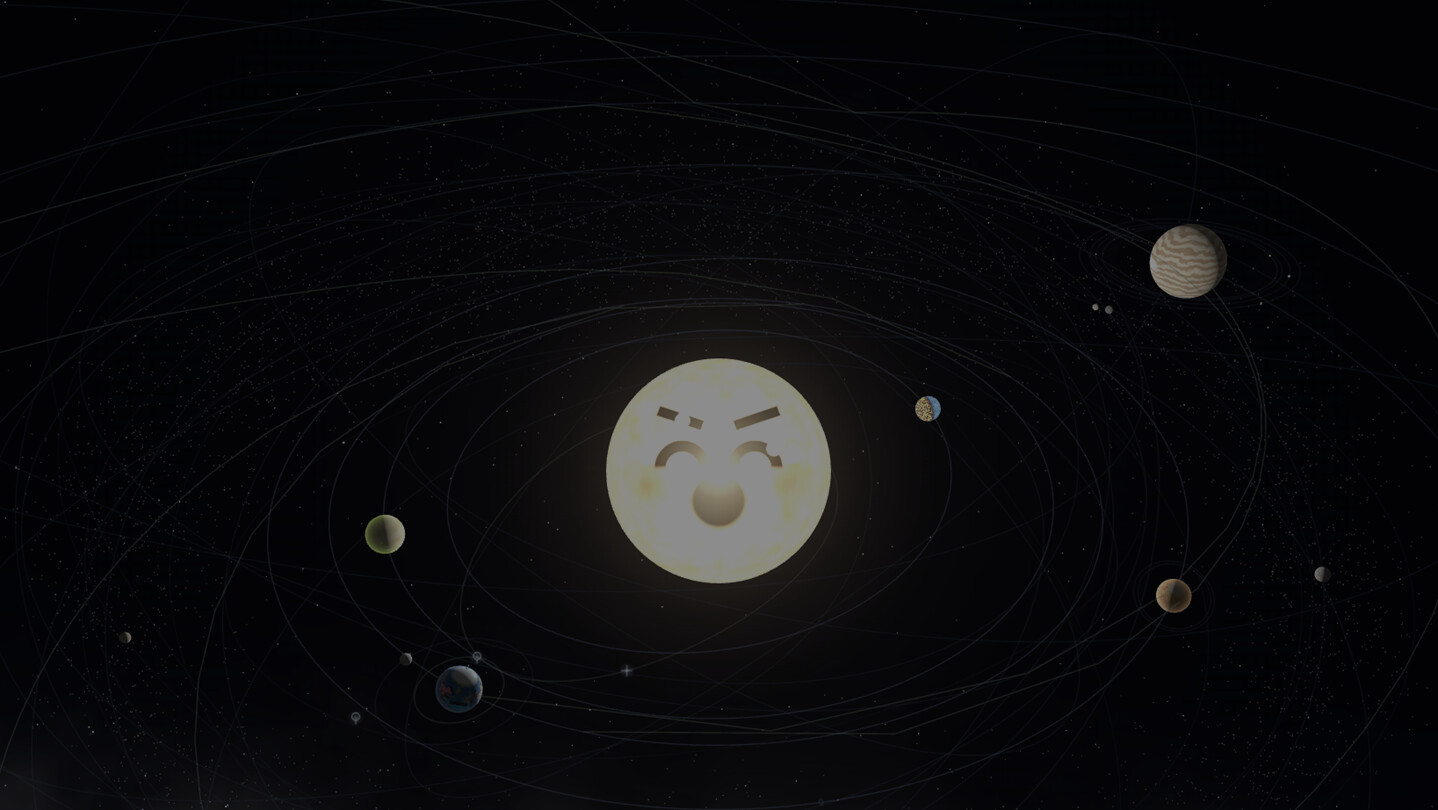
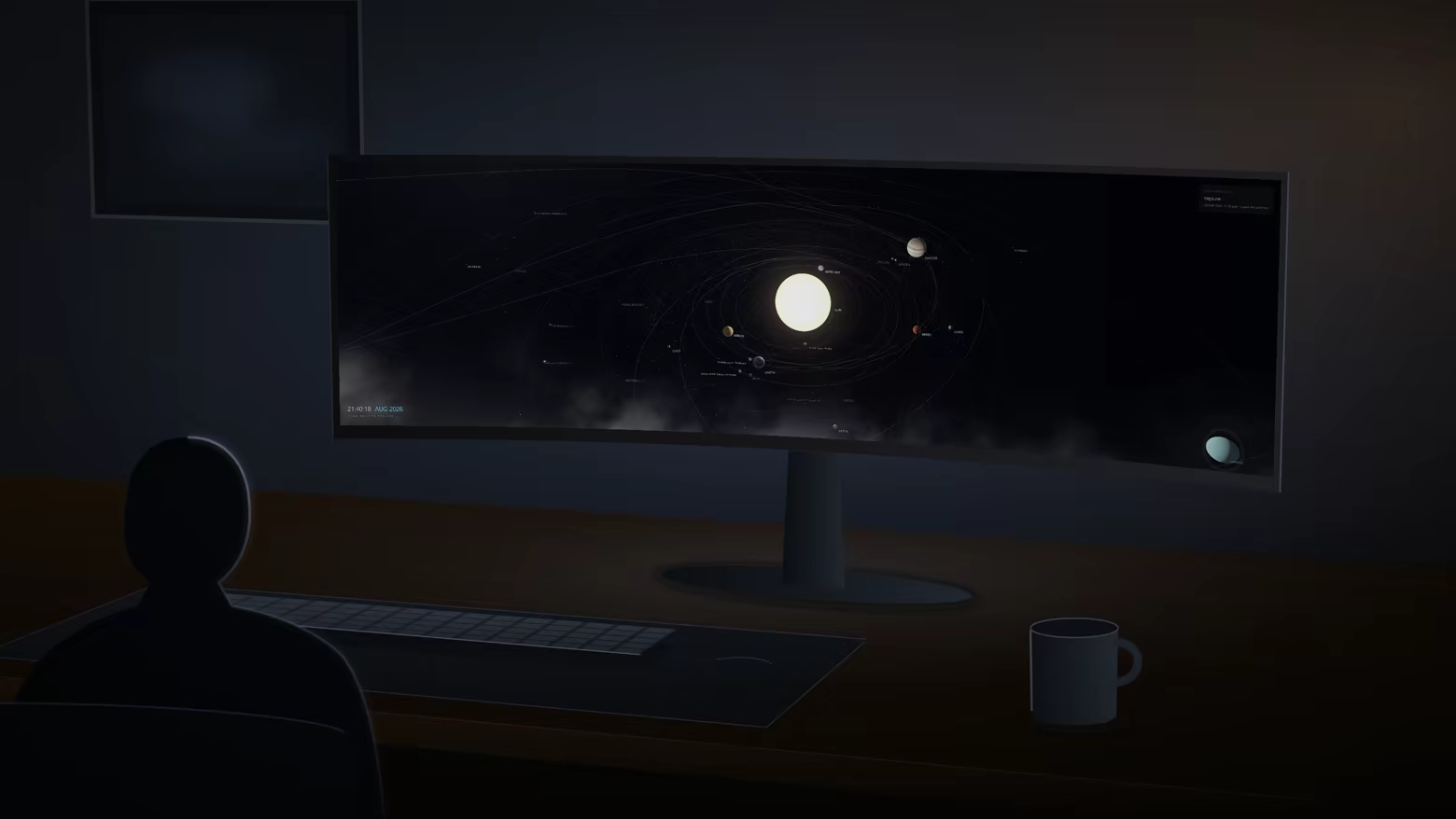
The real solar system as your desktop background. Every planet is where it actually is right now, on its real orbit, turning on its real axis - computed on your machine from JPL and Hipparcos data. Nine worlds wear NASA surface maps. Your desktop icons stay on top, and stay clickable.

Sign in to add this item to your wishlist, follow it, or mark it as ignored

This game is not yet available on Steam

Coming soon

Interested?
Add to your wishlist and get notified when it becomes available.
 

About This Software

Not a video. A calculation.

Most animated wallpapers loop a rendered clip. This one solves the ephemeris every frame. Open it right now and Jupiter is at the longitude Jupiter is at, Mars shows the face Mars is showing, and the Moon is in tonight's phase. Leave it running for a year and it will still be right, because nothing was recorded.

The bodies

  • The Sun, eight planets and Pluto on JPL orbits, spinning on their real IAU axes - Venus backwards over 243 days, Uranus lying on its side
  • 21 moons, from our own to Charon, each on elements re-derived from JPL Horizons
  • 14 comets, with ion and dust tails that only appear inside 3 au, because that is when a real comet grows one
  • The asteroid belt, with the Kirkwood gaps and both Trojan clouds where the data puts them - not arranged by hand
  • 8 spacecraft on their real trajectories: Voyager 1 and 2, Pioneer 10 and 11, New Horizons, the Parker Solar Probe, Hubble and the James Webb Space Telescope

The sky behind them

  • 8,789 Hipparcos stars in their true places, coloured by their real B-V index - orange Betelgeuse beside blue-white Rigel
  • 76 galaxies, nebulae and clusters at their true angular size, every row checked against SIMBAD
  • A Milky Way generated along the real galactic plane
Lock the camera onto any of them - the Andromeda Galaxy, the Orion Nebula, the Pleiades - and the view narrows until it fills the screen.

Surfaces from spacecraft, not from noise

Mercury, Venus, Earth, the Moon, Mars and the four giants wear re-projected NASA and USGS imagery, so the Great Red Spot, Valles Marineris and your own continents are where they really are. Saturn's rings follow a measured radial profile, which is why the Cassini division sits at 1.95 planet radii instead of at a guess. At noon UTC the Sun really is over Greenwich, and the test suite checks it.

Yours to point

  • Click any planet on the desktop and the camera flies to it
  • Or let the guided tour choose, in a different order every time, holding each stop as long as you like
  • A panel names what you are looking at and how far away it is - and it does the same for whatever you picked yourself, not only for tour stops
  • Real time, or up to a month per second, or frozen at a date you choose
  • One scene per monitor, or one scene spanning all of them

It stays out of the way

  • Your desktop icons stay on top, and stay clickable
  • It pauses for fullscreen apps and games, when a window covers the desktop, when the session locks, and optionally on battery
  • Frame cap and render quality are yours to set

Nothing leaves your machine

No telemetry, no account, no network at run time. Every position is computed locally from catalogue data installed with the program. Settings and logs live under %APPDATA%, never inside the install folder.

How accurate, exactly

The test suite scores every body against JPL Horizons vectors at epochs the fitting never saw. Worst case for a planet over 1900-2049 is Saturn at about 9 arcminutes - the accuracy limit of the JPL fit itself. Moons are harder: a single Kepler orbit frozen at J2000 puts Mimas 42% of its orbit radius out of place by 2026, so the elements are re-derived once a year and interpolated, which brings Mimas to 6% and every other moon under 2.5%.

Distances and body radii are compressed - at true scale the inner planets would be invisible next to Neptune. Directions are not: conjunctions, orbital planes and inclinations are truthful.

AI Generated Content Disclosure

The developers describe how their game uses AI Generated Content like this:

An AI coding assistant was used while developing Orrery to write and review source code, and to draft the text of this store page. No artwork, audio, or in-app content is AI-generated: the planetary surface maps are re-projected NASA and USGS imagery from Solar System Scope, every position is computed from published JPL and Hipparcos data, and the store images are captured from the running program by a script. Nothing is generated by AI while the program runs.

System Requirements

    Minimum:
    • OS: Windows 10 64-bit or Windows 11
    • Processor: any 64-bit x64 processor
    • Memory: 4 GB RAM
    • Graphics: any GPU with WebGL 2 - integrated Intel Iris Xe runs the full scene at 1920x1200 and 30 fps
    • Storage: 250 MB available space
    • Additional Notes: Needs the Microsoft Edge WebView2 Runtime, which is already present on an up-to-date Windows 10 or 11. If it is missing, Orrery says so on startup and offers to open Microsoft's download page.
    Recommended:
    • OS: Windows 11
    • Memory: 8 GB RAM
    • Graphics: any discrete GPU, for a 4K or multi-monitor desktop at 60 fps
    • Storage: 250 MB available space
Review Filters