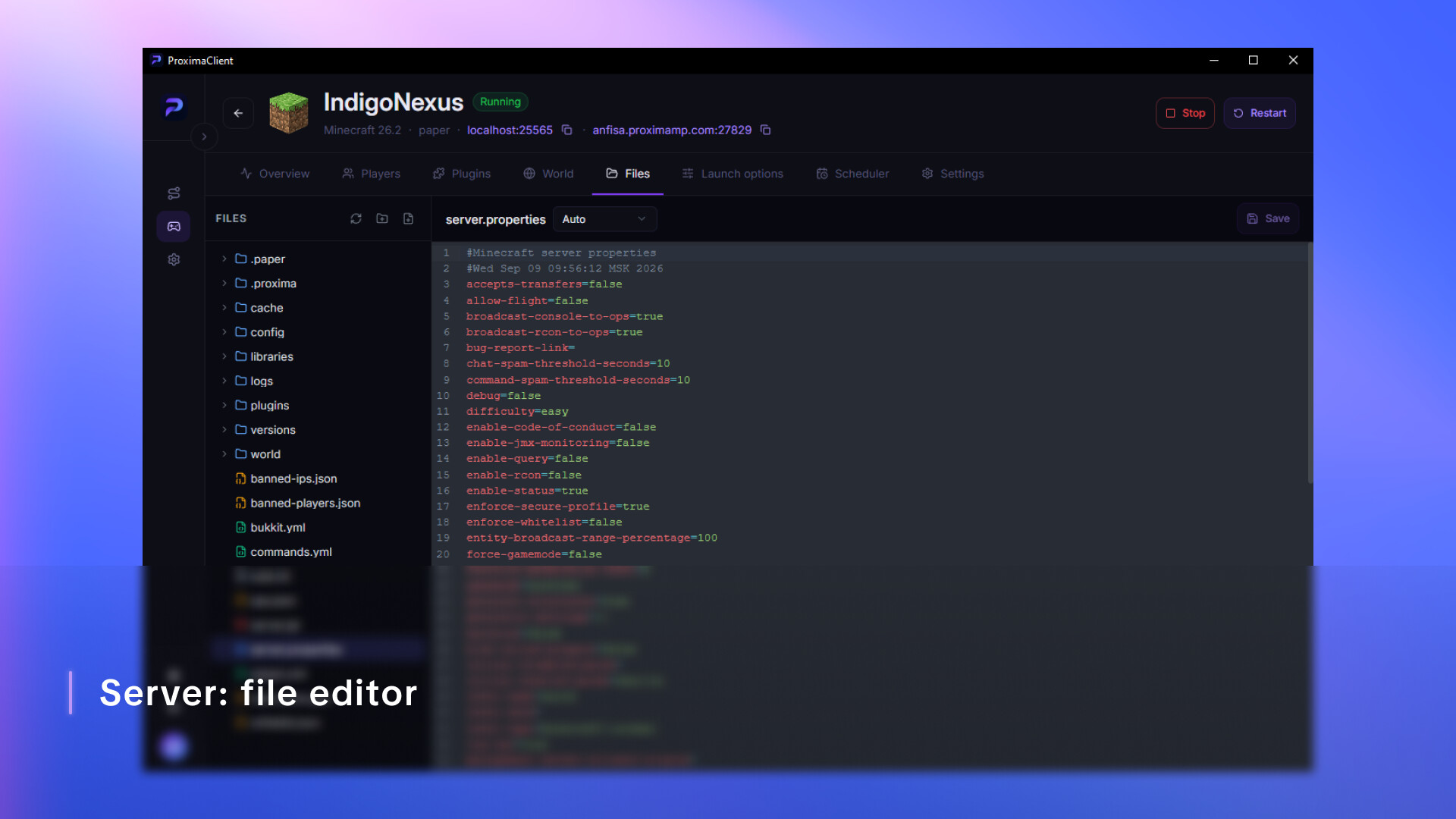
Run a game server on your own PC without touching a single config file. Friends connect through a public address — no public IP, no port forwarding. The same tunnel will expose any local port, not just a game one.

Daftar masuk untuk menambah item ini ke senarai hajat anda, ikuti atau tandakannya sebagai diabaikan

Bahasa Bahasa Melayu tidak disokong

Produk ini tidak menyokong bahasa tempatan anda. Sila semak senarai bahasa yang disokong di bawah sebelum membuat pembelian

Permainan ini belum tersedia di Steam lagi

Akan datang

Berminat?
Tambah ke senarai hajat anda dan terima pemberitahuan apabila permainan sudah tersedia.
 

Tentang Perisian Ini

A server in five minutes, no config files

Pick a game and a version — ProximaClient handles the rest: downloads the server build, pulls whatever it needs to run, lays out the files and sets sane startup parameters. After that you change settings through a form — checkboxes and fields instead of editing text files in Notepad.

Already have a server you set up by hand? It connects as is — the folder stays where it is, nothing gets moved.

So your friends can actually join

The most common reason a home server never gets off the ground is that nobody can connect to it. Your ISP handed you a shared IP, the router isn't yours, and there's nowhere to set up port forwarding.

ProximaClient gives the server a public address and keeps it alive for you. You send your friends one line, they paste it into the game and they're in. No router setup, no third-party VPN.

Not just for games

The tunnel doesn't care what's behind the port. If you write code, it covers the same jobs you'd normally spin up a separate service for:

  • Show a client the site running on your localhost without deploying it anywhere
  • Receive a webhook from a payment provider or a repository straight on your work machine
  • Give a colleague access to your dev box for a couple of hours
  • Test a layout or an app on a real phone instead of an emulator

TCP, UDP and HTTPS. For HTTPS the certificate is issued and renewed on the service side — the address opens in a browser with no warnings, and webhooks that require a valid certificate work right away.

Once the server is up

  • Console with error highlighting and log search — you can see what crashed and why
  • File manager with an editor and syntax highlighting
  • Scheduler — nightly backups and restarts on a timetable
  • Auto-restart if the server goes down on its own

Pendedahan Kandungan Dihasilkan AI

Pembangun menerangkan cara permainan mereka menggunakan Kandungan Dihasilkan AI seperti berikut:

This app includes an optional AI assistant that helps interpret game server console output and error logs. When you send it a log fragment or a question, the text goes to our backend, which forwards it to Anthropic's Claude API and returns a generated explanation with suggested fixes.

The assistant runs only when you invoke it — nothing is sent automatically, and the feature is off by default. Responses are generated by a language model and may be inaccurate, so verify any suggestion before applying it to a live server. No other content in this app is AI-generated.

Keperluan Sistem

    Minimum:
    • OS: Windows 10 64-bit (version 1809 or newer)
    • Pemproses: Quad-core x64 CPU — Intel Core i3-8100 / AMD Ryzen 3 1200 or newer
    • Memori: 4096 MB RAM
    • Grafik: Integrated graphics with DirectX 11 support
    • Rangkaian: Sambungan Internet jalur lebar
    • Storan: 5000 MB ruang tersedia
Penapis Ulasan