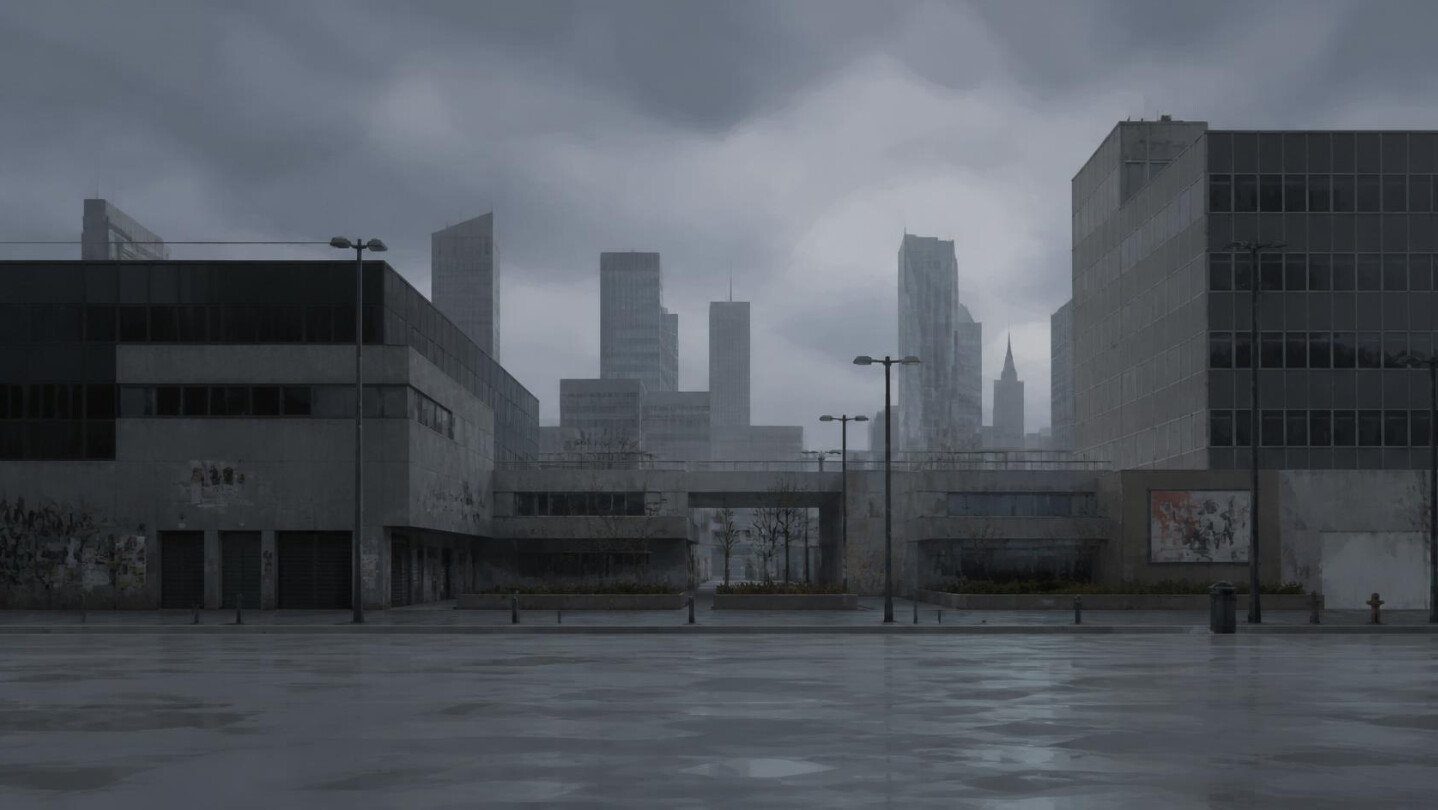
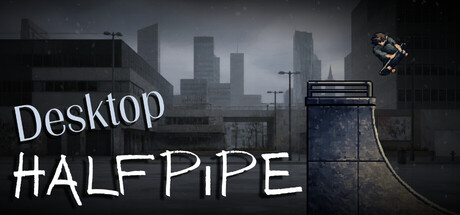
A skateable halfpipe that lives on your desktop. Ride, land tricks, choose your rider, and customize your own evolving skate scene from the system tray.

Sign in to add this item to your wishlist, follow it, or mark it as ignored

Coming Soon To Early Access

The developers of this game intend to release as a work in progress, developing with the feedback of players.

Note: Games in Early Access are not complete and may or may not change further. If you are not excited to play this game in its current state, then you should wait to see if the game progresses further in development. Learn more

What the developers have to say:

Why Early Access?

“Desktop Halfpipe already works as a full desktop companion, but Early Access lets us keep shaping it with real player feedback (polish, quality-of-life, and new customization) before calling it “1.0.” We’d rather ship a solid overlay now and improve it with the community than wait forever in private.”

Approximately how long will this game be in Early Access?

“We plan for roughly 3–9 months of Early Access, depending on feedback and how much we expand after launch. We’ll leave Early Access when the companion feels stable, well-documented, and feature-complete for a 1.0 release.”

How is the full version planned to differ from the Early Access version?

“We plan to grow Desktop Halfpipe based on what players actually use. Directions we’re interested in include:

More riders, tricks, and scene options (weather, environments, visual tweaks)
Quality-of-life (hotkeys, tray options, performance, multi-monitor edge cases)
Optional sound effects and/or music with mute controls
Deeper scoring / challenges without turning it into a full skate “career” game
Better Steam integration over time (for example Cloud saves), if it clearly helps players

The core idea stays the same: a silent-friendly interactive halfpipe on your desktop, not a big traditional skate game.”

What is the current state of the Early Access version?

“The Early Access build is a playable Windows desktop companion today. You can ride, land air and ground tricks, chase high scores and streaks, customize rider/weather/trees/pipe options from the tray, use Idle mode, and follow a short first-run tutorial. It’s already suitable for daily desktop use; Early Access is about refinement and expansion, not finishing a blank slate.”

Will the game be priced differently during and after Early Access?

“We’re not planning to raise the price just for leaving Early Access. If we add a large amount of new content later, we may reconsider pricing for new buyers, but our current plan is to keep pricing simple and fair for Early Access supporters.”

How are you planning on involving the Community in your development process?

“We’ll watch Steam discussions, wishlists/reviews, and our community spaces (including Reddit) for bug reports, feature requests, and setup clips. We plan to prioritize fixes and features players actually ask for, share update notes when we ship changes, and keep the feedback loop open throughout Early Access.”
Read more
This game is not yet available on Steam

Coming soon

Interested?
Add to your wishlist and get notified when it becomes available.
 
See all discussions

Report bugs and leave feedback for this game on the discussion boards

About This Game

Desktop Halfpipe turns the bottom of your screen into an active, low-key action sports playground. 

Whether you’re working, gaming, browsing, or hanging out, your rider is always ready for a run. Jump in for a quick session, land tricks, build combos, chase high scores, or simply let the halfpipe bring a little extra life to your desktop.

Note: Desktop Halfpipe is a casual desktop companion and toy, not a traditional sports game. There are no story modes, career ladders, or paywalls.

Choose Your Ride

Hit the ramp with six distinct riding styles:

  • Board & Skates: Skateboard, Inline Skates

  • Wheels: BMX Bike, Scooter

  • Snow: Snowboard, Skis

Satisfying Arcade Gameplay

  • Easy to Learn, Rewarding to Master: Carve the halfpipe using A / D or ← → keys.

  • Pull Off Big Combos: Launch into the air and hit keys to execute aerial trick combinations.

  • Ground Tricks: Mix in ground maneuvers like Ollies (O) and Kickflips (K) to keep your streak alive.

  • Chase Personal Bests: Compete against yourself or unlock Steam Achievements for tricks and streaks.

Four Seasons, Two Environments

Your desktop spot evolves alongside the weather:

  • Skate & Snow Parks: Seamlessly switch between summer skate ramps and snowy winter halfpipes.

  • Dynamic Weather: Experience seasonal atmospheric effects including gentle rainfall, snowfall, and drifting fireflies.

Tailored to Your Desktop

Customize your spot in seconds straight from the system tray menu:

  • To Your Liking: Adjust window opacity, pipe size, and riding speed to match your desktop wallpaper.

  • Idle Mode: Set your rider to skate automatically in the background while you focus on other tasks.

  • Silent & Lightweight: Built with zero background audio or CPU bloat, making it perfect for everyday multitasking.

  • Quick Hide Hotkey: Instantly hide or show the halfpipe anytime using Ctrl + Shift + 0.

  • Private & Local: All high scores and settings stay saved locally on your PC.

Need Help or Support?

Running into an issue or bug? Drop by the Steam Discussions tab. To help us resolve issues quickly, open Tray Menu → Open Logs Folder and attach your log files when submitting a report.

Grab your board. Hit the ramp. Turn your desktop into your personal skate spot.

AI Generated Content Disclosure

The developers describe how their game uses AI Generated Content like this:

Generative AI was used as a creative tool to assist with parts of the artwork, code, and written content. All design choices, creative direction, edits, and final decisions were made by the human developer, with all AI-assisted work reviewed and refined before release.

System Requirements

    Minimum:
    • OS: Windows 10 (64-bit)
    • Processor: Dual-core CPU, 2.0 GHz or better
    • Memory: 4 GB RAM
    • Graphics: Integrated graphics with support for modern browsers / DirectX 11
    • DirectX: Version 11
    • Storage: 500 MB available space
    • Sound Card: Not required (the app is silent)
    • Additional Notes: Desktop companion / overlay. A tray icon is used for settings. Multi-monitor supported.
    Recommended:
    • OS: Windows 10 / 11 (64-bit)
    • Processor: Quad-core CPU, 2.5 GHz or better
    • Memory: 8 GB RAM
    • Graphics: Any dedicated or recent integrated GPU
    • DirectX: Version 11
    • Storage: 500 MB available space
    • Sound Card: Not required
    • Additional Notes: Same as minimum. Better CPU/RAM helps if you use weather, trees, and all monitors.
Review Filters