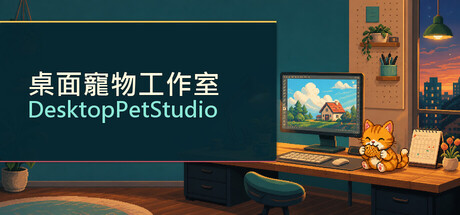
Desktop Pet Studio is a Windows desktop pet creator. Upload PNG frames or GIFs, set animations and speech bubbles, then add alarms, calendars, tasks, and Do Not Disturb. Care for your pet, share creations on Steam Workshop, or trigger reactions with Twitch Bits.

Sign in to add this item to your wishlist, follow it, or mark it as ignored

This game is not yet available on Steam

Planned Release Date: Sep 3, 2026

This game plans to unlock in approximately 7 days

Interested?
Add to your wishlist and get notified when it becomes available.
 

About This Game

Bring Your Favorite Character to Your Desktop

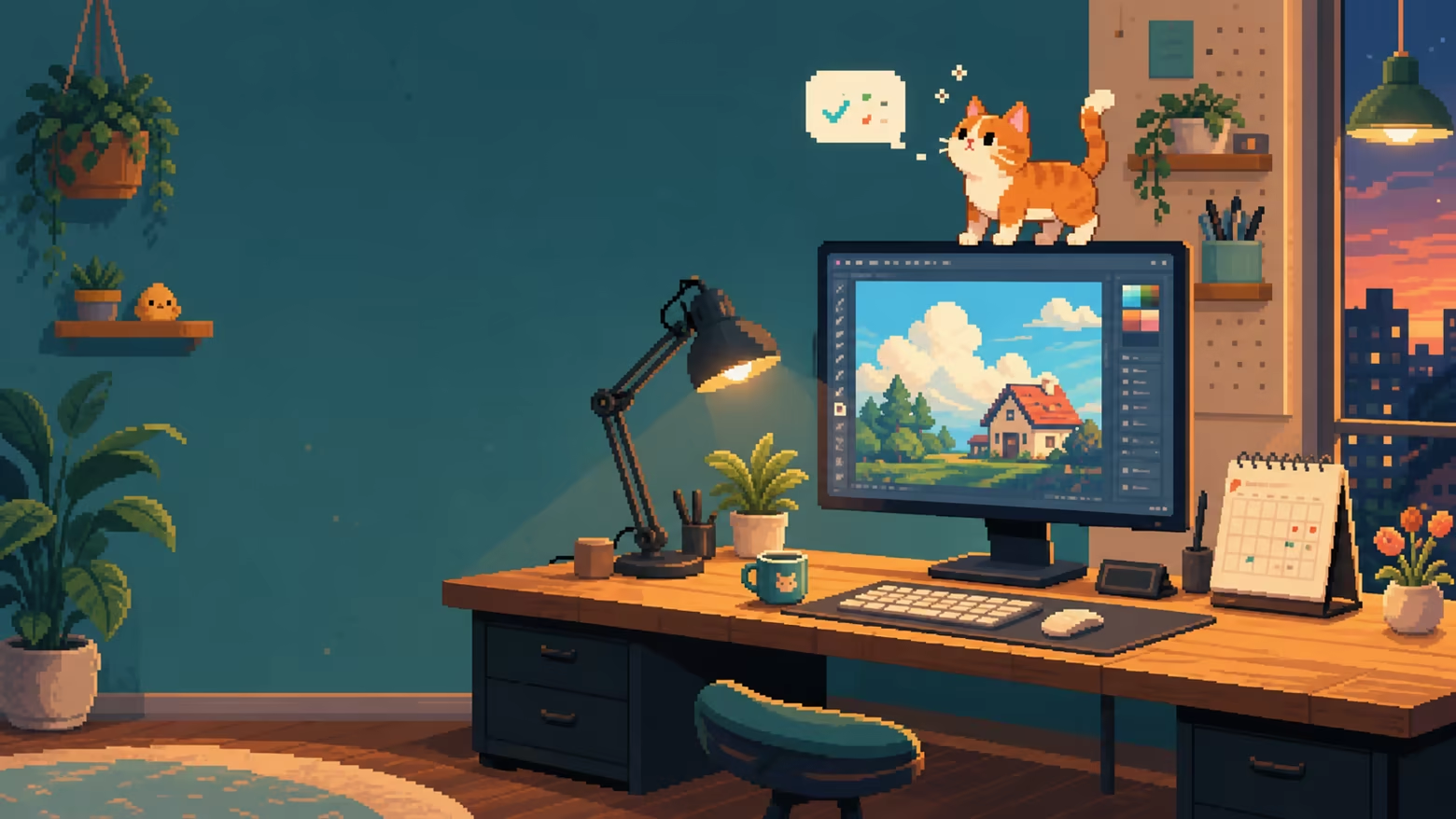
Desktop Pet Studio is a Windows desktop pet creation tool.

Upload your own animation frames or GIFs, set poses, speech bubbles, sounds, and interaction rules, and let your character accompany your work, games, and daily routine.

It is more than a default pixel cat. Create an original character, use a commissioned design, make a rabbit or robot, or build with any character assets that you have the right to use. Create a desktop companion that is truly yours.

Customize Characters and Animated Poses

  • Supports multi-frame PNG, GIF, PPM, and PGM animation assets.

  • Set left-click drag, walking, resting, falling, top-edge, side-cling, and fixed focus poses.

  • Each pose can have its own playback speed, pet size, speech bubbles, sound, enabled state, and hotkey.

  • Your pet moves in both directions while walking. Right-facing assets are automatically mirrored when moving left.

  • Pets can cling to screen edges. Drop one from the air and it will fall naturally, then land with a soft diminishing bounce.

  • Fixed Focus Mode keeps the pet at your chosen position and can optionally show key reaction speed.

Reminders, Tasks, and Do Not Disturb

  • Create alarms, calendar reminders, countdowns, and task list reminders.

  • Each reminder can use a pose, speech bubble, WAV sound, fullscreen effect, and enabled state.

  • Tasks can have start and due times. Unfinished tasks continue to remind you even after their due date.

  • Import ICS, ICAL, and CSV calendar files, or choose to sync Google Calendar.

  • Do Not Disturb can automatically hide your pet during selected hours or while selected foreground apps are active.

  • Search, select, and batch-edit reminders from one list.

Care for Your Desktop Pet

  • Manage hunger, affinity, mood, and coins.

  • Send your pet to work and earn in-game coins when the job is complete.

  • Buy food, gifts, and mood items from the shop, then use them from your inventory.

  • Your pet expresses different speech bubbles based on hunger, affinity, and mood.

  • All currency and purchases exist only inside the game. There are no real-money transactions.

Twitch Bits Mode for Streamers

Turn your viewers' Bits support into character reactions right on your desktop.

  • Supports Twitch Bits event triggers.

  • Set a Bits range and playback duration for every pose.

  • Speech bubbles can include a viewer name, message, and Bits amount.

  • After a trigger ends, the pet automatically returns to its previous action.

  • Includes a local test feature that does not send a real donation or save test events.

  • Twitch authorization is stored only on the player's own Windows computer. It is never included in pet saves or Workshop content.

Create, Share, and Explore Steam Workshop

  • Built-in AI Asset Guide provides Chinese and English prompt templates to help create six separate transparent-background animation frames.

  • Package and share full desktop pets, individual poses, and care gameplay content.

  • Creators can use JSON to customize animations, movement, bubbles, sounds, shop items, jobs, events, and mood rules.

  • Subscribe to, enable, disable, or import Steam Workshop content.

  • Steam Cloud can sync player settings, used assets, and unpublished material libraries to other Windows PCs using the same Steam account.

A Companion That Fits Your Rhythm

Desktop Pet Studio supports Traditional Chinese, Simplified Chinese, English, Japanese, French, German, Spanish, Russian, Portuguese, and Korean.

Whether you want a quiet character in the corner, a companion that remembers your schedule, or a desktop character that reacts to your livestream, you can start creating with your own assets.

AI Generated Content Disclosure

The developers describe how their game uses AI Generated Content like this:

The application includes a small set of pre-generated pixel-art example assets, including default cat character poses, icons, and promotional visuals. They were created with generative AI assistance during development and curated as static demonstration content shipped with the application.

The product does not generate AI content at runtime and does not embed, call, or operate a generative AI model or service. Its AI Material Assistant only provides editable prompt templates and links to third-party services outside the application. Players may import their own images, GIFs, audio, and Workshop content.

System Requirements

    Minimum:
    • Requires a 64-bit processor and operating system
    • OS: Windows 10 64-bit
    • Processor: 2.0 GHz dual-core processor
    • Memory: 4 GB RAM
    • Graphics: Display chips that support DirectX
    • Storage: 500 MB available space
    • Additional Notes: Google Calendar sync, Twitch mode, and Workshop features require an internet connection.
    Recommended:
    • Requires a 64-bit processor and operating system
    • OS: Windows 10 / 11 64-bit
    • Processor: 2.5 GHz 雙核心處理器
    • Memory: 8 MB RAM
    • Graphics: 支援 DirectX 的顯示晶片
    • Storage: 1 GB available space
    • Additional Notes: Google Calendar sync, Twitch mode, and Workshop features require an internet connection.
Review Filters