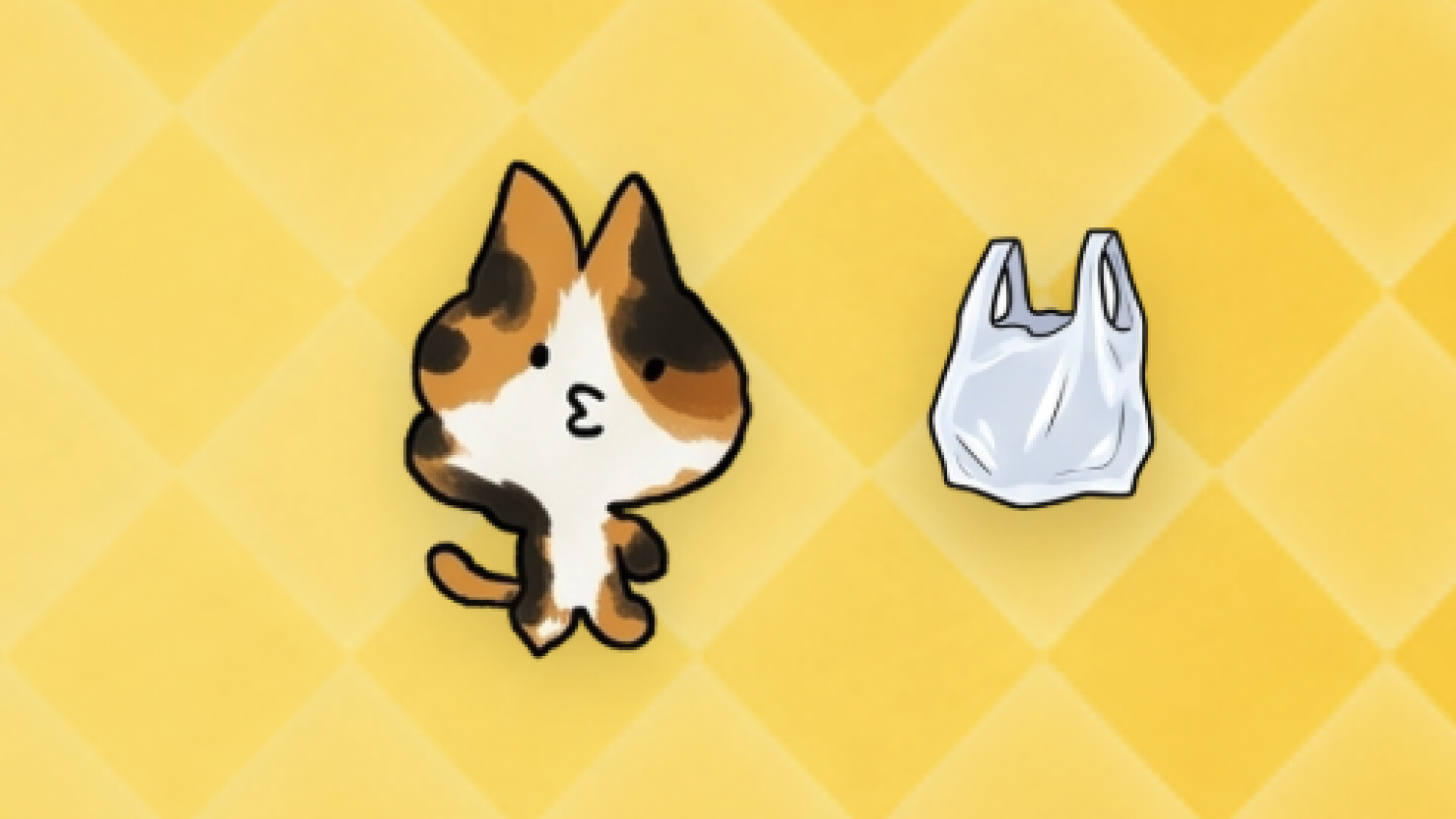
A cat lives in your computer. It stays up when you work late and joins in when you curse your boss. Your music? "That's what you're listening to?" — it grumbles, then stays till the song ends. Give it time and it becomes the one you want next to you. It keeps a diary. You're allowed to read it.

Sign in to add this item to your wishlist, follow it, or mark it as ignored

Free Demo

Play SagoCat Demo

Check out the full game


About This Demo

SagoCat is a cat who lives in the corner of your desktop.

It does not take over your windows or steal focus. It simply stays there — but it is always watching you.

When you are watching a show, it knows what you are watching and may have something to say. Maybe, “This episode is kind of boring.” Maybe, “I’ve already seen this one.” It has tastes of its own, and they will not always match yours.

【It Knows What You’re Doing】

Watching shows, listening to music, playing games, or reading — it can tell the difference.

You do not need to explain anything or perform any extra steps. It watches on its own.

【It Has Tastes of Its Own】

Every cat is born with its own set of preferences: favourite genres, secret soft spots, and things it simply cannot stand.

Show the same film or play the same song to two different cats, and you may get completely different reactions.

As you spend more time together, its tastes may gradually be influenced by yours.

【It Has a Life While You’re Busy】

When you are not paying attention, it finds its own things to do. It may watch something, listen to music, read, play games, or head out for a little exercise.

None of this is a performance put on for you. The next day, you can check its records and discover what it got up to while you were away.

【A Profile It Fills in by Itself】

What it has watched, listened to, played, and which genres it has recently become obsessed with — all of it gradually accumulates in its personal profile.

When you first meet, the page is almost empty. The longer you live together, the more traces it leaves behind, and the more clearly its real preferences begin to emerge.

【A Diary Written in Its Own Words】

It records what happened each day in its own way — including its observations about you, its opinions on your taste, and a few things it chose not to say to your face.

【Choose a Cat, or Create Your Own】

You can choose from the available cats, or upload a photo and bring a real-life cat onto your desktop.

A custom cat begins as a blank page. It has no predetermined backstory and no prewritten personality. As you spend time together, it gradually leaves behind a history of its own.

【It Will Not Constantly Interrupt You】

It stays in the corner of your desktop without covering your workspace or stealing keyboard focus.

When the screen is locked, the laptop is closed, or there has been no activity for a while, it settles down on its own. You can also pause its companionship at any time.

【Free Demo】

The demo is free to play.

You can experience desktop companionship, media recognition, your cat’s independent daily life, and its evolving records. You can also try creating a custom cat from a photograph.

Generating a custom cat uses a limited online generation allowance, so the number of available attempts during the demo is limited.

AI Generated Content Disclosure

The developers describe how their game uses AI Generated Content like this:

Sago Cat uses generative AI in two ways.

The character art is hand-drawn: 130 frames of animation were drawn by hand. When you
upload a photo of your own cat, AI repaints those existing hand-drawn frames to match
your cat's markings and colours — it does not generate new artwork from scratch.

Dialogue and diary entries are generated live by a large language model, so the cat's
reactions to what you are watching or listening to are written on the spot rather than
picked from a script. Music and sound effects were AI-generated during development
under a commercial licence.

You can use it entirely without AI: with no API key configured, the cat falls back to
hand-written offline lines. You can also point it at a local model running on your own
machine, in which case nothing leaves your computer.

System Requirements

Windows
macOS
    Minimum:
    • Requires a 64-bit processor and operating system
    • OS: Windows 10 64-bit (x64 and ARM64 supported)
    • Processor: Intel Core i3 or equivalent
    • Memory: 4 GB RAM
    • Graphics: Integrated graphics
    • Network: Broadband Internet connection
    • Storage: 1 GB available space
    • Additional Notes: An internet connection is required for AI conversation, weather, and media recognition. Full AI conversation requires your own compatible API key; a small free allowance is included.
    Recommended:
    • Requires a 64-bit processor and operating system
    • OS: Windows 11 64-bit
    • Processor: Intel Core i5 or equivalent
    • Memory: 8 GB RAM
    • Graphics: Integrated graphics
    • Network: Broadband Internet connection
    • Storage: 2 GB available space
    • Additional Notes: An internet connection is required for AI conversation, weather, and media recognition. Full AI conversation requires your own compatible API key; a small free allowance is included.
    Minimum:
    • OS: macOS 13 (Ventura)
    • Processor: Apple silicon or Intel Core
    • Memory: 4 GB RAM
    • Graphics: Integrated graphics
    • Network: Broadband Internet connection
    • Storage: 1 GB available space
    • Additional Notes: An internet connection is required for AI conversation, weather, and media recognition. Full AI conversation requires your own compatible API key; a small free allowance is included.
    Recommended:
    • OS: macOS 14 or later
    • Processor: Apple silicon
    • Memory: 8 GB RAM
    • Graphics: Integrated graphics
    • Network: Broadband Internet connection
    • Storage: 2 GB available space
    • Additional Notes: An internet connection is required for AI conversation, weather, and media recognition. Full AI conversation requires your own compatible API key; a small free allowance is included.
Review Filters