Paint pixel art, write one tiny rule, and watch it come alive — rain, fire, snow, glow. A real-time cellular-automata engine with GPU shaders, a keyframe timeline, and one-click GIF/MP4/sprite-sheet export. Pay once, no subscription.

Sign in to add this item to your wishlist, follow it, or mark it as ignored

This game is not yet available on Steam

Planned Release Date: Sep 30, 2026

This application will unlock in approximately 5 weeks

Interested?
Add to your wishlist and get notified when it becomes available.
 

About This Software

Paint pixels. Write a rule. Watch it come alive.

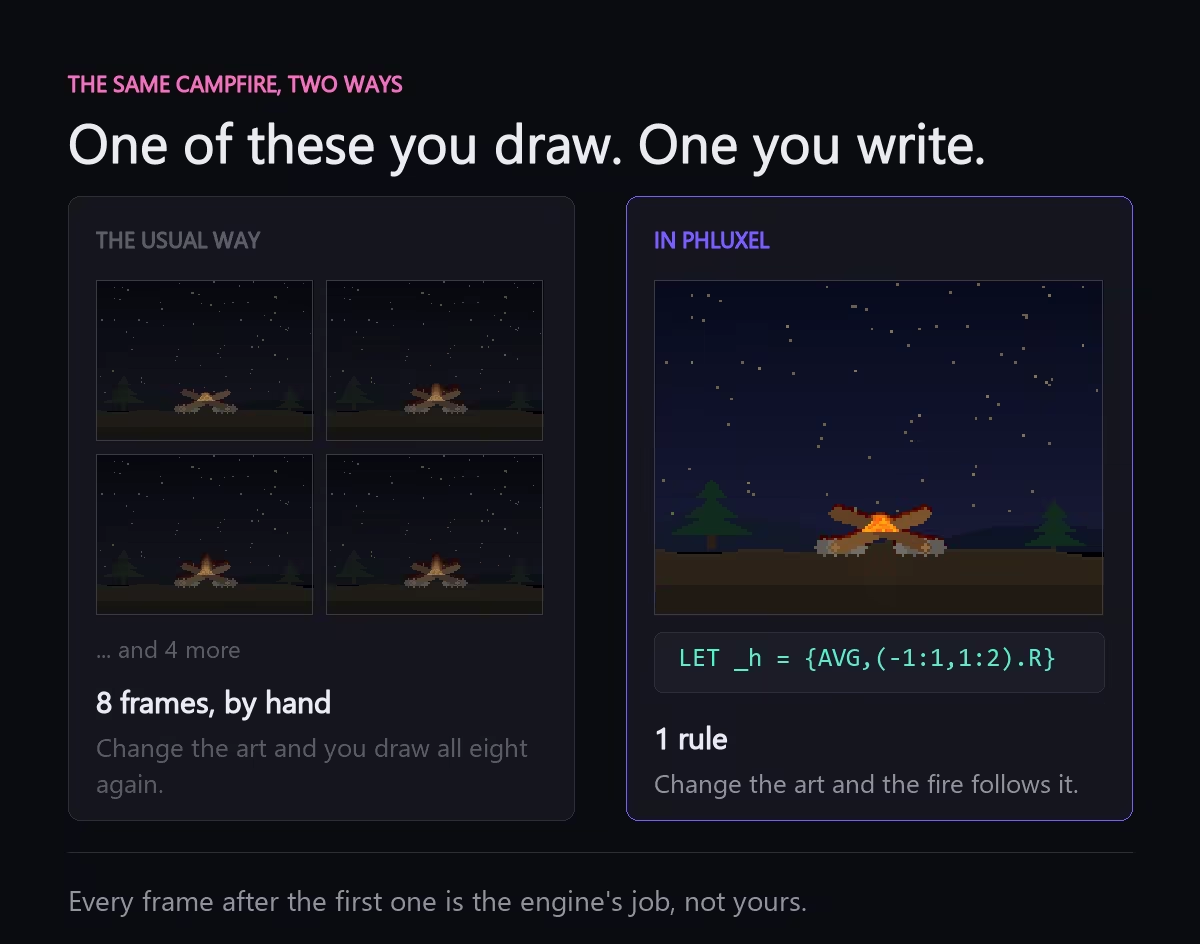
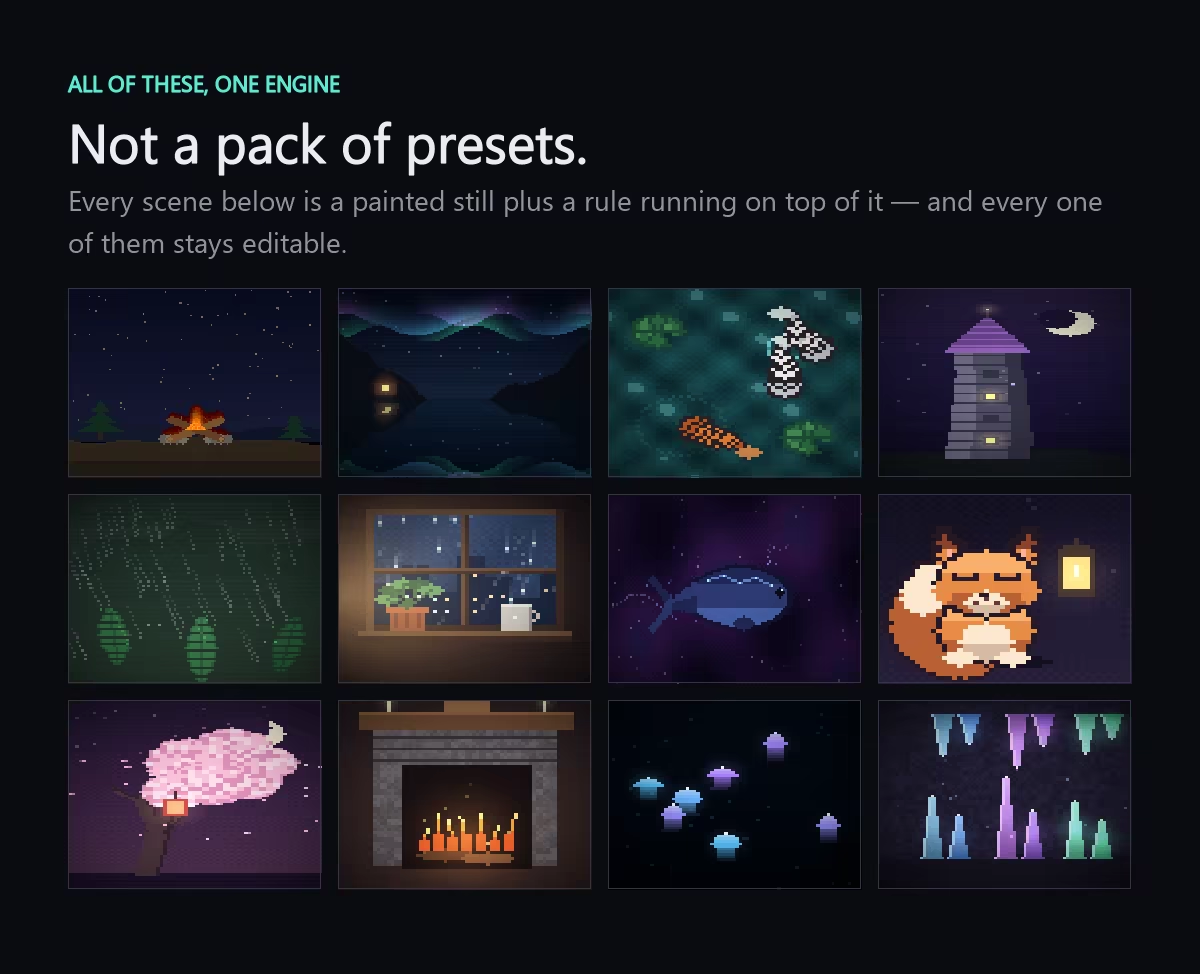
Add living effects — rain, fire, snow, glow — to your pixel art in minutes, no frame-by-frame. Paint a grid, write one tiny Phlux rule, and export seamless GIF, MP4, or APNG loops.

A rule answers one question

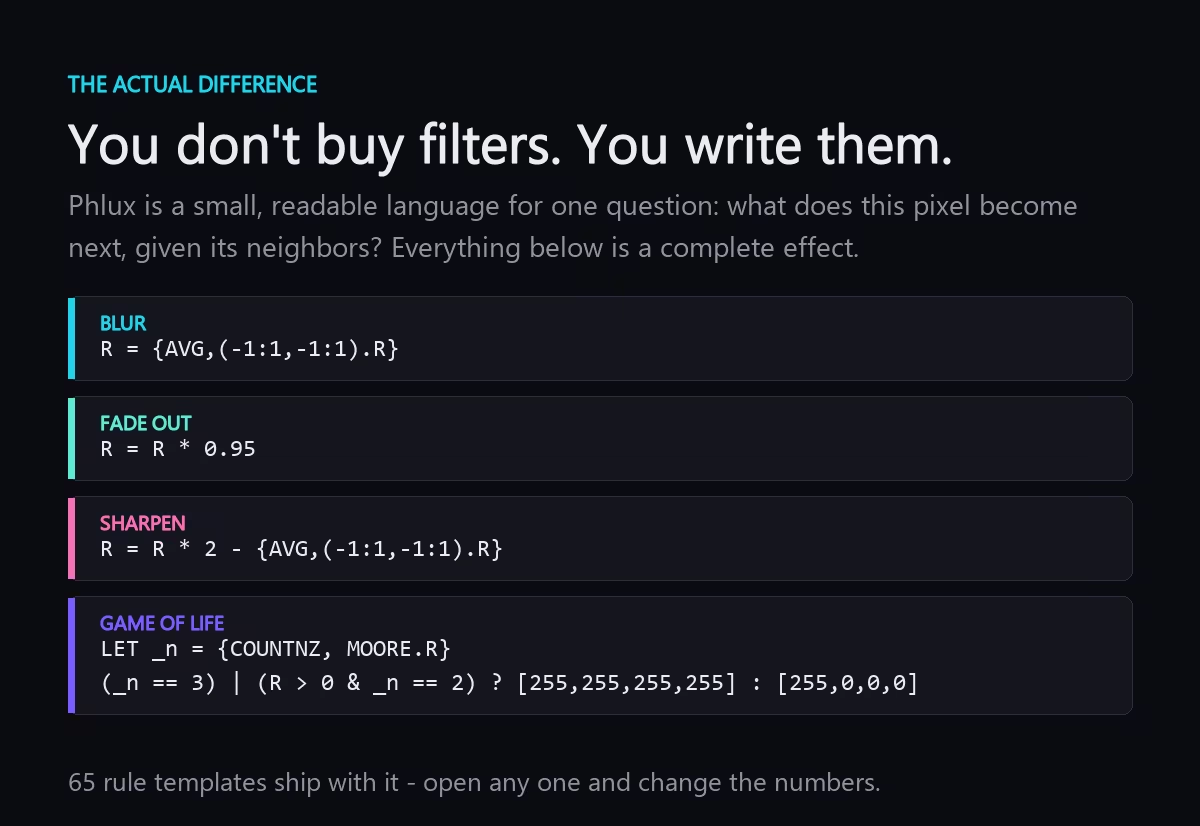
Phlux is a tiny, readable rule language: describe how a cell becomes its next self from its neighbors, and Phluxel runs it on every pixel in real time.
R = (N.R + S.R + E.R + W.R) / 4 // diffuse
One line like that is a fire, a rain shower, a Game-of-Life variant, or a slow generative bloom — no shader code, no timeline scrubbing frame by frame.

Everything in one window

  • The Phlux rule language — channels, math, conditions and scatter, readable in one line, with a cheat sheet, autocomplete and a live preview in the Monaco-powered editor.
  • GPU + CPU engine — global rules compile to GPU shaders and ping-pong render textures for real-time playback, with toroidal wrapping. Per-cell logic falls back to a precise CPU interpreter automatically.
  • Import anything — drop in PNG, JPG, BMP, animated GIF or WebP as a starting state and let a rule remix it.
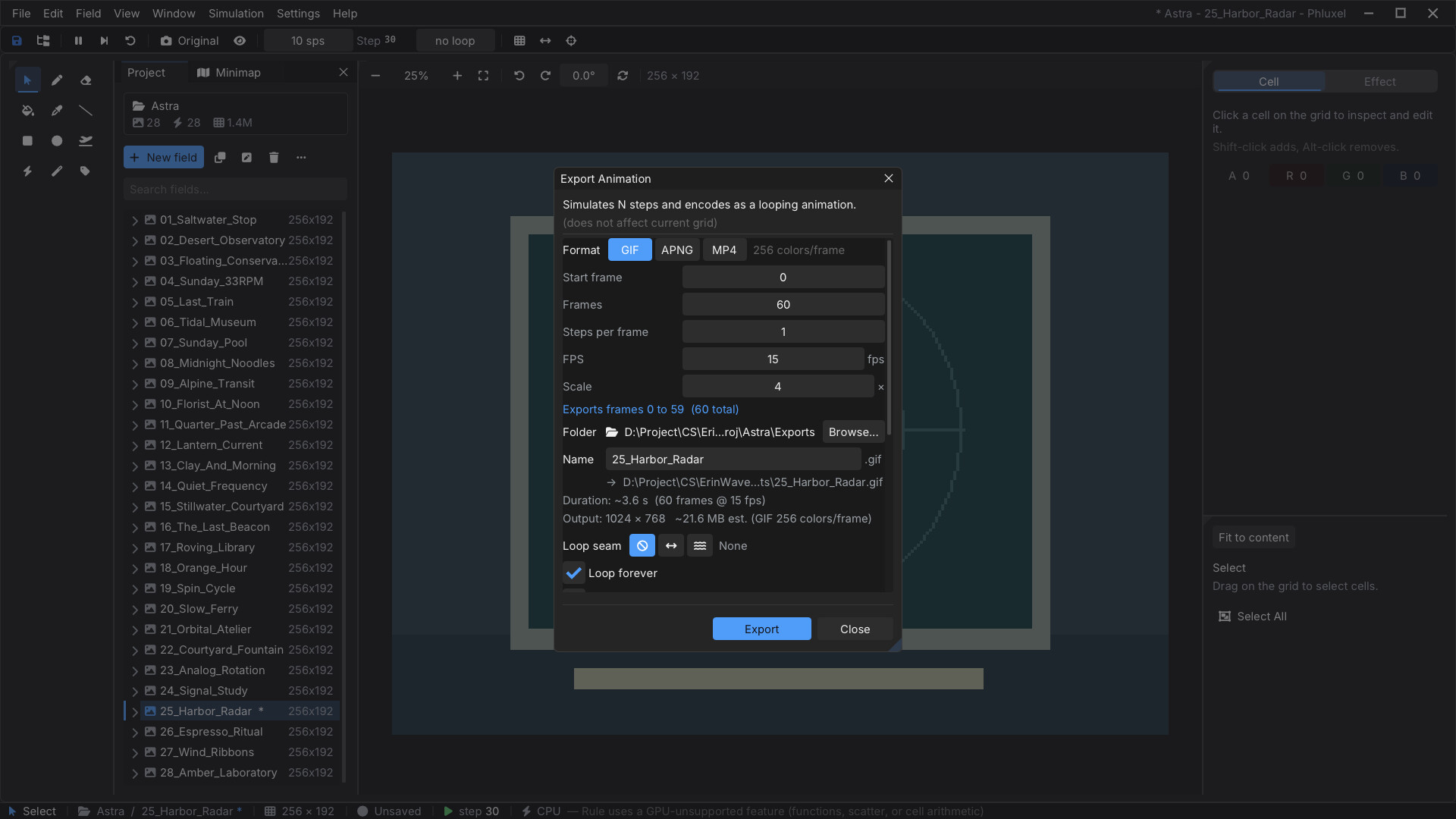
  • Export seamless loops — one-click GIF with ping-pong for perfect back-and-forth loops, plus PNG sequence, APNG and MP4.
  • Timeline & keyframes — animate rule parameters over time. Scrub, keyframe, and choreograph evolving simulations.
  • Starters & templates — 16 one-click live starters and a library of 40 rule templates to remix. Go from blank to animating in a click.
  • Snapshots & undo — capture multiple snapshots of a field and step back through deep, non-destructive undo history.
  • Native & fast on Windows — built on .NET 10 with a native Raylib + Dear ImGui front end — docking panels, custom themes, and a fully rebindable keymap.

Four steps to your first animation

No coding needed to start — pick a starter, or build one from scratch. You can have a shareable GIF in about five minutes.
  • Paint a state — brush, fill, shapes and an eyedropper on a pixel grid. Or import an image; a few dots is enough.
  • Write a rule — one line of Phlux says what each cell becomes from its neighbors. Toggle Global to run it everywhere.
  • Press play — watch it evolve in real time. Step frame by frame, tweak speed, and reset to your design anytime.
  • Export & share — save a seamless ping-pong GIF, an MP4, an APNG, or a full PNG sequence. The result is the ad.

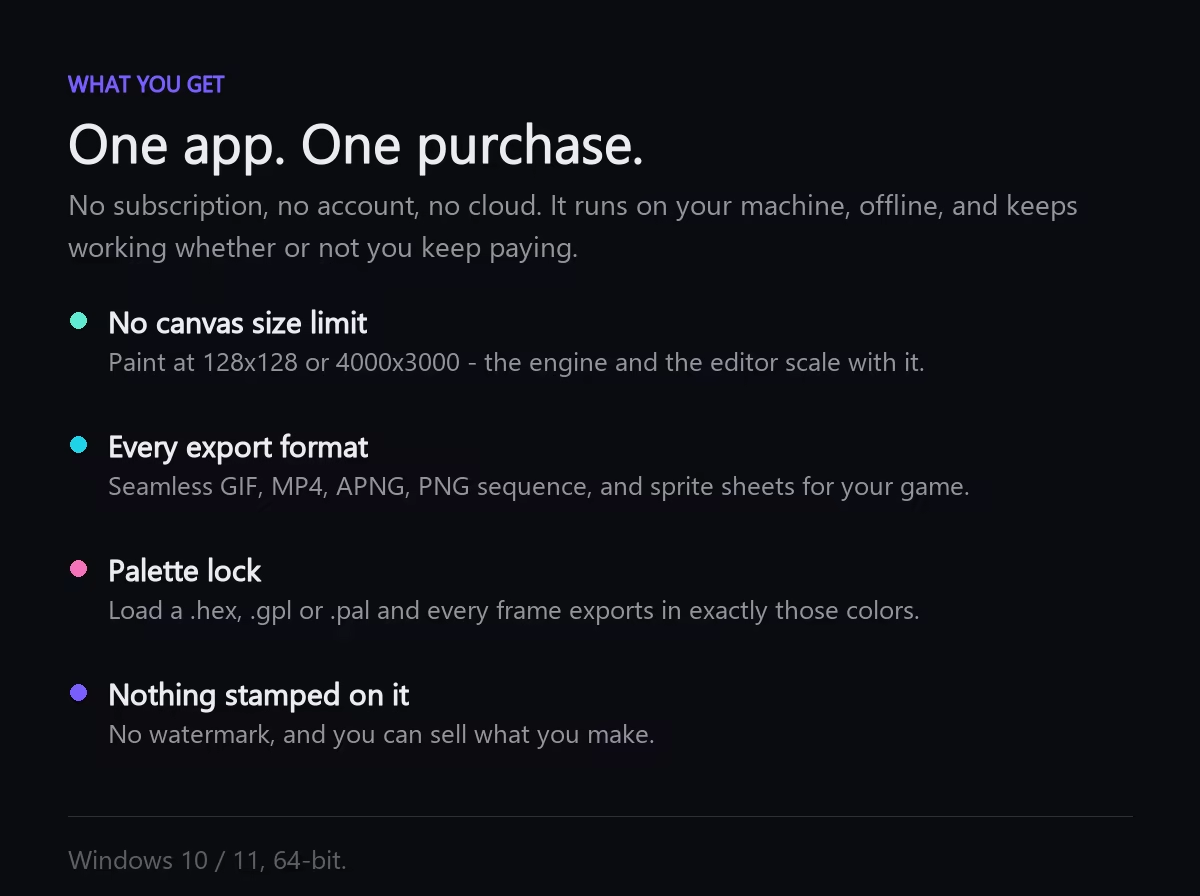
Pay once. Own it forever.

No subscription, no account, no cloud lock-in. One purchase unlocks everything, on your machine, offline.

  • No watermark on anything you export.
  • Unlimited grid size, resolution and frame count.
  • Every export format — GIF, MP4, APNG, PNG sequence, sprite sheets.
  • Commercial use: sell what you make.

Under the hood that's a full rule-scripting language, a dual CPU/GPU simulation engine, and a keyframe timeline — not just a slider-based effects generator.

Do I need to know how to code?

Not to start. The Starter Gallery and 40 rule templates get you animating with a single click. When you're curious, Phlux rules are usually one short, readable line — and the editor has a cheat sheet, autocomplete and inline hints.

AI Generated Content Disclosure

The developers describe how their game uses AI Generated Content like this:

AI assistance was used to translate the user interface and this store page into non-English languages. The artwork, trailers, and original English text were created by the developer.

System Requirements

    Minimum:
    • Requires a 64-bit processor and operating system
    • OS: Windows 10 (version 1809+) or Windows 11, 64-bit
    • Processor: 64-bit dual-core CPU
    • Memory: 4 GB RAM
    • Graphics: OpenGL 3.3 compatible GPU
    • Storage: 300 MB available space
    Recommended:
    • Requires a 64-bit processor and operating system
    • OS: Windows 10 (version 1809+) or Windows 11, 64-bit
    • Processor: Quad-core CPU
    • Memory: 8 GB RAM
    • Graphics: Dedicated GPU (for the GPU simulation engine and large grids)
    • Storage: 300 MB available space
Review Filters