Turn one 2D character image into animated sprite sheets and a skeletal 2D character for Spine or DragonBones. Use your own art, or create the image in the app. Motion comes from a built-in library or your own clips. Runs entirely on your machine.

Sign in to add this item to your wishlist, follow it, or mark it as ignored

This game is not yet available on Steam

Coming soon

Interested?
Add to your wishlist and get notified when it becomes available.
 

About This Software

From a Drawing — or a 3D Model — to an Animated 2D Character

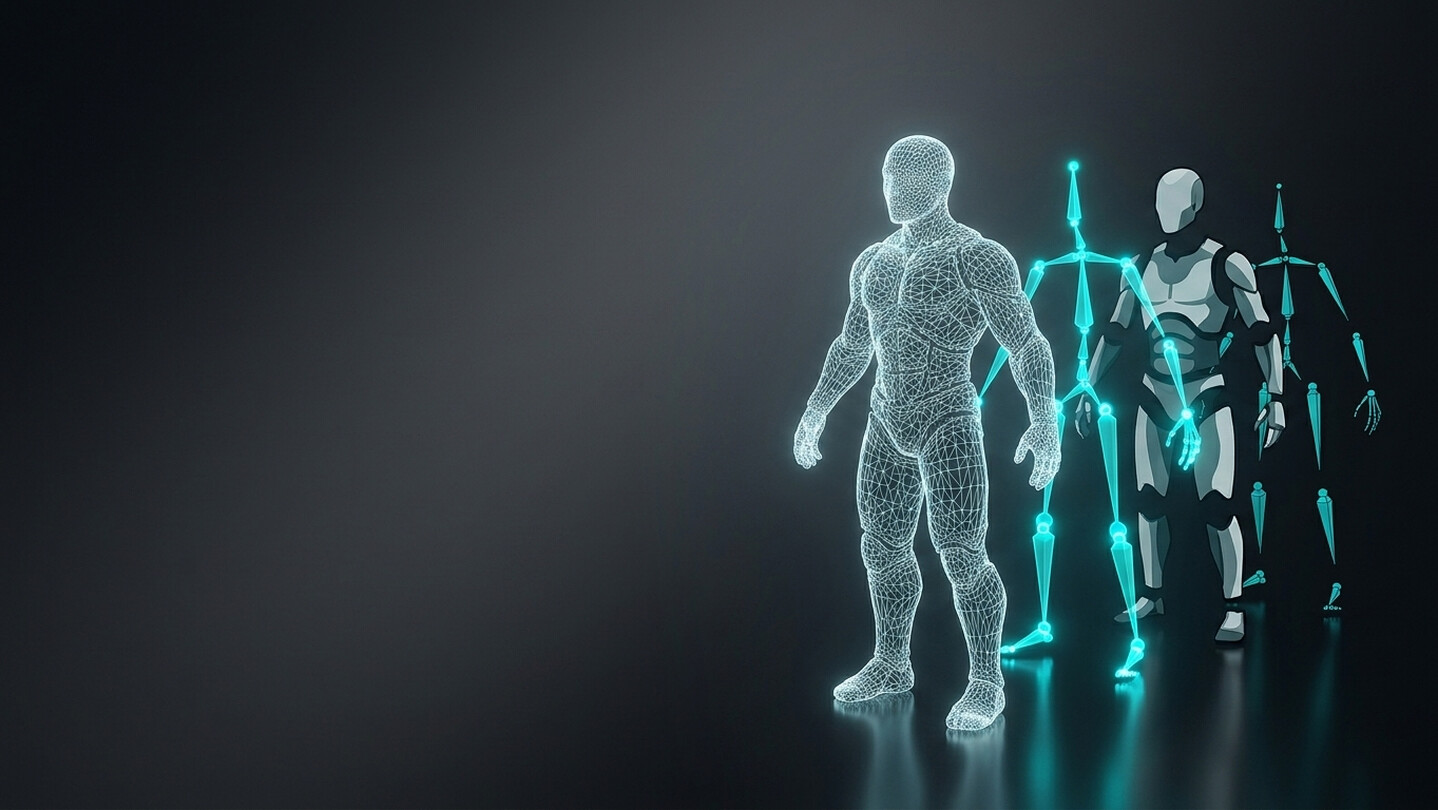
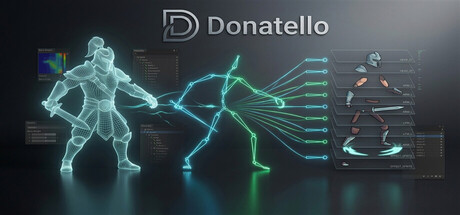
Donatello is a local desktop studio that turns characters into animation-ready 2D skeletal assets for Spine and DragonBones — completely on your machine, with no cloud uploads and no subscriptions. You can start from a single 2D image. Feed it a concept sketch or a piece of key art and Donatello builds a 3D character from it on your own hardware, then converts that into a cut-up, bone-driven 2D rig. Already have a rigged 3D model? Bring it and skip straight to the conversion. Either way you finish with sprites, a bone hierarchy and animations that drop into Unity, Unreal Engine, Godot, or any engine with a Spine or DragonBones runtime.

How It Works

  • Start from a single reference image, or load a rigged 3D character (FBX, GLB, GLTF).

  • Choose your angle — a 3/4 view or a side view, facing either direction.

  • Generate — Donatello cuts the character into sprites and binds them to a 2D skeleton for you.

  • Animate — pick clips from the built-in library, or bring motion from your own FBX, BVH, GLB or Spine files.

  • Export — Spine JSON with a packed texture atlas, or a DragonBones JSON package.

Key Features

  • Image to Character: Build a 3D character from one image with on-device AI (TRELLIS.2 or TripoSplat), then convert it to a 2D rig. Nothing is uploaded at generation time. Needs a reasonably capable GPU — the app checks your machine and tells you what it can run.

  • 3D to 2D Conversion: Automatic sprite cutting and skinning from any rigged 3D source.

  • Camera Angles: 3/4 and side views, in either facing direction.

  • Built-in Animation Library: Hundreds of ready-to-use clips — walk, run, idle, attack, jump, reactions — adapted to your character. No source animation required.

  • Bring Your Own Motion: Retarget from your FBX, GLB or BVH files, or append animations from an existing Spine project onto a character you did not make in Donatello.

  • Animation Fine-Tuning: Per-clip controls for speed, amplitude, bounce, squash & stretch, follow-through and joint bias. Shape the feel of every motion without touching a keyframe.

  • Auto-Rigging: Humanoid auto-rigging on CPU, Apple Silicon and NVIDIA GPUs. Adaptive rigging for non-humanoid characters on supported NVIDIA hardware.

  • Beyond Humanoids: Bipeds are fully supported. Quadrupeds, arachnids, winged creatures, dragons, fish, dinosaurs and limbless characters ship as experimental profiles.

  • Spine & DragonBones Export: Spine JSON (4.0 format) with texture atlas, or DragonBones 5.5-compatible JSON.

100% Local & Private: Everything runs on your workstation. Your models, reference images and generated assets never leave your machine.

Built for Game Developers & Technical Artists

  • Whether you are an indie dev turning concept art into a playable character, a technical artist who needs a few hundred retargeted clips by tomorrow, or a pipeline engineer automating the 3D-to-2D step — Donatello does the tedious part so you can focus on the game.

  • Spine and DragonBones output compatible with Unity, Unreal Engine, Godot, and custom engines.

  • Works out of the box with standard humanoid rigs, including Mixamo.

  • Complex source skeletons are simplified automatically to a bone count that performs well in 2D.

  • Preview your character and scrub its animations before exporting.

AI workflow

Donatello uses AI to automate tedious work. Image-to-3D reconstruction and automatic segmentation are fast starting points; results vary by character complexity and will often benefit from manual review and small touch-ups.

System Notes

The core 3D-to-2D workflow runs on any supported machine. AI features (Image-to-3D, auto-rigging) require additional hardware — see System Requirements below. AI models are downloaded on first use and cached locally; they add between 2 GB and 15 GB to your disk usage depending on which models you activate.

System Requirements

Windows
macOS
    Minimum:
    • Requires a 64-bit processor and operating system
    • OS: Windows 10 64-bit (22H2 or later)
    • Processor: Intel Core i5-8400 / AMD Ryzen 5 2600 (6-core, 2.8 GHz+)
    • Memory: 16 MB RAM
    • Graphics: NVIDIA GTX 1070 8 GB / AMD Radeon RX 6600 8 GB (RDNA 2)
    • DirectX: Version 11
    • Network: Broadband Internet connection
    • Storage: 20 GB available space
    Recommended:
    • Requires a 64-bit processor and operating system
    Minimum:
    • Requires an Apple processor
    • OS: macOS 13 (Ventura)
    • Processor: Apple Silicon M1
    • Memory: 16 GB RAM
    • Graphics: Apple M1 GPU (Metal)
    • Network: Broadband Internet connection
    • Storage: 20 GB available space
    Recommended:
    • Requires an Apple processor
Review Filters