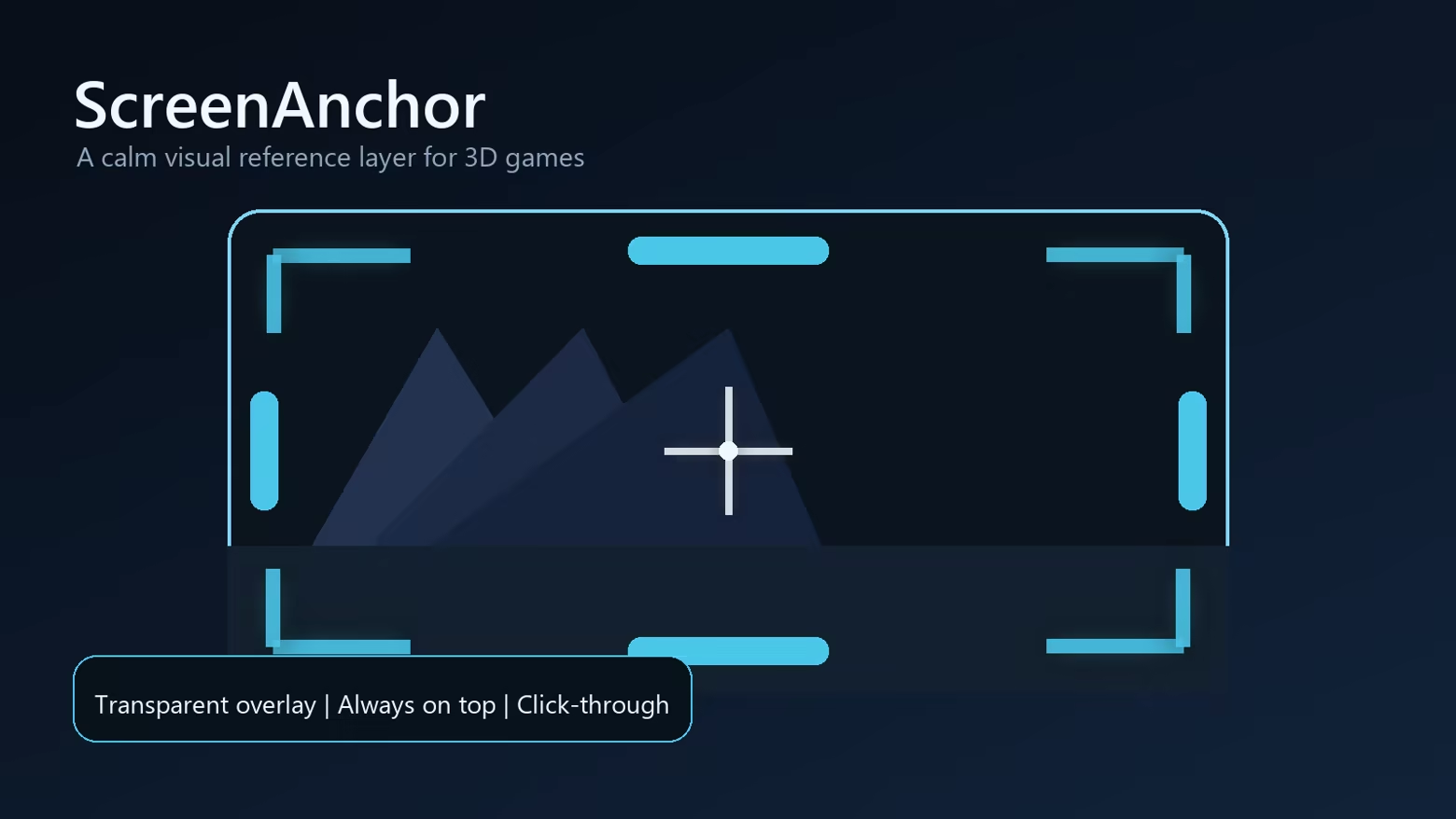
ScreenAnchor adds a transparent always-on-top visual reference layer for 3D games. Place soft color blocks, corner anchors, edge anchors, and a center crosshair to help create a steadier frame of reference.
Release Date:
Coming soon
Developer:
Publisher:
Tags

Sign in to add this item to your wishlist, follow it, or mark it as ignored

This game is not yet available on Steam

Coming soon

Interested?
Add to your wishlist and get notified when it becomes available.
 

About This Software

A calm visual anchor for 3D games


ScreenAnchor is a lightweight overlay tool designed for players who feel uncomfortable in some 3D games. It places a transparent reference layer above your game, similar to putting subtle tape markers around a monitor, helping your eyes keep a stable frame of reference.

What it does

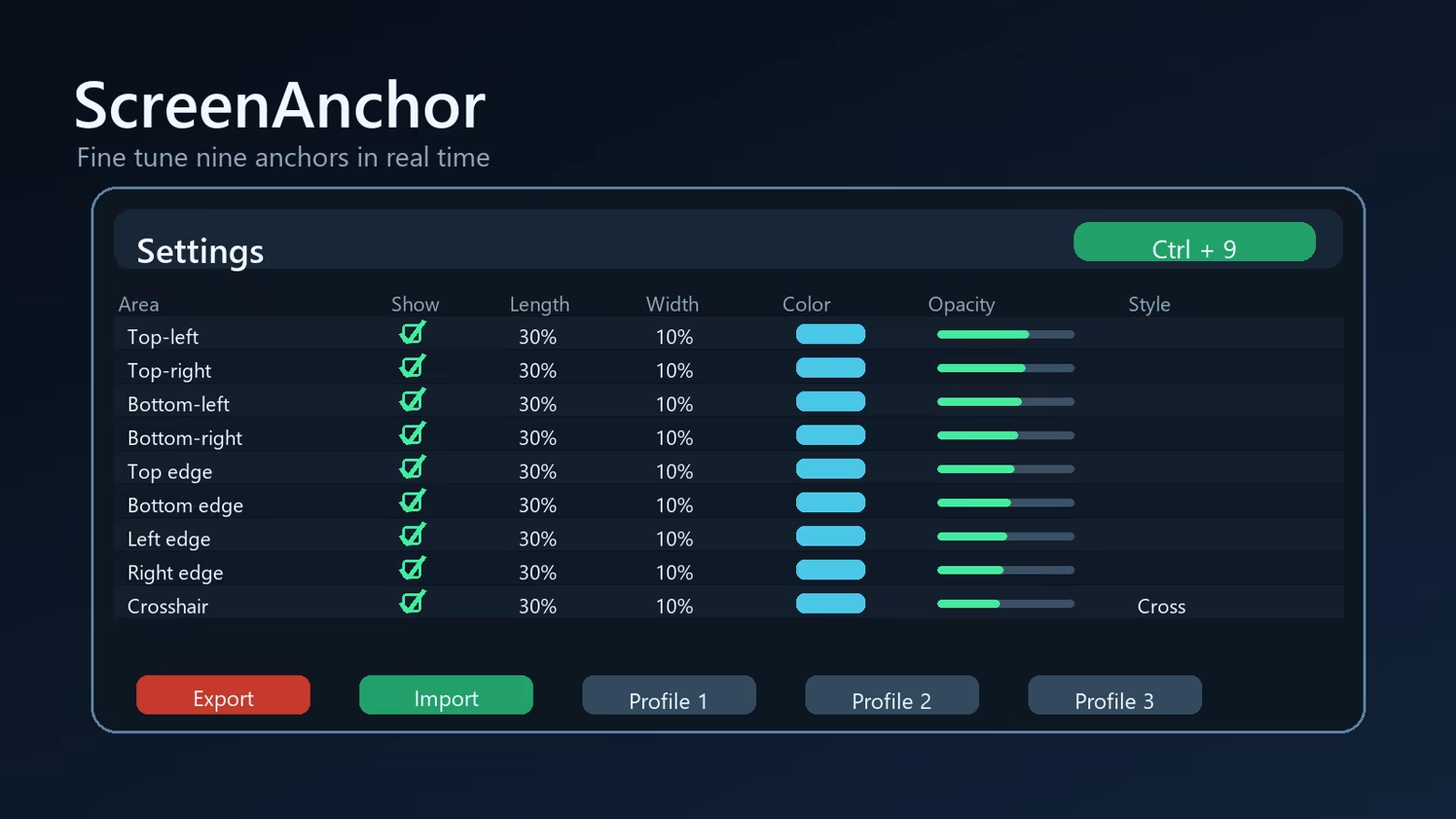
  • Shows up to 9 adjustable visual anchors: 4 corners, 4 screen edges, and 1 center crosshair.
  • Lets you change visibility, length, width, color, opacity, and crosshair style.
  • Applies changes in real time while the overlay is running.
  • Supports multiple displays and lets you choose which screen to cover.
  • Includes quick show/hide through the system tray or Ctrl+9.
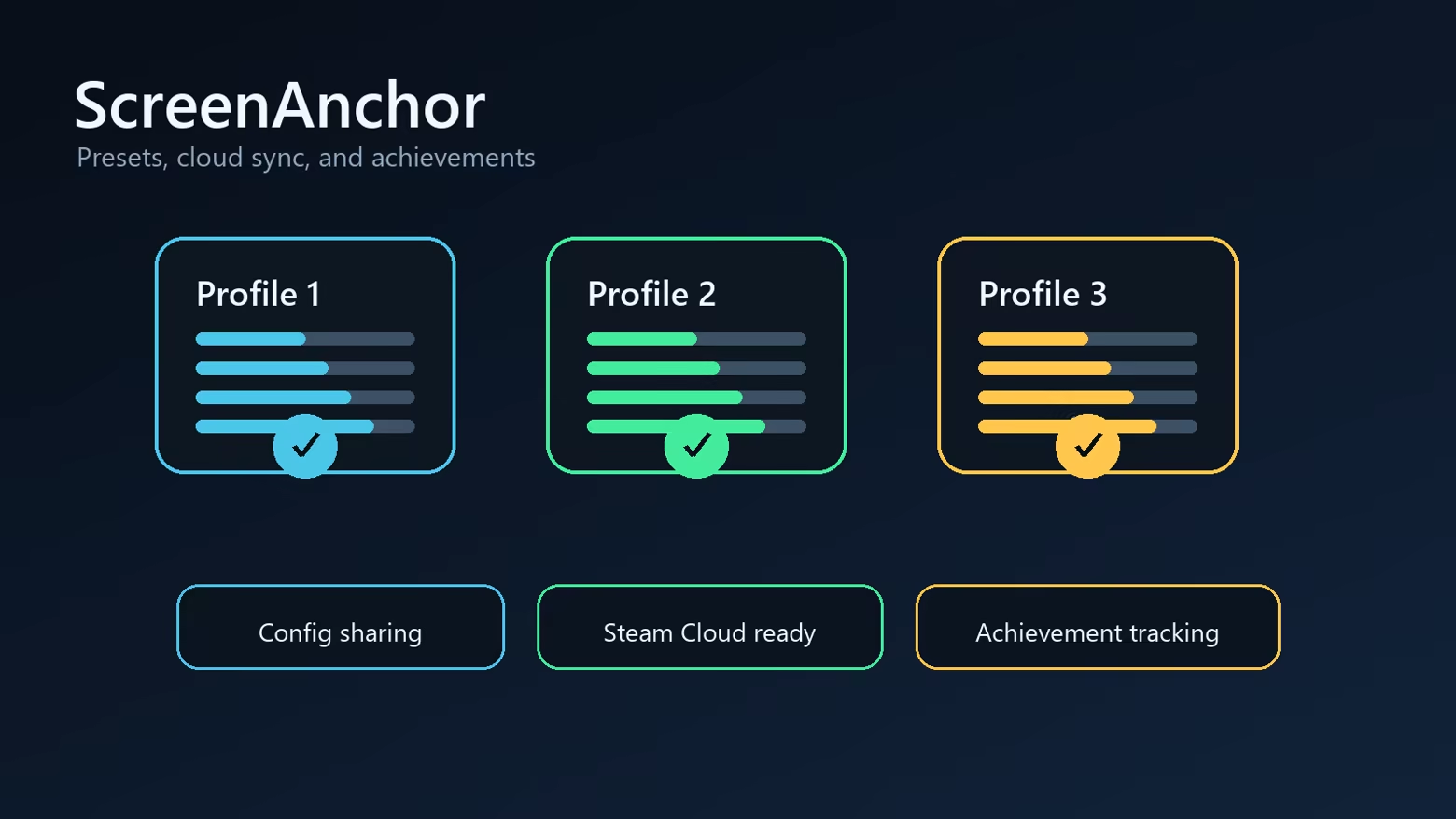
  • Supports profiles, import/export strings, Steam Cloud-ready settings, and achievements.


Important note

ScreenAnchor is not a medical product and does not diagnose, treat, or cure motion sickness. It is a comfort tool that may help some players by adding a stable visual reference. Results vary from person to person.

Fullscreen compatibility

ScreenAnchor is designed for borderless fullscreen and windowed games. Some exclusive fullscreen DirectX/Vulkan titles may block normal desktop overlays; for best results, use borderless fullscreen when available.

System Requirements

    Minimum:
    • Requires a 64-bit processor and operating system
    • OS: Windows 10 64-bit
    • Processor: Any modern dual-core CPU
    • Memory: 256 MB RAM
    • Graphics: Desktop composition support
    • Storage: 50 MB available space
    Recommended:
    • Requires a 64-bit processor and operating system
    • OS: Windows 11 64-bit
    • Memory: 512 MB RAM
    • Storage: 50 MB available space
Review Filters