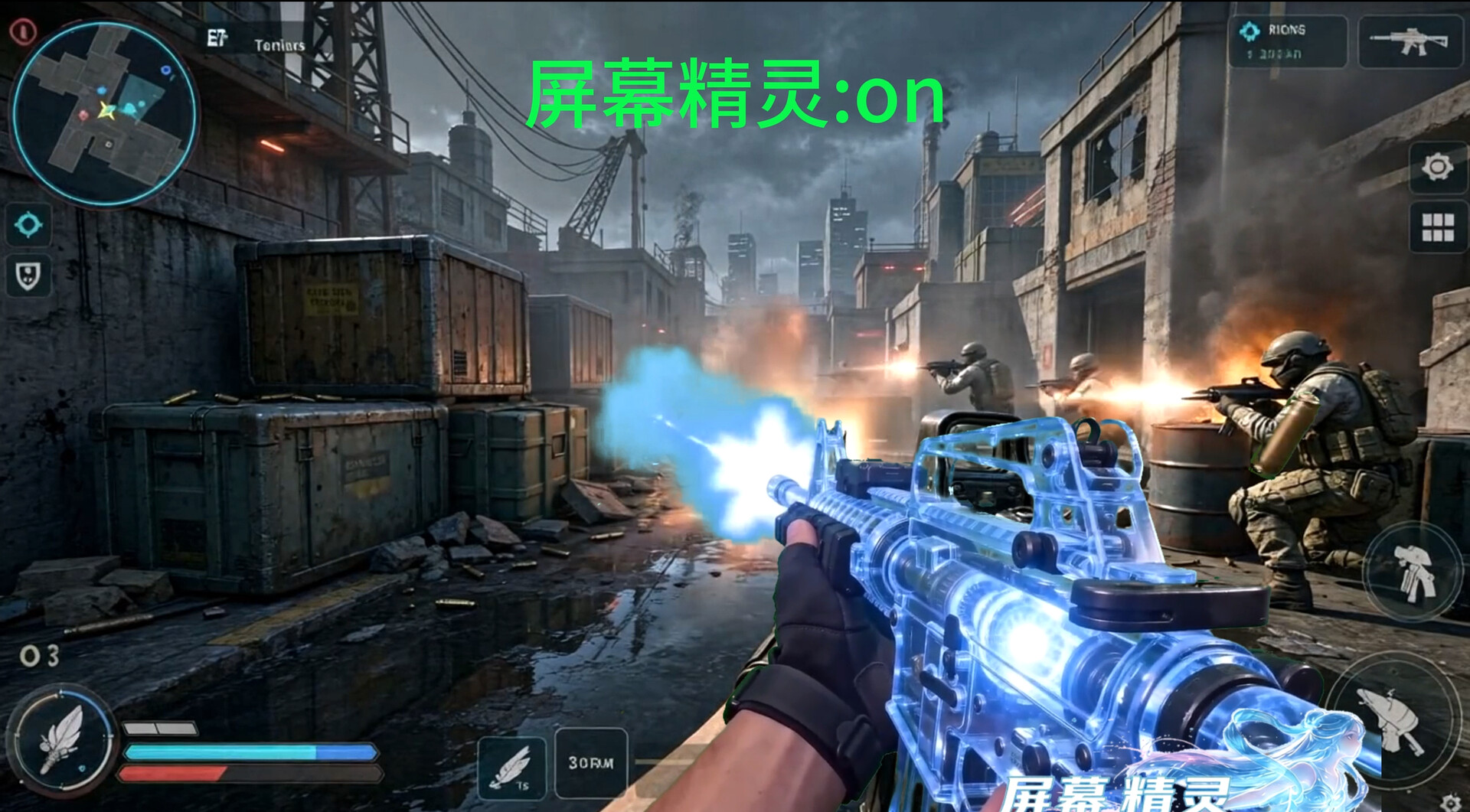
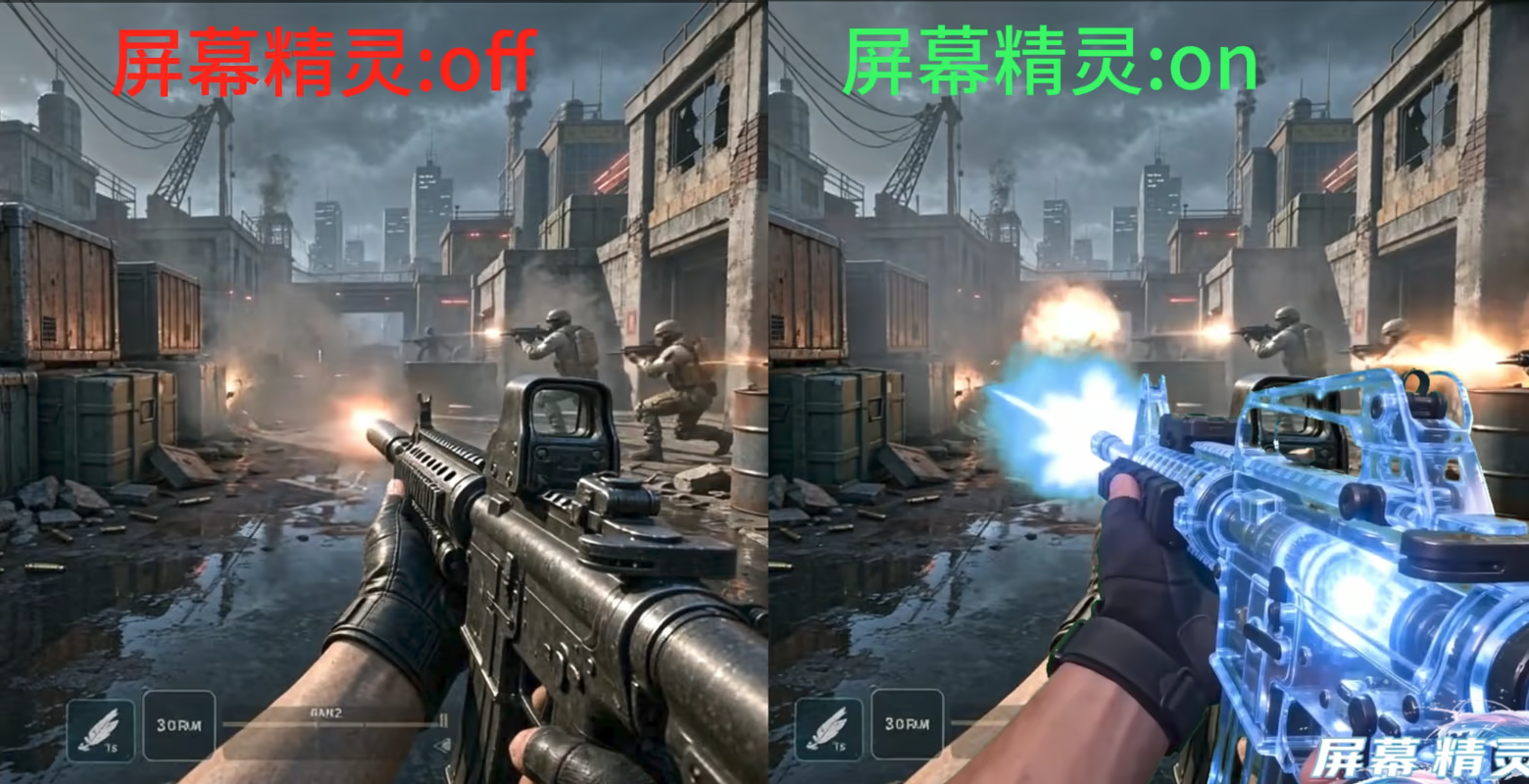
A universal screen editor that allows users to manipulate and customize their own screens like playing a game, always displaying them on top without affecting the operation of other programs; it also supports partial transparency effects to avoid obscuring ongoing tasks.

Sign in to add this item to your wishlist, follow it, or mark it as ignored

Buy 屏幕精灵


About This Software

A versatile screen editor that allows for stylish customization of the interface, akin to playing a game, while always being displayed on top without interfering with the operation of other programs. It also supports partial transparency effects to avoid obscuring ongoing tasks.

function

Screen static special effects, screen dynamic special effects

Mouse static effect, mouse dynamic effect

Custom keyboard sound effects, custom mouse sound effects

Residual image/trailing effect

Allow third parties to input corresponding playback effects through custom numbers

By customizing the Godot game engine, 3D modeling special effects are played in the background and integrated into Screen Sprite for playback

Multiple special effects are played simultaneously

Control various special effects (similar to games) through keyboard and mouse

Edit various special effect parameters (frame rate, position, quantity, playback mode, etc.)

safety

All functions can be independently implemented without relying on any unofficial applications

Adhere to the people-centered approach to product development

Screen Elf hopes that everyone can enjoy a beautiful and affordable screen experience, so that everyone's screen display is no longer constrained by high prices.

The Screen Elf Creative Workshop offers free sharing and downloading of user-made skin beautification filters.

Screen Elf also respects the labor value of every outstanding creator, offering a one-time buyout system for Screen Elf's encryption tool DLC, allowing users to purchase the DLC and then sell their own works

Supplementary Notes:

1. For 3D modeling and beautification, please use the specialized engine in the API folder under the directory.

2. A demo sample (not a finished product) has been added by default to facilitate everyone's understanding of the basic functions

3. The default interface of the Launcher Wizard contains instructions for use, including introductions to the functions of the Screen Wizard and Launcher Wizard, setting paths, tutorials for creating special effects, and precautions. You can also open it by clicking "Help" in the settings interface located in the upper right corner of the Launcher Wizard.

AI Generated Content Disclosure

The developers describe how their game uses AI Generated Content like this:

Art assets (pre-generated): In-game scene backgrounds, UI icons, and store page promotional images are generated using Doubao as initial drafts. After manual screening, modification, and style unification, they are packaged into the game. All AI-generated art assets have been reviewed manually one by one, confirming that they do not contain any violations such as violence or pornography, and no copyrighted third-party assets have been used as input for generation. The AI tools used all have commercial use licenses.

Code (pre-generated): Some game logic code is generated with AI assistance during the development stage. After manual review, testing, and modification, it is compiled and packaged. The game does not call AI to generate code in real-time during runtime.

During the game's runtime, there is no AI-generated content in real-time. All AI-generated content visible to players are pre-generated static resources.

System Requirements

    Minimum:
    • OS: win10\11
    • Processor:
    • Storage: 5 GB available space
    Recommended:
    • OS: win10\11
    • Processor:
    • Storage: 5 GB available space
Review Filters