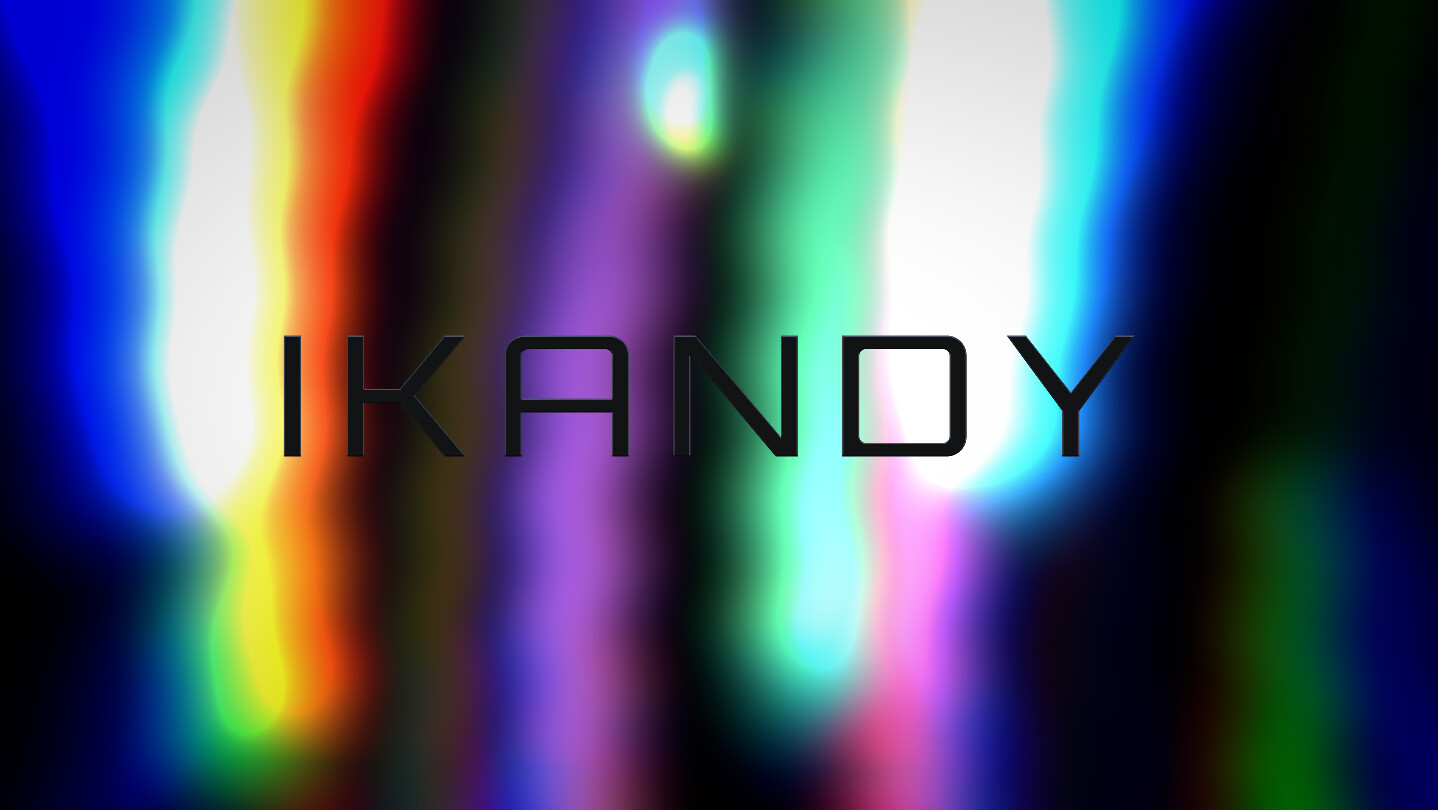
IKANDY turns your music into living, high-definition visuals in real time. Reactive shaders, classic MilkDrop presets, and GPU-powered scenes that move with every beat. Free and ready to go out of the box. Go Pro to stream to OBS, run it as a live wallpaper, and create your own scenes with AI.

Sign in to add this item to your wishlist, follow it, or mark it as ignored

Use IKANDY

Free To Play

Downloadable Content For This SoftwareBrowse all (1)


About This Software

Your music, made visible.

IKANDY is a real-time music visualizer that turns whatever you're listening to into gorgeous, high-definition motion. Press play and it just works: no setup, no presets to hunt down, no manual to read. Every scene reacts instantly to bass, mids, treble, and volume, so the visuals breathe with the track.

When you want to go deeper, it's all there waiting.

Beautiful the moment you open it

IKANDY is built around one idea: it should look incredible by default, for anyone. You don't need to be a VJ or a shader programmer. Open it, and a curated set of polished scenes is ready to go, rendered through a modern HDR pipeline with bloom, tonemapping, and film-grade post-processing baked in.

Three worlds of visuals

  • Shaders: GPU-driven scenes with deep, fluid, reactive detail.
  • Scenes: handcrafted 3D and effect visuals, from fluid simulations to glassy geometry.
  • MilkDrop: full support for the legendary MilkDrop / Butterchurn preset library that defined music visualization, brought into a modern rendering engine.
The controls map consistently across all three, so once you learn one, you know them all.

Made to react

  • Real-time audio analysis across five independent signals
  • Smart audio capture: visualize Spotify, your browser, a game, or any app
  • Live album art and track-aware visuals
  • Tweakable brightness, contrast, color, and reactivity on every scene (IKANDY Pro)

Built like a game, not a gadget

IKANDY renders everything live, the way a modern game does: real 3D worlds, physics, particle systems, and a full HDR post pipeline, every frame. It may be the most GPU-hungry visualizer you can buy, and that is on purpose. Quality tiers keep it smooth on modest machines, and at the top end it will gladly put a high-end GPU to work at 4K. If your PC runs modern games, IKANDY will feel right at home.

For streamers, VJs, and your second monitor

  • Spout output (Pro): pipe IKANDY straight into OBS as a video source for streams and overlays
  • Live wallpaper (Pro): run it full-screen on a spare display and let your desktop dance
  • Multi-monitor output (Studio) plus a clean, hideable UI (Pro) for performance and capture
IKANDY Pro and IKANDY Studio are one-time upgrades: no subscription, yours forever.

A note on flashing visuals

IKANDY contains flashing lights and moving patterns. Built-in photosensitive safety limits, informed by WCAG and broadcast guidance, cap flash rates and pattern intensity across every scene. If you are sensitive to flashing lights, please use caution.

AI Generated Content Disclosure

The developers describe how their game uses AI Generated Content like this:

IKANDY includes an optional AI scene generator. When you choose to use it, it creates new audio-reactive visual scenes in real time from a text prompt you write. This content is generated live, only when you request it, using an AI service you connect with your own API key. Not required to use IKANDY. Some of IKANDY's artwork and promotional media (key art, trailer visuals and music, and some in-app imagery) was created with generative AI tools and is reviewed by the developer.

System Requirements

    Minimum:
    • OS: Windows 10 64-bit
    • Processor: Intel Core i5 (4th gen+) / AMD Ryzen 5 or equivalent
    • Memory: 8192 MB RAM
    • Graphics: DirectX 12-capable GPU with WebGPU support: NVIDIA GTX 900-series / AMD RX 400-series / Intel UHD 600+ (integrated)
    • Storage: 2 GB available space
    • Sound Card: Windows-compatible audio output device (required)
    • Additional Notes: Runs on integrated graphics at reduced quality tiers. A dedicated GPU is strongly recommended for the full experience.
    Recommended:
    • OS: Windows 11 64-bit
    • Processor: Intel Core i7 (10th gen+) / AMD Ryzen 7 or equivalent
    • Memory: 16 GB RAM
    • Graphics: Dedicated GPU: NVIDIA RTX 2060 / AMD RX 6600 or better. For 4K output, multi-monitor span, or Ultra quality: RTX 3070 class or better
    • Storage: 2 GB available space
    • Sound Card: Windows-compatible audio output device (required)
    • Additional Notes: IKANDY is a real-time GPU renderer, closer to a game than a media player. It scales down to modest hardware with quality tiers, and scales up to use everything a modern GPU can give at 4K.

Customer reviews for IKANDY About user reviews Your preferences

Overall Reviews:
1 user reviews (1 reviews)


To view reviews within a date range, please click and drag a selection on a graph above or click on a specific bar.


Filter reviews by the user's playtime when the review was written:


No minimum to No maximum

Show reviews in selected display order


Learn More
Filters
Excluding Off-topic Review Activity
Playtime:
Played Mostly on Steam Deck
Operating System:
CPU:
GPU:
Device Type:
Review Filters