Dette innholdet krever grunnprogrammet GamingPulsePRO på Steam for å kunne kjøre.

Utgivelsesdato:
30. apr. 2026
Utvikler:
Merkelapper

Logg inn for å legge til på ønskelisten, følge eller ignorere

Nedlastbart innhold

Dette innholdet krever grunnprogrammet GamingPulsePRO på Steam for å kunne kjøre.

Dette innholdet er ikke tilgjengelig på Steam ennå

Planlagt utgivelsesdato: 30. apr. 2026

Dette programmet låses opp om ca. 3 dager

Interessert?
Legg til produktet på ønskelisten og få et varsel når det blir tilgjengelig.
 

Om innholdet

🎚️ GamingPulsePRO — Audio Mixer


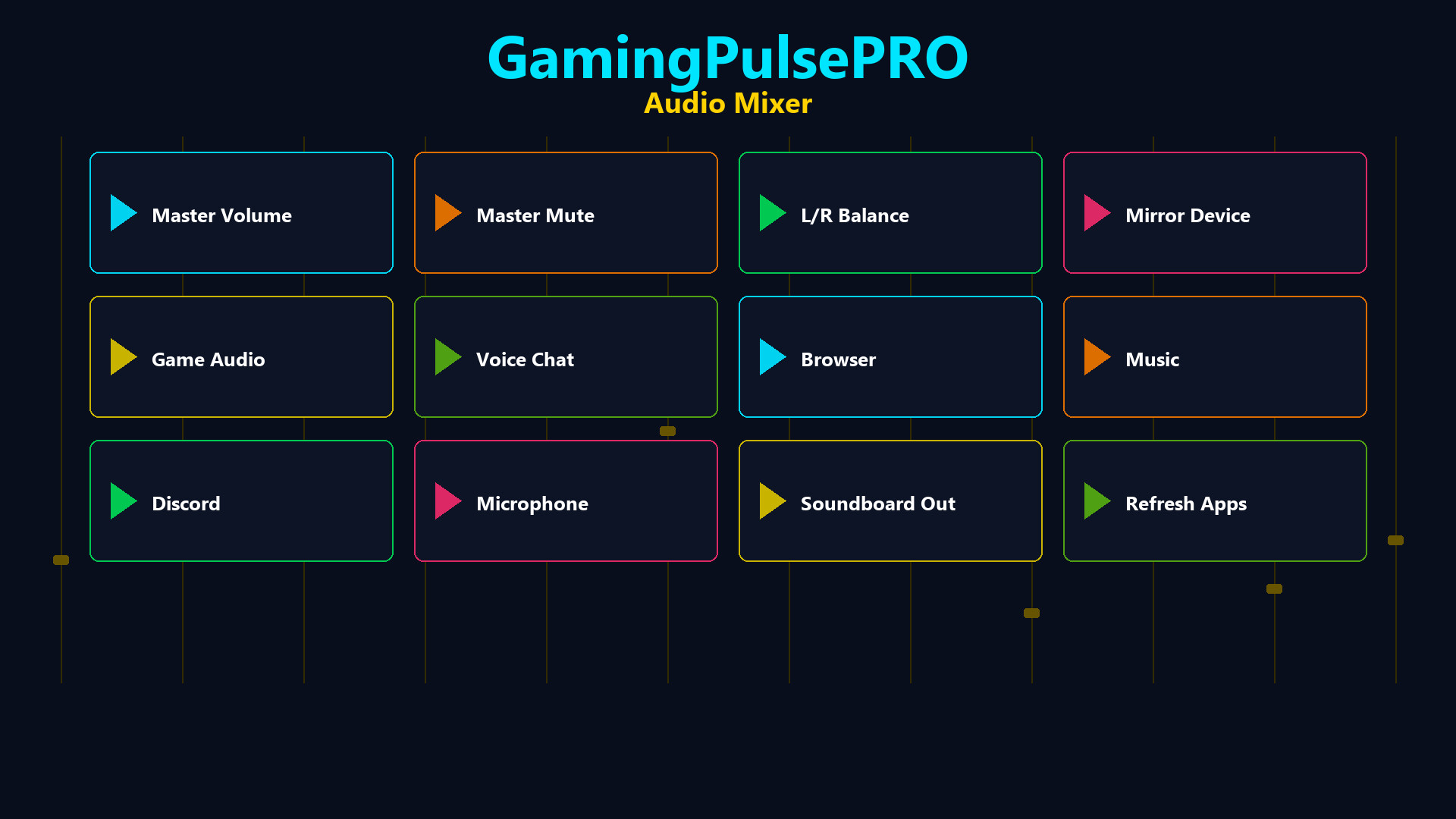
A professional per-application audio mixer built into GamingPulsePRO. Control every app's volume independently, balance left and right channels, mirror audio to a second device and manage your soundboard output — all from one unified panel. 🎯

🔊 Master Volume Control


🎚️ Master Slider
Central volume control (0–100%) with a one-click mute toggle. The icon switches between speaker and mute states instantly.

⚖️ Master Balance
L/R balance slider from -100 to +100. Shows Left %, Right % or Center label in real time. Perfect for correcting uneven audio setups.

🔈 Output Device Selector
Choose your default output device from all available audio endpoints. Switch between headphones, speakers and monitors with one click.

📊 Per-Application Mixing


🎛️ App Volume Sliders
Each running application gets its own volume slider (0–100%). Auto-populated from the system audio session list with the app's icon.

⚖️ App Balance Cycle
Per-app balance button that cycles: Stereo → Left Only → Right Only. Route game audio to one ear while keeping comms in the other.

🔇 Solo Mode
Per-app solo button to mute everything else and focus on a single application's audio.

📊 Real-Time VU Meters
Live peak level display for each running app. See which application is producing sound at a glance.

🔀 Dual App Balance


🎮 Slot 1 & Slot 2
Select two applications and balance their audio independently. A dedicated slider (-100 to +100) per slot with a reset button.

🔄 Reset Button
One-click reset (↻) per slot to return balance to center.

🔁 Audio Mirroring


🪞 Mirror to Second Device
Enable audio mirroring to play your default device's output simultaneously on a second device. Choose any available output as the mirror target.

📡 Status Indicator
On/Off chip shows mirror status at a glance. Description text confirms the active routing.

🔊 Soundboard Output


🎤 Dedicated Output Device
Route soundboard audio to a separate device from your main output. Perfect for streaming setups where you need different audio paths.

🎚️ Soundboard Volume
Independent volume slider (0–100%) for soundboard clips only.

🔊 Dual Output Mode
Checkbox to play soundboard clips on both the selected device and the default device simultaneously.

➕ Sound Library
Add MP3, WAV, OGG or M4A files. Left-click to play, right-click to delete. File name and size displayed on each button.

📌 Status Dashboard


  • 🔈 Device name chip — current output device
  • 📊 Active app count — how many apps are being mixed
  • 🪞 Mirror status — On or Off at a glance
  • ⚡ Live updating — auto-refreshes as apps start and stop

⚠️ Requires the base GamingPulsePRO application.

Systemkrav

    Minimum:
    • Krever en 64-biters prosessor og operativsystem
    • OS: Windows 10 / 11 (64-bit)
    • Prosessor: Dual Core 2.0 GHz or higher
    • Minne: 2048 MB RAM
    • Grafikk: Integrated Graphics
    • Nettverk: Bredbåndstilkobling
    • Lagring: 100 MB tilgjengelig plass
    Anbefalt:
    • Krever en 64-biters prosessor og operativsystem
Det finnes ingen anmeldelser av dette produktet

Du kan skrive en egen anmeldelse for å dele erfaringen din med samfunnet. Bruk området over kjøpeknappene på denne siden for å skrive en anmeldelse.