Questo contenuto richiede l'applicazione di base GamingPulsePRO su Steam per funzionare.

Etichette

Accedi per aggiungere questo articolo alla tua Lista dei desideri o per ignorarlo.

Non disponibile in Italiano

Questo prodotto non è disponibile nella tua lingua. Prima di effettuare l'acquisto, controlla la lista delle lingue disponibili.

Contenuti scaricabili

Questo contenuto richiede l'applicazione di base GamingPulsePRO su Steam per funzionare.

In arrivo

Questo articolo non è ancora disponibile

Ti interessa?
Aggiungilo alla tua Lista dei desideri e ricevi una notifica quando sarà disponibile.
 

Riguardo questo contenuto

🎚️ GamingPulsePRO — Audio Mixer


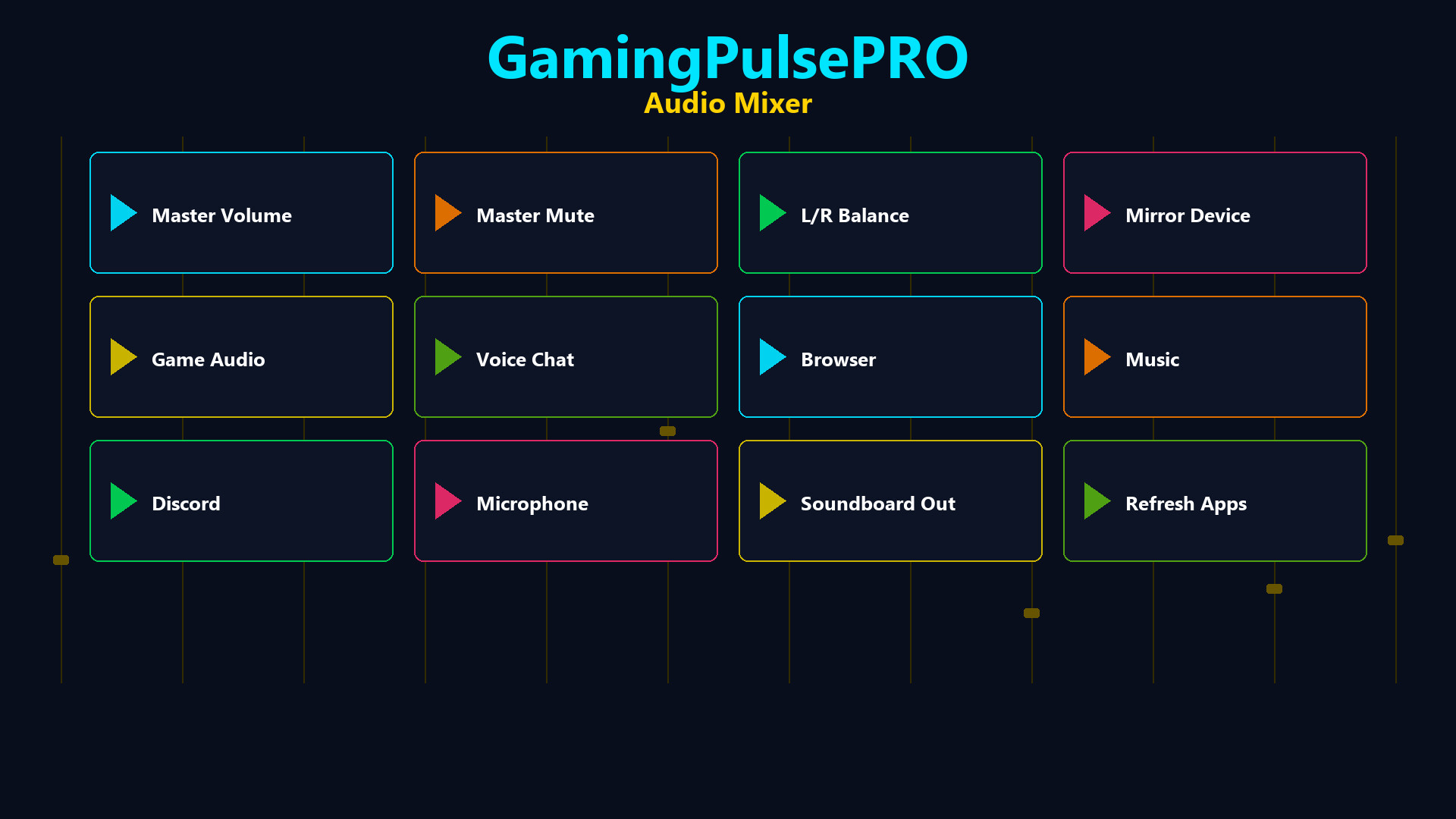
A professional per-application audio mixer built into GamingPulsePRO. Control every app's volume independently, balance left and right channels, mirror audio to a second device and manage your soundboard output — all from one unified panel. 🎯

🔊 Master Volume Control


🎚️ Master Slider
Central volume control (0–100%) with a one-click mute toggle. The icon switches between speaker and mute states instantly.

⚖️ Master Balance
L/R balance slider from -100 to +100. Shows Left %, Right % or Center label in real time. Perfect for correcting uneven audio setups.

🔈 Output Device Selector
Choose your default output device from all available audio endpoints. Switch between headphones, speakers and monitors with one click.

📊 Per-Application Mixing


🎛️ App Volume Sliders
Each running application gets its own volume slider (0–100%). Auto-populated from the system audio session list with the app's icon.

⚖️ App Balance Cycle
Per-app balance button that cycles: Stereo → Left Only → Right Only. Route game audio to one ear while keeping comms in the other.

🔇 Solo Mode
Per-app solo button to mute everything else and focus on a single application's audio.

📊 Real-Time VU Meters
Live peak level display for each running app. See which application is producing sound at a glance.

🔀 Dual App Balance


🎮 Slot 1 & Slot 2
Select two applications and balance their audio independently. A dedicated slider (-100 to +100) per slot with a reset button.

🔄 Reset Button
One-click reset (↻) per slot to return balance to center.

🔁 Audio Mirroring


🪞 Mirror to Second Device
Enable audio mirroring to play your default device's output simultaneously on a second device. Choose any available output as the mirror target.

📡 Status Indicator
On/Off chip shows mirror status at a glance. Description text confirms the active routing.

🔊 Soundboard Output


🎤 Dedicated Output Device
Route soundboard audio to a separate device from your main output. Perfect for streaming setups where you need different audio paths.

🎚️ Soundboard Volume
Independent volume slider (0–100%) for soundboard clips only.

🔊 Dual Output Mode
Checkbox to play soundboard clips on both the selected device and the default device simultaneously.

➕ Sound Library
Add MP3, WAV, OGG or M4A files. Left-click to play, right-click to delete. File name and size displayed on each button.

📌 Status Dashboard


  • 🔈 Device name chip — current output device
  • 📊 Active app count — how many apps are being mixed
  • 🪞 Mirror status — On or Off at a glance
  • ⚡ Live updating — auto-refreshes as apps start and stop

⚠️ Requires the base GamingPulsePRO application.

Requisiti di sistema

    Minimi:
    • Richiede un processore e un sistema operativo a 64 bit
    • Sistema operativo: Windows 10 / 11 (64-bit)
    • Processore: Dual Core 2.0 GHz or higher
    • Memoria: 2048 MB di RAM
    • Scheda video: Integrated Graphics
    • Rete: Connessione internet a banda larga
    • Memoria: 100 MB di spazio disponibile
    Consigliati:
    • Richiede un processore e un sistema operativo a 64 bit
Non ci sono ancora recensioni per questo prodotto

Puoi scrivere una recensione per questo prodotto per condividere la tua esperienza con la Comunità. Utilizza l'area sopra i pulsanti di acquisto su questa pagina per scrivere la recensione.