เนื้อหานี้ต้องการแอปพลิเคชันหลัก GamingPulsePRO บน Steam เพื่อเริ่มใช้งาน

เข้าสู่ระบบ เพื่อเพิ่มผลิตภัณฑ์นี้ลงในสิ่งที่อยากได้ของคุณ ติดตาม หรือทำเครื่องหมายเป็นถูกละเว้น

ไม่รองรับภาษาไทย

ผลิตภัณฑ์นี้ไม่รองรับภาษาท้องถิ่นของคุณ โปรดตรวจสอบรายชื่อภาษาที่รองรับก่อนทำการสั่งซื้อ

เนื้อหาดาวน์โหลด

เนื้อหานี้ต้องการแอปพลิเคชันหลัก GamingPulsePRO บน Steam เพื่อเริ่มใช้งาน

เนื้อหานี้ยังไม่พร้อมให้ใช้งานบน Steam

วันวางจำหน่ายที่วางแผนไว้: 30 เม.ย. 2026

แอปพลิเคชันนี้จะปลดล็อกในอีกประมาณ 11 วัน

น่าสนใจ?
เพิ่มในสิ่งที่คุณอยากได้ และรับการแจ้งเตือนเมื่อผลิตภัณฑ์พร้อมใช้งาน
 

เกี่ยวกับเนื้อหานี้

🎚️ GamingPulsePRO — Audio Mixer


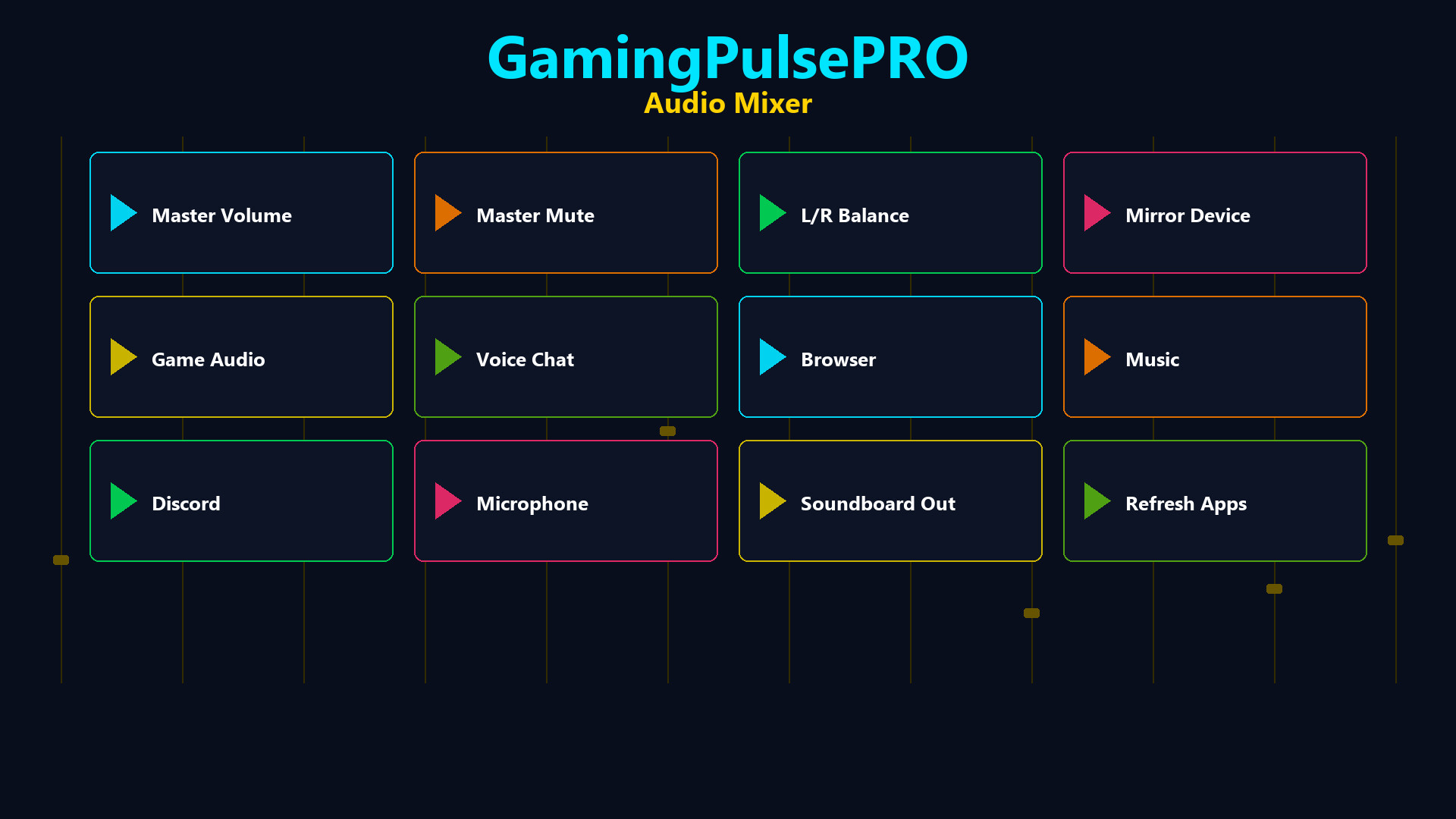
A professional per-application audio mixer built into GamingPulsePRO. Control every app's volume independently, balance left and right channels, mirror audio to a second device and manage your soundboard output — all from one unified panel. 🎯

🔊 Master Volume Control


🎚️ Master Slider
Central volume control (0–100%) with a one-click mute toggle. The icon switches between speaker and mute states instantly.

⚖️ Master Balance
L/R balance slider from -100 to +100. Shows Left %, Right % or Center label in real time. Perfect for correcting uneven audio setups.

🔈 Output Device Selector
Choose your default output device from all available audio endpoints. Switch between headphones, speakers and monitors with one click.

📊 Per-Application Mixing


🎛️ App Volume Sliders
Each running application gets its own volume slider (0–100%). Auto-populated from the system audio session list with the app's icon.

⚖️ App Balance Cycle
Per-app balance button that cycles: Stereo → Left Only → Right Only. Route game audio to one ear while keeping comms in the other.

🔇 Solo Mode
Per-app solo button to mute everything else and focus on a single application's audio.

📊 Real-Time VU Meters
Live peak level display for each running app. See which application is producing sound at a glance.

🔀 Dual App Balance


🎮 Slot 1 & Slot 2
Select two applications and balance their audio independently. A dedicated slider (-100 to +100) per slot with a reset button.

🔄 Reset Button
One-click reset (↻) per slot to return balance to center.

🔁 Audio Mirroring


🪞 Mirror to Second Device
Enable audio mirroring to play your default device's output simultaneously on a second device. Choose any available output as the mirror target.

📡 Status Indicator
On/Off chip shows mirror status at a glance. Description text confirms the active routing.

🔊 Soundboard Output


🎤 Dedicated Output Device
Route soundboard audio to a separate device from your main output. Perfect for streaming setups where you need different audio paths.

🎚️ Soundboard Volume
Independent volume slider (0–100%) for soundboard clips only.

🔊 Dual Output Mode
Checkbox to play soundboard clips on both the selected device and the default device simultaneously.

➕ Sound Library
Add MP3, WAV, OGG or M4A files. Left-click to play, right-click to delete. File name and size displayed on each button.

📌 Status Dashboard


  • 🔈 Device name chip — current output device
  • 📊 Active app count — how many apps are being mixed
  • 🪞 Mirror status — On or Off at a glance
  • ⚡ Live updating — auto-refreshes as apps start and stop

⚠️ Requires the base GamingPulsePRO application.

ความต้องการระบบ

    ขั้นต่ำ:
    • ต้องการโปรเซสเซอร์และระบบปฏิบัติการแบบ 64 บิต
    • ระบบปฏิบัติการ: Windows 10 / 11 (64-bit)
    • โปรเซสเซอร์: Dual Core 2.0 GHz or higher
    • หน่วยความจำ: แรม 2048 MB
    • กราฟิกส์: Integrated Graphics
    • เครือข่าย: การเชื่อมต่ออินเทอร์เน็ตแบบบรอดแบนด์
    • พื้นที่จัดเก็บข้อมูล: พื้นที่ว่างที่พร้อมใช้งาน 100 MB
    แนะนำ:
    • ต้องการโปรเซสเซอร์และระบบปฏิบัติการแบบ 64 บิต
ไม่พบบทวิจารณ์สำหรับผลิตภัณฑ์นี้

คุณสามารถเขียนบทวิจารณ์ของคุณเองสำหรับผลิตภัณฑ์นี้เพื่อแบ่งปันประสบการณ์ของคุณให้กับชุมชน ใช้พื้นที่ด้านบนของปุ่มซื้อในหน้านี้เพื่อเขียนบทวิจารณ์ของคุณ