This content requires the base application GamingPulsePRO on Steam in order to run.

Sign in to add this item to your wishlist, follow it, or mark it as ignored

Downloadable Content

This content requires the base application GamingPulsePRO on Steam in order to run.

This content is not yet available on Steam

Planned Release Date: Apr 30, 2026

This application will unlock in approximately 2 weeks

Interested?
Add to your wishlist and get notified when it becomes available.
 

About This Content

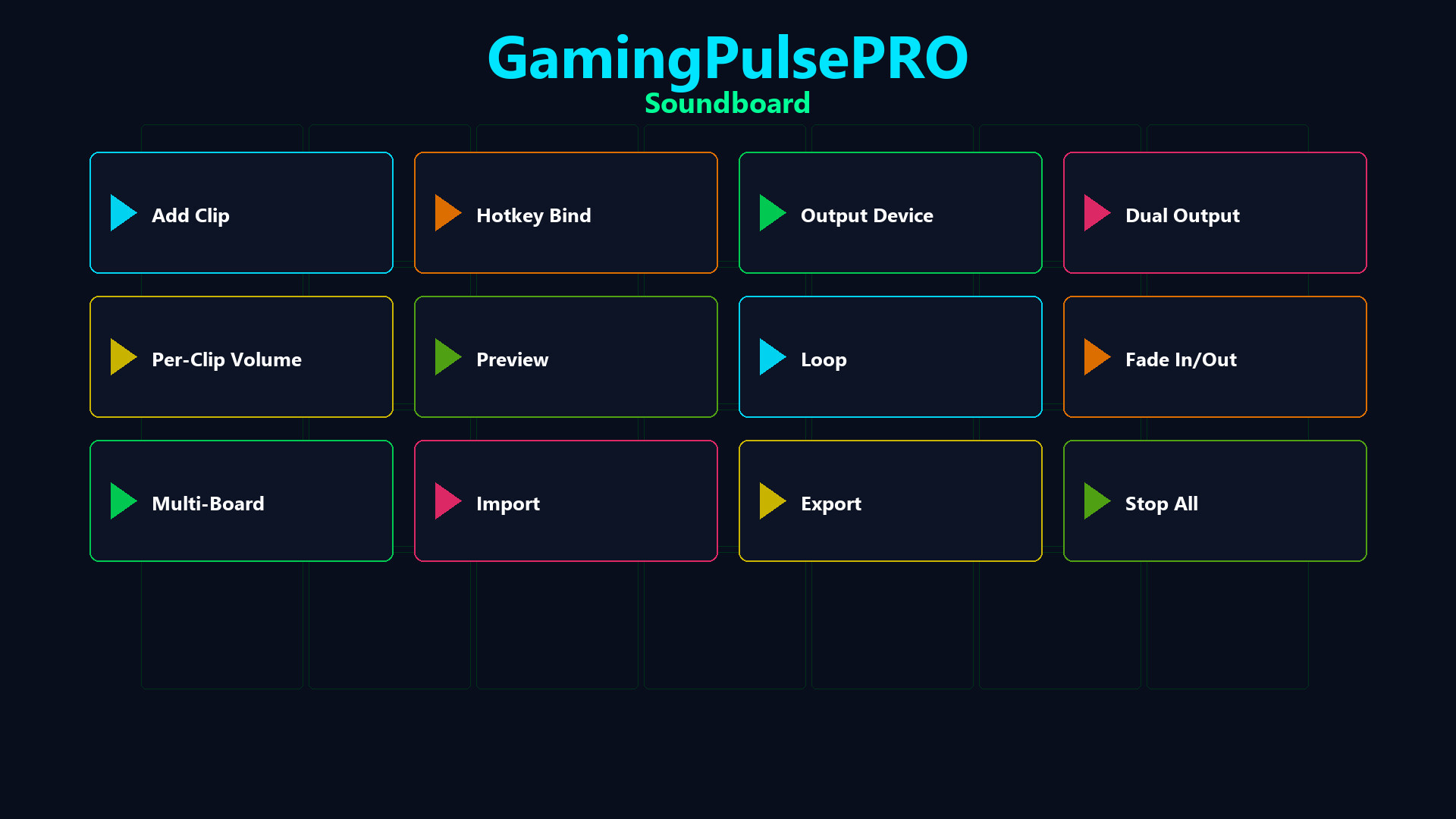
🔊 GamingPulsePRO — Soundboard


A full-featured audio board built right into GamingPulsePRO. Bind any WAV or MP3 clip to a hotkey, route audio to your voice chat through a virtual cable and manage multiple boards — all with zero latency. 🎯

🎵 Clip Playback


⌨️ Hotkey Bindings
Assign any keyboard shortcut to any sound. Trigger clips instantly during gameplay, streams or calls with a single key press.

🔁 Loop & Fade
Enable loop mode for ambient sounds or fade in/out for smooth transitions. Set per-clip fade duration for professional-sounding playback.

🎚️ Per-Clip Volume
Individual volume slider (0–100 %) for every clip. Fine-tune each sound's loudness without affecting others.

🔀 Audio Routing


🎤 Virtual Microphone Injection
Route sounds through VB-Audio Virtual Cable or VoiceMeeter directly into Discord, Steam Voice, OBS or any voice chat. Your friends hear the sound as if it's coming from your mic.

🔊 Dual Output Mode
Play simultaneously on two audio devices — hear the clip in your headphones while sending it to voice chat at the same time.

⚠️ Smart Detection
Auto-detects installed virtual audio cables. If none found, a warning banner guides you to set up VB-Audio Virtual Cable (free).

📚 Clip Library


🗂️ Visual Clip Grid
All your sounds organized in a scrollable card grid with preview buttons. Dark-themed cards (#1A1A2E) with purple accent (#4C2EA8) and color-coded buttons.

📁 Multi-Board Support
Create separate boards for different games, streams or moods. Switch between boards with a single click.

📤 Import / Export
Export your entire board configuration and share it with friends. Import boards from JSON files with all hotkeys and settings preserved.

🎮 Controls


  • ➕ Add Sound — browse and load WAV/MP3 files
  • 📂 Open Folder — open the sounds directory
  • 🛑 Stop All — immediately silence every active clip
  • 🎤 Play-to-Mic toggle — green indicator when active
  • 📊 Status bar — shows number of active sounds
  • 🔄 Concurrent playback — multiple clips at once, thread-safe

⚠️ Requires the base GamingPulsePRO application.

System Requirements

    Minimum:
    • Requires a 64-bit processor and operating system
    • OS: Windows 10 / 11 (64-bit)
    • Processor: Dual Core 2.0 GHz or higher
    • Memory: 2048 MB RAM
    • Graphics: Integrated Graphics
    • Network: Broadband Internet connection
    • Storage: 100 MB available space
    Recommended:
    • Requires a 64-bit processor and operating system
There are no reviews for this product

You can write your own review for this product to share your experience with the community. Use the area above the purchase buttons on this page to write your review.