Record and use immediately, say goodbye to searching. Open a game, its dedicated note appears instantly; switch games, notes automatically switch. Dynamically attaches to the edge when idle, taking no space at all, hover mouse, note appears instantly.
Release Date:
May 26, 2026
Developer:
ZGQ
Publisher:
ZGQ
Tags

Sign in to add this item to your wishlist, follow it, or mark it as ignored

This game is not yet available on Steam

Planned Release Date: May 26, 2026

This application will unlock in approximately 7 weeks

Interested?
Add to your wishlist and get notified when it becomes available.
 

About This Software

When you're playing a game and suddenly want to note something down, what would you do before? You'd often give up because it's particularly troublesome.

(You have to open note-taking software first, then create notes for this game before you can record. Next time you want to find this note, you still have to repeat this process. When you've recorded notes for multiple games, you even have to consider how to manage them.)

Now, using Shadow Notes, each game has its own dedicated note. When you open the game, its note is already ready. It will always hide at the edge of the screen, showing a small tail, waiting for you to move your mouse over it, and it will automatically appear.

Therefore, you usually only need to open the game, then summon the note, and then record whatever you want. You don't need to manually select notes for different games, because each game has its own note, and when the game is opened, these notes are already ready.

Feature Introduction

Note Window (all features below support virtual desktops and multiple screens)

I. Floating Function

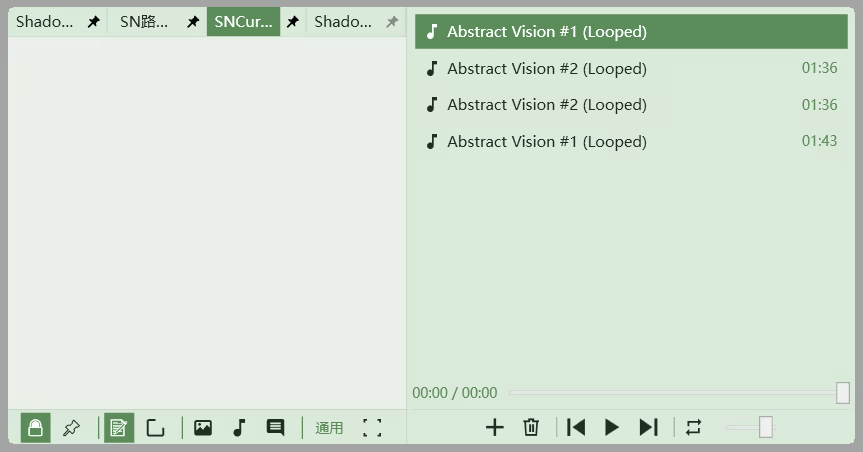
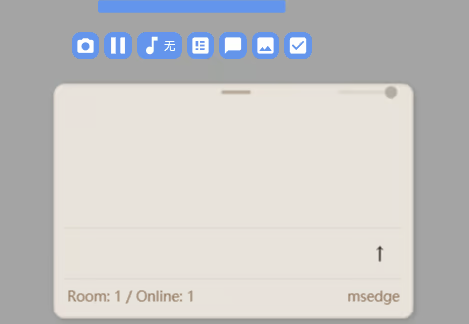
The note window will always float on the screen. Usually it hides at the edge of the screen, showing a small tail. Hovering the mouse over the small tail will make it appear. When you finish recording, clicking the game interface will automatically hide it. Using the fix button (or dragging it away from the edge) can prevent it from automatically hiding.

II. Draggable

The note window can be dragged to a position, automatically hides when close to the edge, and automatically snaps to the edge to reset.

III. Multiple Display Modes

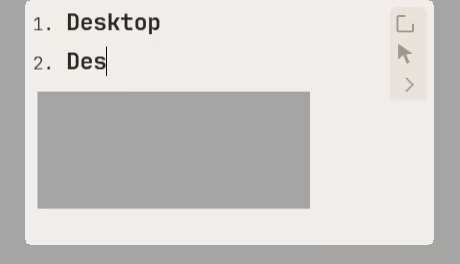
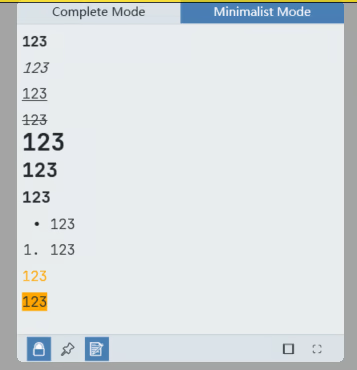
  • Minimal mode (only shows edit area and some buttons, pure editing experience)

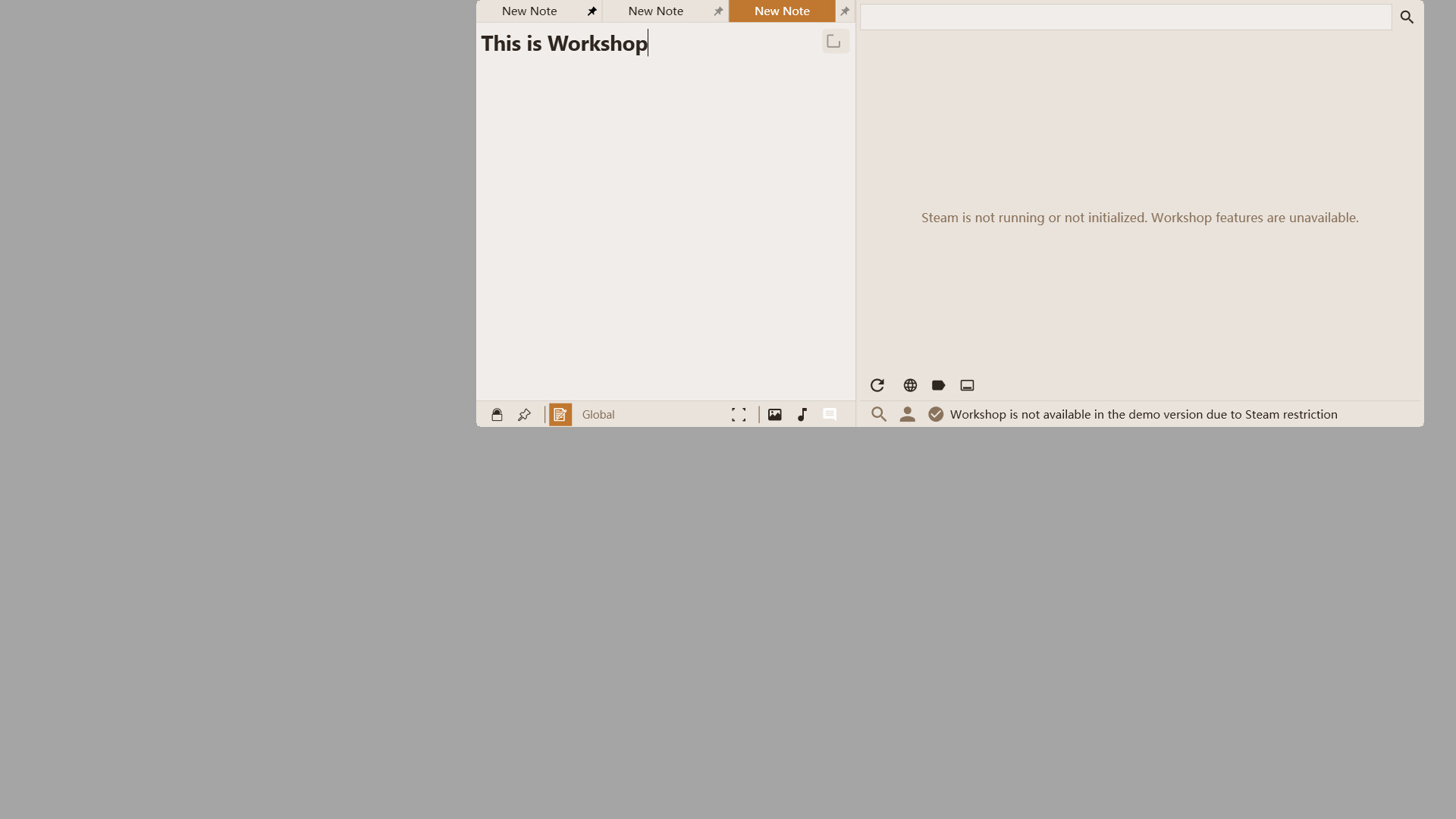
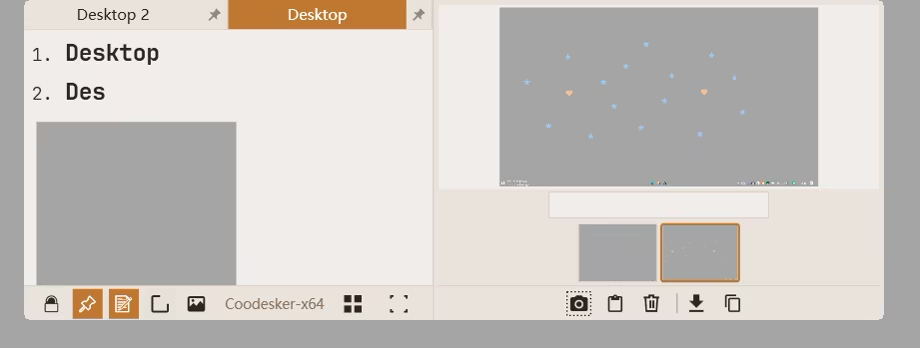
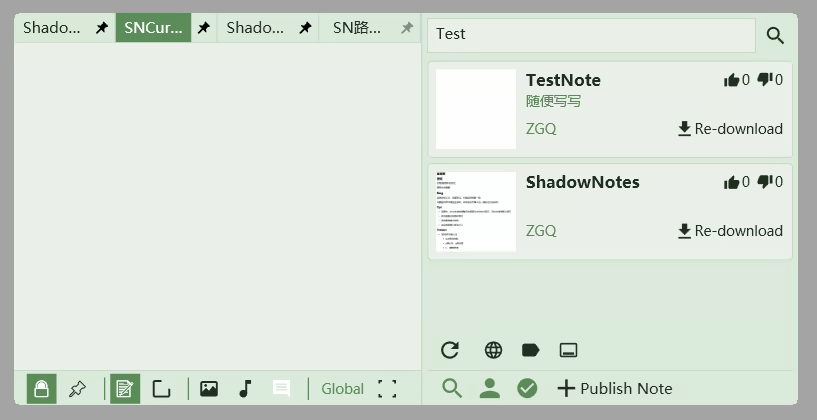
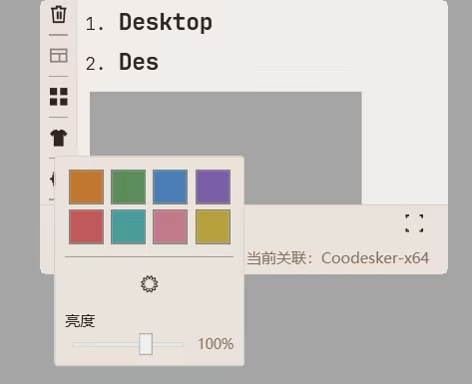
  • Normal mode (includes a note list that can be hidden individually, text format buttons, edit area, and bottom function buttons)

Note Functions

I. Auto-bind Note Groups

When you open any game (or software) for the first time, it will automatically bind a group of notes for it. You can edit, add, or delete at will, and all changes will be saved.

II. Auto-switch Note Groups

When you open a game (or software), the note window will automatically switch to the note group bound to the game (or software).

III. Game Blacklist

For some games (or software) you don't want the note window to automatically switch to their bound note groups, you can add the game (or software) to the blacklist. Next time you open this game (or software), the note window will not display their note group. This operation is very easy.

IV. Recycle Bin

Each game's (or software's) note group has its own recycle bin, and accidentally deleted files can be recovered.

V. Editable Content and Formats in Notes

You can enter text and paste images.

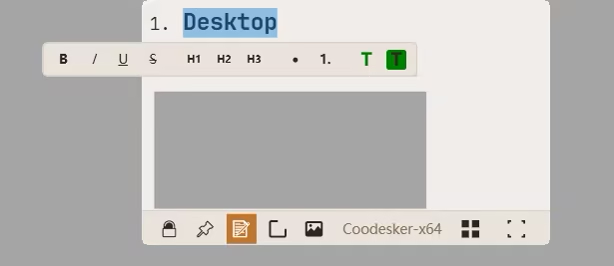
Formats include unordered lists, ordered lists, headings, bold, italic, underline, strikethrough, text color, background color.

More Features

Actively under development!

Recommended Use Scenarios

  • Games: Information strongly related to games, such as game walkthroughs, game memos, game rules, etc.

  • Software: Information strongly related to software, such as software shortcut information, software usage guides, software learning records, etc.

System Requirements

    Minimum:
    • OS: Windows 10,11
    • Processor: Dual Core 1.5 GHz
    • Memory: 50 MB RAM
    • Storage: 160 MB available space
There are no reviews for this product

You can write your own review for this product to share your experience with the community. Use the area above the purchase buttons on this page to write your review.