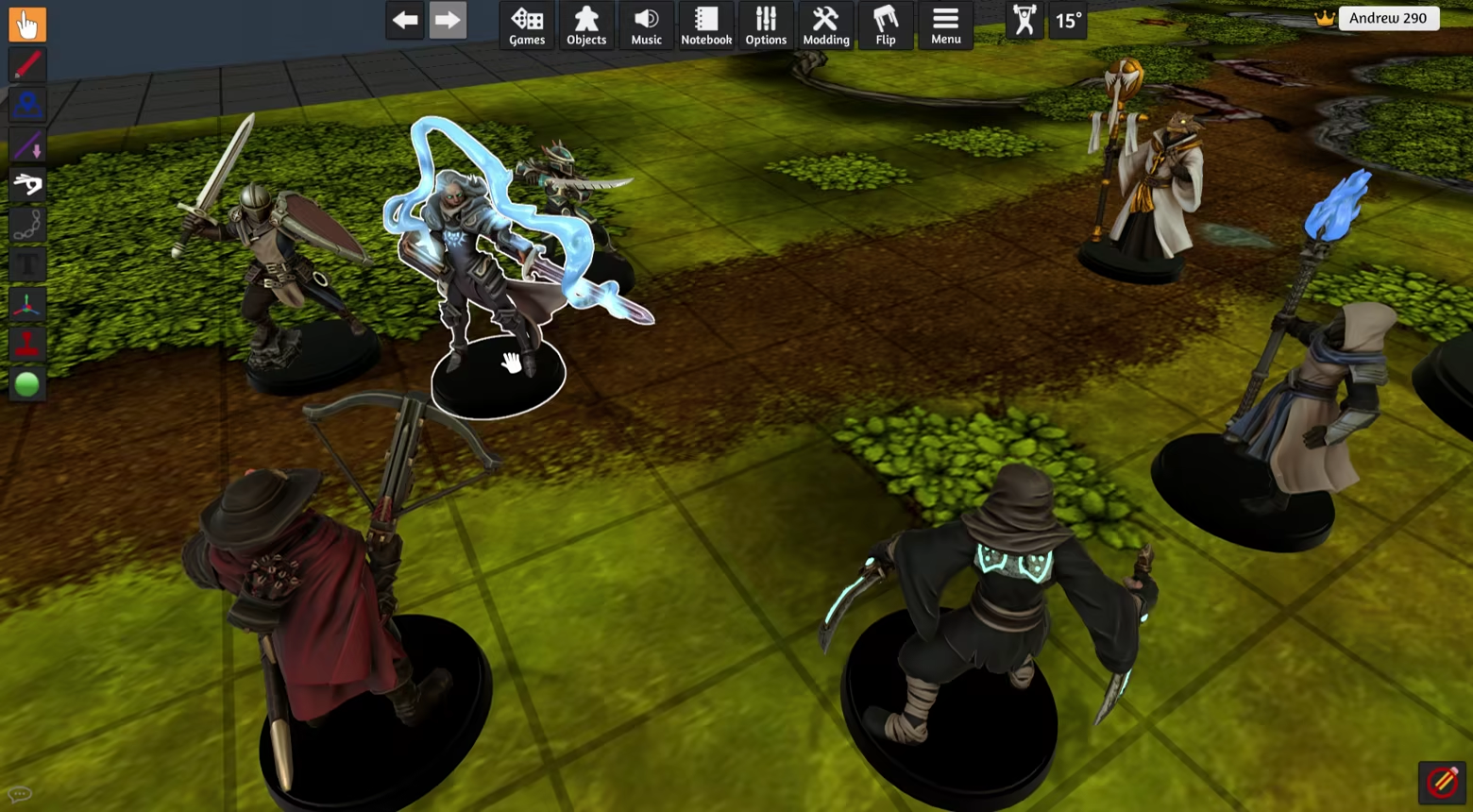
Turn your STL files into painted, VTT-ready miniatures. Automatic shadows & highlights, bucket fill, free paint, custom stamps and more. Export for Tabletop Simulator, TaleSpire or as OBJ.

Zaloguj się, aby dodać tę pozycję do listy życzeń, zacząć ją obserwować lub oznaczyć jako ignorowaną

Program z wczesnym dostępem

Zaangażuj się w powstawanie programu.

Uwaga: ten program oferowany w formie wczesnego dostępu nie został jeszcze ukończony i może (choć nie musi) ulec dalszym zmianom. Jeśli program w jego obecnym stanie nie interesuje cię, sugerujemy poczekać, by zobaczyć, czy prace nad nim będą kontynuowane. Dowiedz się więcej.

Od twórców:

Dlaczego wczesny dostęp?

„Basecoat can still benefit from performance improvements and clearer UI / automated workflows.”

Mniej więcej jak długo program będzie w fazie wczesnego dostępu?

„We expect Basecoat to be in early access for approximately 6 months.”

Czym różni się zaplanowana pełna wersja od tej z wczesnego dostępu?

„In the full version, we will rework the main UI / remesh flow based on specific user workflows, including one workflow for VTT minis and one for color 3D printing.

The full version will also contain more ready-to-paint character presets.”

Jaki jest obecny stan wersji z wczesnego dostępu?

„Basecoat currently supports:
- Automatic shadows / edge highlights
- Bucket fill
- Mateiral library
- Custom materials
- Free paint mode
- Stamps (built-in and custom)
- Paint-through mode
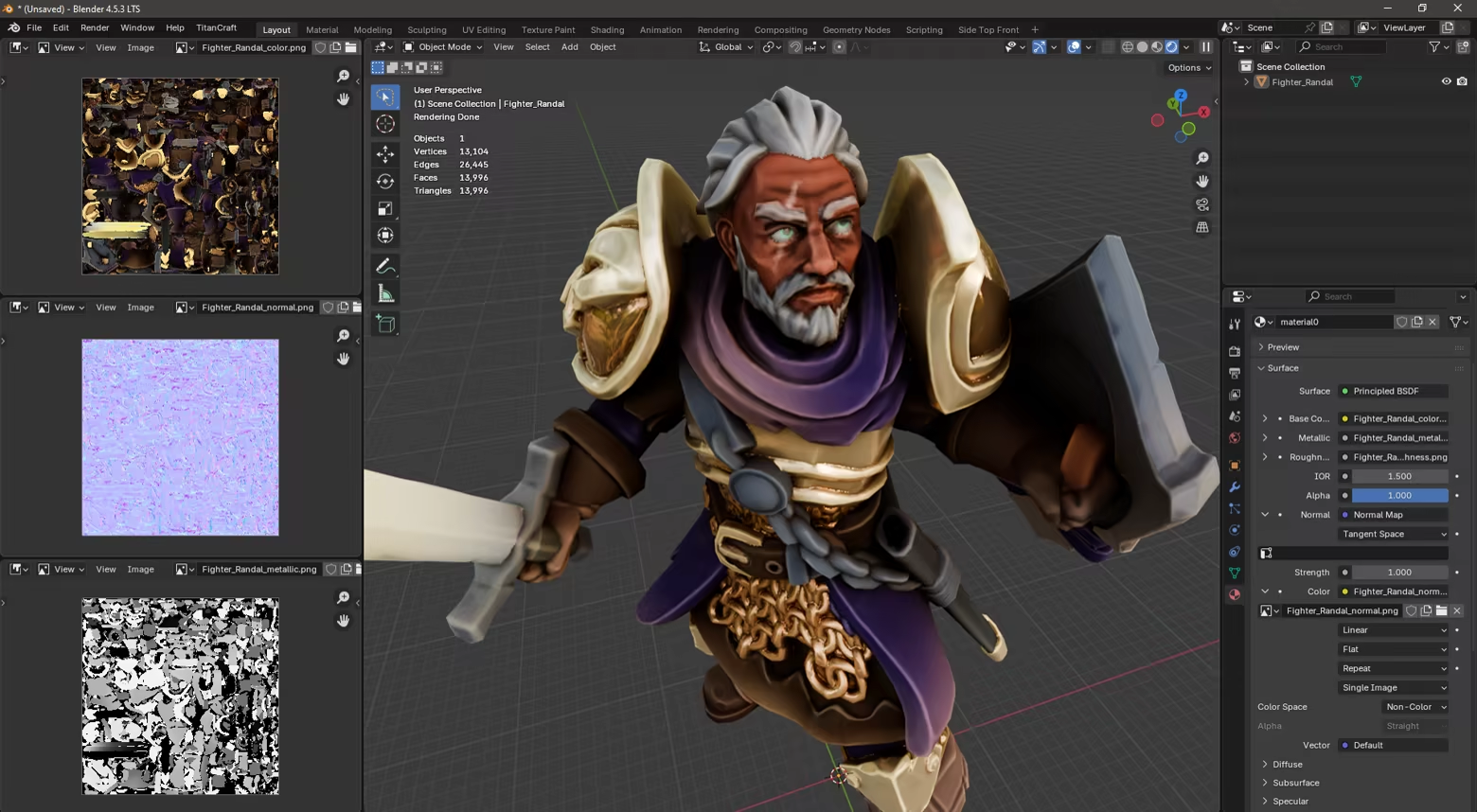
- Automatic mesh optimization (remesh, decimate, UV unwrap, normal bake)
- TaleSpire export
- OBJ + Texture export
- AssetBundle export (requires Unity installation)
- Batch mode
- Automatic color region blocking
- Manual color region blocking”

Czy cena programu ulegnie zmianie podczas i po wczesnym dostępie?

„We're not planning to change the price when we leave early access.”

Jak zamierzacie włączyć społeczność w wasz proces tworzenia?

„We would love to hear user feedback, both on what they are using Basecoat for, and what additional features would make it work better for their use case.
The best place to submit feedback is the TitanCraft Discord server.”
Więcej
Polski język nie jest obsługiwany

Ten produkt nie obsługuje twojego lokalnego języka. Przed zakupem zapoznaj się z listą obsługiwanych języków, która znajduje się poniżej.

Ta gra nie jest jeszcze dostępna na Steam

Wkrótce dostępne

Interesuje cię ten produkt?
Dodaj go do swojej listy życzeń i otrzymaj powiadomienie, gdy stanie się dostępny.
 
Zobacz wszystkie dyskusje

Zgłoś błędy i zostaw swoją opinię o tym programie na forach dyskusyjnych

O tym programie

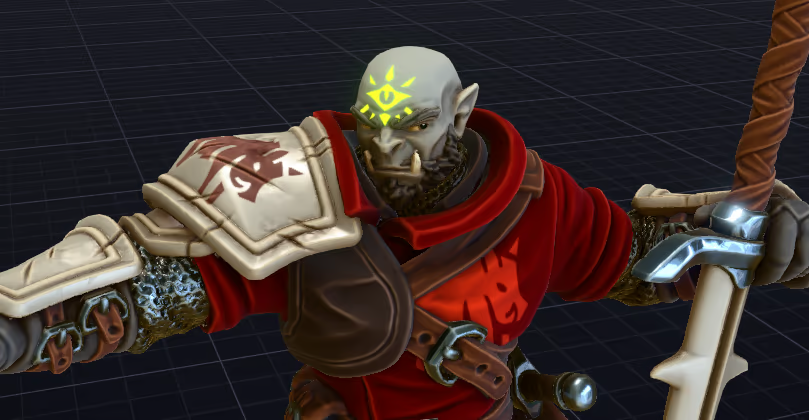
Basecoat is a full 3D digital painting studio for miniatures.

It handles all the technical prep for you (mesh optimization, UV unwrapping, material setup) and lets you get straight to the fun part - actually painting!

PAINTING TOOLS

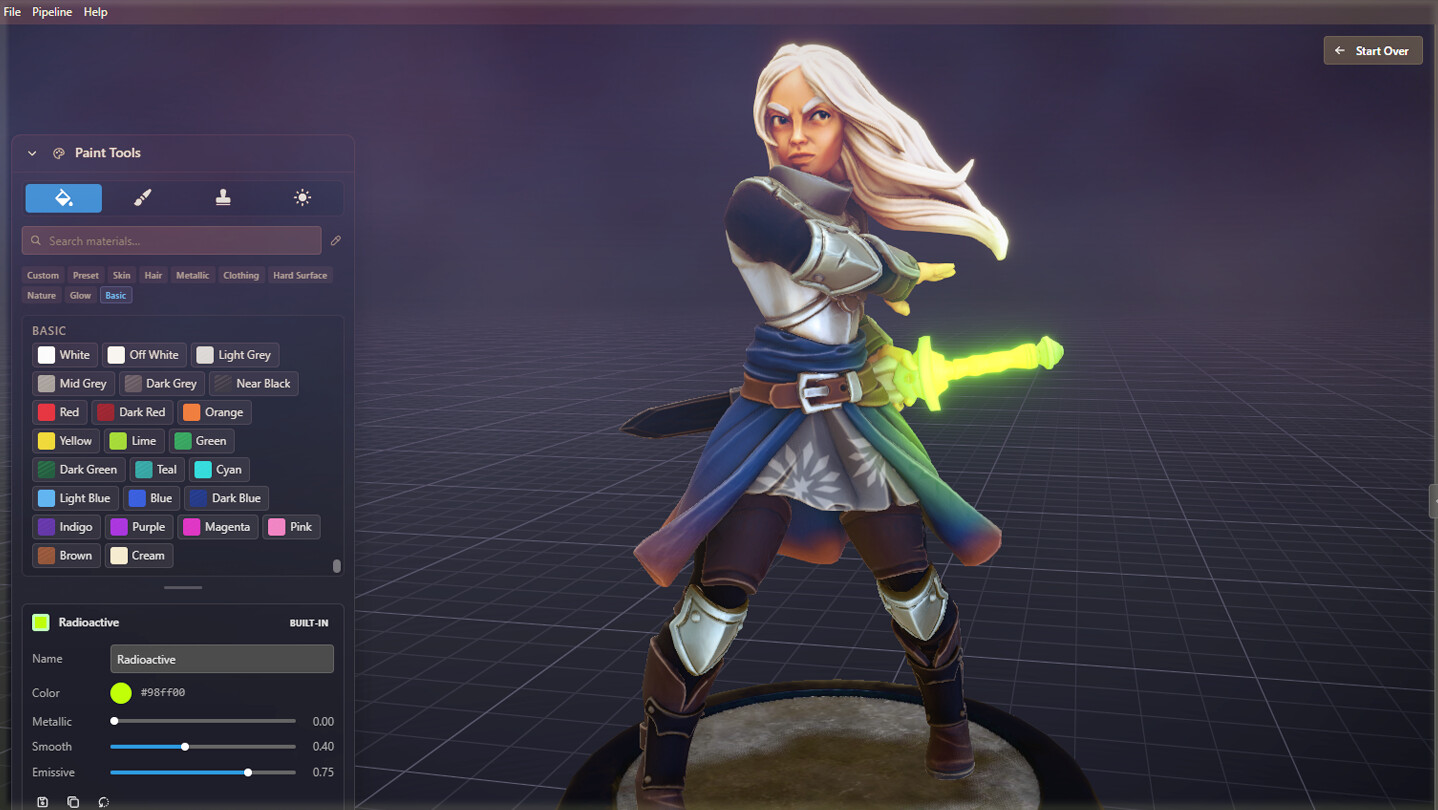
  • AUTOMATIC SHADOWS / EDGE HIGHLIGHTS

Raw STLs look flat. Auto-generate shadows and highlights to bring out the details. Shading adapts to painted colors automatically. 

  • BUCKET FILL

Quickly put down base colors with bucket paint mode. Use auto-generated color regions (one click, adjustable), or define your own regions.

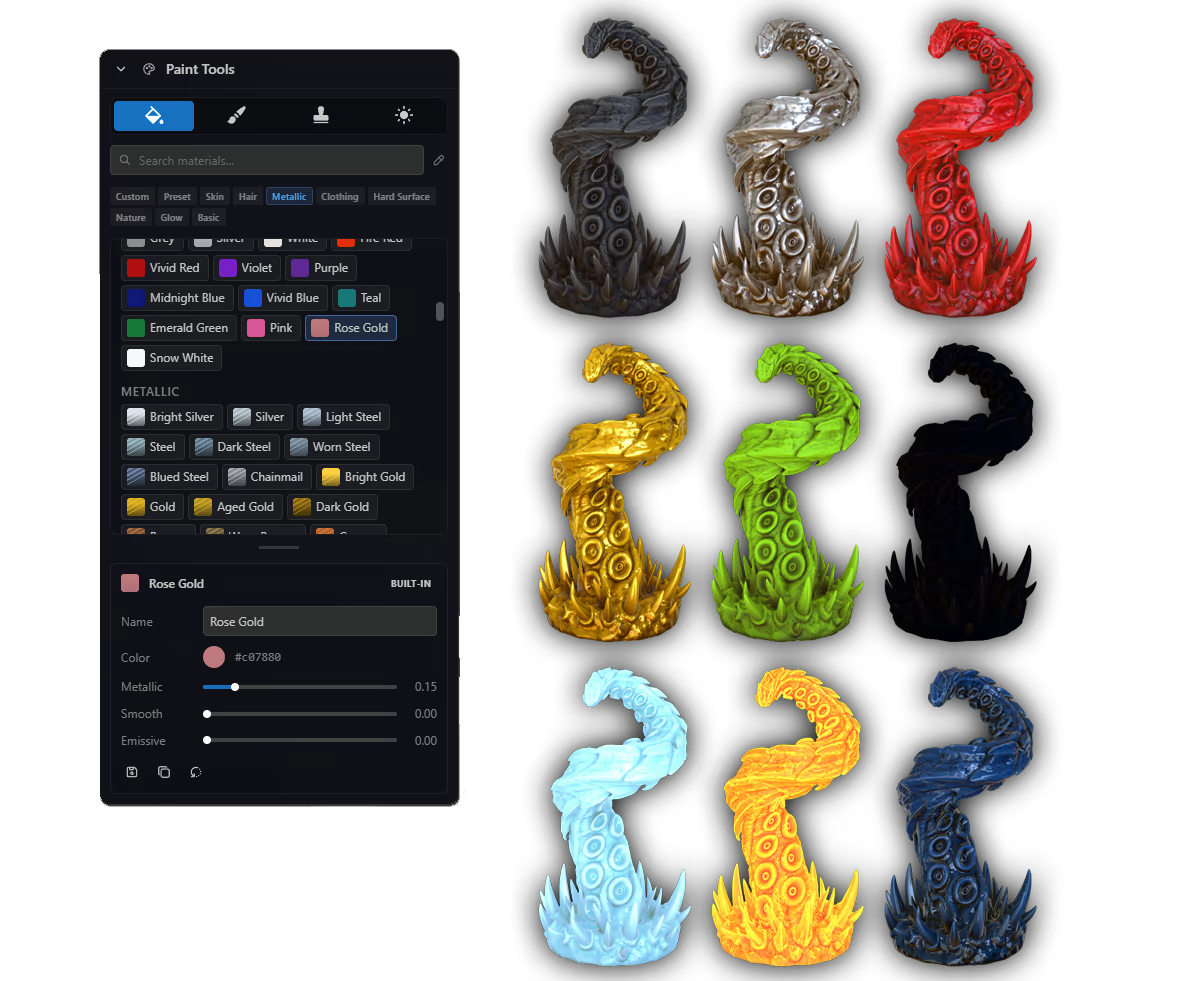
  • MATERIAL LIBRARY / CUSTOM MATERIALS

Start with a palette of premade materials, or design your own. Adjust color, metallic, reflectivity, and glow (emissive).

  • FREE PAINT MODE

Draw on any surface! Control brush size, hardness, opacity and shape. Supports common drawing tablets.

  • STAMPS

Add stamps to your minis in any material. Use the built-in stamp library, or upload your own PNG or SVG stamps.

  • EASY OBJECT SOURCE LIGHTING

Use the airbrush and Paint Through to paint the glow from a torch or spell, directly onto your model's textures.

  • AUTOMATIC MESH OPTIMIZATION

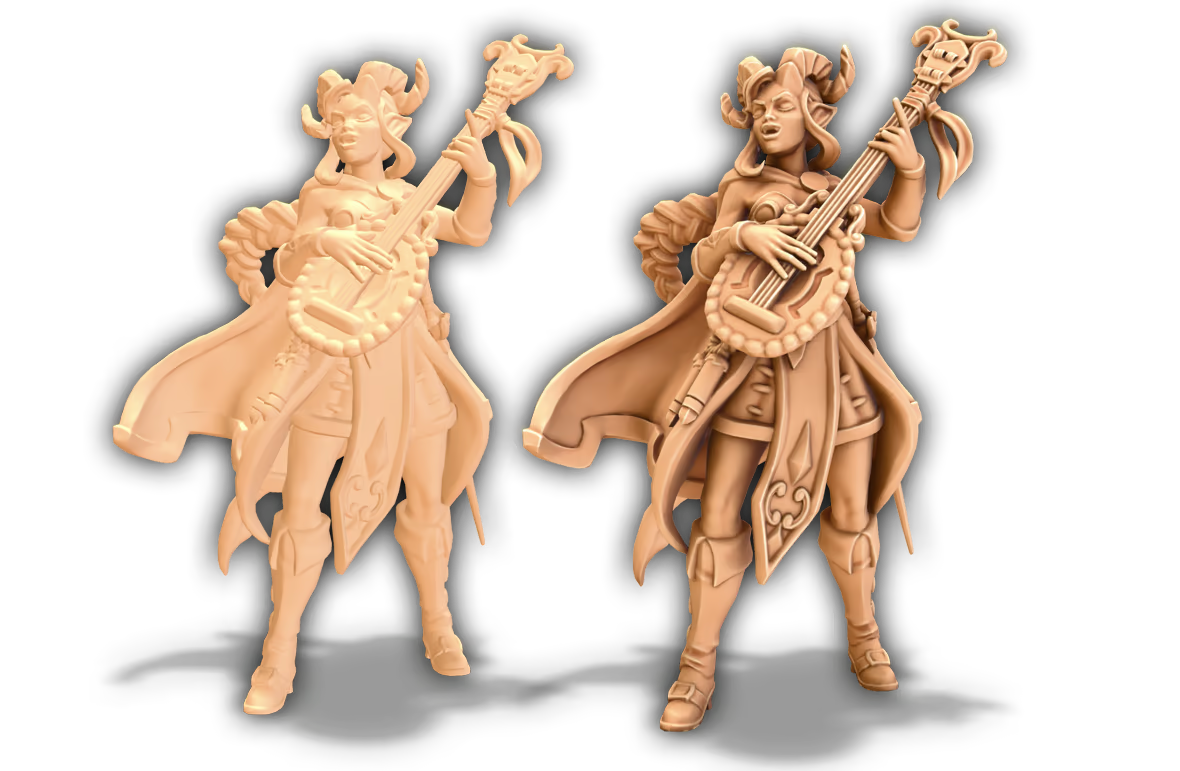
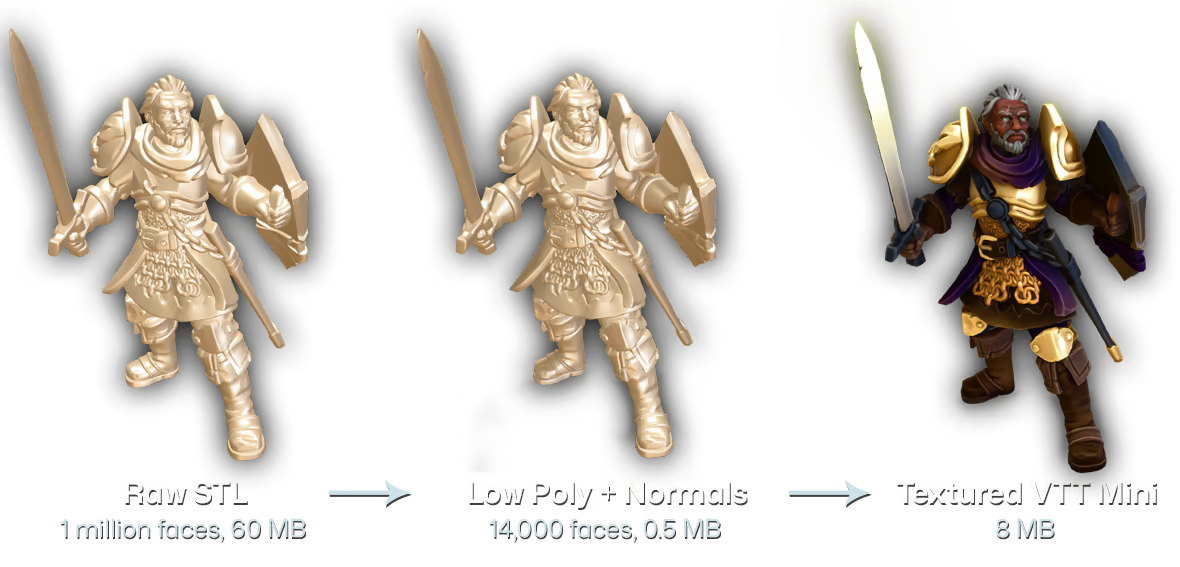
STL files designed for 3D printing are usually too large to work well on VTT. Basecoat creates a reduced, low poly version of your original mesh, with a wrap-around normal map to capture details. The resulting optimized miniature is a fraction of the file size, but looks just as detailed as the original.

EXPORT FORMATS

  • TALESPIRE

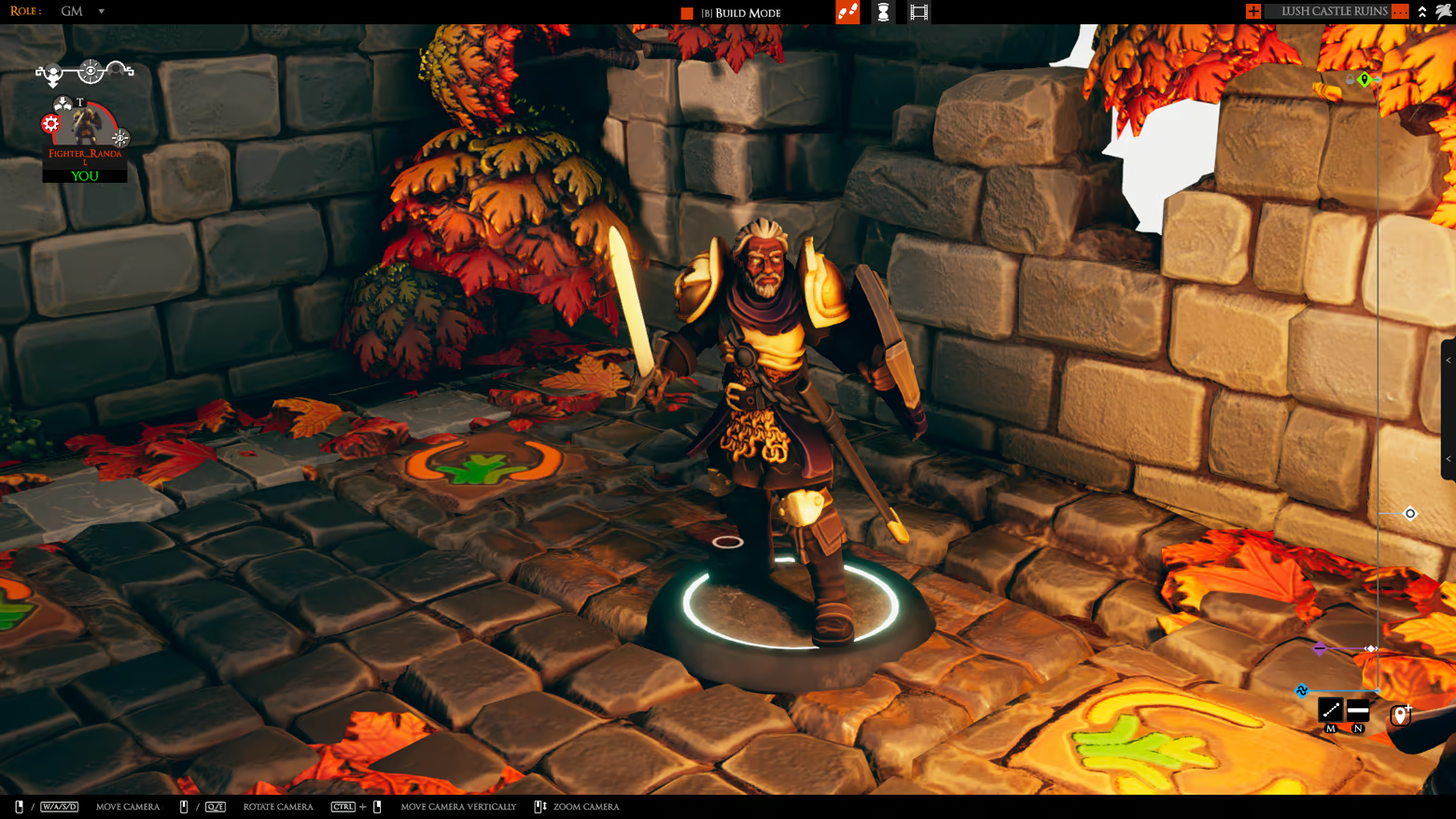
Export to native .tsMod format, then drop it into your TaleSpire folder to use locally. Define your own hit/head/torch/spell markers. Base size is auto calculated based on geometry, and can be previewed in Basecoat before export.

  • OBJ + TEXTURES

Export to .obj format, compatible with most 3D programs. Textures include color (albedo), normals, metallic, roughness, and emission.

  • UNITY ASSETBUNDLE

Export as a .unity3d AssetBundle, compatible with Tabletop Simulator and other Unity-based engines. Requires Unity to already be installed on your machine.

IMPORT YOUR OWN FILES

Paint the digital miniatures you already own!

Basecoat can read STL, OBJ and FBX files.

Files should be manifold (watertight) to work properly. STL files designed for 3D printing usually work well - models designed for video games may not.

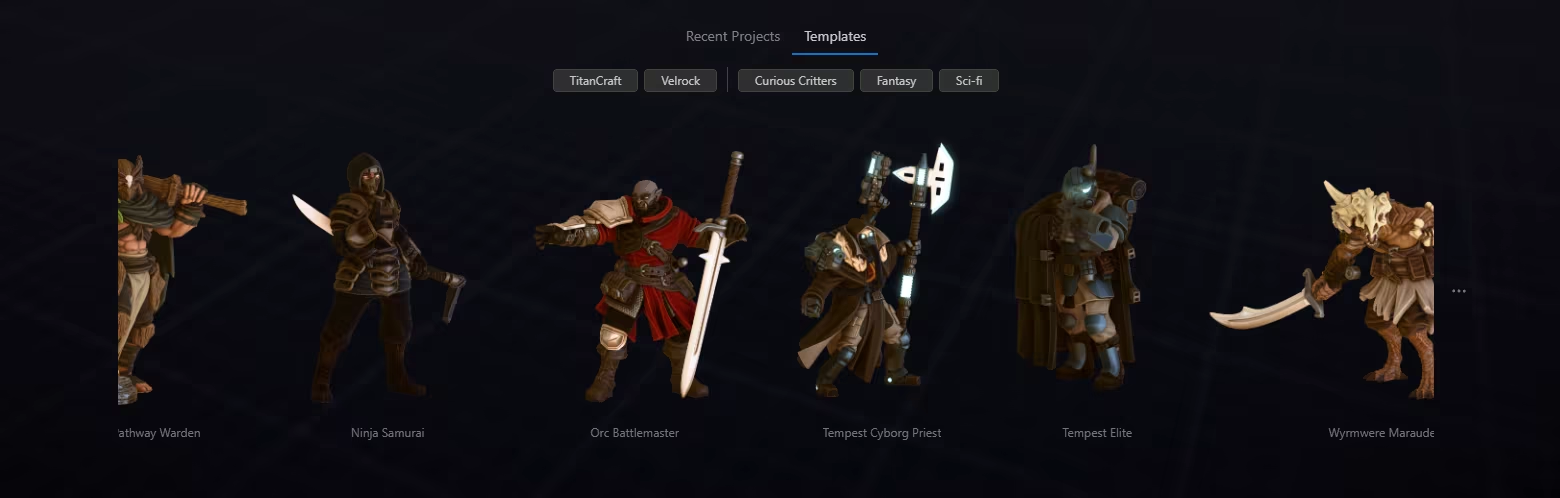
...OR START WITH A TEMPLATE

Don't have your own models? Start painting now with our library of ready-to-paint built-in characters.

SKIP THE PREP WORK

Outside of Basecoat, the common workflow for getting a model ready to paint is:

  • ❌ Learn Blender

  • ❌ Decimate the model

  • ❌ UV unwrap the mesh

  • ❌ Set up material shader nodes

  • ❌ Bake shadows and highlights (separate node setups), link them to the material

  • ❌ ???

With Basecoat, the workflow becomes:

  • ✅ 1. Import model

  • ✅ 2. Block out color regions (one click, fine-tuning available)

  • ✅ 3. Start painting

Basecoat gives you exactly what you need to paint minis, without the cost or learning curve of traditional texturing programs.

BATCH FILE PROCESSING

Process entire folders of STLs in one go. Generate shadows and highlights, bake any included colors, optimize for VTT, and export to one or more formats - all automatically.

FEEDBACK

Help us make Basecoat better! Find us on the TitanCraft discord server, linked in the Info section.

Credits: Galaad Miniatures (miniatures), Velrock Art (miniatures), Lemurian (TaleSpire map), MatsHellman (Tabletop Simulator map)

Wymagania systemowe

Windows
macOS
    Konfiguracja minimalna:
    • System operacyjny: Windows 10 64-bit
    • Procesor: Intel Core i5-8500 / AMD Ryzen 5 2600 or equivalent
    • Pamięć: 8 GB RAM
    • Karta graficzna: Intel UHD Graphics 630 or equivalent (DirectX 11 / WebGL2 capable)
    • Miejsce na dysku: 2 GB dostępnej przestrzeni
    Konfiguracja minimalna:
    • Wymaga procesora Apple
    • System operacyjny: macOS 13 Ventura
    • Procesor: Apple M1
    • Pamięć: 8 GB RAM
    • Karta graficzna: Apple M1 integrated GPU
    • Miejsce na dysku: 2 GB dostępnej przestrzeni
Filtry recenzji