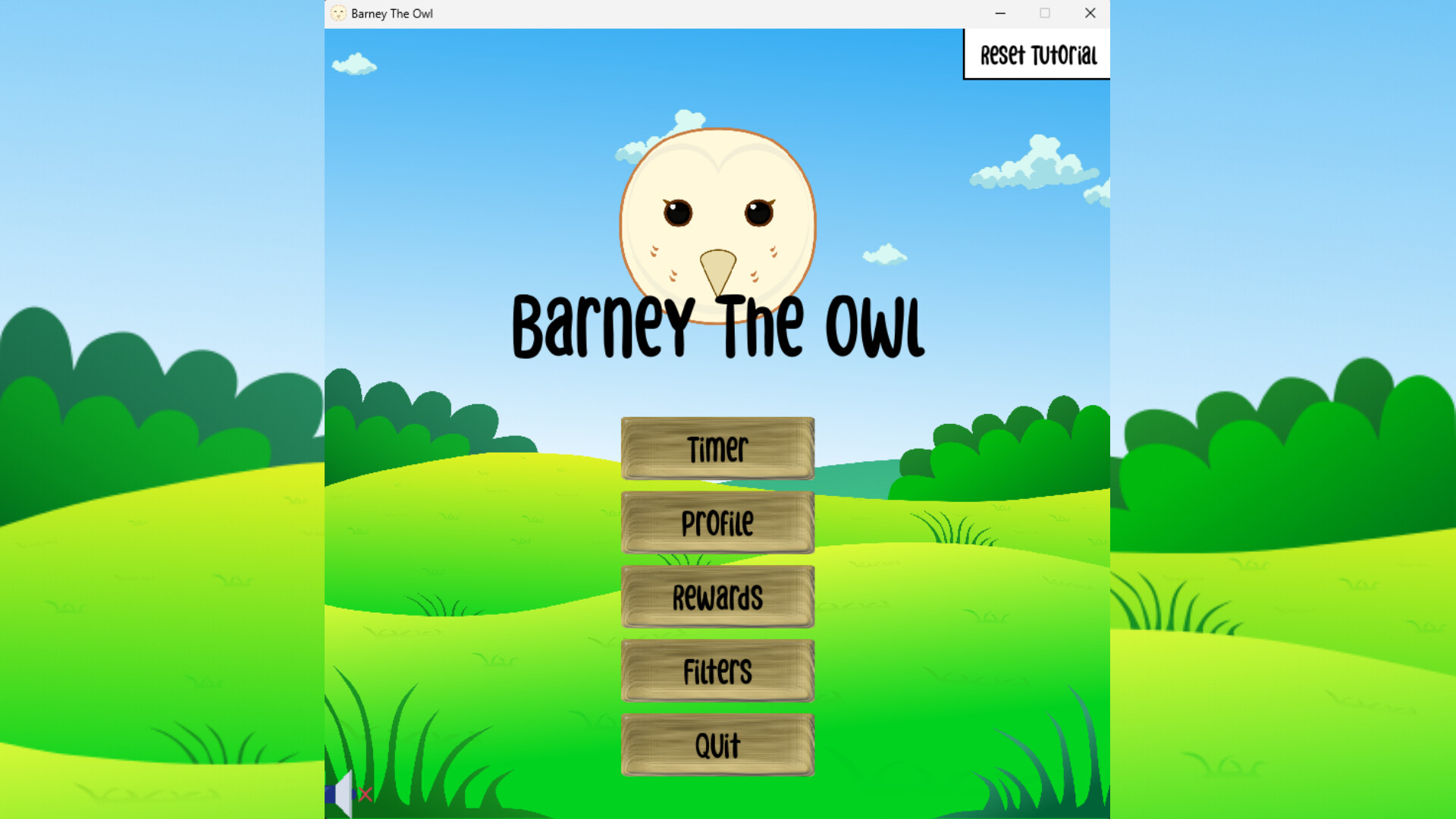
A gamified productivity tool. Barney keeps you from getting distracted while working or studying by detecting applications and web domains that you deem distracting. Set a timer, work without getting distracted, get rewarded! Supports Windows with Firefox, Edge or Chromium-based browsers.
發行日期:
即將推出
開發人員:
發行商:
標籤

登入以將此項目新增至您的願望清單、關注它,或標記為已忽略

不支援繁體中文

本產品尚不支援您的目前所在地的語言。購買前請先確認語言支援清單。

即將推出

此項目尚未發售

感興趣嗎?
將這款遊戲加入願望清單,以便在發售時收到通知。
 

關於此軟體

Barney The Owl is a gamified productivity tool. Use this game to help you keep your focus on studies or work on Windows computers. The game has distraction detection capabilities for applications and web domains, as defined by yourself in the filters. Set a timer for how long you want to focus, and collect points after the timer is done. Get rewarded after a focusing session!

Distractions

The game detects open applications and compares them to the user-defined filters. If there is a match, then this application is a distraction, and you should close it to continue being productive and focused. The app detection is done using Windows API features.

The game can also detect web domains if you have our extension enabled. We currently support Firefox, Edge and Chromium-based browsers. The extension monitors newly opened web domains and sends the URL to a localhost port, which then the game matches against the filters. Links to the extensions can be found in the "Filters" scene. You can play without using the browser extensions, but you won't be protected from getting distracted on the internet!

Timer

The timer runs in the background while you work, and periodically checks whether new distractions are opened. If you want to take a break from working you can spend a token to take a 5-minute break. Get more points to spend on rewards by completing a longer focusing session!

Barney

Barney is your focusing companion throughout your sessions. His favourite activity is reading books, he wants to become the wisest owl in the world. Spend your points and give him books to read, can you fill out his bookshelf?

Filters

In the "Filters" scene, you can customize what counts as a distraction, both for applications and web domains. You can also see what is currently open, and blacklist those apps or domains you deem distracting. 

Special Thanks

To our collaboration partner YTK Services
To all the team members
To Åbo Akademi

系統需求

    最低配備:
    • 需要 64 位元的處理器及作業系統
    • 作業系統 *: Windows 7 (SP1) / Windows 8.1 / Windows 10
    • 處理器: Dual-core 1.6 GHz (Intel Core i3 2nd gen / AMD equivalent)
    • 記憶體: 2 GB 記憶體
    • 顯示卡: Integrated graphics (Intel HD 3000 or newer) DirectX 11 compatible GPU
    • 儲存空間: 200 MB 可用空間
    • 音效卡: Any
    建議配備:
    • 需要 64 位元的處理器及作業系統
* 自 2024 年 1 月 1 日(PT)起,Steam 用戶端僅支援 Windows 10 及更新版本。
此產品無任何評論

您可以撰寫評論來與社群分享您對於本產品的看法。請使用本頁面中位於購買按鈕上方的區塊來進行評論的編寫。