A gamified productivity tool. Barney keeps you from getting distracted while working or studying by detecting applications and web domains that you deem distracting. Set a timer, work without getting distracted, get rewarded! Supports Windows with Firefox, Edge or Chromium-based browsers.

로그인하셔서 게임을 찜 목록에 추가하거나, 팔로우하거나 또는 제외로 지정하세요.

한국어(을)를 지원하지 않습니다

이 제품은 귀하의 로컬 언어를 지원하지 않습니다. 구매하기 전에 아래에 있는 지원하는 언어 목록을 확인해주세요.

출시 예정

이 아이템은 아직 사용할 수 없습니다

관심이 있으신가요?
찜 목록에 추가하고 출시가 되면 알림을 받으세요.
 

소프트웨어 정보

Barney The Owl is a gamified productivity tool. Use this game to help you keep your focus on studies or work on Windows computers. The game has distraction detection capabilities for applications and web domains, as defined by yourself in the filters. Set a timer for how long you want to focus, and collect points after the timer is done. Get rewarded after a focusing session!

Distractions

The game detects open applications and compares them to the user-defined filters. If there is a match, then this application is a distraction, and you should close it to continue being productive and focused. The app detection is done using Windows API features.

The game can also detect web domains if you have our extension enabled. We currently support Firefox, Edge and Chromium-based browsers. The extension monitors newly opened web domains and sends the URL to a localhost port, which then the game matches against the filters. Links to the extensions can be found in the "Filters" scene. You can play without using the browser extensions, but you won't be protected from getting distracted on the internet!

Timer

The timer runs in the background while you work, and periodically checks whether new distractions are opened. If you want to take a break from working you can spend a token to take a 5-minute break. Get more points to spend on rewards by completing a longer focusing session!

Barney

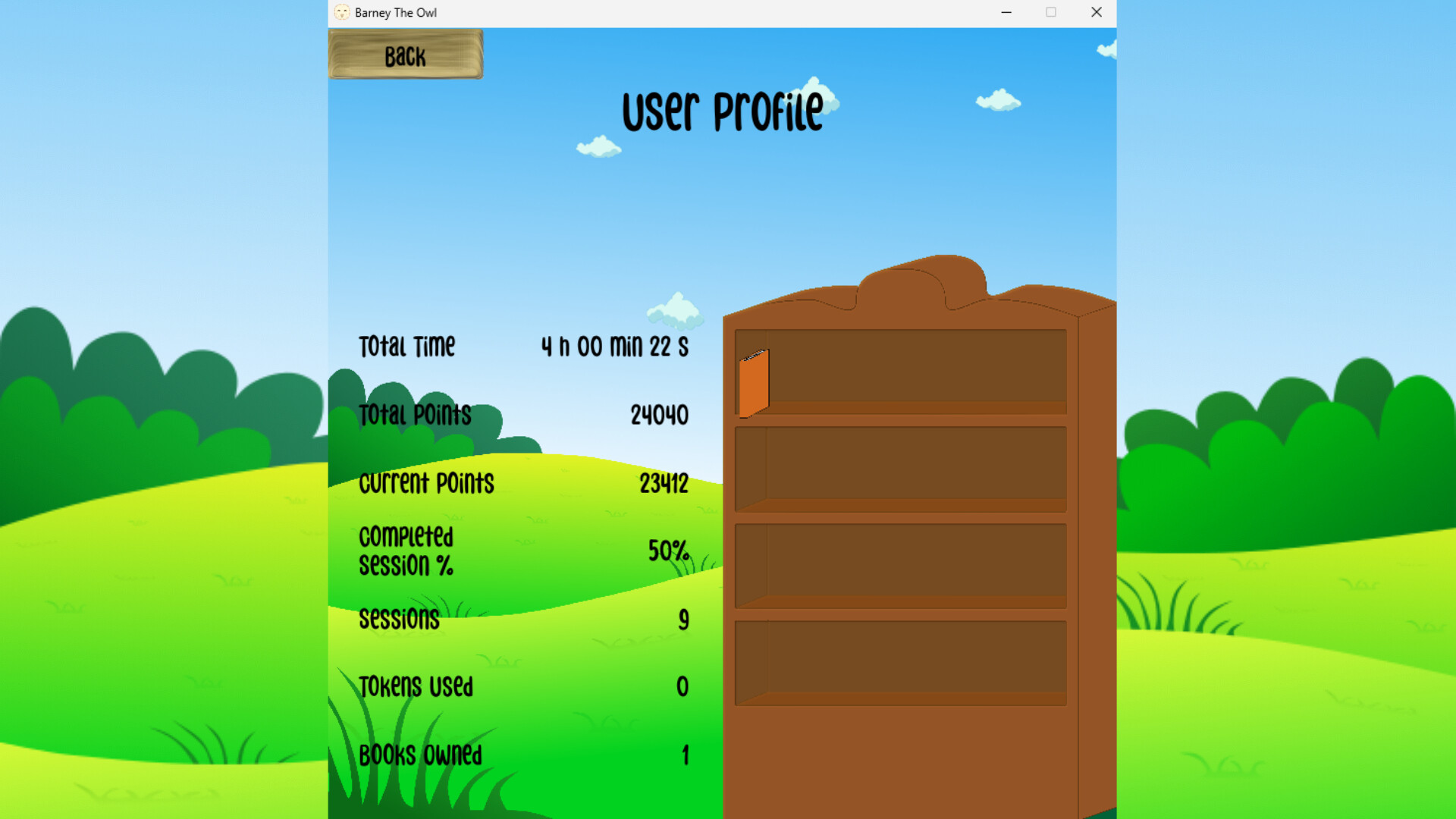
Barney is your focusing companion throughout your sessions. His favourite activity is reading books, he wants to become the wisest owl in the world. Spend your points and give him books to read, can you fill out his bookshelf?

Filters

In the "Filters" scene, you can customize what counts as a distraction, both for applications and web domains. You can also see what is currently open, and blacklist those apps or domains you deem distracting. 

Special Thanks

To our collaboration partner YTK Services
To all the team members
To Åbo Akademi

시스템 요구 사항

    최소:
    • 64비트 프로세서와 운영 체제가 필요합니다
    • 운영 체제 *: Windows 7 (SP1) / Windows 8.1 / Windows 10
    • 프로세서: Dual-core 1.6 GHz (Intel Core i3 2nd gen / AMD equivalent)
    • 메모리: 2 GB RAM
    • 그래픽: Integrated graphics (Intel HD 3000 or newer) DirectX 11 compatible GPU
    • 저장 공간: 200 MB 사용 가능 공간
    • 사운드카드: Any
    권장:
    • 64비트 프로세서와 운영 체제가 필요합니다
* 2024년 1월 1일부터 Steam 클라이언트는 Windows 10 이상 버전만 지원합니다.
이 제품에는 아직 평가가 없습니다.

이 제품의 평가를 직접 써서 자신의 경험을 커뮤니티와 공유할 수 있습니다. 구매 버튼 위의 기입란을 이용하여 자신만의 평가를 써 보세요.