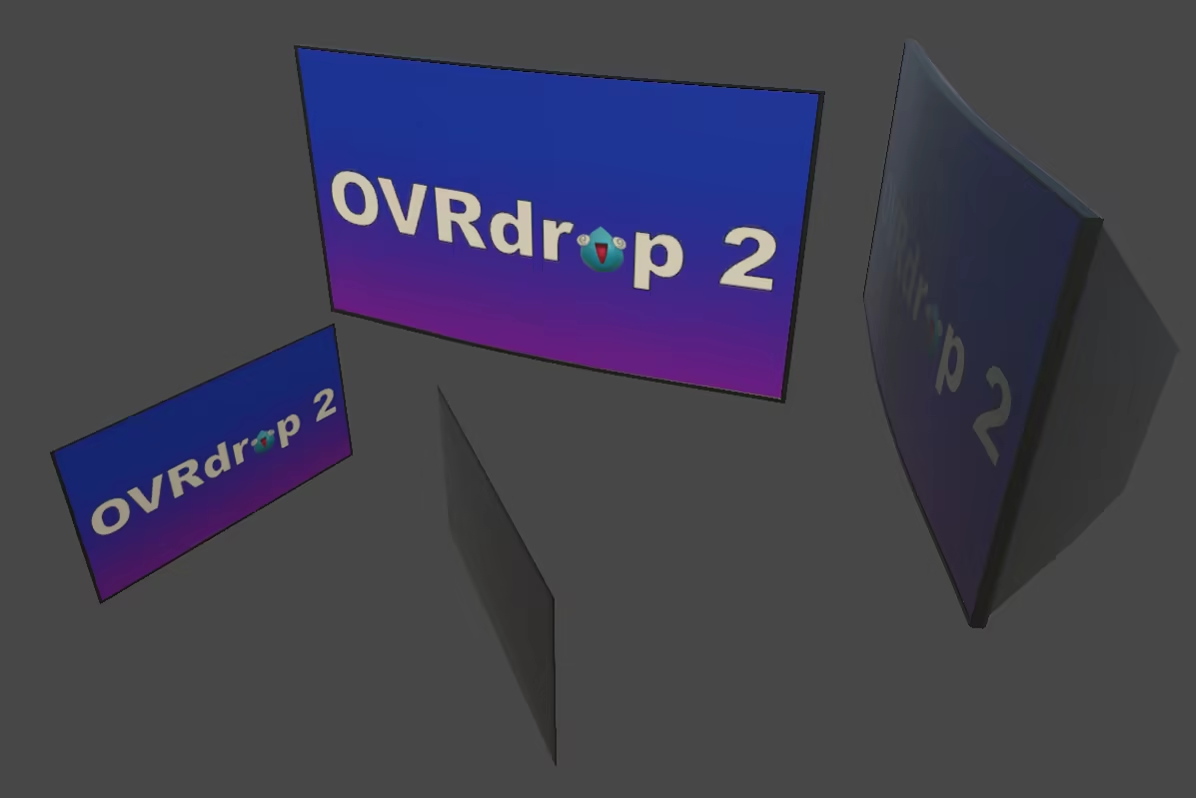
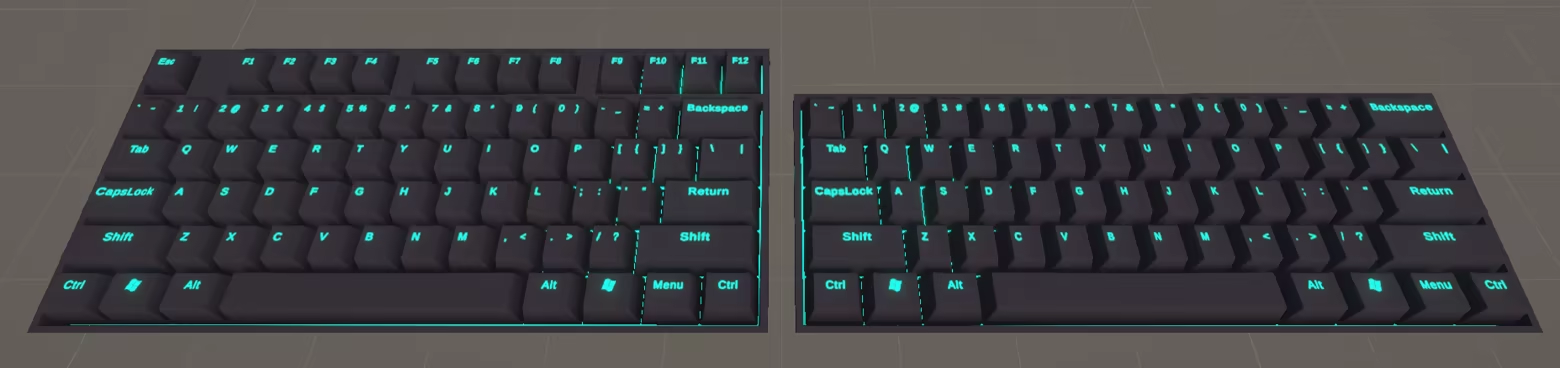
OVRdrop 2 is a SteamVR Overlay application which allows you to view and interact with your desktop computer applications at the push of a button! Just reach out and grab any window right off your computer monitor and turn it into a 3D VR display!
Дата выхода:
Март 2026
Разработчик:
Издатель:
По меткам

Войдите, чтобы добавить этот продукт в список желаемого или скрыть его

Программы с ранним доступом

Примите участие в развитии этой программы.

Примечание: данная программа в раннем доступе находится на стадии разработки. Она может измениться в будущем, а может остаться в текущем состоянии, так что если вам не по вкусу то, что программа может предложить сейчас, рекомендуем дождаться ее дальнейшего развития. Узнать больше

Сообщение от разработчиков

Почему ранний доступ?

«From the start OVRdrop was always an evolutionary process. With OVRdrop 2, we want to continue to prioritize user feedback and for a short period after launch we anticipate rapid growth. Some features are subject to change as we go through our initial growing pains, and we want our customers to keep that in mind when deciding if they want to purchase or wait until OVRdrop 2 is a bit more mature.»

Сколько примерно эта программа будет в раннем доступе?

«We anticipate a period of rapid feedback/development shortly after launch lasting approximately 3 months while we weigh user feedback and address any issues that might arise. As OVRdrop 2 is hardware specific, we expect to find a number of edge case hardware issues we cannot address prior to launch.»

Чем планируемая полная версия будет отличаться от версии в раннем доступе?

«We intend to continue adding new features and improving the core functionality of OVRdrop 2 throughout its lifecycle. We value user feedback, and intend to implement feature suggestions as they become available. As we narrow down and eliminate bugs, we plan for the full release to be fully stable.»

Каково текущее состояние версии в раннем доступе?

«OVRdrop 2 already supports all features listed on the store page and is nearly ready for release. Due to technical limitations, OVRdrop 2 may not work on all computers equally. We consider OVRdrop 2 to be Early Access while we validate it can run on the majority of computers without issue, and will leave Early Access when we are confident OVRdrop 2 is up to par.»

Будет ли разница в цене до и после раннего доступа?

«We do not plan to change the price of OVRdrop 2 within the foreseeable future, aside from participating in Steam sales as they become available.»

Как вы планируете вовлекать сообщество в разработку игры?

«We see the community as a vital part of the development process. We value the insight of each and every user and welcome any suggested feature requests and plan to incorporate many/most requested features in some capacity. We are active on both Reddit and Discord and would love if you would join us to discuss the future of OVRdrop 2!»
Подробнее
Не поддерживается русский язык

Этот продукт не поддерживает ваш язык. Пожалуйста, перед покупкой ознакомьтесь со списком поддерживаемых языков.

Эта игра ещё не доступна в Steam

Запланированная дата выхода: Март 2026

Заинтересовала игра?
Добавьте её в список желаемого и получите уведомление, когда она выйдет
В желаемое
 
Просмотреть обсуждения

Сообщайте об ошибках этой программы и оставляйте отзывы на ее странице обсуждений

Об этом ПО

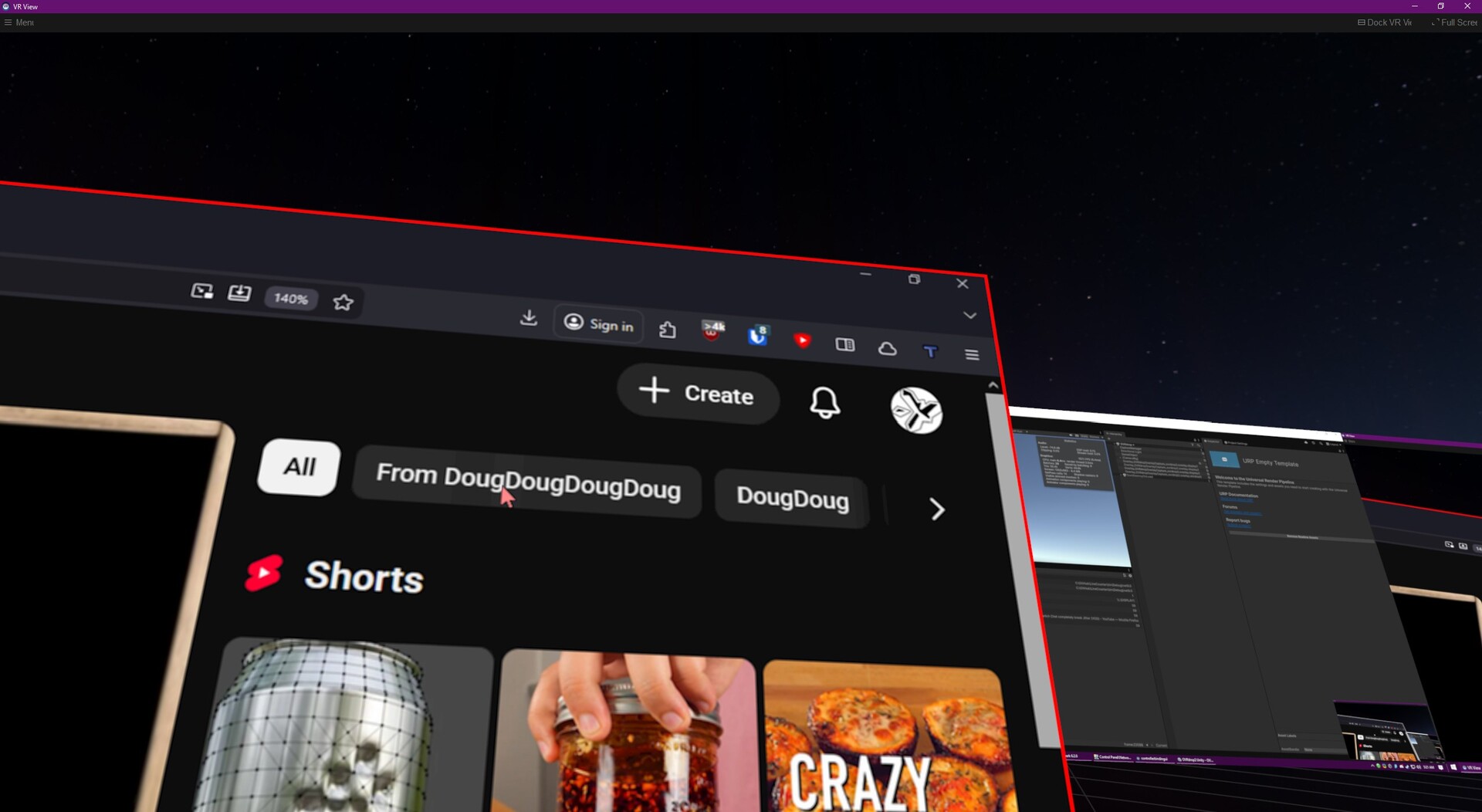
OVRdrop 2 is a ground up rewrite of OVRdrop 1, with a focus on multi-capture support and performance. As a Utility Application for SteamVR, OVRdrop 2 gives you the ability to turn almost any application from your desktop display right into a VR "overlay" in mere seconds. At the push of a button you can bring up the "OVRview" - automatically synced with Windows' Display Manager for its layout, the OVRview copies your entire desktop right into VR, allowing for quick configuration of the OVRdrop Capture Windows. Reach out and "grab" an application right off the OVRview, scale it up or down, position it wherever you'd like in 3d space, pin it to a controller if you'd like, and even send mouse clicks right through without ever leaving VR. Featuring SteamVR Input, OVRdrop puts you in direct control of the input bindings, allowing a wide range of user customization for different play styles.

The OVRview

The OVRview acts as a quick access point for interacting with and managing OVRdrop and its features. At the push of a button you can bring up the OVRview from anywhere in VR, even while playing other SteamVR compatible games. With the OVRview in sight, just aim at your desired application and "grab" it right off the display! Spawning overlays has never been so easy! You can also use the OVRview to interact directly with your desktop, sending mouse clicks freely with your VR Tracked Controllers. We have quite a few additional features planned for the OVRview, but at this time, it is primarily limited to these functions.

Capture Overlays 

OVRdrop lets you turn almost any application into a portable VR Overlay, bringing your favorite 2d/desktop applications right into your favorite VR games and experiences! Netflix or Hulu on those long haul (space) trucker sessions? YouTube or VLC while you graffiti? How about Twitch chat while you VR chat? We got you covered! 

  • Pin any Window to your VR controller for easy access or leave them floating in the world as a floating display.

  • Clone Background windows! OVRdrop 2 features cutting edge GPU accelerated technologies to bring your applications into VR as effortlessly as possible. With the ability to copy most background windows at blazing speeds, why not bring 2, or 3, or maybe 10 HD applications into VR all at once?

  • Click on applications without leaving VR! Capture Overlays as well as the OVRview will show your real cursor as well as a virtual cursor so you know exactly where you're going to click. Left, Right, and Middle, as well as Scrollwheel, OVRdrop can do it all! Featuring a simple "Interact" mode which always does a single/double click for easy interactions as well as a full "Click" mode which can do more advanced actions like Click+Drag. OVRdrop 2 can even click most background applications without disturbing them!

  • Supports Landscape or Portrait displays of any aspect, any resolution and any number of displays (we haven't found a limit yet). Background capture and Background input means most windows never need to change focus.

Performance

Built from the ground up for speed, OVRdrop 2 takes those performance issues from OVRdrop 1 and throws them in the trash. Full disclose, developer computer is Ryzen 9 9900X, GeForce RTX 5070, 32 GB RAM, but we are able to capture two 2560×1440 + one 3440×1440 + five applications, all running at 150-200 FPS. Performance will vary by hardware, but needless to say OVRdrop 2 performs a lot better than OVRdrop 1.

Limitations

OVRdrop 2 aims to be highly configurable with nearly infinite possible configurations. Some user configuration may be required for all experiences. VR Tracked Controllers are required for most interactions. OVRdrop 2 requires Windows 10 or newer. Not all applications can currently be captured. Some applications may refuse capture due to DRM/DMCA restrictions. Some applications may refuse capture due to technical limitations. Please report any incompatibilities on our Discord and we'll get right on it! OVRdrop 2 runs on SteamVR and can only render to your headset when SteamVR is rendering. If you cannot see the SteamVR Dashboard menu in VR, you will not be able to see OVRdrop 2. The Dashboard does not need to remain open while using OVRdrop 2, but if you can't ever open the Dashboard, SteamVR is not rendering to the headset. Some games will prefer to use native rendering pipelines which prevent OVRdrop 2 from rendering, particularly when using certain HMDs.

Системные требования

    Минимальные:
    • ОС: Windows 10 or 11
    • Поддержка VR: SteamVR required; supported headsets include Valve Index, HTC Vive, and Oculus (Quest/Rift) when used through SteamVR; supported controllers include Valve Index Controllers, HTC Vive Controllers, and Oculus Touch; VR tracked controllers required for most interactions.
    Рекомендованные:
    • ОС: Windows 10 IoT LTSC
У этого продукта нет обзоров

Вы можете написать обзор этого продукта, чтобы поделиться своим опытом с сообществом. Для этого воспользуйтесь разделом над кнопками покупки.