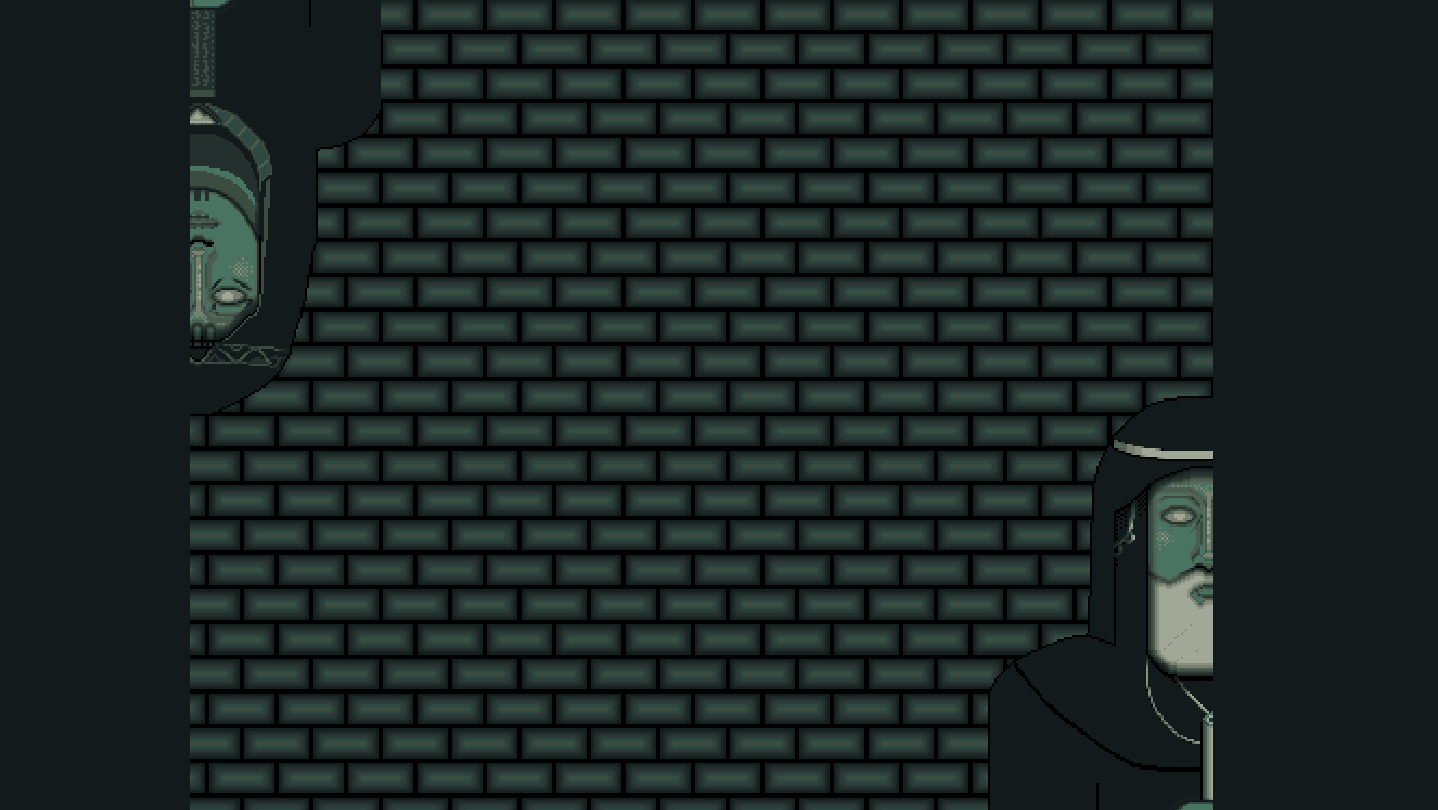
Problem solving game with light exploration and a narrative. Each puzzle tells part of a larger story.

Connectez-vous pour ajouter cet article à votre liste de souhaits, le suivre ou l'ignorer

Français non disponible

Ce produit n'est pas disponible dans votre langue. Veuillez consulter la liste des langues disponibles ci-dessous avant de l'acheter.

Acheter Trigwa


Évaluations

“Trigwa est un beau jeu, intelligent dans ses énigmes, avec une narration engageante.”
8/10 – GBrewFR

À propos de ce jeu

Trigwa is a problem solving game with a narrative. Each puzzle tells part of a larger story, which is interwoven and elaborated upon by someone the player will have to make an unwilling truce with...

You, as The Stranger, have heeded the call for help from a faraway land, shunned by most and known for its strange ways and obsession with its once greater past.

Solve puzzles in a vast underground tomb spanning several floors and unravel the history of the land, room by room, floor by floor.

How to play:

The game will run using GBCbag 2 by EASTPIXEL, a packing app for playing games made to run on a Game Boy. Please note that GBCbag 2 is not compatible with the Steam Deck.

Requires Windows 10/11. For Linux and macOS users, find the file game.gb in the folder "Game" and run it separately in an emulator (Sameboy, bgb or Mesen recommended).

GBCbag 2 Settings

Controls:

You can set up your preferred controls in Settings -> Controls and Video -> Input, but there are 4 pre-configured control schemes:

  • WASD + the Comma key (,) + the Period key (.) + Space bar and Left Ctrl

  • Arrow keys + C + X + Space bar + Left Ctrl

  • PS4 controller using the Dpad + X + Square + R1 + L1

  • Xbox controller using the Dpad + A + B + Start + Back

Screen:

Fullscreen can be toggled by pressing F11.

A few video filters are available in Settings -> Video Filter, and a larger choice of various filters can be set in Settings -> Controls and Video -> Video, and then by checking Override video filter.

Recommended settings are: Fullscreen, LCD Grid and Use bilinear interpolation, and under Controls and Video -> Video; Enable GBC LCD color emulation and Enable LCD frame blending (enabled by default).

If you don't want any filters they can be turned off by entering the above mentioned settings.

Configuration requise

    Minimale :
    • Système d'exploitation et processeur 64 bits nécessaires
    • Système d'exploitation : Windows 10/11
    • Espace disque : 94 MB d'espace disque disponible
    Recommandée :
    • Système d'exploitation et processeur 64 bits nécessaires

Évaluations pour Trigwa À propos des évaluations Vos préférences

Évaluations globales :
3 évaluations (3 évaluation(s))


Pour consulter les évaluations publiées lors d'une période spécifique, cliquez et faites glisser votre sélection sur un graphique ci-dessus ou cliquez sur une barre.


Filtrer les évaluations en fonction du temps de jeu au moment de leur publication :


Pas de minimum à pas de maximum

Afficher les évaluations dans l'ordre sélectionné


En savoir plus
Filtres
Activité d'évaluation hors sujet exclue
Temps de jeu : 
A joué surtout sur Steam Deck
Système d'exploitation :
Processeur :
Carte graphique :
Type de périphérique :