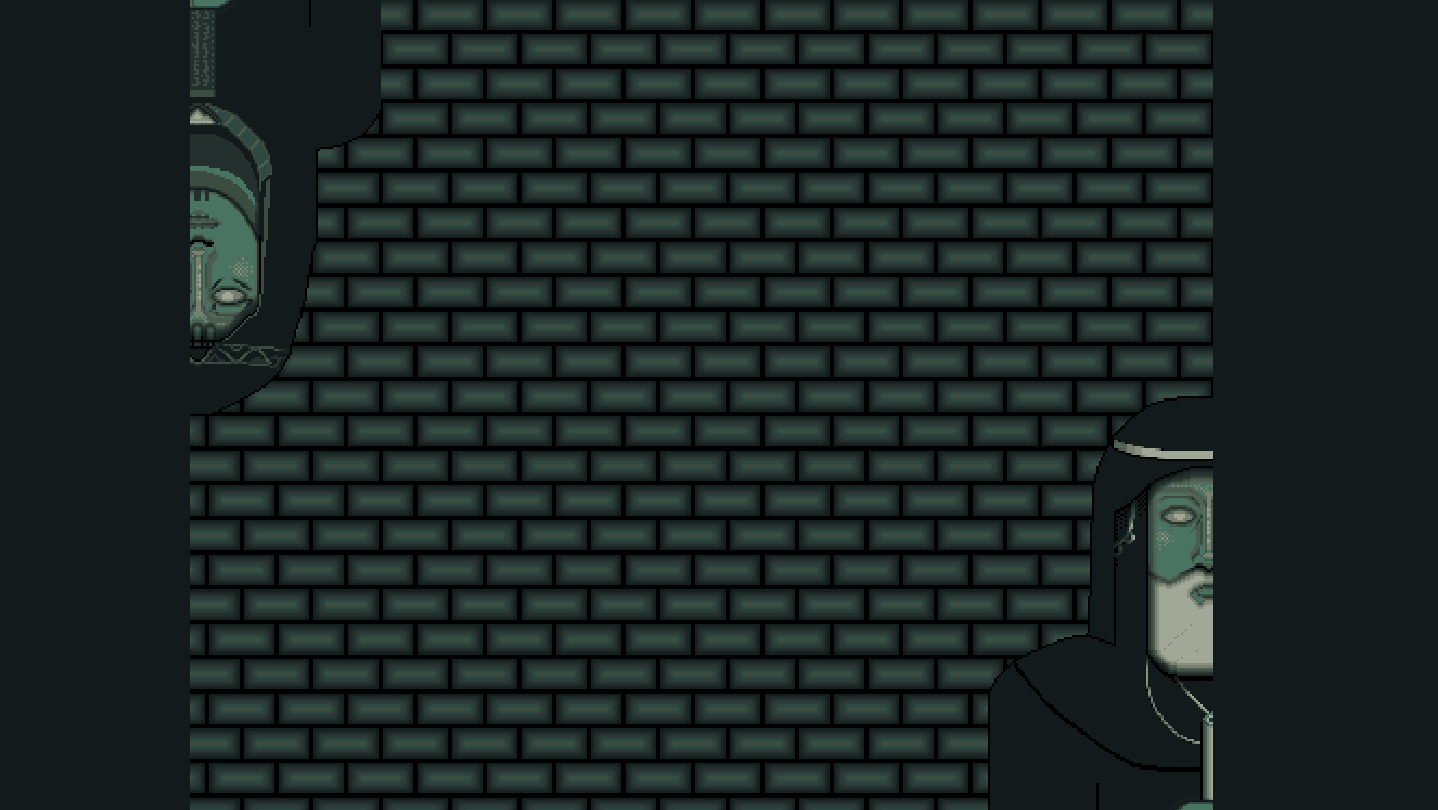
Problem solving game with light exploration and a narrative. Each puzzle tells part of a larger story.

เข้าสู่ระบบ เพื่อเพิ่มผลิตภัณฑ์นี้ลงในสิ่งที่อยากได้ของคุณ ติดตาม หรือทำเครื่องหมายเป็นถูกละเว้น

ไม่รองรับภาษาไทย

ผลิตภัณฑ์นี้ไม่รองรับภาษาท้องถิ่นของคุณ โปรดตรวจสอบรายชื่อภาษาที่รองรับก่อนทำการสั่งซื้อ


บทวิจารณ์

“Trigwa est un beau jeu, intelligent dans ses énigmes, avec une narration engageante.”
8/10 – GBrewFR

เกี่ยวกับเกมนี้

Trigwa is a problem solving game with a narrative. Each puzzle tells part of a larger story, which is interwoven and elaborated upon by someone the player will have to make an unwilling truce with...

You, as The Stranger, have heeded the call for help from a faraway land, shunned by most and known for its strange ways and obsession with its once greater past.

Solve puzzles in a vast underground tomb spanning several floors and unravel the history of the land, room by room, floor by floor.

How to play:

The game will run using GBCbag 2 by EASTPIXEL, a packing app for playing games made to run on a Game Boy. Please note that GBCbag 2 is not compatible with the Steam Deck.

Requires Windows 10/11. For Linux and macOS users, find the file game.gb in the folder "Game" and run it separately in an emulator (Sameboy, bgb or Mesen recommended).

GBCbag 2 Settings

Controls:

You can set up your preferred controls in Settings -> Controls and Video -> Input, but there are 4 pre-configured control schemes:

  • WASD + the Comma key (,) + the Period key (.) + Space bar and Left Ctrl

  • Arrow keys + C + X + Space bar + Left Ctrl

  • PS4 controller using the Dpad + X + Square + R1 + L1

  • Xbox controller using the Dpad + A + B + Start + Back

Screen:

Fullscreen can be toggled by pressing F11.

A few video filters are available in Settings -> Video Filter, and a larger choice of various filters can be set in Settings -> Controls and Video -> Video, and then by checking Override video filter.

Recommended settings are: Fullscreen, LCD Grid and Use bilinear interpolation, and under Controls and Video -> Video; Enable GBC LCD color emulation and Enable LCD frame blending (enabled by default).

If you don't want any filters they can be turned off by entering the above mentioned settings.

ความต้องการระบบ

    ขั้นต่ำ:
    • ต้องการโปรเซสเซอร์และระบบปฏิบัติการแบบ 64 บิต
    • ระบบปฏิบัติการ: Windows 10/11
    • พื้นที่จัดเก็บข้อมูล: พื้นที่ว่างที่พร้อมใช้งาน 94 MB
    แนะนำ:
    • ต้องการโปรเซสเซอร์และระบบปฏิบัติการแบบ 64 บิต

บทวิจารณ์จากผู้ซื้อ Trigwa เกี่ยวกับบทวิจารณ์จากผู้ใช้ การปรับแต่งของคุณ

บทวิจารณ์โดยรวม:
3 บทวิจารณ์จากผู้ใช้ (3 บทวิจารณ์)


ในการดูบทวิจารณ์ตามช่วงวันที่ โปรดคลิกและลากการเลือกบนกราฟด้านบน หรือคลิกบนแท่งที่กำหนด


กรองบทวิจารณ์ตามเวลาเล่นของผู้ใช้เมื่อบทวิจารณ์ถูกเขียน:


ไม่มีต่ำสุด ถึง ไม่มีสูงสุด

แสดงบทวิจารณ์ตามลำดับการแสดงผลที่เลือกไว้


เรียนรู้เพิ่มเติม
ตัวกรอง
กำลังละเว้นกิจกรรมบทวิจารณ์นอกเรื่อง
เวลาเล่น:
เล่นบน Steam Deck เป็นส่วนใหญ่
ระบบปฏิบัติการ:
CPU:
GPU:
ประเภทอุปกรณ์: