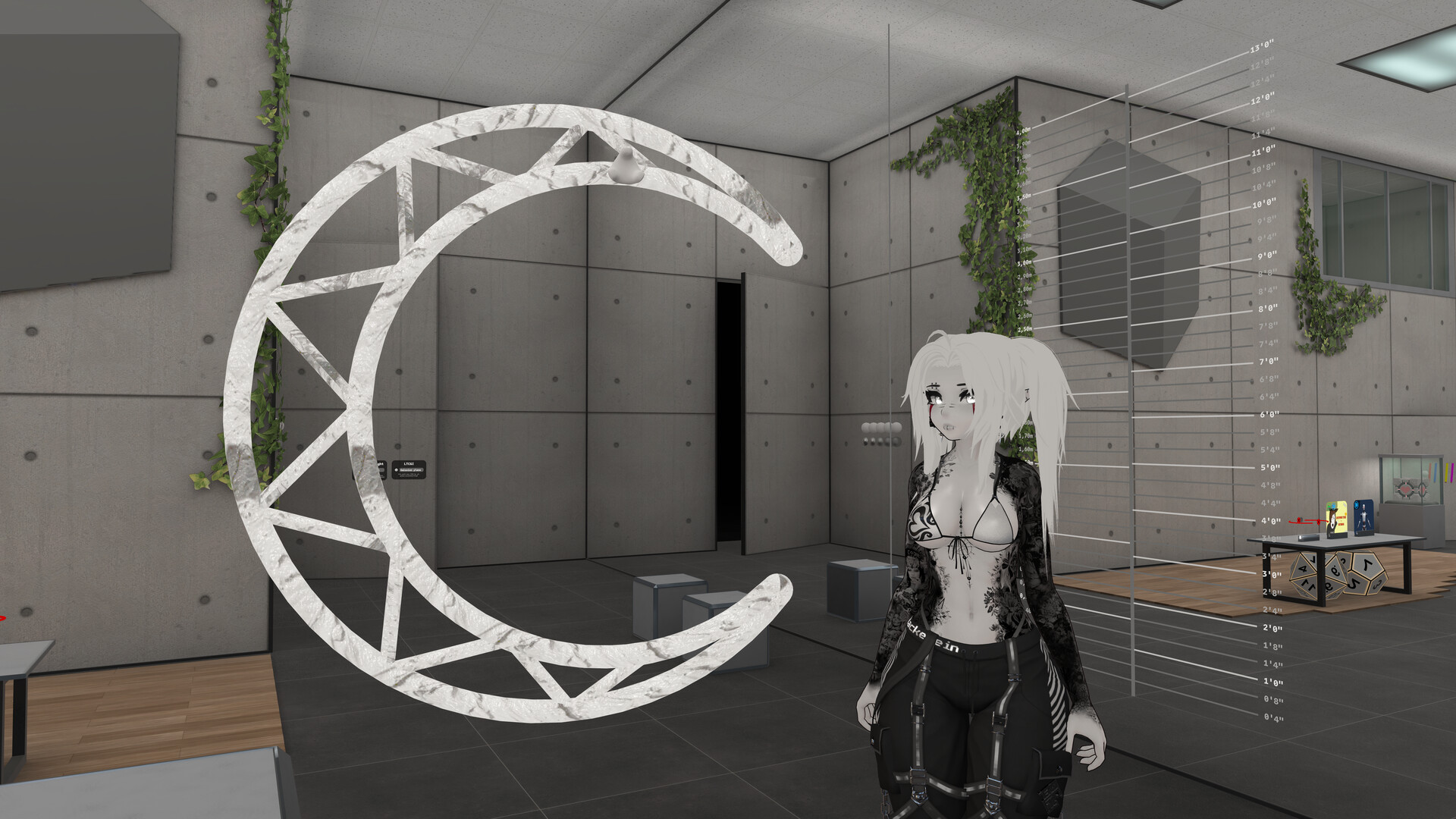
Bring real SteamVR trackers and controllers onto objects on your VRChat avatar. This streams device poses into VRChat. Set up Trackers in Unity, wear the avatar, and enjoy your time in-game.
Release Date:
Coming soon
Developer:
Publisher:

Sign in to add this item to your wishlist, follow it, or mark it as ignored

Coming soon

This item is not yet available

Interested?
Add to your wishlist and get notified when it becomes available.
 

About This Software

Hackebein's Object Tracking is a SteamVR overlay that puts your real tracked hardware onto objects on your VRChat avatar. Props and other meshes follow the tracker or controller you assign.

How it works

  • In a VRChat Avatars Unity project, add a Tracker for each object you want to follow a SteamVR device.

  • Build and upload the avatar. Instructions can be found on the website (.

  • Start SteamVR, run this app, and wear the avatar in VRChat with OSC enabled.

In VRChat

  • Cycle which physical device is on a slot from the Object Tracking expression menu.

  • Set offset position and rotation per slot. (Offset guides are visible only to you.)

  • Assignments and offsets are saved per avatar.

What you need

  • SteamVR and supported trackers or controllers

  • VRChat, with OSC enabled

  • A VRChat Avatar Unity project (via VRChat Creator Companion)

  • The Hackebein's Object Tracking package from Hackebein's VPM listing (

This Steam app is the Object Tracking runtime. The Unity package builds the avatar side. You need both.

System Requirements

    Minimum:
    • Requires a 64-bit processor and operating system
    • OS: Windows 10, Windows 11
    • Memory: 2 GB RAM
    • Storage: 300 MB available space
    • VR Support: SteamVR, requires any tracked device
    Recommended:
    • Requires a 64-bit processor and operating system
    • OS: Windows 10, Windows 11
    • Memory: 2 GB RAM
    • Storage: 300 MB available space
    • VR Support: SteamVR, requires any tracked device