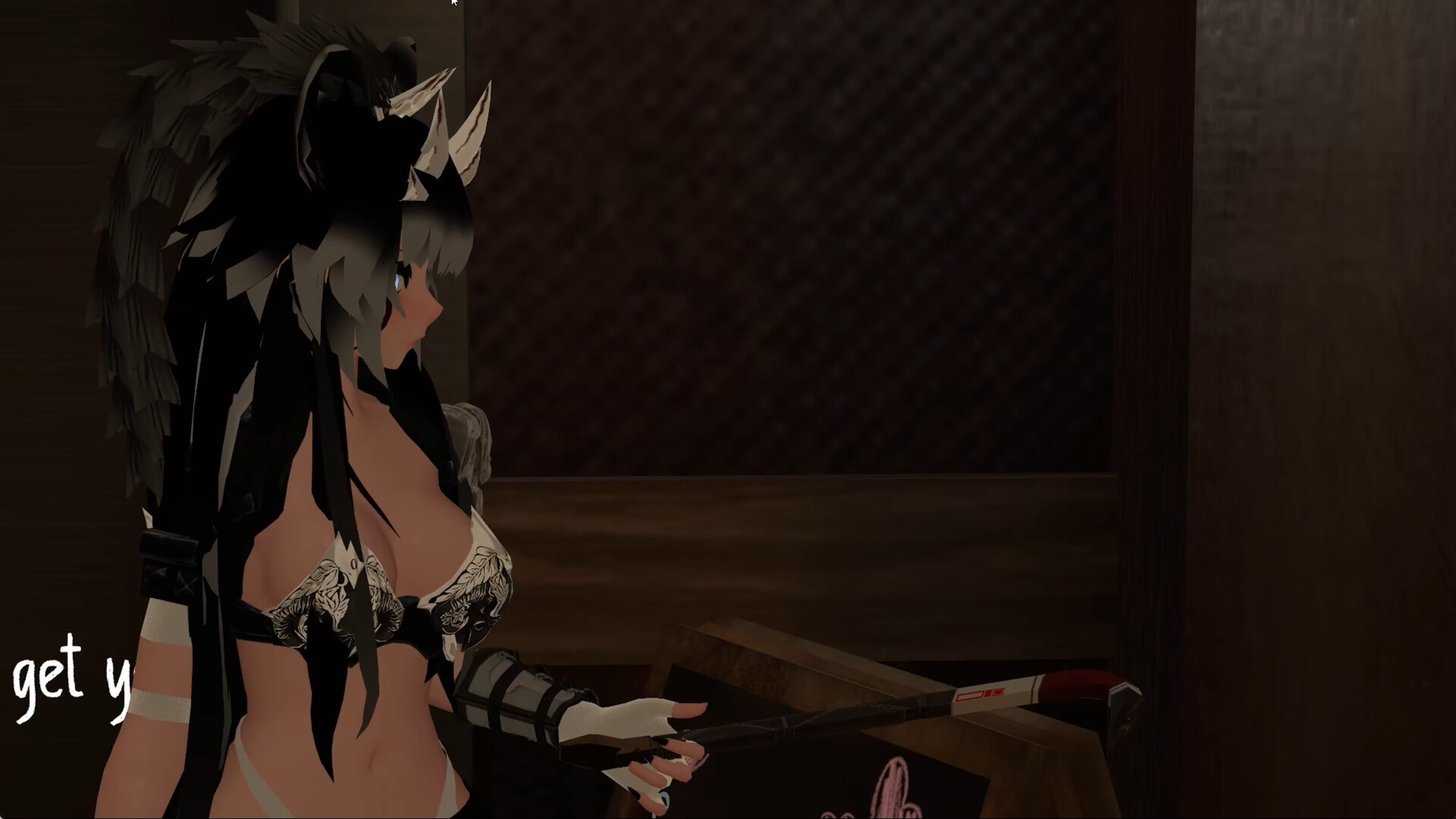
Bring real SteamVR trackers and controllers onto objects on your VRChat avatar. This streams device poses into VRChat. Set up Trackers in Unity, wear the avatar, and enjoy your time in-game.

เข้าสู่ระบบ เพื่อเพิ่มผลิตภัณฑ์นี้ลงในสิ่งที่อยากได้ของคุณ ติดตาม หรือทำเครื่องหมายเป็นถูกละเว้น

ไม่รองรับภาษาไทย

ผลิตภัณฑ์นี้ไม่รองรับภาษาท้องถิ่นของคุณ โปรดตรวจสอบรายชื่อภาษาที่รองรับก่อนทำการสั่งซื้อ

เกมนี้ยังไม่พร้อมใช้งานบน Steam

วันวางจำหน่ายที่วางแผนไว้: 15 ต.ค. 2026

แอปพลิเคชันนี้จะปลดล็อกในอีกประมาณ 10 วัน

น่าสนใจ?
เพิ่มในสิ่งที่คุณอยากได้ และรับการแจ้งเตือนเมื่อผลิตภัณฑ์พร้อมใช้งาน
 

เกี่ยวกับซอฟต์แวร์นี้

Hackebein's Object Tracking is a SteamVR overlay that puts your real tracked hardware onto objects on your VRChat avatar. Props and other meshes follow the tracker or controller you assign.

How it works

  • In a VRChat Avatars Unity project, add a Tracker for each object you want to follow a SteamVR device.

  • Build and upload the avatar.

  • Start SteamVR, run this app, and wear the avatar in VRChat with OSC enabled.

This app has no window and no SteamVR menu of its own. While it is active, Steam shows it as Running. Close it from Steam.

In VRChat

  • Each Tracker Identifier is a slot. A device whose serial matches the slot name is assigned automatically.

  • Cycle which physical device is on a slot from the Object Tracking expression menu.

  • Nudge position and rotation per slot. (Offset guides are visible only to you.)

  • Assignments and offsets are saved per avatar and restored the next time you wear it.

What you need

  • SteamVR and supported trackers or controllers

  • VRChat, with OSC enabled (by default port 9000 and 9001)

  • A VRChat Avatar Unity project (via VRChat Creator Companion)

  • The Hackebein's Object Tracking package from Hackebein's VPM listing (

This Steam app is the Object Tracking runtime. The Unity package builds the avatar side. You need both.

ความต้องการระบบ

    ขั้นต่ำ:
    • ต้องการโปรเซสเซอร์และระบบปฏิบัติการแบบ 64 บิต
    • ระบบปฏิบัติการ: Windows 10, Windows 11
    • หน่วยความจำ: แรม 2 GB
    • พื้นที่จัดเก็บข้อมูล: พื้นที่ว่างที่พร้อมใช้งาน 300 MB
    • การรองรับ VR: SteamVR, requires any tracked device
    แนะนำ:
    • ต้องการโปรเซสเซอร์และระบบปฏิบัติการแบบ 64 บิต
    • ระบบปฏิบัติการ: Windows 10, Windows 11
    • หน่วยความจำ: แรม 2 GB
    • พื้นที่จัดเก็บข้อมูล: พื้นที่ว่างที่พร้อมใช้งาน 300 MB
    • การรองรับ VR: SteamVR, requires any tracked device
ตัวกรองบทวิจารณ์