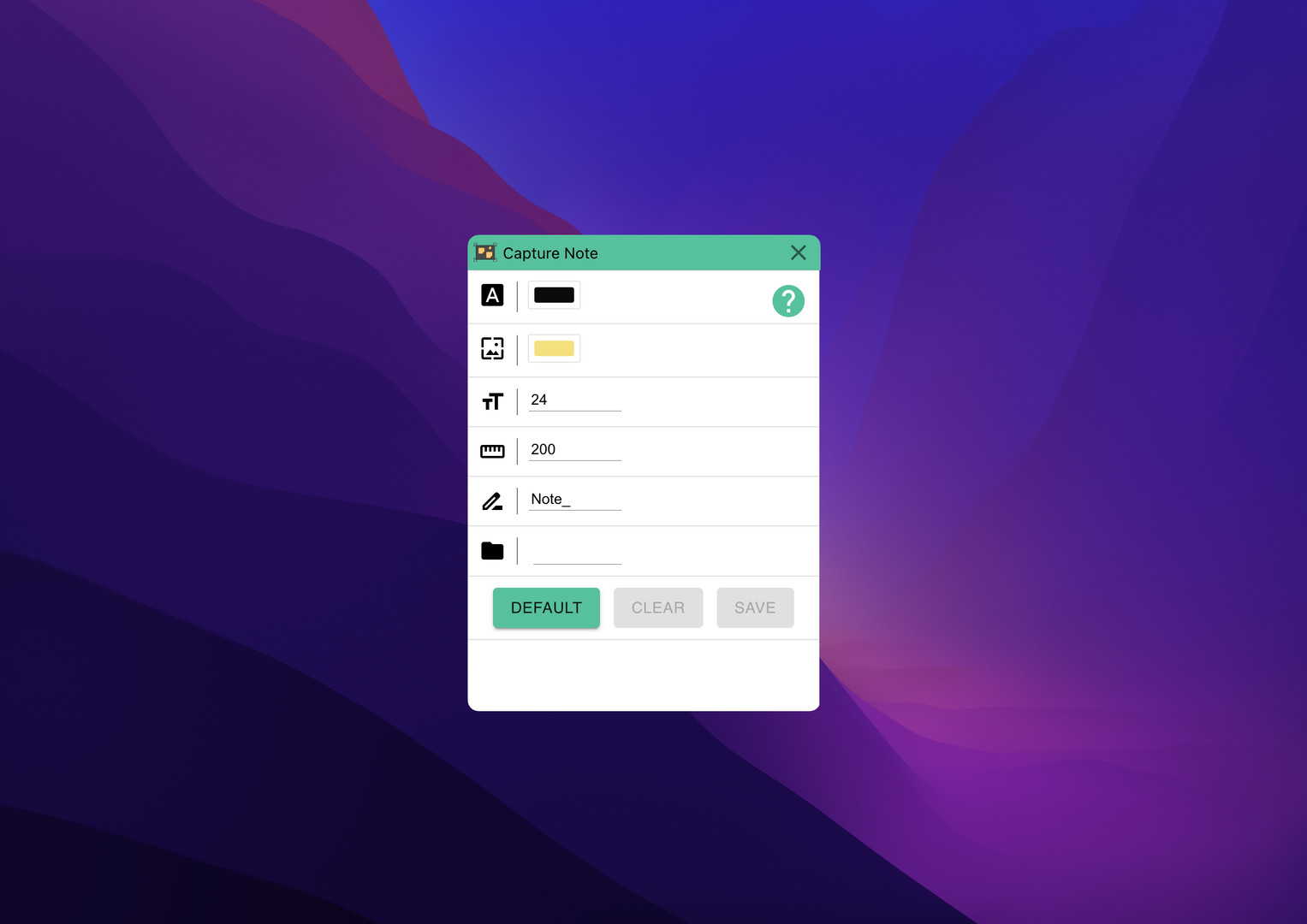
Super fast notes on screenshots. Just take screenshot and add note and save it.

登入以將此項目新增至您的願望清單、關注它,或標記為已忽略

不支援繁體中文

本產品尚不支援您的目前所在地的語言。購買前請先確認語言支援清單。

購買 Capture Note


關於此軟體

Capture Note is an app that makes the process of taking a screenshot and typing on it to save it as an image quickly and easily.

Since video media such as Youtube became mainstream, we receive almost all information through video. And as you get information, you will naturally need to take notes. In this case, we manually type in everything we need and sometimes add screenshots. However, in this process, there is a waste of re-entering information included in the video, or there is a hassle of saving and attaching screenshots. With Capture Note, you can take notes without this waste.

Capture Note can help you complete the three steps of taking a screenshot, adding a note, and saving it with minimal input.

系統需求

    最低配備:
    • 需要 64 位元的處理器及作業系統
    • 作業系統: Windows 10
    • 處理器: x64
    • 顯示卡: nVidia GT1030
    • 儲存空間: 500 MB 可用空間
    建議配備:
    • 需要 64 位元的處理器及作業系統

Capture Note 的顧客評論 關於使用者評論 您的偏好設定

整體評論:
1 篇使用者評論 (1 篇評論)


如欲檢視特定日期範圍內的評論,請在上方圖表框選一段日期範圍,或點擊直條。


依照使用者撰寫評論當時的遊戲時數篩選:


不限最低時數不限最高時數

以所選顯示順序顯示評論


進一步了解
篩選條件
排除離題評論活動
遊戲時數:
主要在 Steam Deck 上遊玩
無其它評論符合上述篩選條件
調整上方的篩選條件以檢視其它評論
評論讀取中…