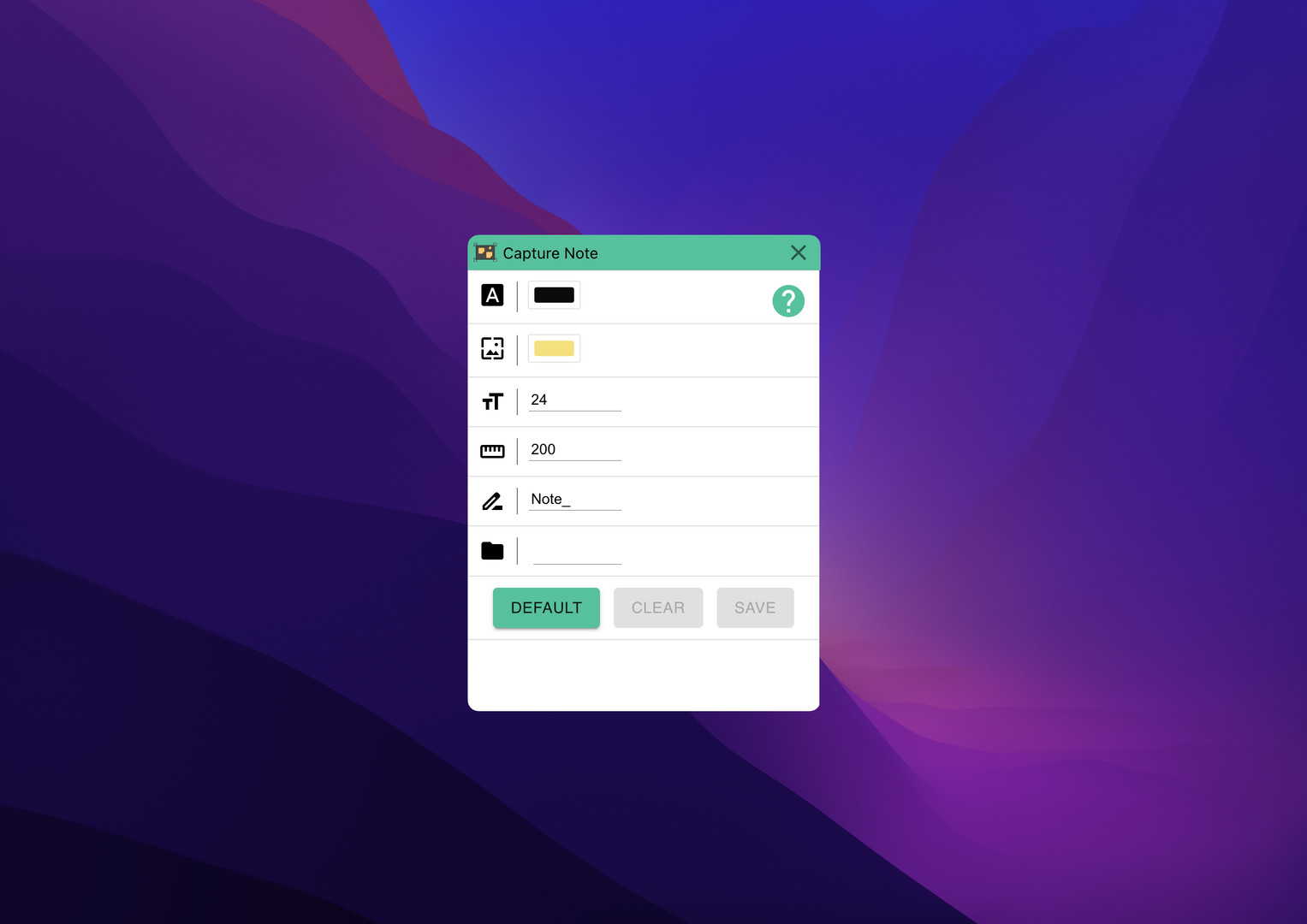
Super fast notes on screenshots. Just take screenshot and add note and save it.

このアイテムをウィッシュリストへの追加、フォロー、スルーとチェックするには、サインインしてください。

日本語 はサポートされていません

この製品はあなたの言語をサポートしていません。ご購入される前に、対応言語のリストをご確認ください。

Capture Noteを購入する


このソフトウェアについて

Capture Note is an app that makes the process of taking a screenshot and typing on it to save it as an image quickly and easily.

Since video media such as Youtube became mainstream, we receive almost all information through video. And as you get information, you will naturally need to take notes. In this case, we manually type in everything we need and sometimes add screenshots. However, in this process, there is a waste of re-entering information included in the video, or there is a hassle of saving and attaching screenshots. With Capture Note, you can take notes without this waste.

Capture Note can help you complete the three steps of taking a screenshot, adding a note, and saving it with minimal input.

システム要件

    最低:
    • 64 ビットプロセッサとオペレーティングシステムが必要です
    • OS: Windows 10
    • プロセッサー: x64
    • グラフィック: nVidia GT1030
    • ストレージ: 500 MB の空き容量
    推奨:
    • 64 ビットプロセッサとオペレーティングシステムが必要です

『Capture Note』のカスタマーレビュー ユーザーレビューについて 個人設定

総合レビュー:
1件のユーザーレビュー (1件のレビュー)


特定期間内のレビューを表示するには上のグラフをクリック&ドラッグするか、棒グラフをクリックしてください。


ユーザーがレビューを書いた時のプレイ時間でレビューをフィルター:


最小時間なし最大時間なし

選択した表示順序でレビューを表示


詳細
フィルター
トピずれのレビュー荒らしを除外
プレイ時間:
主にSteam Deckでプレイ
上記のフィルターに当てはまるレビューはこれ以上ありません
他のレビューを見るためにフィルターを調節する
レビューをロード中...